💬 AI Chatbots · Customer Service · Small Business
AI Chatbots for Small Business
What They're Actually Good For
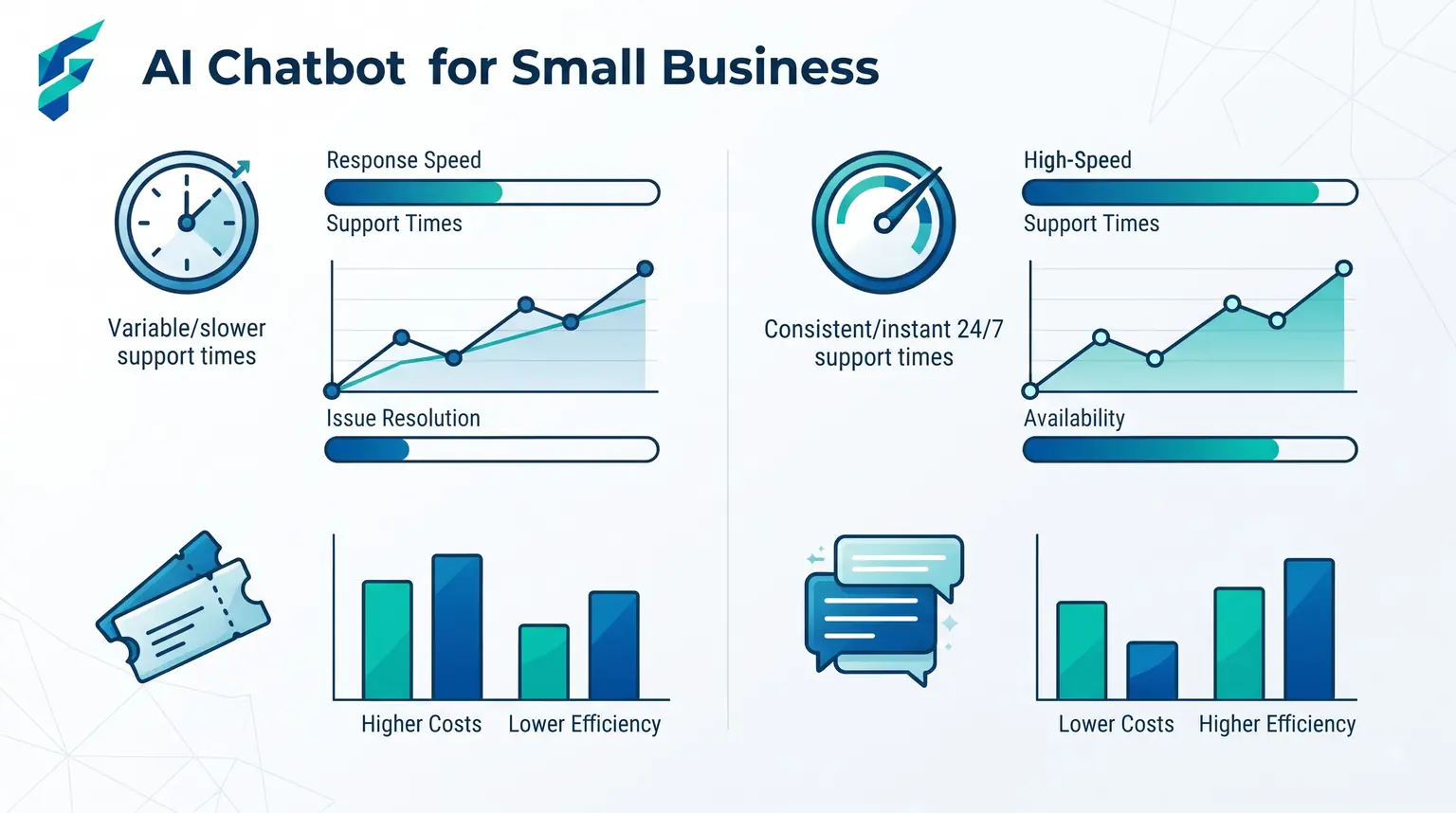
Ask ten small business owners about chatbots and about half will tell you a story about getting stuck in an endless loop with someone else's bot, unable to reach a human. That memory is doing a lot of the work in convincing people chatbots don't work. They do — the bad experiences almost always trace back to one specific mistake: no clear, fast path to a real person when the bot can't help.
📍 Quick answer: A chatbot pays off fast for answering repetitive questions — hours, pricing, order status, appointment availability — and it backfires the moment a customer with a real problem can't escape it. The setup that works: bot handles the routine 70%, hands off cleanly and immediately for anything else.
What a chatbot should actually handle
Questions you already answer the same way every time
If you're typing "we're open 9-5 Monday to Saturday" for the fiftieth time this month, that's a chatbot's job, not yours.
Basic order or appointment status
"Where's my order," "can I reschedule" — routine, low-stakes, and answerable from data the bot already has access to.
After-hours coverage
A chatbot doesn't sleep. For a business that gets inquiries outside business hours, this alone can justify the setup — a customer gets an immediate answer instead of waiting until morning and possibly going elsewhere.
We implemented a chatbot for a local service business that was getting 40+ "what are your hours" questions per week via their website contact form. The bot now handles 95% of those instantly, and the team saves about 5 hours per week just on that one question alone.
✅ According to Salesforce: Research from Salesforce's AI for Small Business report shows that businesses using AI chatbots see a 35% reduction in customer service costs while maintaining or improving satisfaction scores — but only when they provide clear human handoff options.

💡 Want to reduce costs? Chatbots are just one piece of the automation puzzle. Learn about the full picture in our guide on how much AI automation costs for small business.
Where it goes wrong, every time
- No visible way to reach a person. This is the single biggest failure mode. If a customer has to hunt for an escape hatch, they'll leave annoyed even if the bot eventually would've helped them. Put a "talk to a person" option front and center, not buried three menus deep.
- Trying to handle complaints or anything emotional. A customer who's upset doesn't want a bot's cheerful scripted response. Route anything with negative sentiment straight to a human — most modern chatbot platforms can detect this automatically and hand off without the customer having to ask.
- Answering questions it doesn't actually know. A chatbot that confidently makes up an answer instead of saying "I don't know, let me get someone" does real damage to trust. Better platforms are built to say "I'm not sure" and hand off rather than guess.
I tested a chatbot last month that claimed to handle "all your questions" but when I asked about their refund policy — a pretty standard question — it gave me a completely made-up answer that contradicted what was on their website. When I finally found the "talk to human" button (hidden in the settings menu), the real person apologized and said they'd been getting that complaint weekly. That's a chatbot actively damaging trust instead of building it.
Setting one up without the bot-loop problem
Start narrow. Don't try to have your chatbot handle everything on day one — pick the three to five most repeated questions, train it on exactly those, and make the human handoff obvious and fast. Expand what it covers only after you've watched real conversations and seen where it actually helps versus where customers keep bailing out to a person anyway.
This is also a great way to identify content gaps. If you notice customers keep asking the bot the same question over and over, maybe that information should be more prominent on your website or in your content strategy.
Comparing your options
| Chatbot type | Best for | Typical cost | Setup effort | Human handoff quality |
|---|---|---|---|---|
| Website widget builders (Tidio, Intercom-style) | General FAQ, order status, lead capture | $0-50/mo for small teams | Low — guided setup | Usually good, built-in |
| Social/messaging platform bots (Meta, WhatsApp) | Businesses that get most inquiries via DM | $0-30/mo | Moderate | Varies by platform |
| Custom-built (via a general AI API) | Specific, unusual use cases off-the-shelf tools don't cover | Varies widely, often $50+/mo plus setup time | High — needs technical setup | Depends entirely on how it's built |
For most small businesses just starting out, a website widget builder is the sweet spot — low cost, easy setup, and decent human handoff built in. If you're curious about other AI tools that can complement your chatbot, our guide on AI summarization tools can help you process customer feedback at scale.
The honest bar for success
A chatbot doesn't need to resolve every conversation to be worth it. If it correctly answers the routine questions and cleanly routes everything else to a person, it's doing its job. The businesses that get burned are the ones that expected it to replace a person entirely instead of filtering for one.
And if you're thinking about the financial side of this automation, our guide on AI financial forecasting tools can help you model the ROI of implementing a chatbot versus hiring additional support staff.
🚀 Ready to start? Pick your top 3 most-asked questions this week. Set up a free or low-cost chatbot widget on your website. Train it on just those three questions. Make the "talk to human" button impossible to miss. Watch the conversations for two weeks. Adjust from there. That's it. If you need help choosing a tool, check our Tool Finder filtered for chatbot and customer service tools.