🎯 Meeting Tools · AI · Productivity
AI Meeting Transcription Tools
What Actually Matters When Choosing One
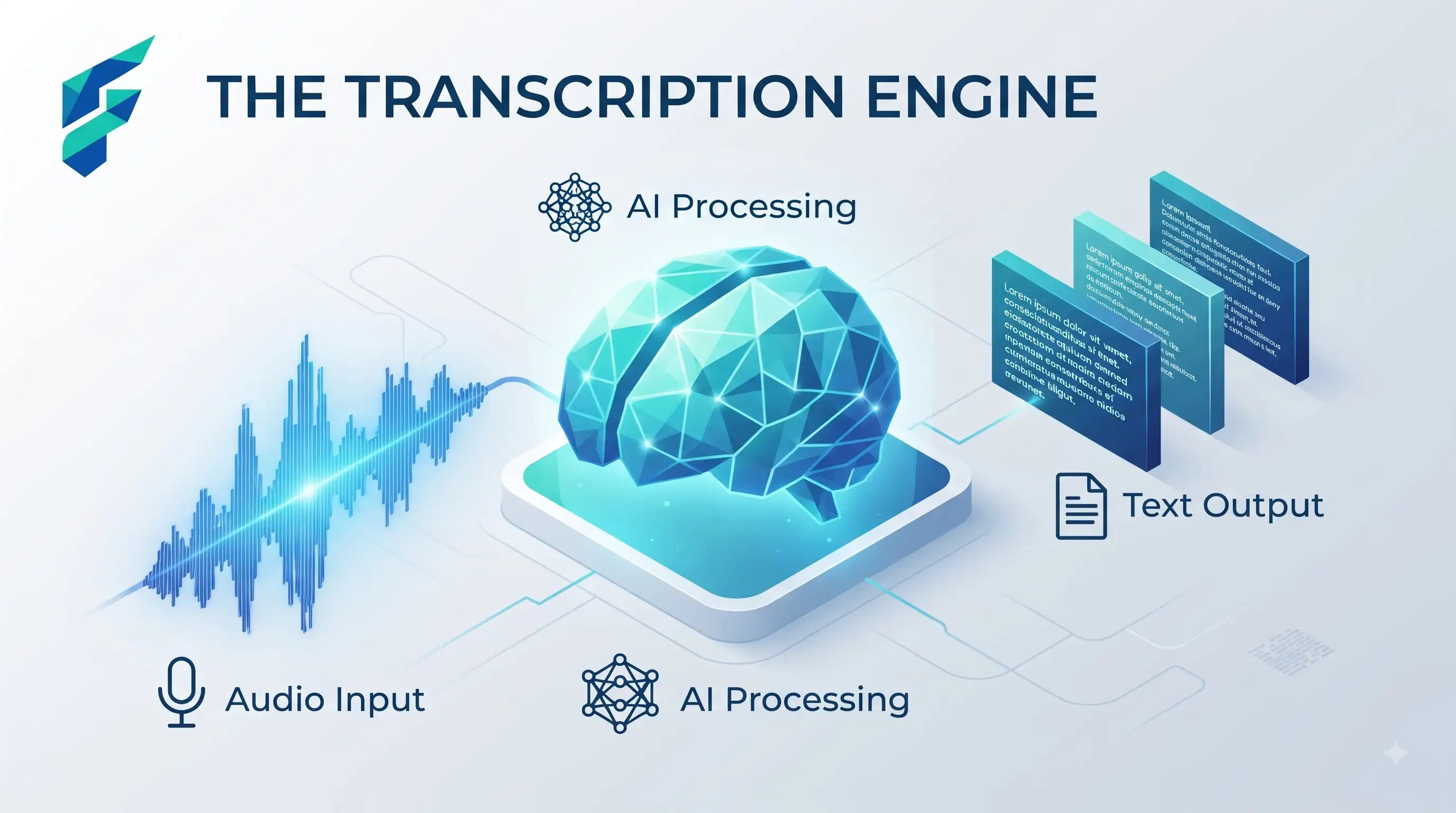
Every transcription tool's marketing page looks the same: accurate transcripts, automatic summaries, action items pulled out for you. The real differences show up in three places that rarely make the headline feature list — accuracy on your specific kind of meetings, what happens to your data, and whether it fits into tools you already use.
Quick answer: For most small businesses, the transcription and summary quality across the major tools (Otter, Fireflies, and the built-in options in Zoom, Google Meet, and Microsoft Teams) is close enough that the deciding factor should be integration with what you already use, not marginal accuracy differences.
What actually varies between tools
Accuracy with accents, jargon, and crosstalk
General accuracy claims are usually measured on clean, single-speaker audio. Real meetings have overlapping speech, industry-specific terms, and varying accents — worth testing with an actual recording from your business before committing, not just trusting the marketing number.
What happens to your data
Some tools use recordings and transcripts to train their models by default; others don't, or let you opt out. If you're discussing anything sensitive — client details, financials, strategy — check the specific tool's data policy before assuming it's private by default.
Where the summary actually gets used
Some tools just hand you a transcript and a summary. Others integrate directly with your project management or CRM tool, turning action items into actual tasks automatically. If you already live in a specific tool ecosystem, integration quality matters more than transcript accuracy at the margin.
I use Notion for all my project management, so I chose a transcription tool that integrates directly with it. When a meeting ends, action items automatically appear in my Notion database. The transcription accuracy is good enough (about 92% on my team calls), but the real value is not having to manually transfer notes between tools. That integration saves me 15-20 minutes per meeting.
✅ Pro tip: For more on productivity tools that integrate well, check out our guide on AI productivity tools for small business — it covers how to build a cohesive tool stack.
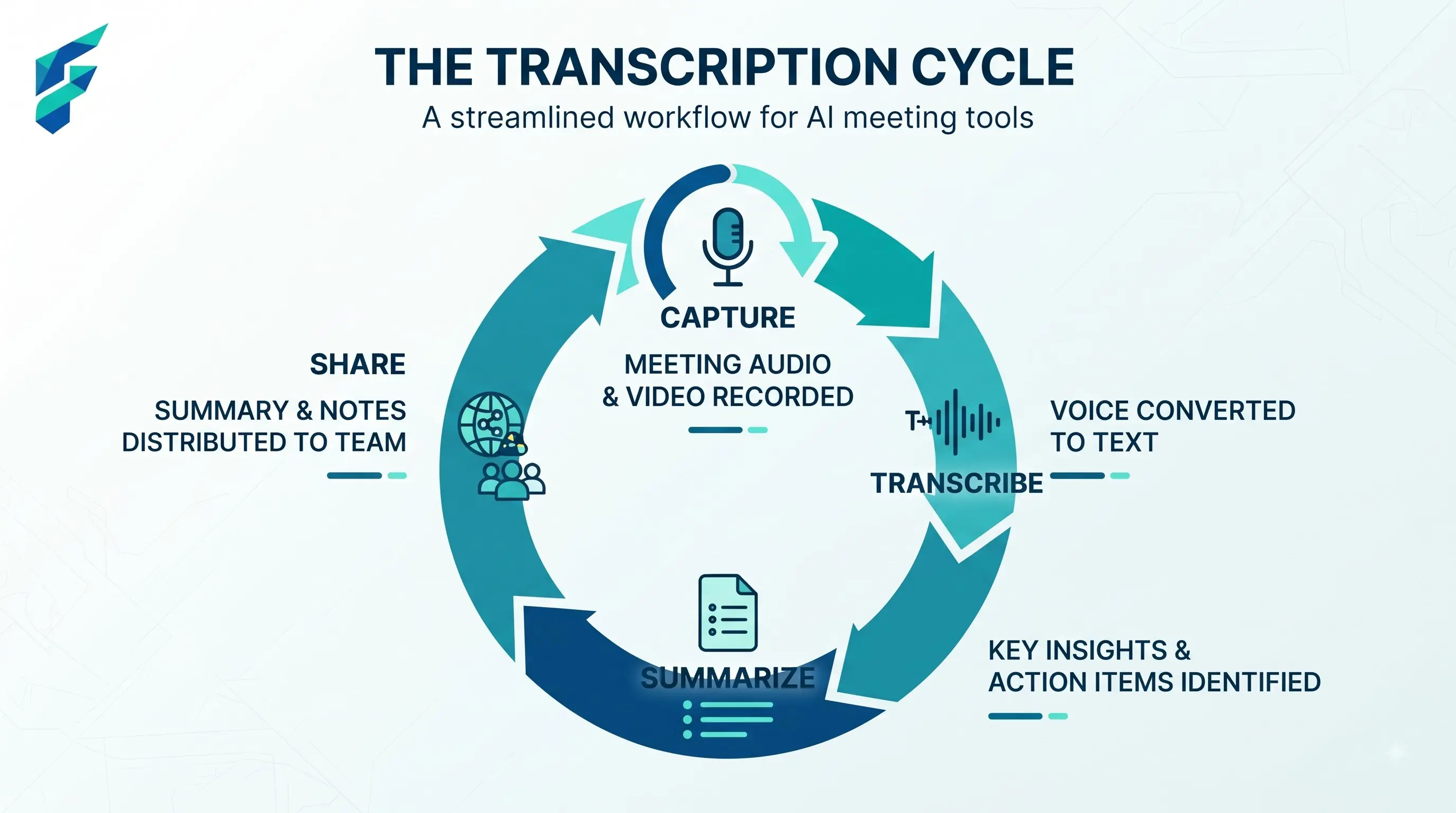
Where transcription tools genuinely save time
Client and sales calls
Instead of trying to take notes while also actually listening, you get a full transcript plus a summary of commitments made — useful both for follow-up and for settling any "wait, did we agree to that?" disputes later.
Internal meetings with action items
Turning a 30-minute meeting into a five-bullet action list automatically means less manual note-taking and fewer things forgotten by the time everyone's back at their desks.
Meetings someone couldn't attend
A summary lets someone catch up in two minutes instead of asking for a recap or listening to a full recording.
This connects to how we think about AI summarization tools for small business — the key is getting actionable summaries, not just word-for-word transcripts.
Where they fall short
- Nuance and tone. A transcript captures words, not the tone something was said in — sarcasm, hesitation, or a joke can read flat or even wrong in text. For anything sensitive, it's worth remembering the transcript is a record of words, not the full context.
- Complex technical or highly specialized vocabulary. Industry-specific jargon can trip up even good transcription tools. If your meetings are full of specialized terminology, test accuracy on your actual content before relying on it for anything important.
I had a transcription error early on where the tool misheard "Q3 projections" as "cute projections" in a client call. The client got an automated follow-up email with that typo, and I had to send an awkward correction. Now I always review transcripts before they go out externally. The tool is great for internal use, but anything client-facing gets a human check first.
💡 Advanced tip: If you're exploring autonomous AI workflows, our guide on AI agents for small business covers when automation makes sense versus when human review is essential.
Comparing your options
| Tool | Best for | Typical cost | Data privacy controls | Integrates with |
|---|---|---|---|---|
| Zoom/Meet/Teams built-in AI notes | Teams already on that platform, basic needs | Often included in existing plan | Varies by platform, check settings | Native to that platform |
| Otter | Standalone, flexible across platforms | $0-20/mo per user | Configurable opt-out for training data | Broad third-party integrations |
| Fireflies | Sales and client-call heavy teams | $10-30/mo per user | Configurable | CRM integrations, broad |
What to actually check before picking one
Test it on a real recording from your business — not a demo — before committing to a paid plan. Accuracy on your specific accents, jargon, and meeting style is the thing that determines whether this saves you time or creates more editing work than manual notes would have.
My recommendation: start with the built-in option in your video platform (Zoom, Google Meet, or Teams). They're usually included in your existing plan and good enough for most needs. If you need cross-platform support or deeper integrations, then evaluate Otter or Fireflies. But always test with a real meeting recording first — don't trust the marketing accuracy numbers.
Check our Tool Finder filtered for productivity and meeting tools to compare options side-by-side with current pricing and feature details.