📋 Project Management · AI Tools · Small Business
AI Project Management Tools
for Small Business (What's Actually Useful)
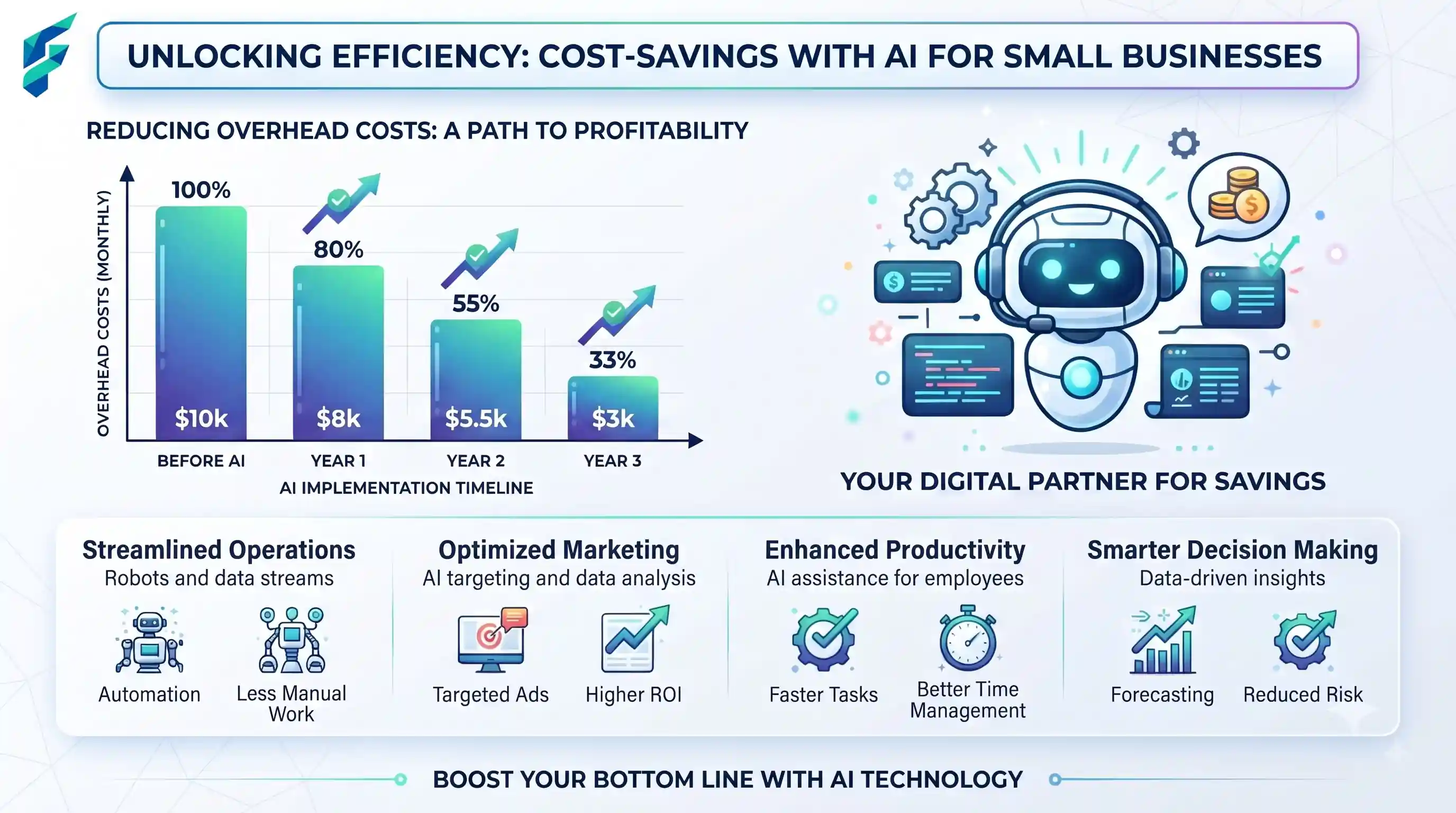
Project management is already hard. Add a layer of "AI-powered" marketing promises, and it's easy to get cynical. Most so-called "AI project management tools" are just slapping a chatbot onto a Kanban board and calling it a day. But beneath the hype, there are a few specific features that genuinely save small business teams hours of administrative drag.
Quick answer: AI genuinely helps with auto-generating task breakdowns, summarizing scattered status updates, and flagging potential bottlenecks. It does not replace the need for a human to prioritize work, negotiate scope, or manage team dynamics and burnout.
Where AI actually saves time in project management
Task generation and breakdown
Turning a vague client goal like "redesign the homepage" into a structured list of actionable subtasks is tedious. AI excels here. You can prompt it with the high-level goal, and it will generate a logical sequence of design, copy, development, and QA tasks. You still review and assign them, but the blank-page problem is solved.
Automated status summaries
Instead of manually combing through 50 comments across 15 tasks to write a weekly client update, AI can synthesize the board's activity into a clean, readable summary of what was completed, what's blocked, and what's next. This alone can save a project manager 1-2 hours every Friday.
Risk and bottleneck flagging
Advanced AI features can analyze task dependencies and historical completion rates to flag risks before they become crises. For example, it might notice that a critical path task has been sitting in "In Progress" for 5 days longer than the team's average, prompting an early intervention.
✅ Pro tip: Great project management requires clear communication. Pair your AI task summaries with well-crafted client updates using techniques from our guide on AI tools for small business content strategy to keep stakeholders perfectly aligned.
Where it falls short (The Human Element)
- Understanding context and nuance. AI doesn't know why a client suddenly changed their mind, or that a team member is dealing with a personal issue affecting their velocity. It only sees the data on the board.
- Resource negotiation. AI cannot convincingly negotiate scope with a demanding client or persuade a burned-out developer to take on one more small task. That requires emotional intelligence and relationship management.
- Blind auto-assignment. Relying on AI to auto-assign tasks based purely on keywords is a recipe for disaster. It might assign a complex backend database migration to a frontend developer just because the word "database" was in the ticket description.
I once experimented with letting an AI suggest task assignments based on past ticket history. It confidently assigned a highly nuanced, client-facing copywriting task to our most introverted backend engineer simply because he had fixed a "copy" bug in the codebase six months prior. AI is great at pattern matching, but terrible at understanding human capacity, soft skills, and hidden context. I now use AI only to draft the task list, which I then manually review and assign.
💡 Industry reality: According to Asana's research on the State of AI at Work, the highest-value use of AI in project management isn't replacing the project manager, but eliminating the low-value administrative overhead (like status reporting and task creation) that keeps them from actual strategic work.
Comparing your options
| Tool type | Best for | Typical cost | Learning curve |
|---|---|---|---|
| All-in-one with AI (Asana, Monday, ClickUp) | Most small businesses; keeps everything in one place | $10-25/user/mo | Low (if you already use the base tool) |
| Specialized AI schedulers (Motion, Reclaim) | Individuals or small teams struggling with calendar/task prioritization | $20-40/user/mo | Moderate (requires trusting the algorithm) |
| Standalone AI assistants (ChatGPT, Claude) | Brainstorming task lists, drafting briefs, summarizing notes | $0-20/mo | Low |
The honest starting point
Before switching your entire project management software stack just because it added an "AI" badge, start by using AI for specific, isolated tasks in the tool you already use. Use a general AI chatbot to draft the initial project brief. Use your PM tool's AI to summarize the week's completed tasks into a client-facing update.
My current workflow: We use a standard Kanban board. I use an AI assistant to draft the initial project brief and break it into subtasks, which I then manually review and assign. I also use it to summarize the week's completed tasks into a clean client update. This hybrid approach saves me about 3 hours a week of administrative writing, without sacrificing human oversight on priorities.
If you're looking to optimize your broader operational workflow, remember that project management is just one piece. Ensure your team is also leveraging AI productivity tools effectively, and check our Tool Finder filtered for project management to find the right fit for your team's size and budget.