📱 Social Media · AI Tools · Small Business
AI Social Media Tools
for Small Business (What's Worth Paying For)
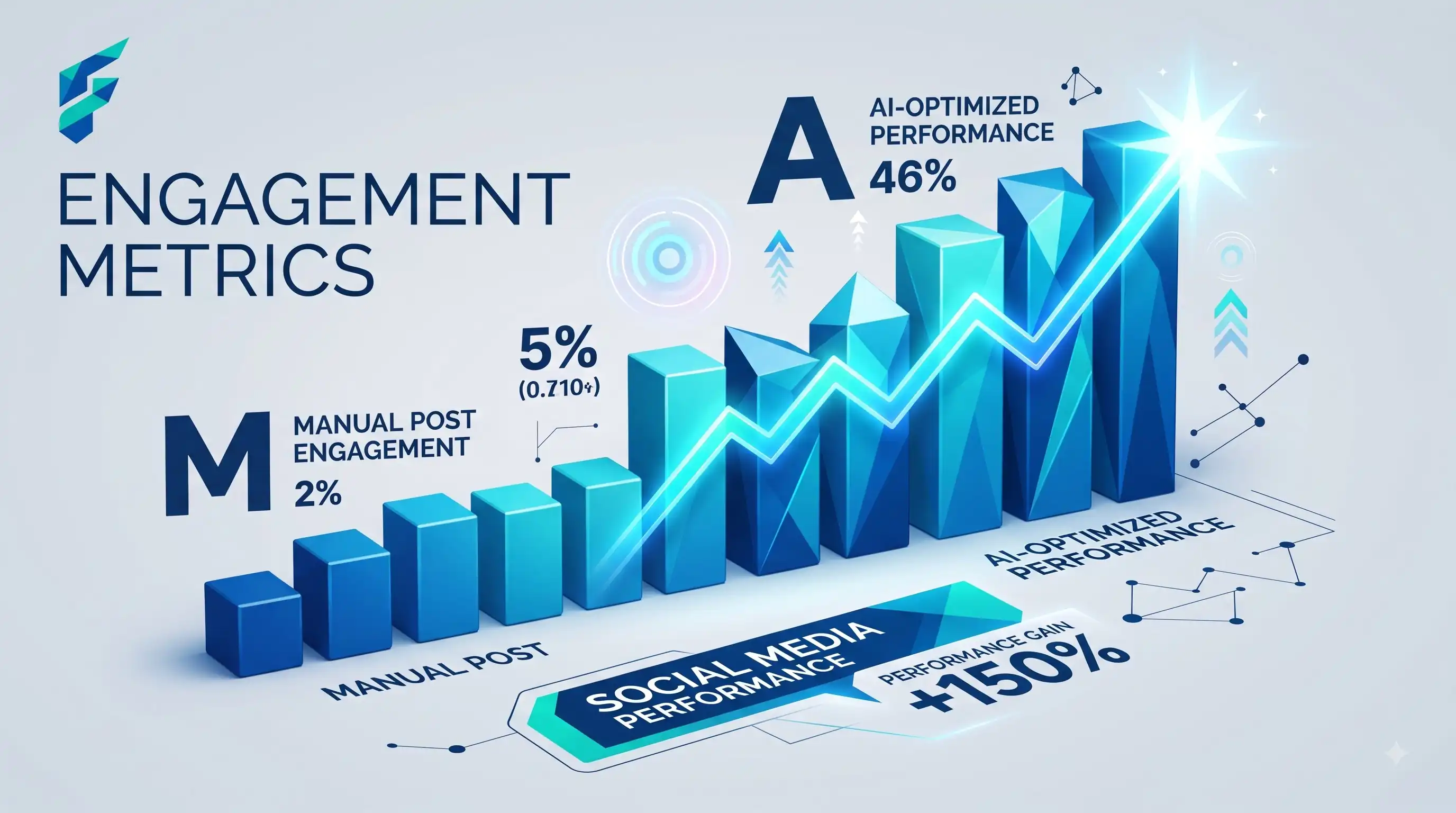
Social media tooling is one of the most crowded AI categories out there, and a lot of the differentiation between competitors is thin — most tools cluster around the same core feature set with different branding. Here's what to actually look for.
Quick answer: The AI features that consistently earn their cost: caption generation from a piece of content, repurposing one post into formats for multiple platforms, and suggested posting times based on your actual audience activity. Features like AI-generated engagement predictions or "virality scores" are less reliable and worth treating skeptically.
Caption generation and repurposing
Feeding a blog post, product update, or announcement into a tool that drafts platform-specific captions — shorter for one platform, more casual for another — saves the repetitive rewriting that eats real time for anyone managing multiple accounts. This is the single most consistently useful AI feature in this category.
I used to spend about 3-4 hours a week just tweaking captions for different platforms. After switching to an AI repurposing tool (or even just using ChatGPT with a specific prompt template), that dropped to about 30 minutes of review and minor tweaks. That's roughly 3 hours saved per week, which I now reinvest in actual community engagement instead of staring at a blank text box. This same repurposing logic applies to other content, like turning product specs into compelling copy, as we cover in our guide on AI product description generators.
Posting time optimization
Tools that analyze when your specific audience is actually active, rather than generic "best time to post" advice, genuinely help — generic timing advice is often stale or built from aggregate data that doesn't reflect your specific audience. Look for tools that use your own account's engagement history, not just industry averages.
Content calendar and scheduling with AI suggestions
Beyond basic scheduling, some tools suggest content ideas based on what's performed well for you before, or what's trending in your industry. Useful for beating creative block, though the suggestions are a starting point to adapt, not something to post unedited. This ties directly into building a cohesive AI tools for small business content strategy, where AI assists the ideation phase but human strategy drives the calendar.
Where to be skeptical
- "Virality prediction" scores. These are marketed with more confidence than the underlying accuracy usually supports — social platform algorithms change often and aren't fully knowable even to the platforms themselves, let alone a third-party tool predicting outcomes. Treat any such score as a rough directional signal at best, not a reliable forecast.
- Fully automated posting with no review. Auto-posting AI-generated content without a human check risks something tone-deaf or factually wrong going out under your business's name. Keep a review step, even if it adds a minute to your workflow.
- Engagement pod or fake-engagement features. Some tools skirt close to manipulating engagement metrics artificially. This violates most platforms' terms of service and risks your account, beyond being dishonest to your actual audience. Avoid entirely.
I once tried a tool that promised a "virality score" for my posts. It gave a highly-rated, well-researched post a low score, and a mediocre, generic post a high score. The algorithm it was predicting against was a black box, and the predictions were completely disconnected from actual engagement. I stopped relying on those scores entirely and focused on what my actual audience responded to.
Comparing your options
| Tool type | Best for | Typical cost | AI caption quality | Analytics depth |
|---|---|---|---|---|
| Buffer / Later (with AI features) | Small teams, straightforward scheduling | $0-30/mo | Good, general-purpose | Basic on free, deeper on paid |
| Platform-native AI (Instagram, LinkedIn built-in) | Single-platform-focused businesses | Often free | Platform-specific, decent | Platform-native only |
| Dedicated AI social suites (Hootsuite AI, similar) | Businesses managing many platforms/accounts | $50-150/mo | Strong, cross-platform | Detailed, often includes competitor tracking |
The realistic starting point
If you're managing social alone or with a small team, start with caption generation and repurposing — the highest-value, lowest-risk feature — before paying for a full AI social suite with features like virality prediction you're unlikely to rely on heavily anyway.
My current stack: I use a basic scheduler with AI caption repurposing for the heavy lifting, and I handle the final review and community engagement myself. I don't pay for "virality prediction" or fully automated posting. If you're looking to build your own stack, start with a tool that does repurposing well, and check our Tool Finder filtered for social media tools to compare options side-by-side.