🔍 SEO · AI Productivity · Content Strategy
AI Tool to Find Keywords for Blog Posts
(Free): 4 Steps
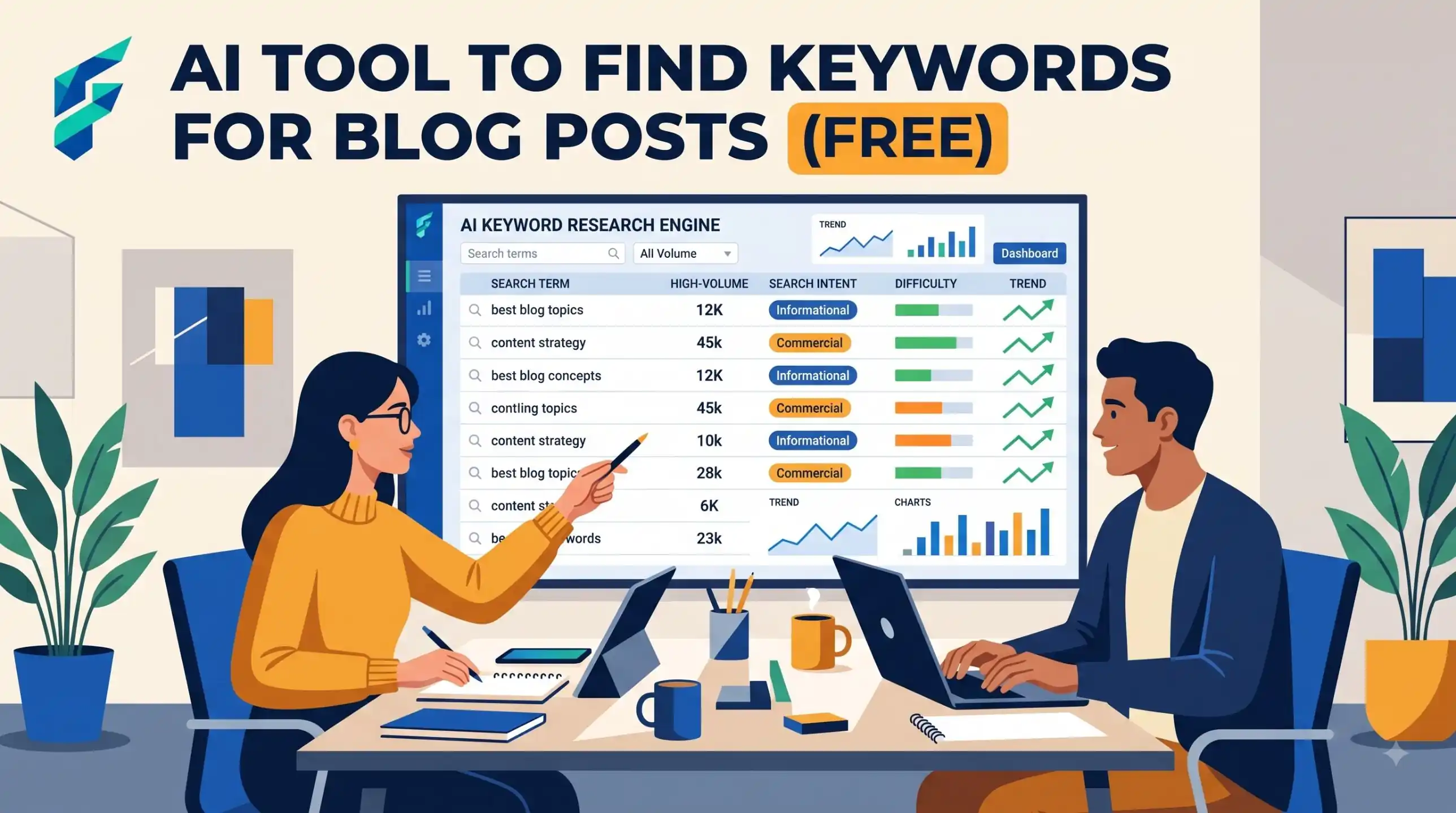
You want to write blog posts that people can find. So you need keywords: the words people type into a search box. A free AI chatbot can help, but only with part of the job. It is better to know which part before you start.
Be honest first: what AI can and cannot do
A chatbot such as ChatGPT, Claude or Gemini does not see live search data. It does not know how many people search for a phrase. It does not know how hard it is to rank. If it gives you a number, treat it as a guess, and do not use it.
What it does well:
- It brainstorms topics and questions fast.
- It writes many ways to say the same thing.
- It groups ideas by what the reader wants.
So the plan is simple. Use AI to make ideas. Then check the ideas with real data: Google itself and your own site data.
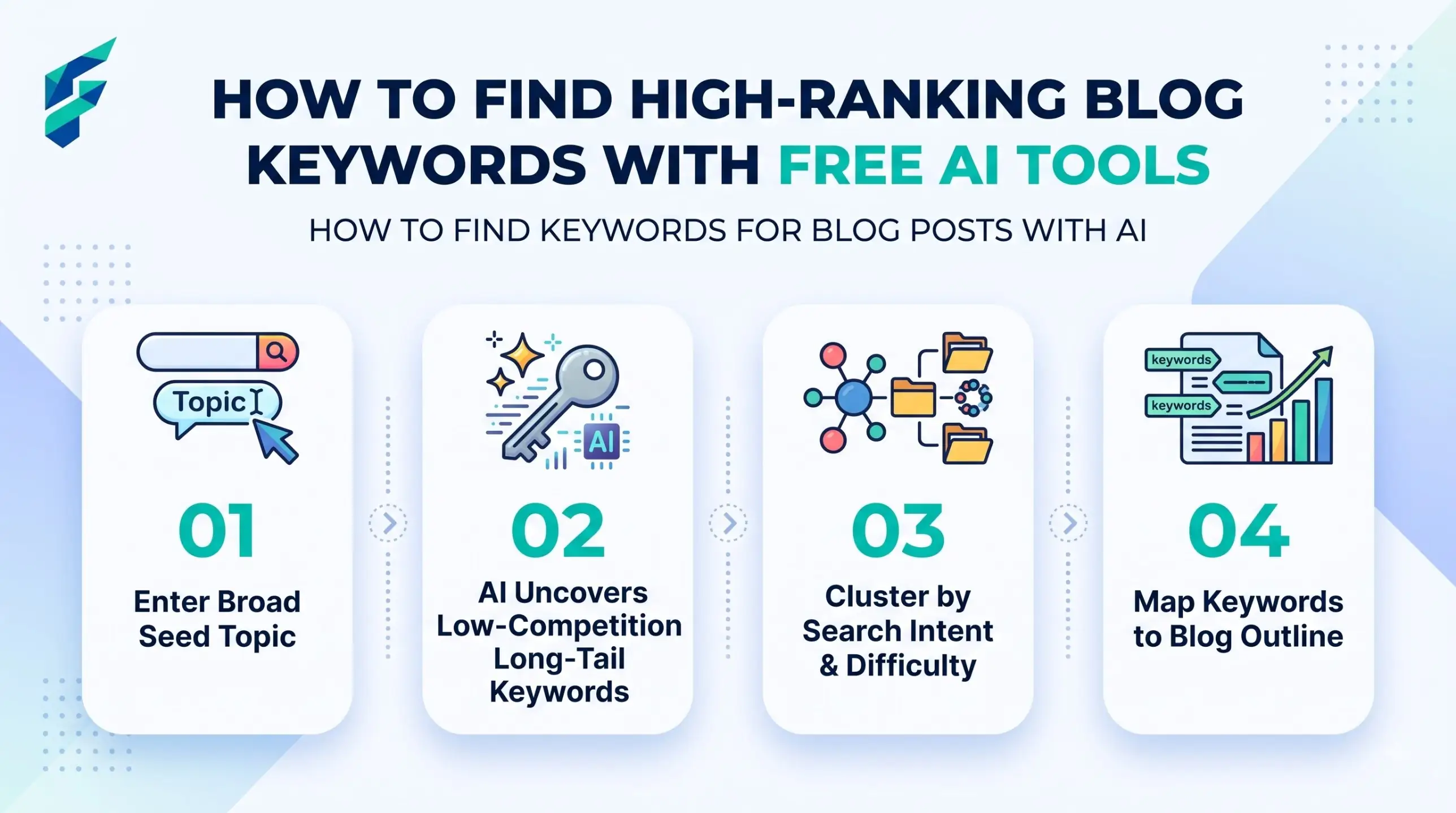
The 4-step method
Step 1: Write down real customer questions
Before you open any chatbot, write 10 questions your customers ask you. Use emails, messages, comments and things people say in person. These are your best source, because they are real.
Real-world example: For my own freelance web design business, customers constantly ask: "How long does a website actually take to build?" and "Do I need to buy hosting separately?" These became the foundation for my highest-traffic blog posts.
Step 2: Ask AI to expand them into long-tail phrases
Long-tail phrases are longer and more specific, like "how to keep sourdough fresh for a week" instead of "bread". They are usually easier for a small site. Use this prompt:
I run a [type of business] blog for [type of reader].
Here are 10 questions my customers ask: [paste your questions].
Write 25 long-tail search phrases a real person might type about these topics.
Group them by intent:
1) I want to learn how to do something,
2) I want a list or comparison,
3) I want a tool or product,
4) I want a local or specific place.
Use simple words. Do not give search volume or difficulty numbers, you do not have that data.
If you want more topic ideas first, see our guide to AI tools for blog post ideas.
Step 3: Check what already ranks
Pick your 5 best phrases. Search each one yourself, in a private browser window. Then write down:
- Who is on page one: big sites, or small blogs like yours?
- What type of page is it: a guide, a list, a tool, a shop page?
- What is missing? Is the advice old, too general, or without examples?
Step 4: Check your own site data
If your site already has some visitors, you may already show up for searches you never planned. See the Search Console section below. These are often the easiest wins, because Google already links you to the topic.
Is this keyword worth it? A checklist
Answer each question for each phrase. If you get two or more "no" answers, pick another phrase.
| Question | Good sign | Warning sign |
|---|---|---|
| Do I have real experience with this? | Yes, I have done it | I would only be copying others |
| Who is on page one? | Small blogs and niche sites | Only big brands and news sites |
| What does the reader want? | A guide, which I can write | A shop page or a tool I do not have |
| Can I answer it in one post? | Yes, one clear answer | It needs a whole book |
A simple tracking spreadsheet
Keep one sheet. One row per phrase. Do not add made-up numbers. Only add what you have seen yourself.
| Column | What to write |
|---|---|
| Phrase | The exact words |
| Source | Customer question, AI idea, search suggestion or Search Console |
| Intent | Guide, list, tool or place |
| Page one looks like | Big sites, small blogs or mixed |
| My experience | Yes, some or no |
| Decision | Write now, later or skip |
Worked example: a small bakery blog (fictional)
This is an example, not a real business. A small bakery owner writes down a customer question: "Why is my bread so dense?" She asks the AI to expand it. She gets phrases like "why is my homemade bread dense and heavy" and "how long to let dough rise in a cold kitchen".
She searches both phrases. For the first, page one looks full of big food sites. For the second, she sees a few small blogs, and none shows a cold-kitchen tip. She also has real experience: her shop kitchen is cold in winter. So she marks the second phrase "write now" and the first "later". She never needed a volume number to decide.
After you publish: use Google Search Console
Search Console is Google's free tool for site owners. Google's help page, About Search Console, describes it as a no-cost tool, and says it shows which search queries show your site. After some weeks, open it and look at the queries list. Then:
- Find searches that show your site but are not a main topic of any post.
- Add them to your spreadsheet with the source "Search Console".
- Improve the page that already shows, or write a new post for that question.
For the steps after you have chosen a phrase, read how to rank a blog post with AI tools. If you have many posts to plan, our guide to AI tools for small business content strategy helps you put them in order.
If the AI gives you this, do that
| If the AI gives you... | Do this |
|---|---|
| Search volume or difficulty numbers | Ignore them. It cannot know. Ask again: "Remove all numbers, only phrases." |
| Phrases that are all very short | Ask: "Make them longer, as full questions a beginner would type." |
| Phrases that sound strange | Delete them. Nobody types them. Say them aloud first. |
Another prompt: turn a phrase into a post plan
When you have chosen one phrase, use this:
My phrase is: [phrase]. My reader is [who].
I checked page one and I saw: [what you noticed, including what is missing].
Suggest a title, 5 headings, and 3 questions the post must answer.
Do not invent facts. Mark any place where I must add my own experience.
When not to use AI for this:
Do not use AI for the final choice. It does not know your customers, your shop or your skills. Do not trust any number it gives. If you sell in a very specific market, or in a language the chatbot handles badly, rely on your own customer questions and your own searches. And if you have only three post ideas, you may not need a chatbot at all.