🌐 Web Design · AI Writing · Small Business
AI Tool to Write a FAQ Page for a Small Business Website
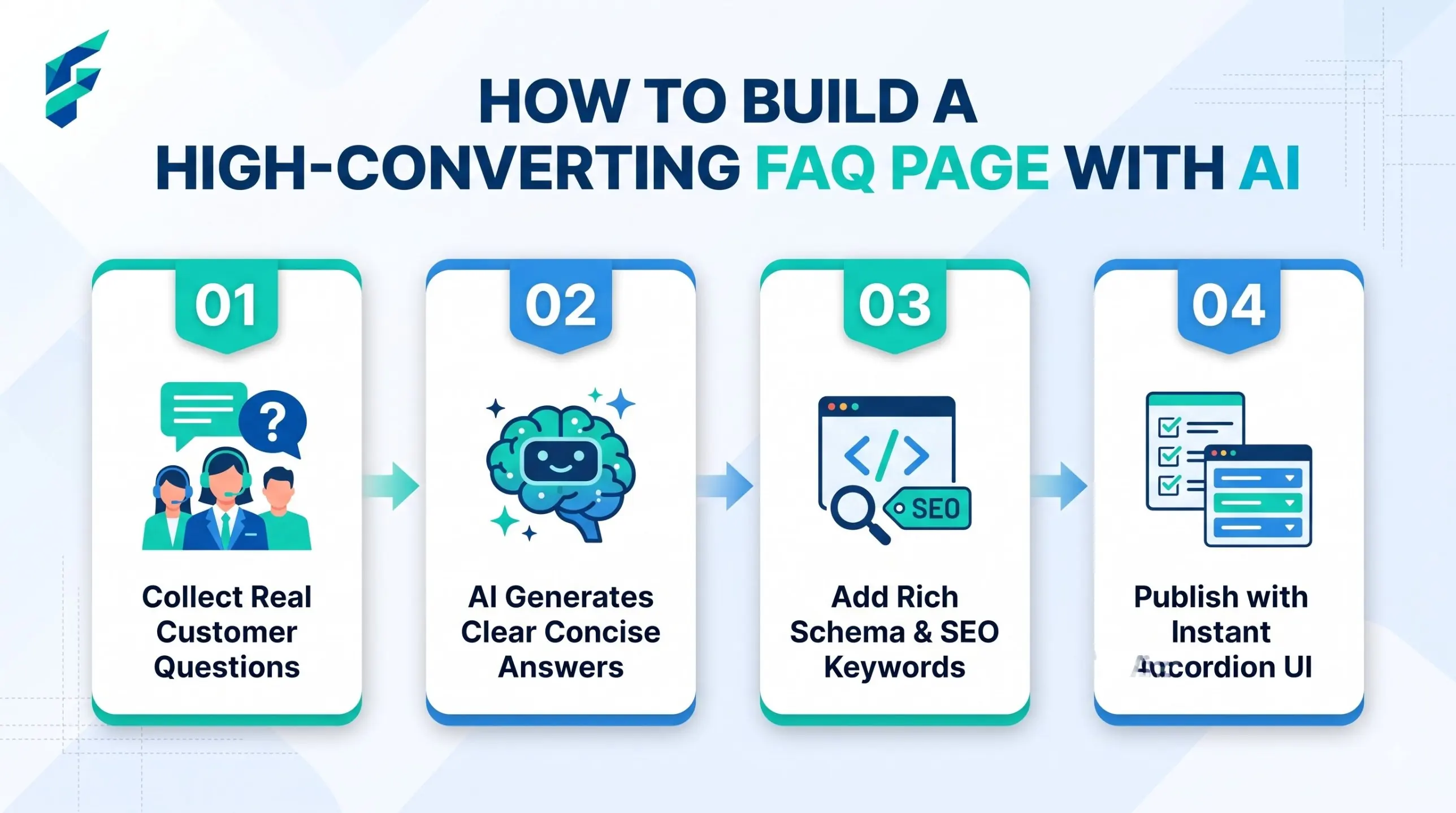
The most common FAQ page mistake is writing questions nobody asked. "What makes us different?" is not a question a customer types. "Do you deliver on Sunday?" is. So the work is in two halves: find the real questions, then write short, honest answers. AI helps most with the second half, and a little with the first.
Half one: where the real questions are hiding
You already have them. Open these and copy what customers actually wrote:
- WhatsApp or Instagram messages (last 30 days)
- Emails with the word "?" in them
- Call notes, if you keep any
- Google reviews, where people complain about surprises
- Your own memory: what do you explain 3 times a week?
Paste about 30 of them into a chatbot and use this prompt:
Here are customer questions and messages for my [business type].
Group them into topics (for example: prices, delivery, returns, booking, payment).
Under each topic, list the 3-5 questions that appear most often, reworded to be short and clear.
Show which questions appeared more than once.
[paste]
Remove names and phone numbers before you paste.
Half two: write answers that actually answer
Rules for each answer:
- First sentence = the answer. Yes, no, or the number.
- Then one sentence of detail.
- Link to the page where they can act (booking, contact).
- Maximum 3 sentences.
Write FAQ answers for my [business type]. For each question below,
start with a direct answer in the first sentence, add one sentence of detail,
and stop. Use these facts only: [your real prices, times, policies].
If I did not give you the fact, write [FILL IN] instead of guessing.
Questions: [list]
The [FILL IN] rule matters. AI will happily invent a return policy that you do not have.
A worked example: three raw messages become three answers
This is made up, for a small home bakery. The raw messages:
- "Do u deliver sunday?"
- "can i get eggless cake for tomorrow"
- "advance paid but want to change the date, is it ok"
After grouping, these become three FAQ entries:
Do you deliver on Sunday?
Yes, between 10 am and 2 pm. Delivery inside [FILL IN: area] costs [FILL IN: amount]. Order on WhatsApp or the contact page.
Can I order an eggless cake for the next day?
Usually not. We need [FILL IN: hours] notice for custom cakes. For urgent orders, message us and we will tell you what is possible.
Can I change the date after I pay the advance?
Yes, if you tell us [FILL IN: days] before the original date. After that, the advance is not refundable.
Notice the questions use the customer's own words, tidied up. The answers start with the answer. A real business must replace each [FILL IN] with its true policy. Never let AI choose the policy for you.
A second prompt: fix an FAQ you already have
If your page exists but nobody reads it, paste it in:
Here is my current FAQ page.
1) Mark any question that no customer would type as written.
2) Mark any answer that does not answer in the first sentence.
3) Mark answers that are longer than 3 sentences.
4) Rewrite only the marked ones. Do not change facts. Use [FILL IN] for missing facts.
FAQ: [paste]
If the AI gives you this, do this
| Problem | Fix |
|---|---|
| Answers sound like a brochure | Ask: "Rewrite as if answering a friend on WhatsApp." |
| It invents a policy | Delete it. Reply with: "Use only the facts I gave." |
| Questions are too general | Paste more real messages and ask again |
| Two questions mean the same thing | Merge them and keep the customer's wording |
| Answers are very long | Ask for a maximum of 3 sentences |
When NOT to use AI for this:
• For legal topics such as refunds under a law, health claims or safety. Write them yourself and ask a professional to check.
• For answers that depend on a person's case, such as "Will my order arrive on time?" Link to the contact page instead.
• When you have fewer than 10 real questions. Wait. Collect more first.
How to lay out the page
| Topic block | Typical questions |
|---|---|
| Before you buy | Prices, what is included, who it is for |
| Ordering and payment | How to order, payment methods, invoices |
| Delivery or visit | Times, areas, costs |
| Problems | Returns, changes, cancellations |
| Contact | How and when you reply |
Use clear headings. Keep each block to 3-6 questions. A page with 40 questions is a page nobody reads.
A note about search
Google used to show FAQ answers as expandable boxes under some results. Its documentation now says that feature is no longer shown. So write the page for your customers, not to get a special result. A good FAQ still helps in other ways: customers find answers faster, and you get fewer repeat messages.
Before you publish: a short checklist
- Every answer has a real fact from you.
- Every [FILL IN] is gone.
- The page has no more than 6 blocks.
- Each answer links to a next step where it makes sense.
- A friend who does not know your business read it and found one answer in under 20 seconds.
Common questions
Keep it alive
Once a month, check your last 10 customer messages. If a question repeated, add it. If a policy changed, update the answer the same day. An out-of-date FAQ is worse than none.
If simple questions still pile up, an AI chatbot for small business can answer the same FAQ questions in chat. To place the FAQ on a page that also sells, see AI tools for landing page design. And FAQ answers can double as blog topics, which our content strategy tools guide explains.
Real-world example: The question I answered most often was, "Do you deliver to [Specific Suburb]?" By adding this to the FAQ with a clear map link and exact delivery fee, I reduced repetitive WhatsApp messages about delivery zones by about 40% in the first month alone.