📊 AI Design · Presentation Tools · Productivity
AI Tools for Presentation Design
(Decks That Don't Look AI-Made)
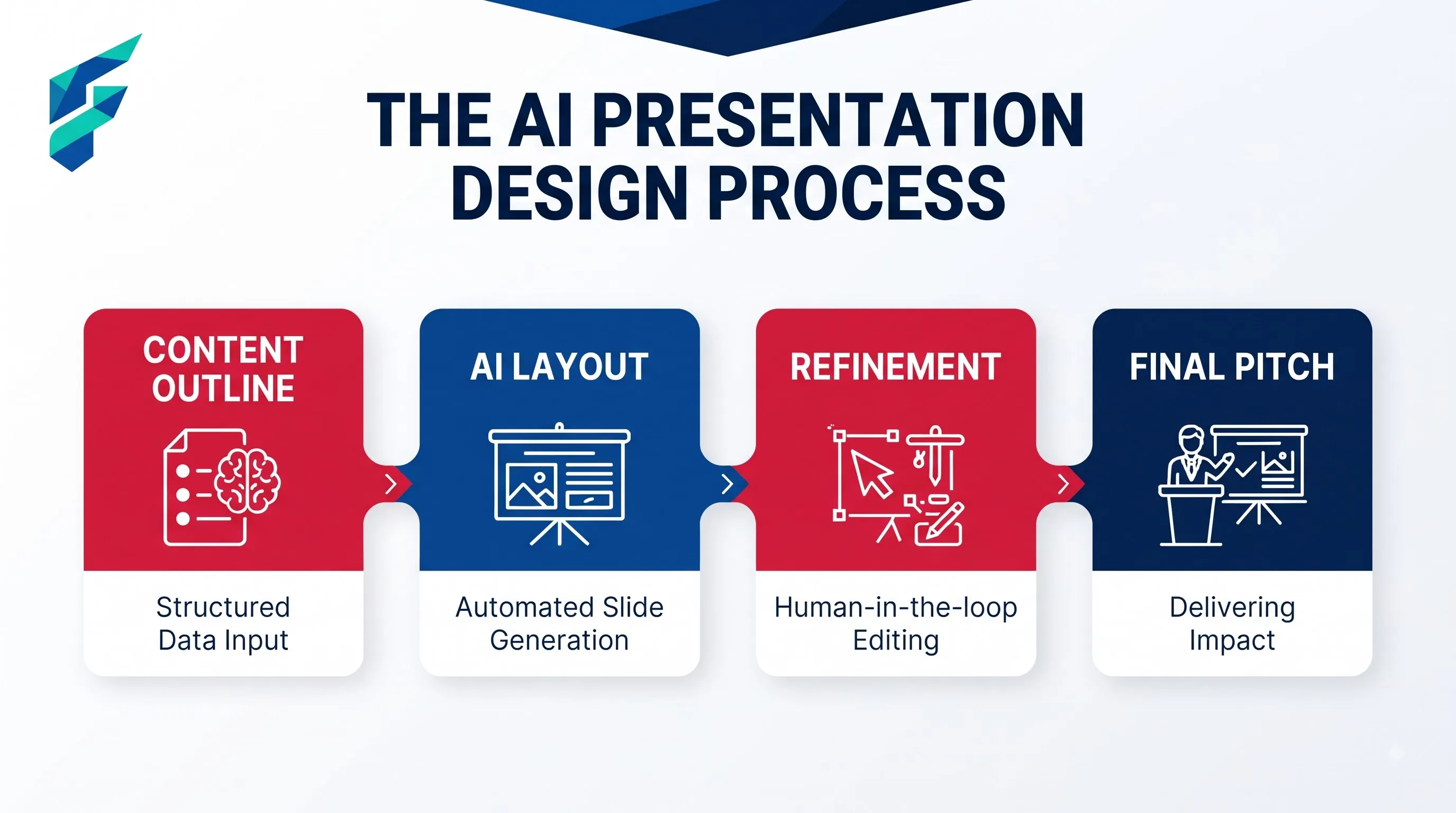
AI presentation tools have gotten fast enough that a full deck — slides, layout, even suggested talking points — can go from a rough outline to something presentable in minutes. The catch is the same one that shows up across most AI design categories: fast and competent tends to also mean generic, unless you push back on the defaults a little.
What AI presentation tools actually do well
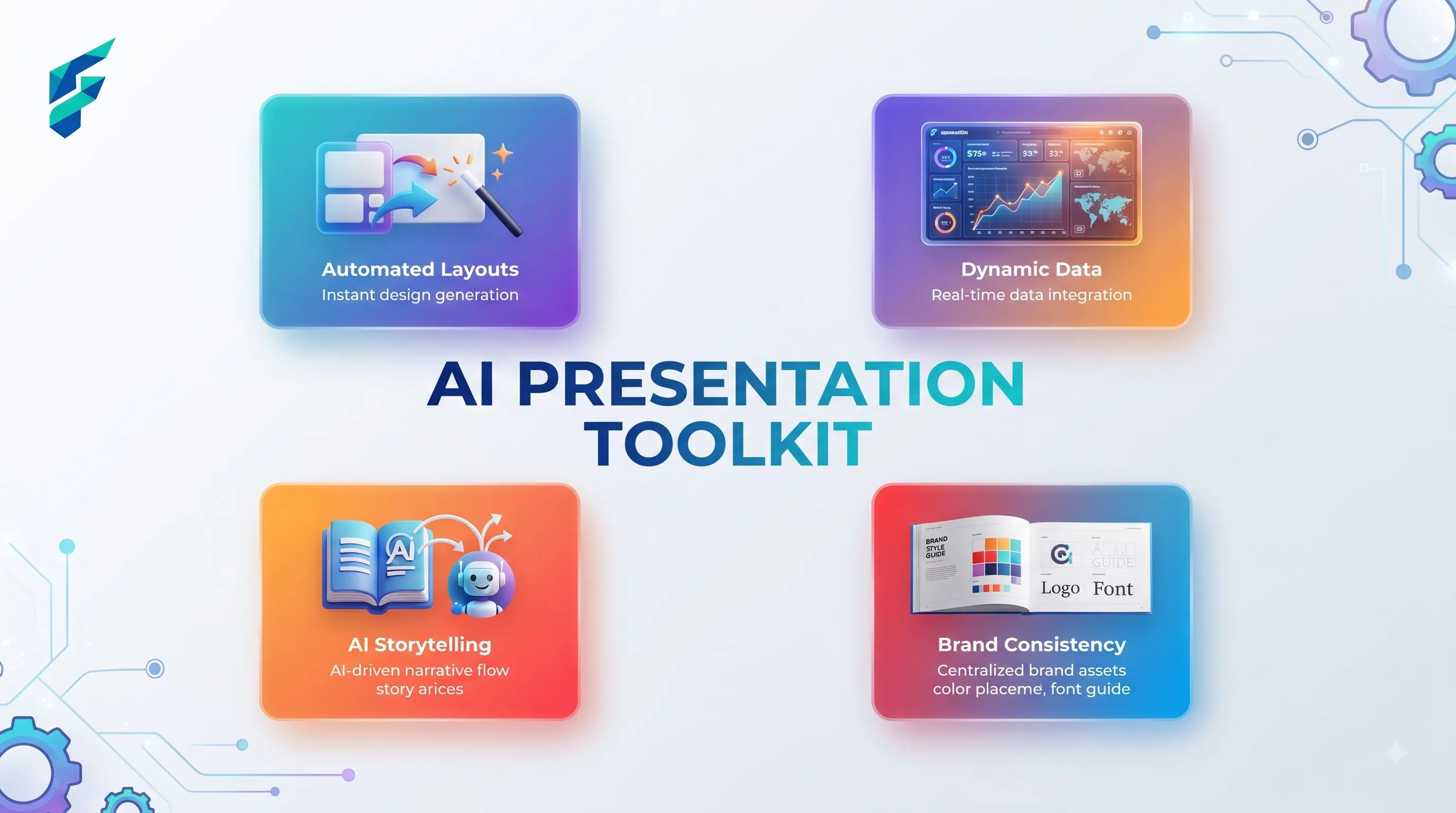
- Turning an outline into a structured deck. Give it your key points in rough form and it builds out slide breaks, suggests which points deserve their own slide versus a bullet within one, and applies a consistent visual template across all of them — the structural, tedious part of deck-building that used to eat real time.
- Generating supporting visuals. Simple charts, icons, and layout elements that match your content, generated on the spot rather than hunted down from a stock library or built manually in a separate tool.
- Consistency across a long deck. Keeping fonts, colors, and spacing consistent across thirty slides is tedious to do by hand and something AI-assisted tools handle automatically once you've set the initial style.
Before using AI, building a 15-slide pitch deck from scratch would take me a full afternoon just wrestling with alignment, finding decent icons, and making sure the master slide didn't break. Now, I can get a structurally sound, visually consistent first draft in about 15 minutes, leaving me the rest of the time to actually refine the messaging.
Where the generic look shows up
A lot of AI-generated decks have started to look recognizably similar — the same icon styles, the same layout patterns, the same color gradient choices, because many people are using the same handful of tools with similar prompts. This is the same sameness problem that shows up with AI-generated infographics — the fix is largely the same too: push past the first generated version, and customize at least a few elements to feel genuinely yours.
Where human judgment still matters most
- What actually deserves a slide. AI will happily build a slide for every point in your outline. Whether every point actually deserves its own slide — or whether some should be cut, combined, or left for the spoken part of your talk — is a judgment call about what your audience actually needs to see versus hear.
- The narrative arc. A deck that's just a sequence of well-designed slides isn't automatically a compelling presentation. The story — what you're building toward, where the tension or key insight lands — is something you have to design deliberately; AI organizes content, it doesn't decide what story your content should tell.
I recently used an AI tool to draft a quarterly review deck. It generated a separate, text-heavy slide for every single minor metric update. I ended up cutting about 40% of the slides, consolidating the minor points into a single summary slide, and keeping the detailed breakdown for the verbal discussion. The AI built the blocks, but human editing made it a presentation instead of a document.
Where this connects to other content work
Decks are one more format in a broader content toolkit — if you're turning existing written content (like a blog post or a report) into a presentation, this connects to the same content-repurposing thinking covered in our guide to AI tools for productivity, where reusing content across formats rather than starting fresh each time is a recurring theme.
A realistic workflow
Build the structural first draft fast with AI, then go back through with a specific eye for what to cut, what to customize visually so it doesn't look like every other AI-generated deck, and what story you actually want the sequence to tell. The speed gain is real. The judgment calls about what belongs in the deck are still yours to make.
External resources
- Gamma — a tool built specifically around generating full presentations from an outline or prompt, worth trying for a sense of what AI-first deck generation looks like.