✍️ AI Writing · Tools · Small Business
AI Writing Tools for Small Business
(What's Actually Worth Using)
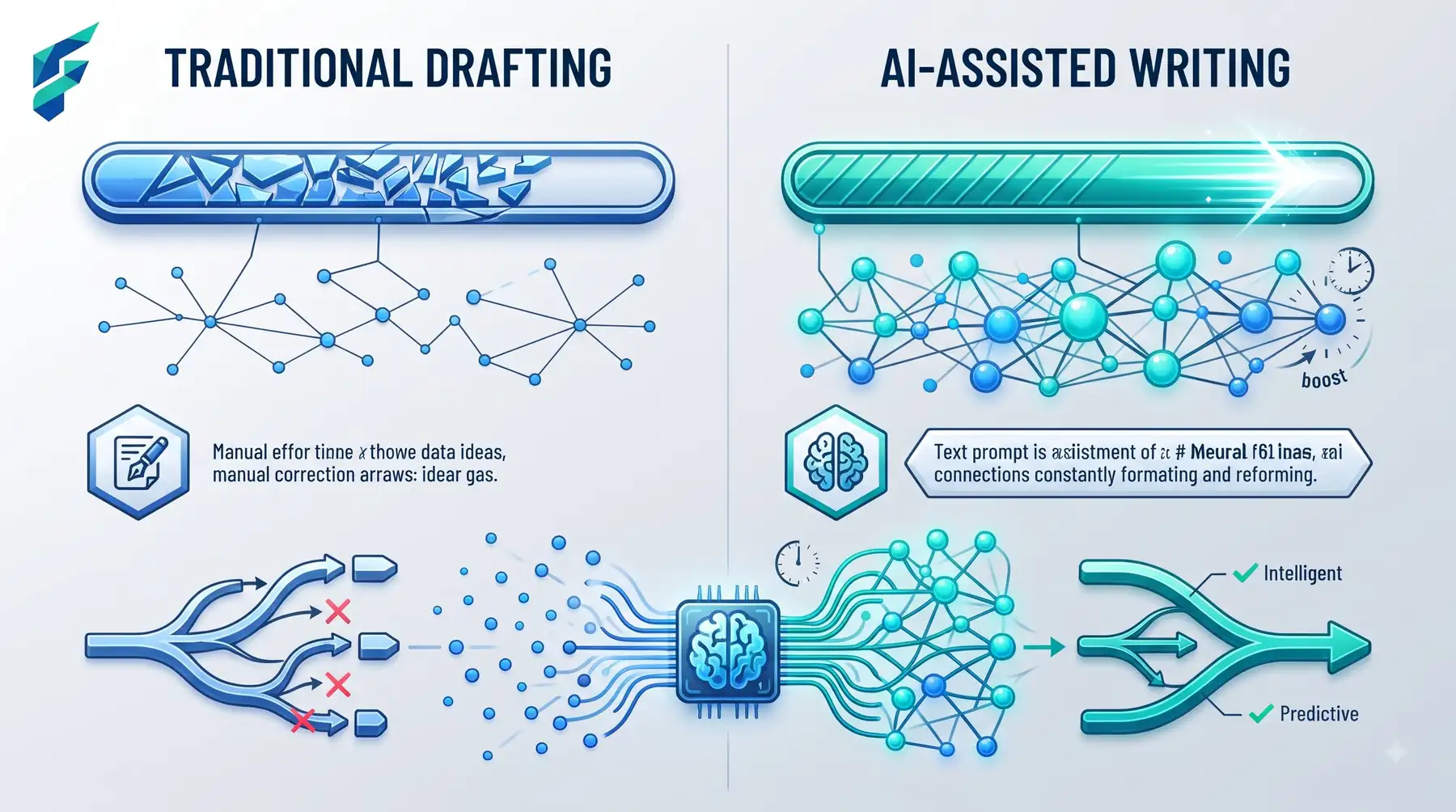
The AI writing tool category is crowded with products doing roughly the same thing with different branding. Before picking one, it helps to know there are really only two categories here: general-purpose chatbots that write anything you ask, and specialized tools built around one specific writing job. Most small businesses only need the first.
📍 Quick answer: A general chatbot (ChatGPT, Claude) covers 90% of small business writing needs — emails, social captions, product descriptions, website copy — for free or for $20/month. Specialized tools earn their keep only for high-volume, repetitive writing at scale: hundreds of product descriptions, or a constant stream of ad variations.
When a general chatbot is enough
For most writing tasks — a weekly newsletter, social posts, an email to a customer, a page of website copy — a general AI chatbot with a clear, specific prompt outperforms a specialized tool, mostly because you're not locked into a template. You can ask for a different tone, a different length, a different angle, all in the same conversation.
The catch: output quality depends entirely on what you feed it. Vague prompts get vague, generic writing. Specific prompts — with real details about your business, your audience, your voice — get writing worth publishing.
Here's a prompt structure that's worked reliably for me across dozens of client emails, blog posts, and product descriptions:
The last line — pasting an example of good output — is the single biggest quality multiplier. It gives the AI a concrete target instead of an abstract description of tone. I was surprised how well this worked for writing a customer apology email last month: I pasted in an example of a previous apology I'd written that landed well, and the first draft came back closer to my actual voice than anything I'd gotten from a dozen "AI email writer" tools.
✅ New to AI tools? If you're just getting started, our beginner's guide to AI tools for small business covers the fundamentals before you dive into writing workflows.
When a specialized tool actually earns its cost
Bulk product descriptions
If you're writing fifty or five hundred product descriptions for an online store, a tool built specifically for that (often built into ecommerce platforms like Shopify) will maintain consistency across all of them in a way that manually prompting a chatbot fifty separate times won't.
Grammar and clarity, layered on top of drafting
Grammarly and similar tools aren't really competing with ChatGPT — they're a second pass, catching things a drafting tool won't flag because it wasn't built to. Worth running as a final step regardless of what wrote the first draft.
SEO-specific writing assistants
Tools built around keyword density, header structure, and readability scoring can be useful if you're publishing blog content at volume and want a consistent structural check — though the anti-slop rules matter more for whether the content actually reads well than any SEO score does. This pairs naturally with a broader AI content strategy for small business, where the strategy drives what to write and the SEO tool polishes how it's structured.

💡 Scaling your writing? If you're automating larger parts of your content workflow, check out what is AI automation for small business to see where writing fits into the bigger picture.
Where AI writing tools consistently fail
- Anything requiring a real opinion or a hot take. AI writing defaults to balanced, hedge-everything language unless you specifically instruct it to take a position. If your brand voice has an edge, you have to ask for that edge explicitly, every time.
- Your specific facts. Pricing, policies, specs, dates — it doesn't know these unless you provide them, and it will sometimes fill gaps with plausible-sounding guesses instead of flagging that it doesn't know. Always fact-check anything factual before publishing.
- Sounding like you, specifically. Out of the box, most AI writing sounds like a generically competent version of business writing — not like you. Getting closer to your actual voice takes either detailed style instructions or, more reliably, editing every draft yourself rather than publishing it as-is.
I learned this the hard way last year. I used ChatGPT to draft a blog post about our pricing tiers, and it confidently stated we offered a "30-day money-back guarantee" — a policy we've never had. The writing was smooth, the sentence fit naturally into the flow, and I almost published it as-is. I only caught it because I read the draft out loud (more on that below) and something felt off. That single fabricated policy, if published, could have cost us thousands in refunds. Now I treat every factual claim in an AI draft as "needs verification" until I've checked it against our actual docs.
Comparing your options
| Tool type | Best for | Typical cost | Handles bulk output well | Requires editing before publish |
|---|---|---|---|---|
| General chatbot (ChatGPT, Claude) | Most day-to-day writing tasks | $0-20/mo | Manual, one at a time | Always |
| Grammar/clarity layer (Grammarly) | Final polish pass | $0-15/mo | N/A — not a drafting tool | N/A |
| Ecommerce-specific writers | Bulk product descriptions | Often bundled into platform cost | Yes, built for this | Spot-check recommended |
| SEO writing assistants | High-volume blog content | $15-100/mo | Yes | Always |
For most small businesses, the sweet spot is a free ChatGPT account plus Grammarly's free tier — total cost $0. If you need to understand the full picture of what you're spending on AI tools across your business, our breakdown of how much AI automation costs for small business puts writing tools in context with everything else.
The one habit that matters more than the tool
Whatever you use, read every draft out loud before publishing. It's the fastest way to catch the flat, generic quality that makes AI writing obviously AI-written — and it's a habit no tool, however good, replaces.
My own workflow, after testing dozens of combinations over the past year, is stubbornly simple: ChatGPT for the first draft, Grammarly for the polish pass, and then I read it out loud while walking around my office. If a sentence sounds like something a real person would say in conversation, it stays. If it sounds like a LinkedIn post written by a committee, it gets rewritten. The whole process takes maybe 20 minutes for a 1,000-word piece, and the output actually sounds like me — which is the whole point.
🚀 Ready to start? Open ChatGPT (free tier is fine), paste the prompt structure above with your own details, and write one thing you've been putting off — a welcome email, a product description, a social caption. Compare it to what you would've written manually. Most people are surprised by how close the gap is when the prompt is specific. If you want to explore tools filtered by writing use case, check our Tool Finder.