⚙️ AI Automation · Budget Software · Small Business
Best AI Automation Tools Under $50/Month
for Small Business (2026)
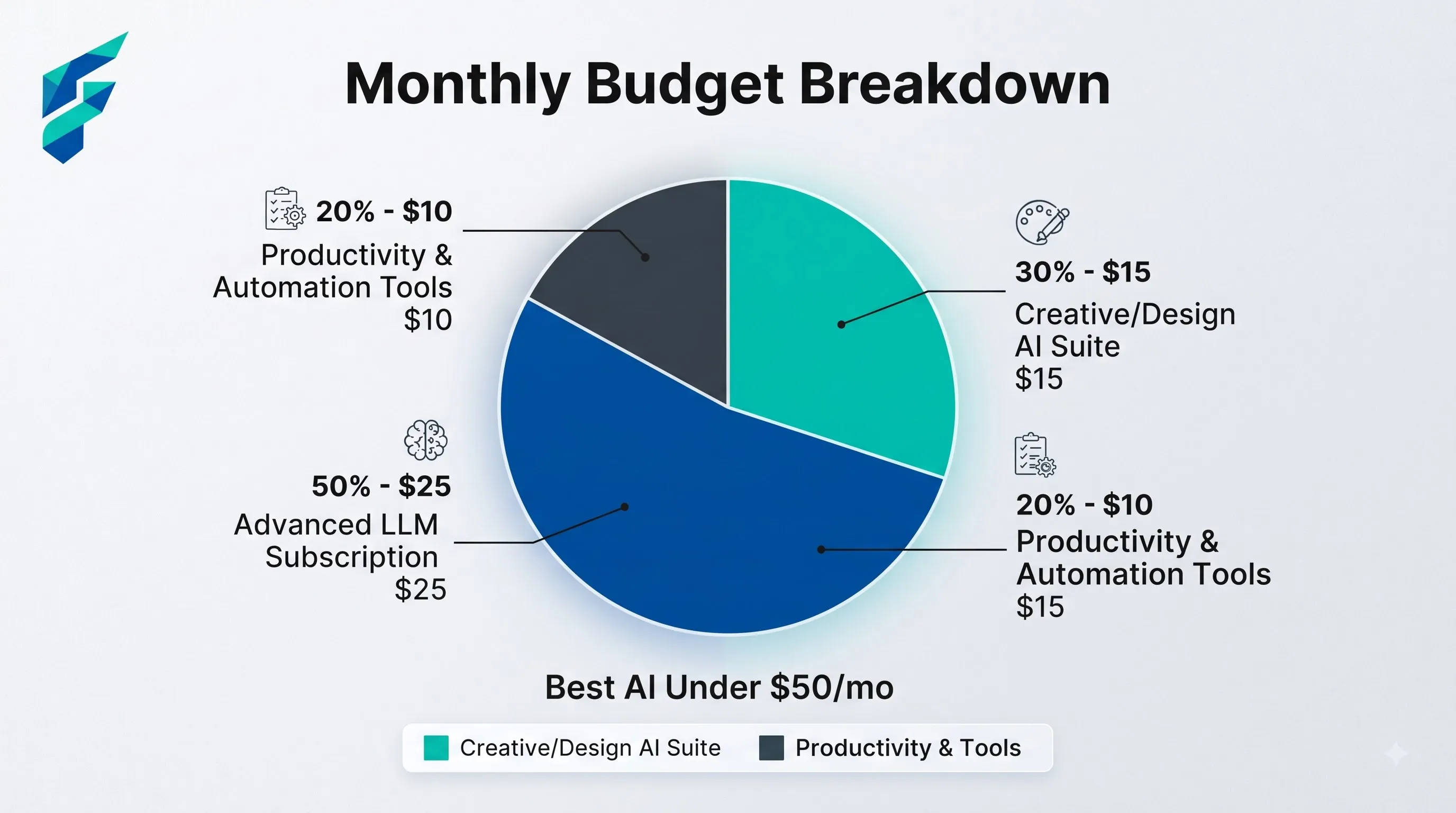
Quick answer: A functional small-business automation stack fits under $50/month if you pick one connector tool (Zapier or Make, both start under $20), one AI writing/drafting assistant (ChatGPT or Claude, both around $20), and lean on free tiers everywhere else until a specific paid feature earns its cost. The mistake isn't spending too much on one tool — it's paying for five tools that each do 20% of what one connector tool could do for free.
Most "best automation tools" lists are written for companies with a $500+/month software budget. Under $50 a month is a real constraint most small businesses actually have, and it changes which tools are worth it.
Start with the connector, not the AI tool
The highest-leverage $9–$20 you can spend is on a workflow connector — Zapier, Make, or similar — that links the apps you already use. This is the tool that actually removes manual work: a form submission that used to get copy-pasted into a spreadsheet now lands there automatically; a new client in your CRM triggers a welcome email without you doing anything.
Make's entry paid tier starts around $9/month; Zapier's around $20/month. For most small businesses just starting to automate, Make's lower entry point covers the basics — the cost jump to Zapier's ecosystem size only matters once you're connecting apps that don't have Make integrations yet.
Spend the second tranche on one AI assistant
A general AI assistant — ChatGPT Plus or Claude, both around $20/month — covers drafting, editing, research, and quick analysis across your whole business. This is the one AI expense that's rarely wasted, because the use cases are broad enough that almost every small business finds a way to use it weekly.
Resist the urge to pay for a narrower, single-purpose AI tool before you've tried covering that need with the general assistant you're already paying for. A lot of "AI email writer" or "AI social caption generator" tools do a job ChatGPT or Claude already does — you're paying twice for overlapping capability.
What to keep on the free tier
Before adding anything else to the $50 budget, check what's already covered free:
- Basic invoice generation and sending — most tools offer this free up to a volume small businesses rarely hit
- Meeting transcription — several tools offer a genuinely usable free tier, not just a crippled trial
- Social scheduling for one or two platforms — often free up to a post-per-month limit that covers a small business easily
It's worth doing an actual audit here before spending anything. There's a real ecosystem of free AI tools with no signup required — checking what's already covered for free takes fifteen minutes and can mean two or three fewer line items in your monthly spend.
A realistic $50 stack
| Category | Tool type | Typical cost |
|---|---|---|
| Workflow connector | Zapier or Make | $9–$20/month |
| General AI assistant | ChatGPT or Claude | $20/month |
| Everything else | Free tiers | $0 |
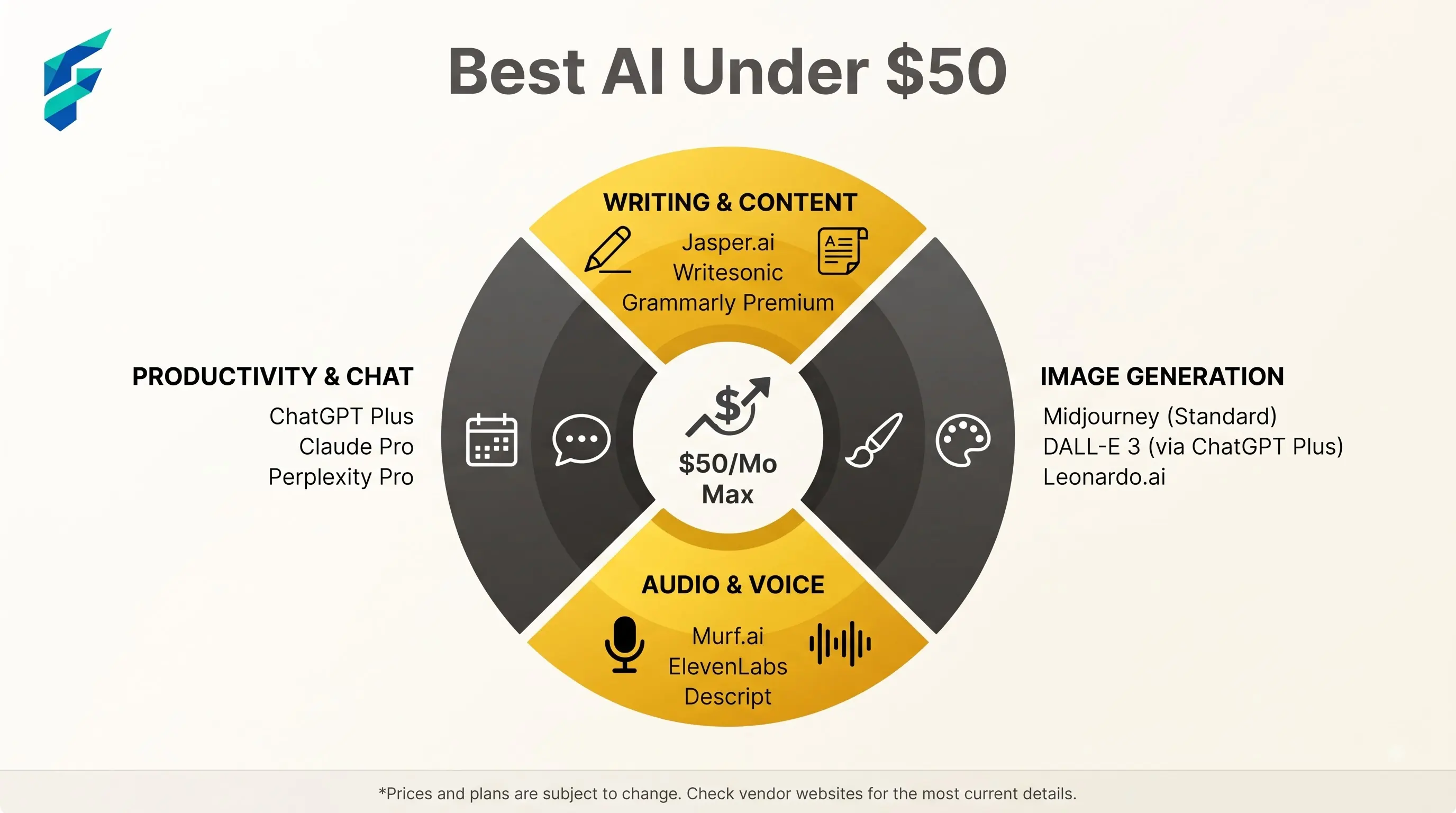
That leaves $10–$20 of headroom for one specific paid add-on once you've identified an actual bottleneck — not before. The order matters: connector first, AI assistant second, everything else only after you've proven you need it.
How to know when a tool is actually worth the upgrade
Before paying for anything beyond the base two tools, it's worth understanding what AI automation actually costs at the next tier up — most paid upgrades exist because a specific feature (higher volume, more integrations, team seats) becomes a genuine blocker, not because the free tier stopped being "good enough" in some vague sense. If you can't name the specific thing you're blocked on, you're probably not ready to pay for the upgrade yet.
The other habit worth building early: most SaaS pricing is tiered for a reason, and the tier boundaries usually track real usage thresholds, not arbitrary cutoffs. Understanding how those tiers are actually built helps you predict when you'll outgrow the free plan instead of being surprised by it. Stripe's breakdown of how tiered pricing works is a clear, vendor-neutral explanation if you want the mechanics: see Stripe's guide to tiered pricing.
Where no-code fits into this budget
If your bottleneck isn't "I need more AI," it's "I need this specific manual task gone," a no-code automation almost always beats a subscription AI tool on cost per problem solved. No-code automation tools that don't need a developer often solve the exact bottleneck a paid AI tool promises to fix, using the connector you're already paying for instead of a new subscription.