⚡ No-Code Automation · AI Tools · Small Business
No-Code AI Automation Tools
for Small Business (No Developer Needed)
"No-code" gets thrown around loosely enough that it's worth being precise: it means you build the automation by connecting pre-built blocks in a visual interface, not that there's zero learning curve. Give yourself a real afternoon with one of these tools before deciding whether it clicks — most people's first attempt is clumsy, and the second one is fine.
📍 Quick answer: Zapier and Make are the two platforms worth learning first — both let you connect apps you already use (email, forms, spreadsheets, calendars) and add an AI step in the middle without writing code. Zapier is simpler to start with; Make gives you more control once you outgrow the basics.
What "no-code AI automation" actually means
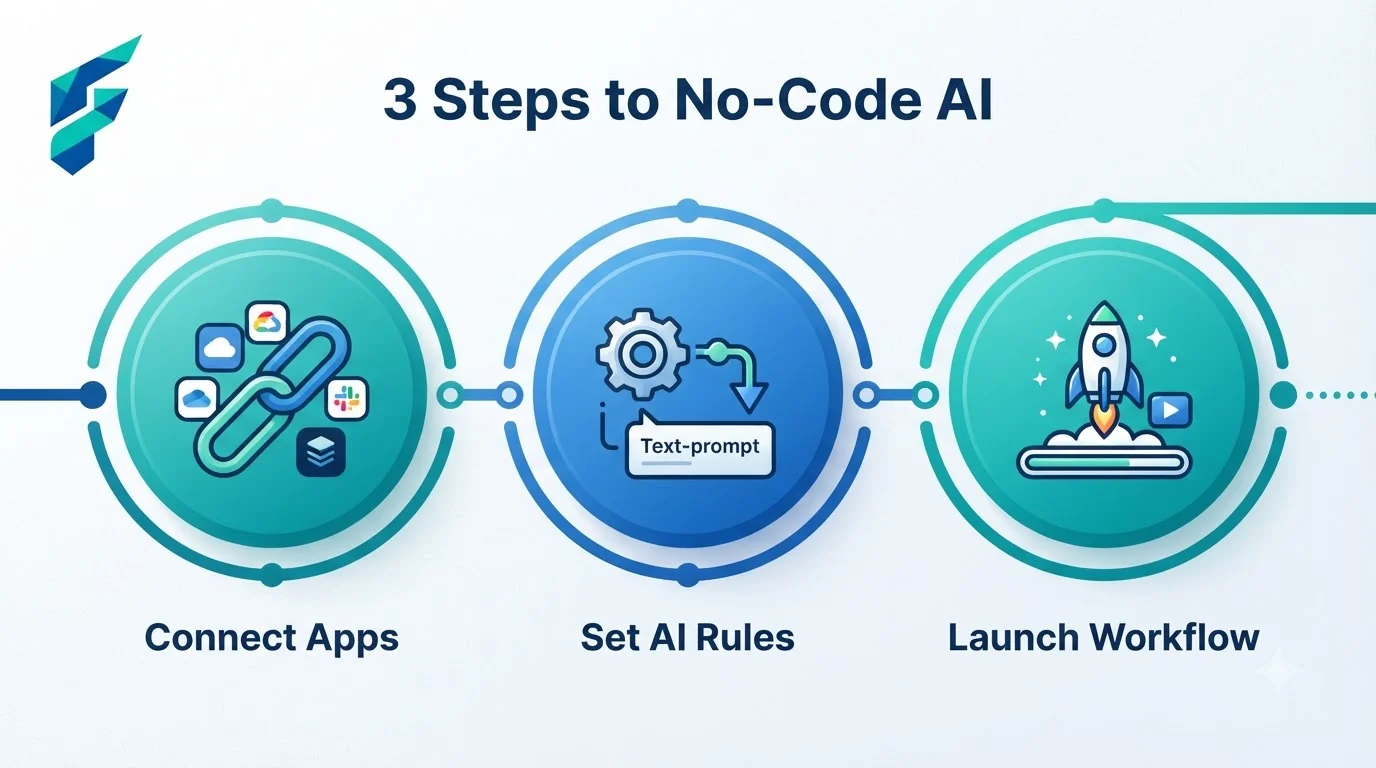
A trigger happens — a form gets submitted, an email arrives, a calendar event is created — and a chain of steps runs automatically, one of which can be an AI action: draft a reply, summarize the submission, or categorize the request. You build this chain by dragging and connecting blocks in a visual builder, not by writing scripts.
The AI step is usually the easiest part to set up. Understanding your trigger — what exactly kicks the automation off, and under what conditions — is where the real thinking happens.
Zapier vs. Make: the actual difference
Zapier is built for speed of setup — pick a trigger, pick an action, connect them, done. It's the better starting point if you've never built an automation before. The tradeoff is that complex, multi-branch logic gets clunky.
Make (formerly Integromat) has a steeper learning curve but a visual canvas that makes complex, branching automations easier to actually see and debug once you're past the basics. If your workflow has real "if this, then this, but if that, then something else" logic, Make handles it more cleanly.
I started with Zapier because the interface felt less intimidating, and built a simple "new form submission → AI summary → Slack notification" workflow. It took about 45 minutes, but once I saw it work, the mental barrier was gone. I only migrated to Make later when I needed to add conditional routing based on specific form answers.
✅ Pro tip: The AI step in these platforms often relies on connecting to powerful language models. You can easily plug in APIs from tools like Claude or Gemini to handle the drafting or summarization logic within your visual workflow.
Automations worth building first
- New lead → AI-drafted follow-up email → your inbox for review. A form submission triggers a drafted reply waiting for you, instead of a blank inbox and a blinking cursor. The AI uses the same principles we cover in our guide to AI writing tools to generate a personalized, on-brand draft.
- Customer inquiry → AI categorization → routed to the right person or list. Instead of manually sorting a shared inbox (or relying solely on a basic AI chatbot), incoming messages get tagged by sentiment or topic and routed automatically.
- New content published → AI-drafted social captions → queued for review. Turns the manual repurposing step from the content pipeline into something that happens on its own, similar to how dedicated AI summarization tools process long documents into key takeaways.
Start with one of these. Get it working reliably before adding a second — stacking automations before the first one is solid is the most common way people end up debugging a tangled mess instead of saving time.
My very first automation was the "new lead → AI-drafted follow-up" workflow. It took me a solid 90 minutes to get right, mostly because I kept forgetting to add a "delay" step so the AI had time to generate the draft before the email action fired. Once it clicked, though, it saved me 3-4 hours a week immediately.
Where no-code automation hits its limit
Anything requiring genuinely custom logic — pulling data from a source with no existing integration (like custom AI financial forecasting models), or a workflow with more than a handful of conditional branches — starts to strain what a visual builder handles gracefully. At that point you're either paying for a developer to build a custom connector, or accepting a manual step in the middle of your automation.
Comparing your options
| Platform | Best for | Free tier | Learning curve | Complex branching logic |
|---|---|---|---|---|
| Zapier | Fast setup, simple chains | Yes, limited runs/month | Low | Clunky past a few branches |
| Make | Multi-step, branching workflows | Yes, limited operations/month | Moderate | Handles it well |
| Built-in automations (within apps you already use) | Single-app workflows, no cross-tool needs | Often included | Very low | Usually none needed |
The actual time investment
Budget a real hour for your first automation, not fifteen minutes — even with a no-code tool, figuring out exactly what should trigger what takes longer than the building itself. After the first one, each additional automation gets noticeably faster to set up.
My current automation stack runs entirely on Make, handling about 15 distinct workflows that save our two-person team roughly 12 hours a week. If you're ready to build your first one, don't overthink the platform. Pick Zapier for speed or Make for control, and just build one simple chain today. Check our Tool Finder filtered for no-code automation platforms to compare features side-by-side.