Best Tools · Small Business · AI
Best AI Tools for Small Business Owners
(2026 Honest Picks)
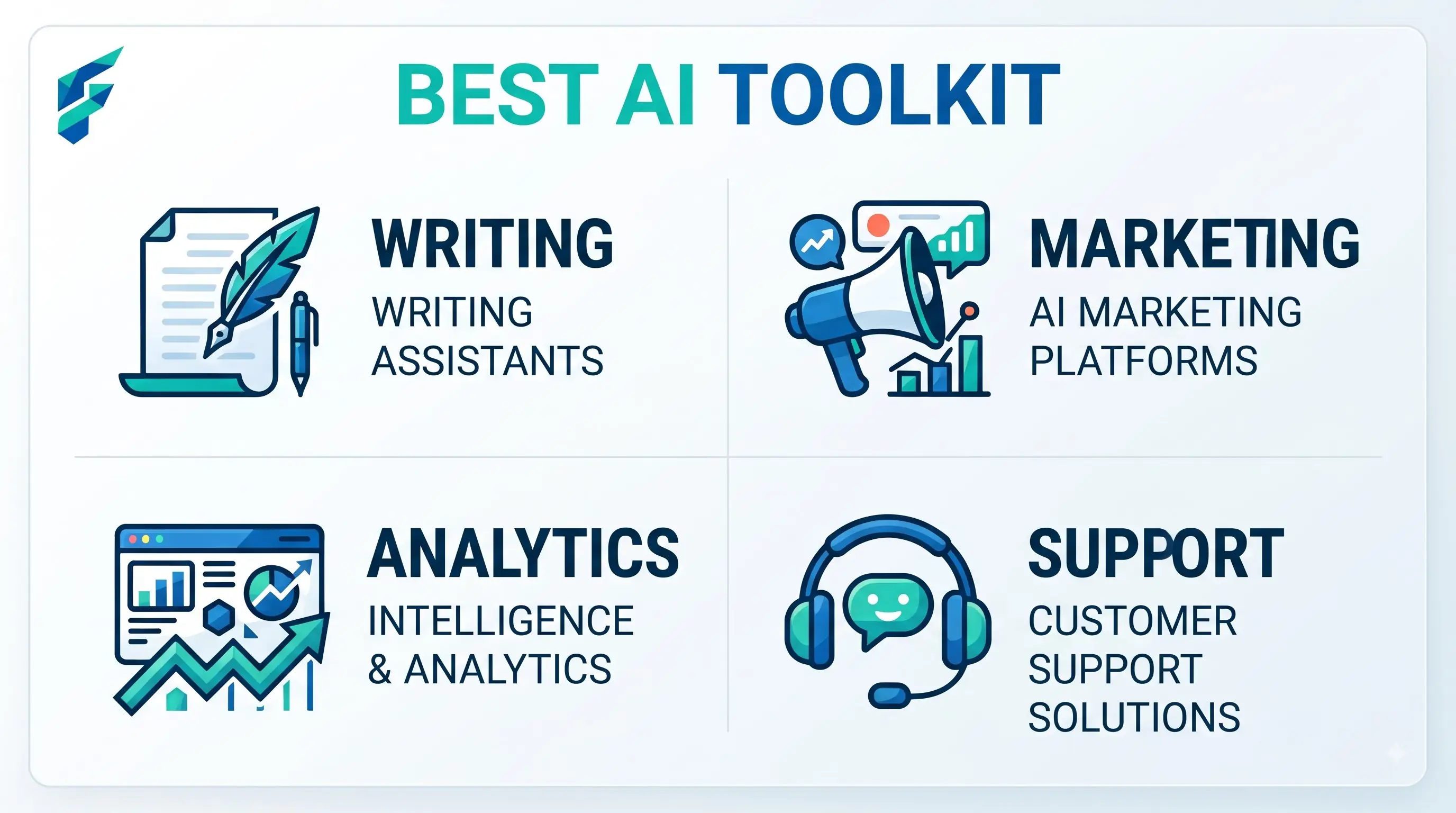
There's no single "best" AI tool for a small business, because the businesses using them are doing completely different jobs — a solo consultant and a five-location retail shop need different things wearing the same "small business" label. What follows is organized by task, not by ranking, because that's the more useful question to actually answer.
Quick answer: For most owners just getting started: a general chatbot (ChatGPT or Claude) for writing and research, Canva for design, and your existing bookkeeping software's built-in AI features for cash flow — all either free or already included in something you're paying for. Everything else on this page is worth adding once those three are second nature.
For writing and communication
A general AI chatbot handles emails, social captions, product descriptions, and job listings better than most specialized writing tools, mostly because you're not locked into a template. The free tiers of ChatGPT and Claude cover typical small-business volume.
I settled on Claude for most of my writing because it tends to produce more natural-sounding business communication and handles longer documents better. ChatGPT is great for quick drafts and brainstorming. I use both, but Claude gets about 70% of my writing tasks because the tone feels less robotic.
✅ Pro tip: According to the SBA's AI for Small Business guide, starting with general-purpose AI tools like ChatGPT or Claude before investing in specialized solutions is the most cost-effective approach for small businesses.
For design and marketing materials
Canva's free tier covers basic AI-assisted design — background removal, template suggestions, simple generation. For businesses doing heavier visual marketing, the paid tier unlocks more, but most owners don't need it starting out.
For scheduling and admin
AI scheduling assistants that coordinate meeting times across calendars, or staff scheduling tools for businesses managing hourly employees, remove a specific, recurring headache — covered in more depth in our guide on AI productivity tools for small business if that's your specific need.
For customer support
A chatbot handling routine questions (hours, pricing, order status) with a clear, fast handoff to a person for anything else. The mistake to avoid: no visible way for a frustrated customer to reach a human — that's what turns a helpful tool into a complaint.
We cover this in detail in our guide on AI customer support tools for small business — the key is ensuring the bot handles the routine 60-70% while making human handoff obvious and fast.
For financial visibility
Your existing bookkeeping software (QuickBooks, Xero) likely already has AI-driven cash flow forecasting on a higher plan tier — check before buying a separate forecasting tool.
The specific financial question this answered for me was "Will I have enough cash to cover payroll in 6 weeks if my two biggest clients pay late?" The AI forecasting tool flagged a potential shortfall three weeks before it would have happened, giving me time to adjust payment terms and avoid a crisis.
For automation
No-code platforms like Zapier or Make let you connect an AI step into a workflow you already run manually — new lead, drafted follow-up, all without writing code. Start with one workflow, not five at once.
This connects to our guide on AI automation tools for small business — the key is picking one repetitive task that eats real time and automating just that before expanding.
Tools that get recommended constantly but aren't right for everyone
- Dedicated analytics dashboards — often unnecessary if the free analytics built into your website or POS platform already covers what you check. Don't add a paid layer until you've confirmed the free one falls short.
- Enterprise-focused CRM AI features — powerful, but built around sales teams and data volumes most solo operators and very small teams don't have yet. The setup cost isn't worth it below a certain size.
Comparing categories at a glance
| Category | Best starting point | Typical cost to start | Worth it for |
|---|---|---|---|
| Writing | ChatGPT / Claude free tier | $0 | Nearly everyone |
| Design | Canva free tier | $0 | Anyone doing visual marketing |
| Scheduling/admin | Built-in AI in existing calendar/scheduling tools | Often $0, check settings first | Teams juggling multiple calendars or shifts |
| Customer support | Website chatbot widget | $0-50/mo | Businesses with repeat, routine questions |
| Finance | Bookkeeping software's built-in forecasting | Often included in a higher plan | Anyone managing cash flow closely |
| Automation | Zapier or Make free tier | $0-20/mo | Businesses with a clearly repetitive task |
The actual starting point
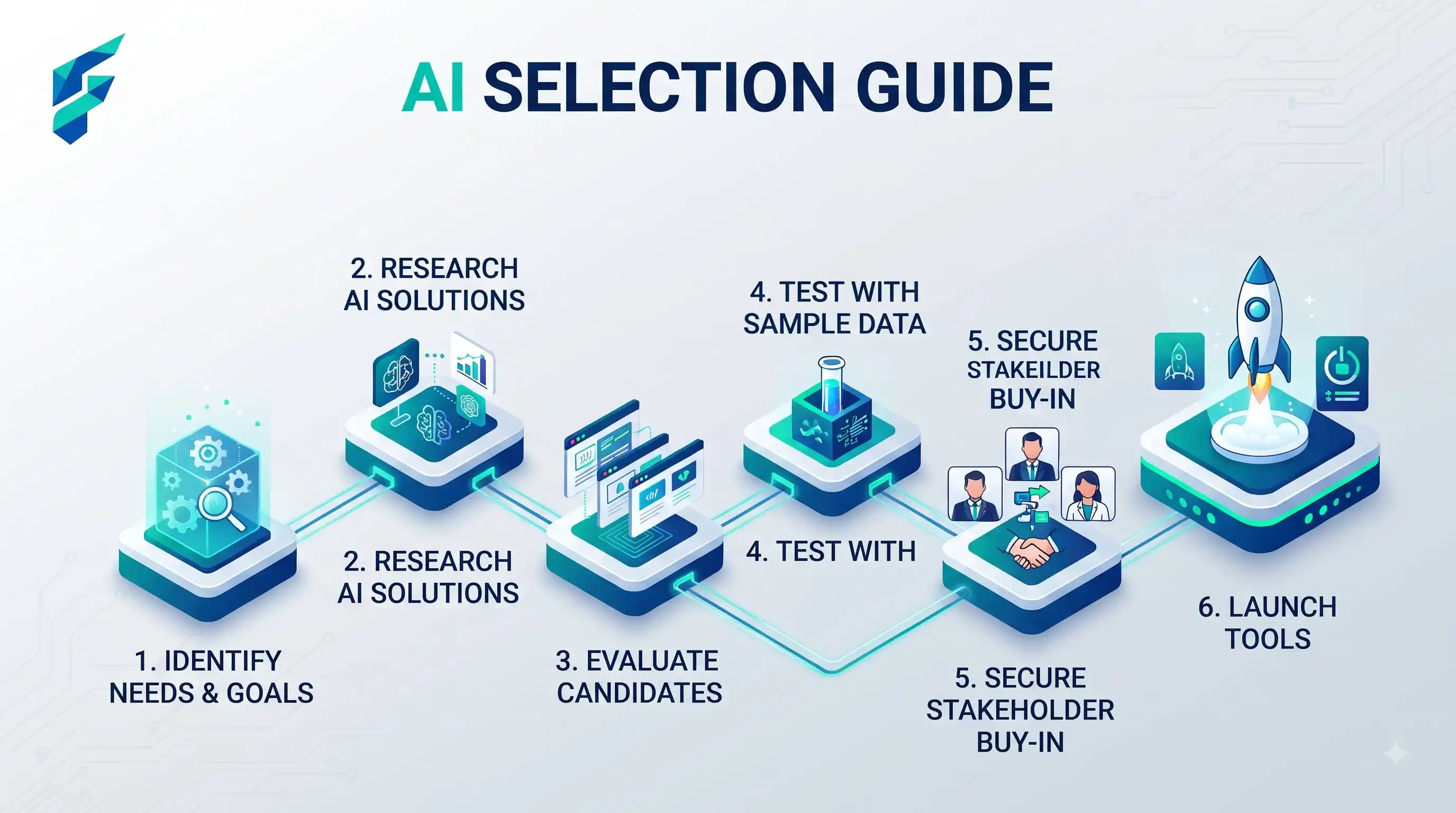
Don't try to adopt six tools this month. Pick the one task eating the most of your week, find the tool built for that specific job, and get comfortable with it before adding a second.
If I had to recommend just one place to start: begin with ChatGPT or Claude for writing. It's free, versatile, and you'll see immediate time savings on emails, social posts, and content. Once you're comfortable there (usually takes 2-3 weeks), add one more tool based on your next biggest time drain. Check our Tool Finder to compare options in each category side-by-side.