🎯 Customer Support · AI Tools · Small Business
AI Customer Support Tools
for Small Business (What Actually Helps)
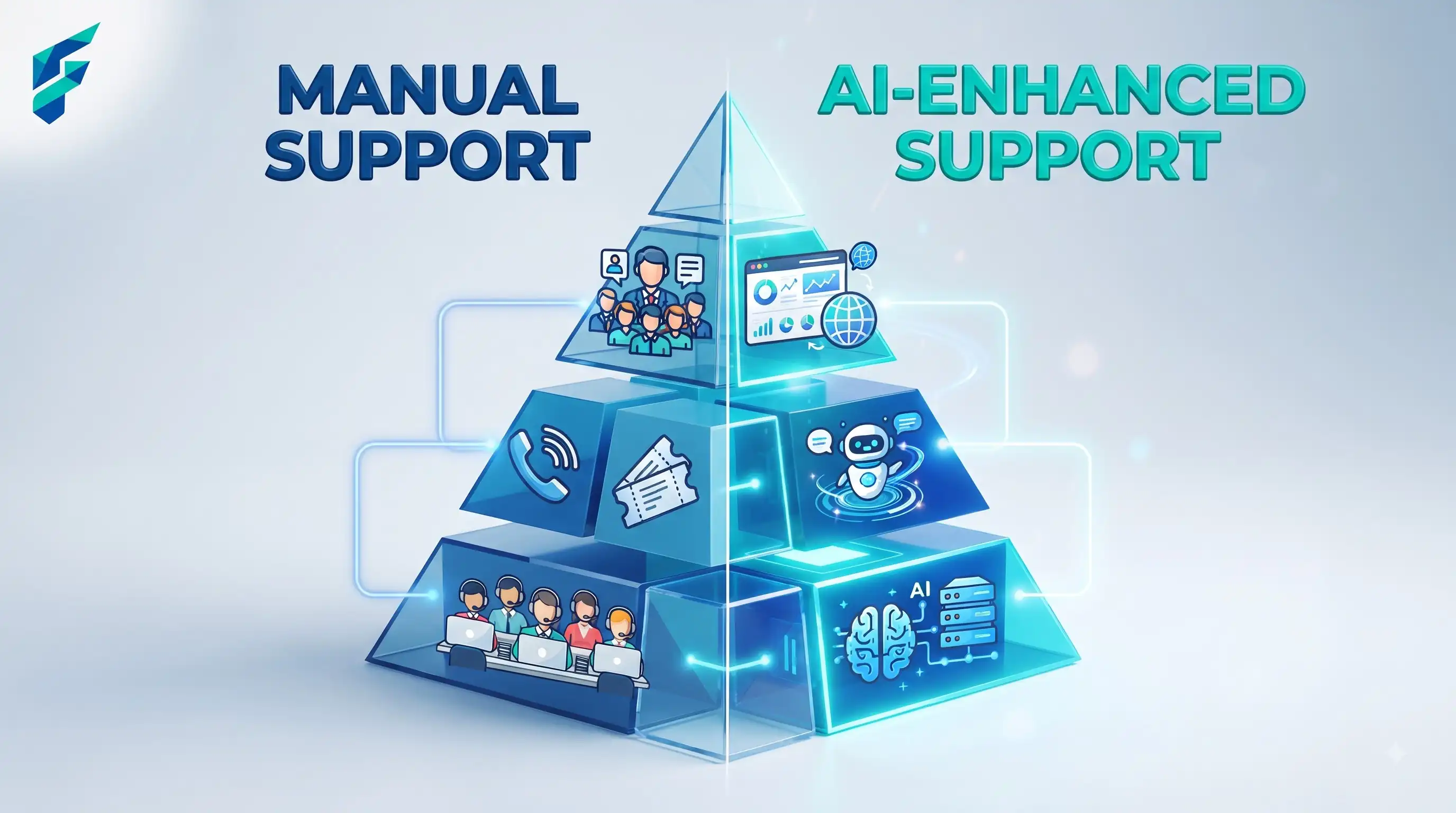
Customer support is the area where AI tools get the most pushback from actual customers, and it's usually for one specific reason: the tool is asked to fully replace a person instead of handling the routine layer and getting out of the way for everything else. Get that split right and support AI genuinely helps. Get it wrong and you've built a wall between your customers and actual help.
Quick answer: AI support tools are worth using for triage (sorting and prioritizing incoming tickets), routine answers (order status, hours, common questions), and drafting replies for your team to review and send faster. They're not worth trusting for anything emotionally sensitive, unusual, or high-stakes without a human checking first.
Triage and routing
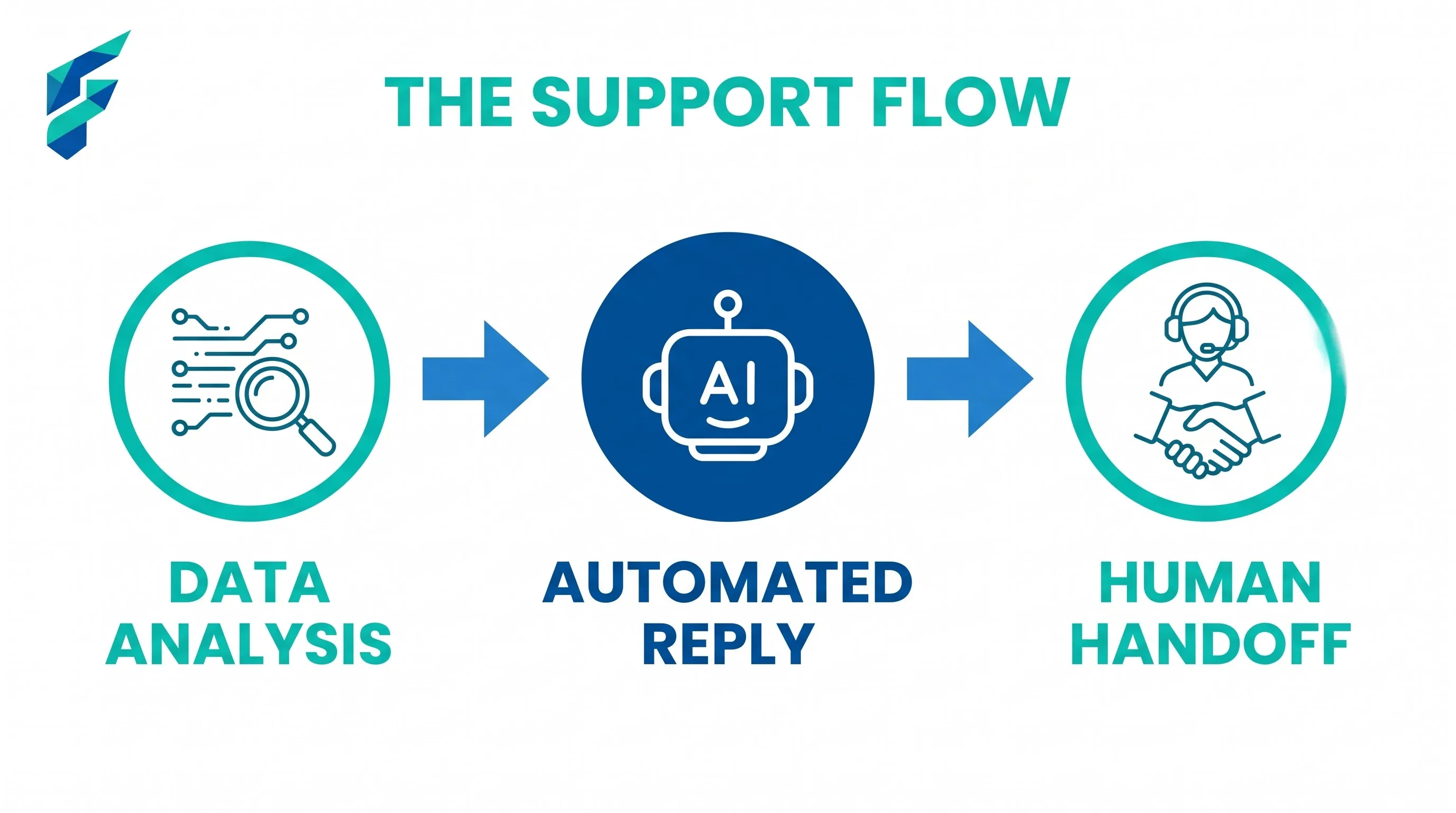
Before a human ever sees a ticket, AI can categorize it, flag urgency, and route it to the right person — a refund request goes somewhere different than a general question, automatically, instead of everything landing in one queue someone has to manually sort.
Best for: any business with enough support volume that manual sorting eats real time.
Skip if: you're getting a handful of support messages a week — the setup effort isn't worth it at that volume.
✅ Pro tip: According to Salesforce's research on AI for small business, automated ticket routing can reduce response times by up to 70% by ensuring tickets reach the right person immediately.
Answering routine, repeated questions
If the same handful of questions make up a big share of your tickets — shipping times, return policy, hours — an AI-powered help widget or chatbot can answer these instantly, any time of day, without a person involved at all.
For me, the top 3 most-repeated support questions are: "When will my order ship?", "What's your return policy?", and "Do you offer international shipping?" These three questions used to account for about 60% of our support volume. Now they're handled instantly by our chatbot, and my team can focus on the complex issues that actually need human judgment.
💡 Related reading: This connects directly to our guide on AI chatbots for small business — both cover how to implement conversational AI that actually helps instead of frustrating customers.
Drafting replies for agent review
For tickets that need a human touch but follow a familiar pattern, AI can draft a starting reply that your team edits and sends — faster than writing from scratch, but still reviewed before a customer sees it. This is the sweet spot: speed without losing the human check.
This approach is similar to how we use AI email management tools — the AI handles the drafting, humans handle the nuance and relationship-building.
Where AI support tools go wrong
- No visible, fast path to a human. Covered in more detail in our guide on practical AI use cases for small business, but it bears repeating here specifically: this is the single most common complaint about AI support, and it's entirely preventable with better setup, not a reason to avoid AI support tools altogether.
- Handling complaints or anything emotionally charged. A customer who's frustrated wants to feel heard, not routed through a scripted bot flow. Route negative sentiment straight to a person — most platforms can detect this automatically.
- Confidently answering something it doesn't actually know. A support bot that guesses at policy details instead of saying "let me check with someone" causes real damage when the guess is wrong. Choose tools built to hand off rather than fabricate an answer.
I once contacted a company's support chatbot about a billing discrepancy. The bot confidently told me I owed $150 for a service I'd already canceled. When I tried to explain, it just repeated the same incorrect information three times. Finally, I typed "speak to human" and got connected immediately. The human fixed it in 2 minutes. The bot had cost the company a customer; the human saved the relationship. That's the difference between good and bad AI support setup.
Comparing your options
| Tool type | Best for | Typical cost | Handles complex issues | Human handoff quality |
|---|---|---|---|---|
| Help widget chatbots (Tidio, Intercom-style) | FAQ, order status, routine questions | $0-50/mo for small teams | No, by design | Usually good if configured well |
| AI ticket triage/routing | Any business with real support volume | $20-100/mo | Routes, doesn't resolve | N/A — it's a sorting layer |
| AI-assisted reply drafting | Support teams handling nuanced but familiar tickets | Often bundled into helpdesk software | Moderate — human reviews before send | Built-in, since a human sends it |
The realistic bar for a good setup
You're not trying to eliminate your support team. You're trying to make sure the easy 60-70% of tickets never need a person, so the people you do have can spend their time on the tickets that actually need judgment and care.
Our current setup: chatbot handles the top 5 FAQs automatically (shipping, returns, hours, pricing, international orders), AI triage routes everything else to the right team member, and AI drafts replies for common issues that our team reviews before sending. Result: average response time dropped from 6 hours to 45 minutes, and our support team can now focus on the 30% of tickets that actually need their expertise instead of spending all day answering the same shipping question.
If you're ready to implement AI support tools, start with triage and routing — it's the lowest-risk, highest-impact starting point. Then add automated FAQ responses for your top 3-5 questions. Check our Tool Finder filtered for customer support and chatbot tools to find the right fit for your volume and complexity.