♊ Google AI · Gemini
Gemini Hidden
Features
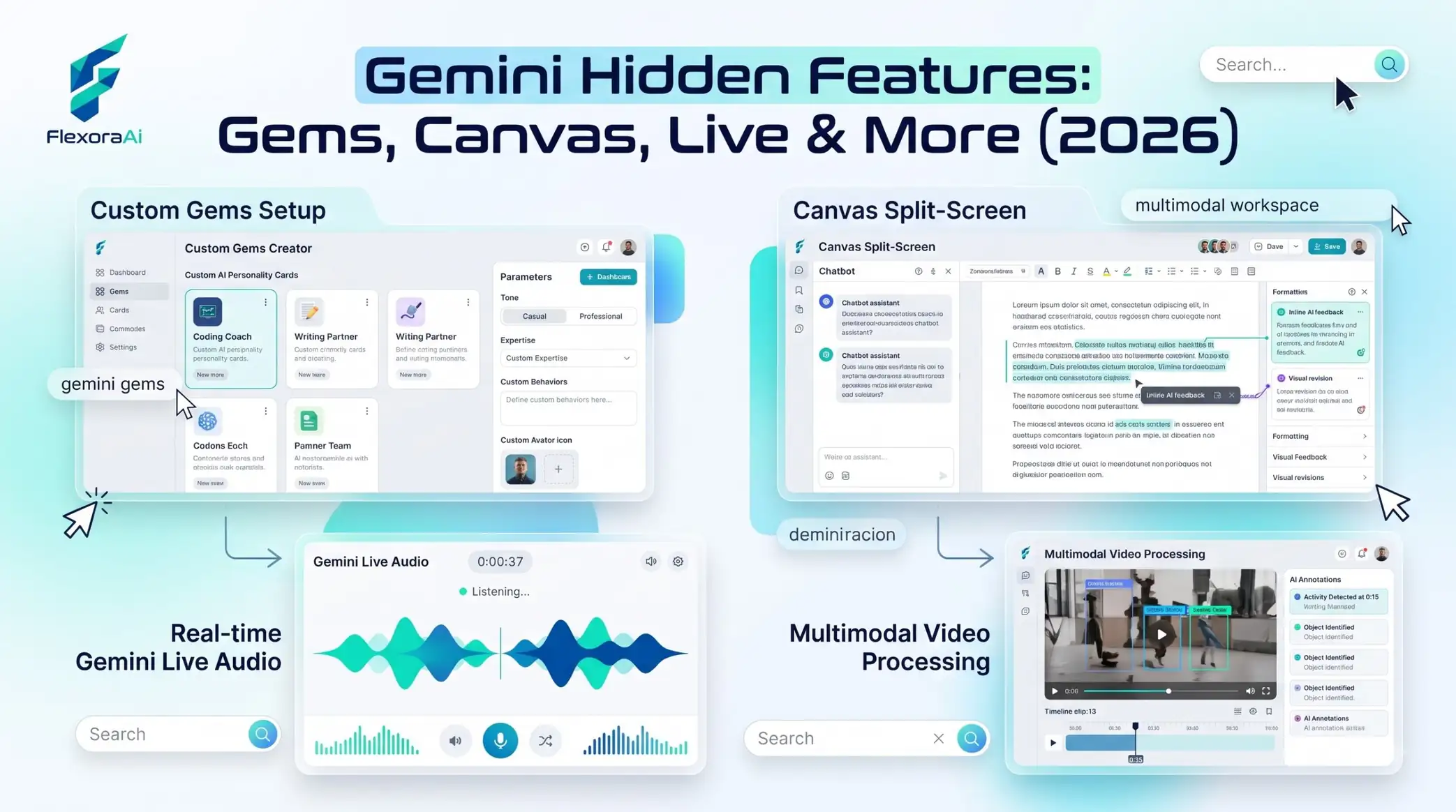
Gemini hides a surprising amount in plain sight. Most people type a question and read the answer. Few notice the settings that remember how you like to be answered, the tools that turn a chat into a report, or the camera mode that can talk you through a repair. This guide, part of our Google AI tools guide, covers the features worth finding, and how to use each one.
Short answer: Look in Gemini's Tools menu and Settings for Gems, Canvas, Deep Research, Guided Learning, Instructions for Gemini, scheduled actions, Temporary Chat and Gemini Live. They're real features, not Easter eggs, and several are free.
Worth knowing
- The app was redesigned at Google I/O in May 2026, so menus may look different from older guides.
- Standing instructions and Gems save you from retyping the same setup.
- Temporary Chat gives you a private, non-personalized session.
The features, one by one
| Feature | What it does | Where to find it |
|---|---|---|
| Gems | Saved, specialized versions of Gemini with their own instructions | Gems area in the app |
| Canvas | A side-by-side editor for text and code | Tools menu |
| Deep Research | Plans, searches and writes a longer report | Tools menu |
| Guided Learning | Teaches a topic step by step | Tools menu |
| Instructions for Gemini | Standing preferences used in every chat (formerly Saved Info) | Settings, under Personal Intelligence |
| Scheduled actions | Recurring prompts at set times | Settings |
| Temporary Chat | A private session without personalization | Icon at the top of a chat |
| Gemini Live | A spoken conversation, with camera input | Microphone area |
Gems: stop retyping your setup
If you often start a chat with “act as a patient editor” or “write a five-minute quiz,” make a Gem. You give it a name and a set of rules, and it opens ready to work. Reports in 2026 describe Gems as available on the free plan.
Instructions for Gemini
Under Settings, in the Personal Intelligence section, you'll find a place to write instructions that every future chat can use. One reviewer used it to tell Gemini to turn all subheadings into level-two headings by typing just two characters. Keep instructions short and specific, and avoid putting anything sensitive in them.
Canvas, Deep Research and Guided Learning
- Canvas opens an editing space next to the chat. You can select a sentence and ask for a change to only that part.
- Deep Research makes a plan, searches the web and compiles a report. Check its sources before you rely on it.
- Guided Learning teaches a topic in steps, which suits revision and new subjects.
None of these is a hidden joke. They sit alongside the playful tricks in our complete list of Google Easter eggs, but they're built to save time.
Gemini Live with the camera
Gemini Live lets you talk with Gemini aloud. With camera input, you can point your phone at something, such as a flashing light on a router or a confusing piece of furniture, and talk through the problem. Use it for low-stakes help, and don't rely on it for anything safety-critical.
What's new since I/O 2026
Google announced a redesign called Neural Expressive, with a pill-shaped prompt box and a tools row. The side menu now includes New chat, Search chats, Library (previously My stuff) and Notebooks, and reports say Gems are no longer as quick to reach. It also announced Gemini 3.5 Flash, a Daily Brief and Spark, an agent that runs in the background and asks you to confirm important actions such as sending email or spending money.
Privacy basics
- Use Temporary Chat for sensitive topics.
- Review what you've saved in Instructions for Gemini.
- Turn on Connected Apps only for accounts you trust with the access.
- Check your activity settings regularly.
If you're deciding which assistant to use for which job, try our compare AI tools page for side-by-side views.
How we checked this: We used eWeek's April 2026 piece on lesser-known features, 9to5Google's report from I/O 2026, a Ziff Davis hands-on guide for settings and Temporary Chat behavior, and a 2026 feature overview for Gems and Canvas. AI products change quickly, so check dates and your own screen before you rely on any detail. If something here is out of date for you, email ownerflexora.ai@gmail.com and we will fix it.
Your turn: Create one Gem for a task you repeat every week, and write three lines of standing instructions. Use both for a week and note what saves you time.
The best features are the ones you'll use tomorrow. Pick one and try it today.
More tricks to try
New to prompting? The Gemini prompts for beginners guide is next.