🤖 Google Easter Eggs · AI Overviews
Google AI Overview
Fun Tricks
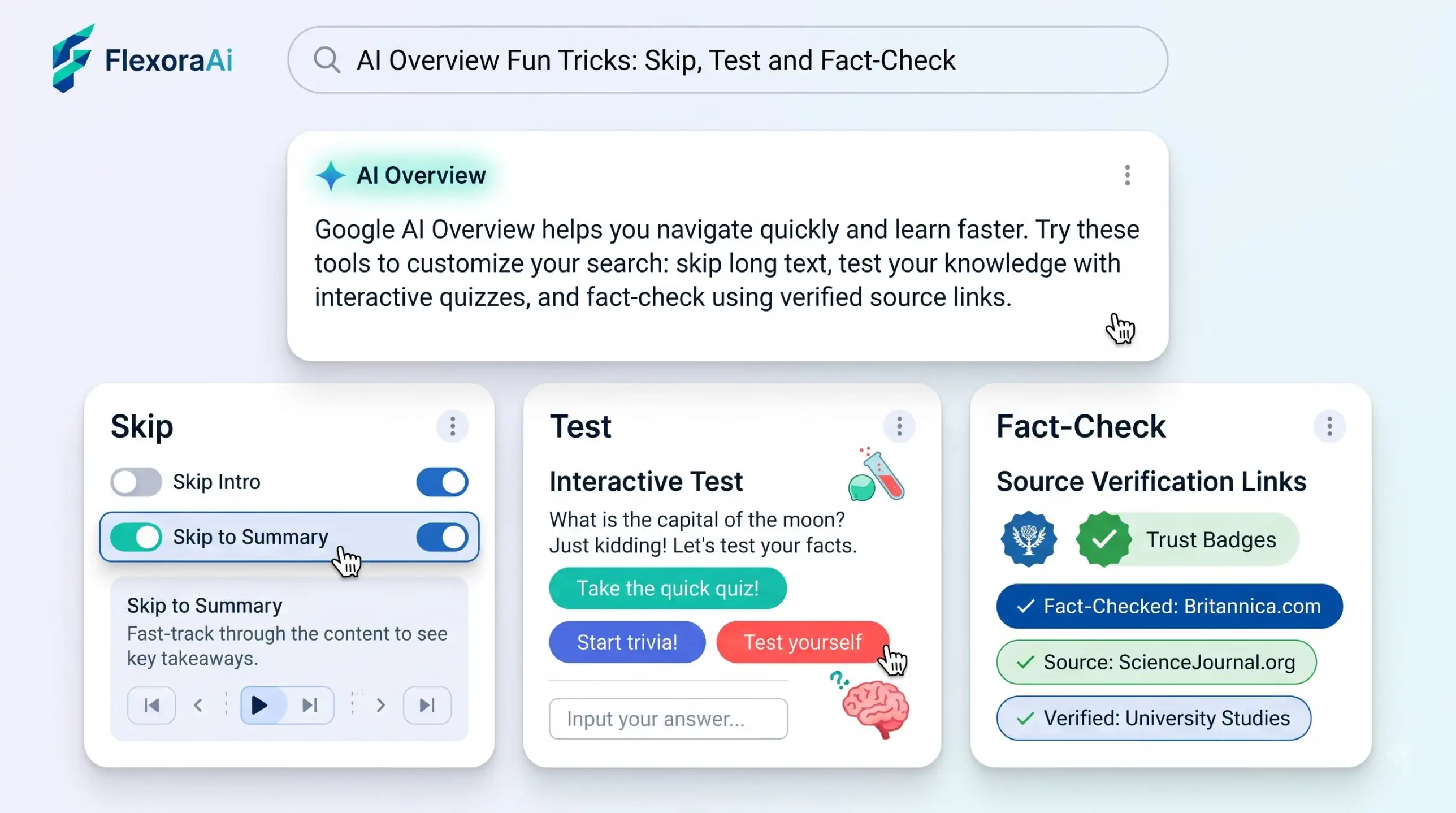
“AI Overview fun tricks” sounds like a list of hidden jokes. It isn't. AI Overviews are a full Search feature, and the fun is mostly in learning how they behave, spotting their mistakes and knowing how to skip them. This guide, part of our complete list of Google Easter eggs, explains what's reliable, what's reported but shaky, and how to turn the box into a game of fact-checking.
Short answer: You can't switch off AI Overviews, but you can skip them with the Web filter or by adding udm=14 to the search address. For fun, test them with questions you already know the answer to, and check every claim against the sources.
Worth knowing
- Google says AI Overview is a core feature that cannot be turned off.
- The Web filter, also called udm=14, shows plain text links.
- The famous glue-on-pizza answer traced back to a joke comment.
How to skip an AI Overview
| Method | How | Catch |
|---|---|---|
| Web filter | Click Web under the search box, which may sit under More | Resets on each search |
| udm=14 | Add &udm=14 to the end of the search address | Manual unless you save it |
| Custom search engine | Add {google:baseURL}search?q=%s&udm=14 in your browser's search settings | Desktop only, and the setup differs by browser |
| The -AI trick | Add -AI to your query | Reported to work, but not documented |
Sites that add udm=14 for you exist, but they see every search you send through them. Prefer the browser setting, which goes straight to Google.
Our Google april fools pranks history guide covers an earlier era, when Google's jokes were scripted and never hallucinated.
What happened with the glue-on-pizza answer?
Shortly after AI Overviews launched in the United States in May 2024, a search for why cheese wasn't sticking to pizza produced an answer that suggested adding glue to the sauce. Users traced it to a humorous comment on an old forum thread. Other odd answers circulated too, and Google said it was removing harmful examples and improving the system.
It's a useful story. AI summaries read sources without always knowing when a source is a joke.
Five harmless ways to test an AI Overview
- Ask about something you know well and see if the answer is right.
- Ask a question that has a false premise, such as a year or a name you know is wrong.
- Search for a recent event and look at the dates in the sources.
- Ask the same question twice and compare the answers.
- Ask a silly question, such as how to teach a goldfish to juggle, and see how it handles a joke.
These are tests for fun and learning. Don't use AI Overviews for medical, legal or safety decisions, and don't copy risky advice.
A game to play with friends
Pick five questions, read each AI Overview aloud, and have everyone vote: true, false or unsure. Then open the sources together. It makes a good round in our fun Google tricks to do with friends lineup, and it teaches the habit that matters most.
How to fact-check an AI Overview in a minute
- Open the sources. Check that they actually say what the summary says.
- Check the date. Old pages can look current.
- Look for the original. Find the primary source, not a repost.
- Compare with another tool. Try AI Mode, Gemini, ChatGPT or Perplexity, but still check sources.
Other options
Some people switch to other search engines, such as DuckDuckGo, or use browser extensions that hide the box. Extensions can see your browsing, so read their permissions first.
How we checked this: We used Ars Technica via Slashdot and eWeek for the udm=14 and Web filter details, Mental Floss, Yahoo and SiliconANGLE for the May 2024 examples, and an ad-blocker review that quotes Google's statement that the feature cannot be turned off. AI products change quickly, so check dates and your own screen before you rely on any detail. If something here is out of date for you, email ownerflexora.ai@gmail.com and we will fix it.
Your turn: Run the five-question test on five topics you know well. Score the answers, and see which topics trip the system up.
AI Overviews are not a trick to master, but a tool to question. That habit will outlast any single interface.
More tricks to try
Curious about tricks that have vanished? The Google retired easter eggs list is next.