🌐 Google Easter Eggs · Chrome Tricks
Google Gravity Chrome
Trick
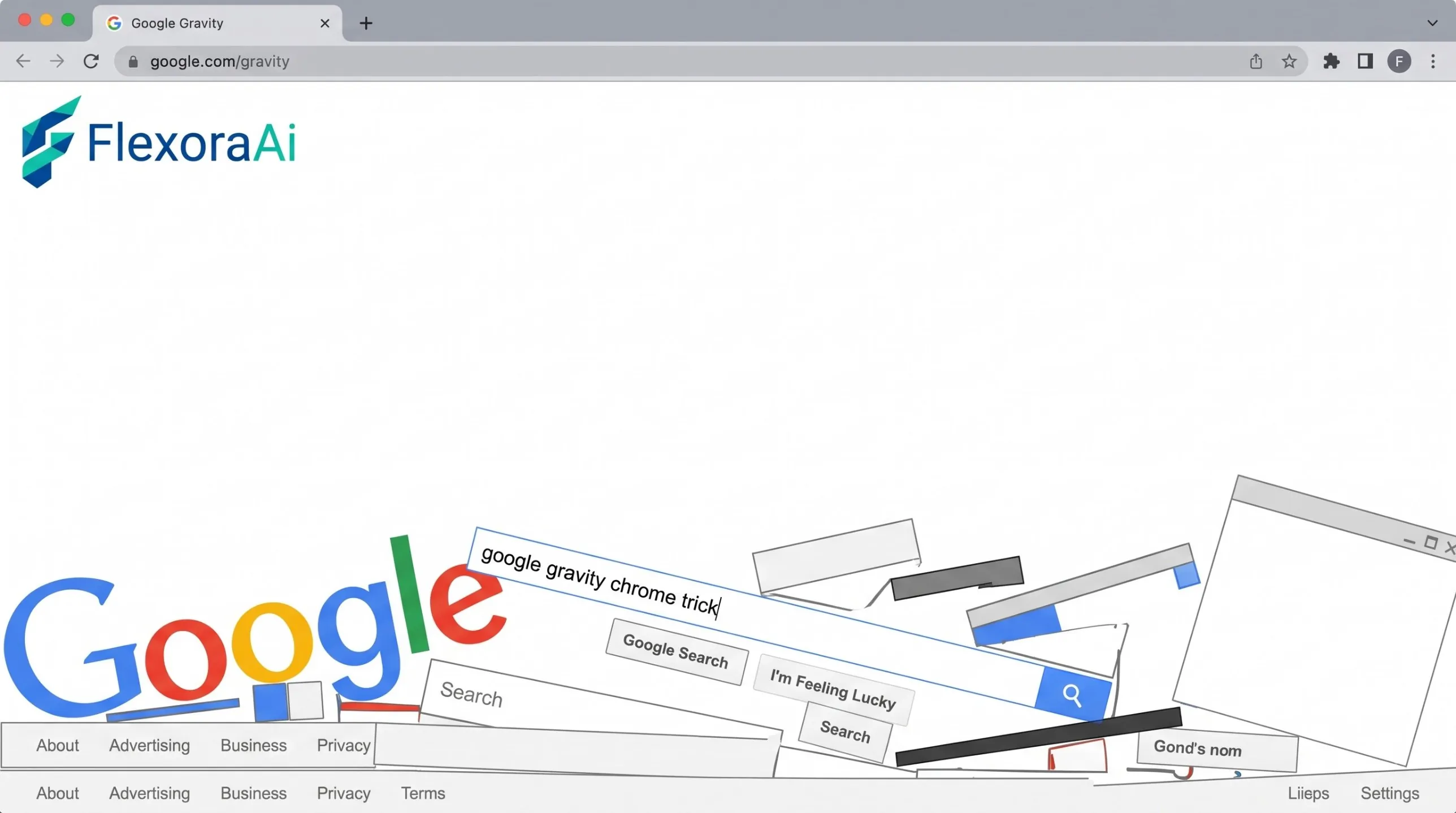
Chrome is where most people first try Google Gravity, and it's the easiest browser to troubleshoot. This post covers what the "Chrome" in the name really means, how to get the best result in Chrome, and what to check if the experiment refuses to run. It's part of our Google gravity and underwater tricks guide.
Short version: Google Gravity runs well in Chrome, but it isn't Chrome-only. It's called a Chrome experiment because it was shown on Google's Chrome Experiments site in 2009.
Worth knowing
- Chrome Experiments was about cross-browser features, not Chrome-only ones.
- Users have reported it running in other browsers and on touch devices.
- Extensions and settings are the usual reasons it fails.
Why "Chrome" is in the name
Chrome Experiments launched in 2009 as a place to show off what JavaScript could do in modern browsers. The experiments were written to run across browsers, which is why Google Gravity also works elsewhere. The name points to the showcase, not to a requirement.
Get the best result in Chrome
- Open the experiment in a regular window, not a heavily customised profile.
- Press F11 for full screen, so the page has room to fall.
- Close extra tabs. Animated pages use more processing power.
- If it's slow, check that hardware acceleration is on in Chrome's settings.
If it doesn't work
| Symptom | Likely cause | Try this |
|---|---|---|
| Nothing happens | A script blocker | Turn extensions off for the page. |
| Page looks broken | An old copy of the experiment | Use the original experiment page. |
| Slow, choppy motion | Too many tabs or no acceleration | Close tabs and check settings. |
Troubleshooting a trick is half the fun of the complete list of Google Easter eggs, and the same steps help with most browser experiments.
While you're in Chrome
Chrome has its own hidden extras. Typing chrome://dino opens the offline dinosaur game, and our guide to Chrome hidden features and flags covers more of what's tucked away.
How we checked this: We used a developer discussion in which the creator described the experiment and users reported running it in other browsers, plus background on the Chrome Experiments showcase. Browser behavior changes often, so test it in your own setup. If something here is out of date for you, email ownerflexora.ai@gmail.com and we will fix it.
Your turn: Try the experiment in two different browsers and note any differences in speed or behavior. Which one handled it best?
More tricks to try
Curious about the page-flipping side of the family? The Google gravity mirror trick is next.
Frequently Asked Questions
To try the original, visit Mr.doob's original experiment.