🎸 Google Doodle Games · Hidden Games
Google Guitar Doodle
Trick
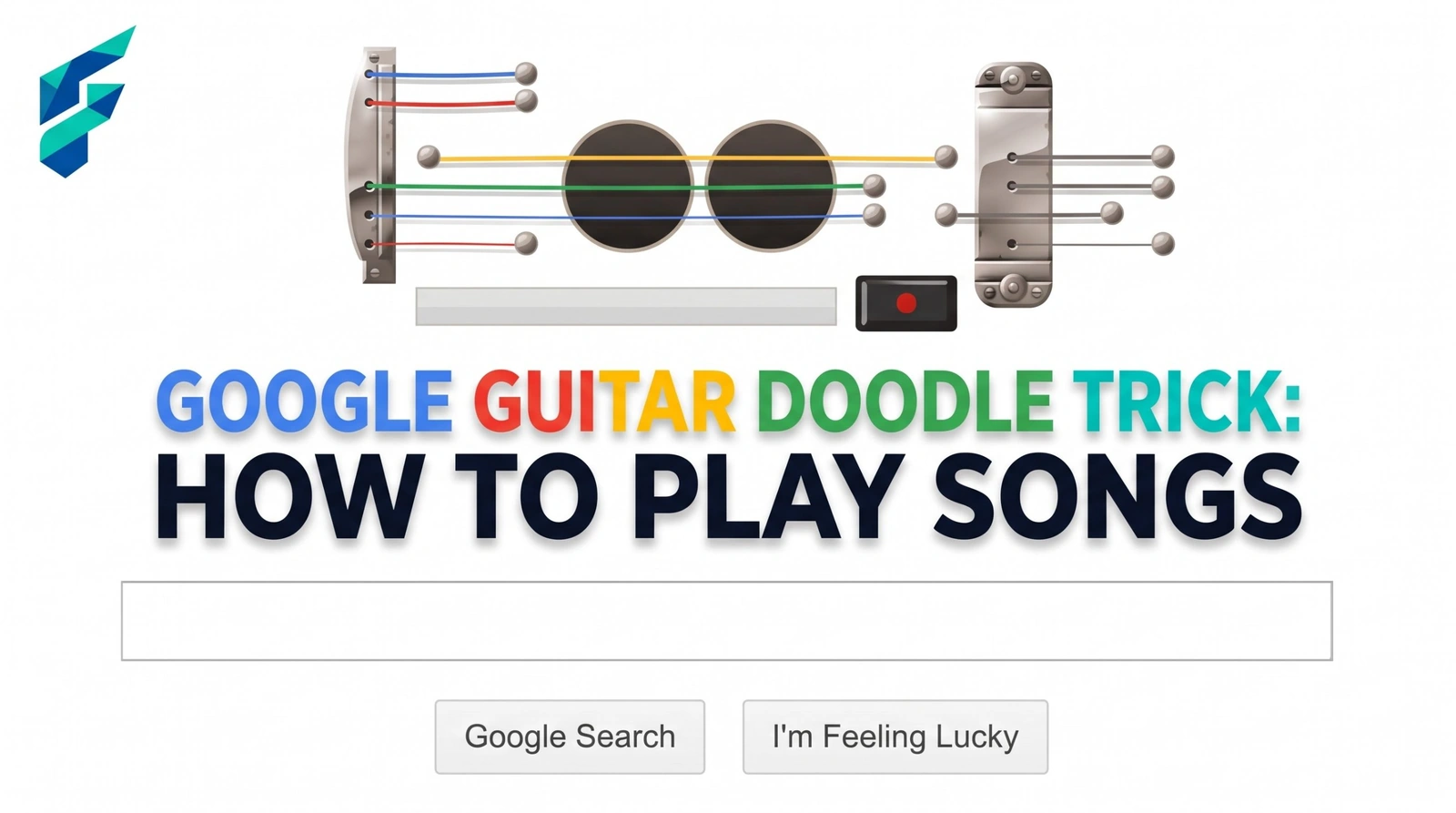
Not every entry on our hidden Google games list is a game with a score. The Google guitar Doodle is a musical one: for a day in 2011, the Google logo turned into a set of strings you could strum with your mouse. Here is what it was, how to play it, and where you can still try it.
Quick answer: The Google guitar Doodle appeared on June 9, 2011, for Les Paul's 96th birthday. Move the mouse across the strings to strum, or press keys to play notes, and use the record button to capture a short tune.
What the guitar Doodle was
Google replaced its homepage logo with an electric guitar-style set of strings to honour Les Paul, the guitarist and inventor who helped make the electric guitar a rock and roll instrument. Paul also experimented with multitracking and tape delay, so the Doodle team added a record button as a nod to that tinkering side of his work.
It was built with JavaScript, HTML5 Canvas for the strings, CSS and Flash for the sound. Google's engineers Kristopher Hom and Joey Hurst made it with Doodle team lead Ryan Germick, and designer Alexander Chen wrote about it on the Google blog.
How to play it
- Strum with the mouse. Drag the pointer across the strings and each one plays a note.
- Or use the keyboard. Letters and numbers trigger notes, and each row of keys is tuned the same, so you can tap from left to right to play a scale.
- Press the record button. Play your tune, then stop the recording to capture a short clip of up to 30 seconds.
- Share the link. In the original, stopping the recording gave you a link so friends could hear your tune.
Heads up: the record and share feature depended on Google's own servers at the time. Archived or restored copies of the Doodle may play fine but not save your recordings the same way.
Why people loved it
The numbers show how big it became. Google reported that in just 48 hours, people in the US recorded about 5.1 years' worth of music, roughly 40 million songs, and those songs were played back around 870,000 times. Some players even worked out which keys made which notes and recorded recognisable songs instead of random strumming.
It sits alongside other music and arcade tributes in our complete list of Google Easter eggs, and it is one of the few that works as a creative tool rather than a game.
Tips for a better tune
- Start with a scale. Tap one row of keys from left to right to hear how the notes are laid out.
- Strum slowly first. Fast drags blur notes together, so slow drags sound cleaner.
- Keep recordings short. The 30-second limit rewards a simple, repeated idea.
- Browse more playable Doodles. Our guide to the Google doodle archive best games lists others worth a visit.
More hidden games to try
If you would rather enter a secret code than play music, the Google konami code trick is next in the series.
Frequently Asked Questions
For a wider look at playable Doodles, see our companion Google Doodle games list on NeuraPlus.