🃏 Google Search Games · Hidden Games
Google Solitaire
Trick
Solitaire is the game people kept asking Windows to bring back, and Google quietly answered by putting it inside search. It is one of the most useful entries on our hidden Google games list, because you can play a full game in seconds without installing anything. This guide covers how to start, what features you get, and the habits that win more games.
Quick answer: Search for solitaire on Google. A game card appears in the results. Tap it to open a full-screen game, choose a difficulty and play.
Key takeaways
- Google added Solitaire and Tic-Tac-Toe to search on August 25, 2016.
- It is classic Klondike with a timer, score, move counter, undo and restart.
- It has two difficulty levels, and it does not offer variants such as FreeCell or Spider.
How to start a game
- Search for solitaire. Use Google in a browser or the Google app.
- Open the card. The playable game sits at the top of the results.
- Choose a difficulty. The full-screen version lets you pick before you play.
- Move the cards. A review of the game noted that, unlike the Windows version, you drag cards instead of double-clicking them to send them to the foundations.
What you get inside the card
| Feature | What it does |
|---|---|
| Timer, score and moves | Tracks how long you have played, your points and how many moves you have made. |
| Undo and restart | Reverses a move or starts the deal again. |
| Two difficulty levels | Lets beginners and experienced players choose how hard the game feels. |
| Klondike only | Other versions, such as FreeCell and Spider, do not appear as playable cards. |
Google does not spell out the exact rules of each level in the sources we checked, so look at the difficulty setting rather than assuming. In classic Klondike, the harder variant turns cards from the stock three at a time, which limits which cards you can reach.
Solitaire is one of several classic games Google built into results, and our complete list of Google Easter eggs shows where the others sit.
Habits that win more games
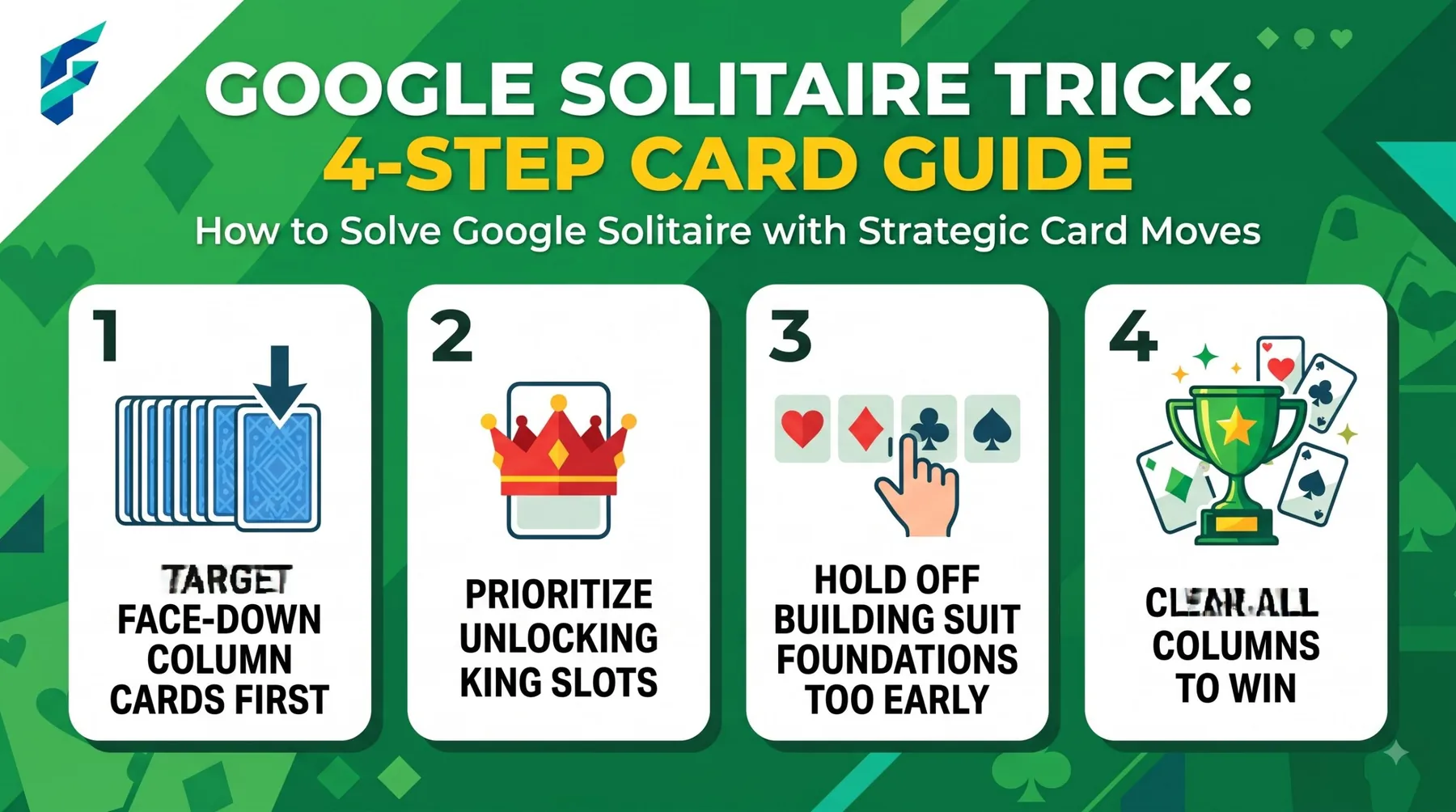
- Uncover the face-down cards first. Work on the tallest columns, because every hidden card is a card you cannot use yet.
- Move Aces and Twos up early. They have no reason to wait in the tableau.
- Keep Kings in mind. Only a King can fill an empty column, so do not empty a column unless a King is ready.
- Think before drawing. Check every possible move on the board before you turn another card from the stock.
- Use undo to learn. Try a risky move, see what it opens up, and reverse it if it does not help.
Common mistakes
The most common error is rushing to the foundations. Moving a mid-value card up too early can leave you without the card you need to continue a tableau sequence. If you are unsure, leave the card where it is until you have a clear reason to move it.
How we checked this: We compared launch-day coverage from sources such as TechCrunch, PCWorld, Android Authority and TechSpot, and checked the details against each other. This guide relies on those reports rather than on testing every device, and Google can change the game without notice. Spotted something out of date? Email ownerflexora.ai@gmail.com and we will update the guide.
Your turn: Play one game on the easier level and note your time. Then try to beat that time on your next deal using the habits above. Come back and tell us what worked.
For another page-wrecking trick, see the Google gravity and underwater tricks guide.
More hidden games to try
Prefer a festive pick? The Google spin a dreidel trick is next in the series.
Frequently Asked Questions
For the original 2016 announcement coverage, read TechCrunch's announcement coverage.