🐟 Google Easter Eggs · Gravity & Underwater
Google Underwater
Fish Trick
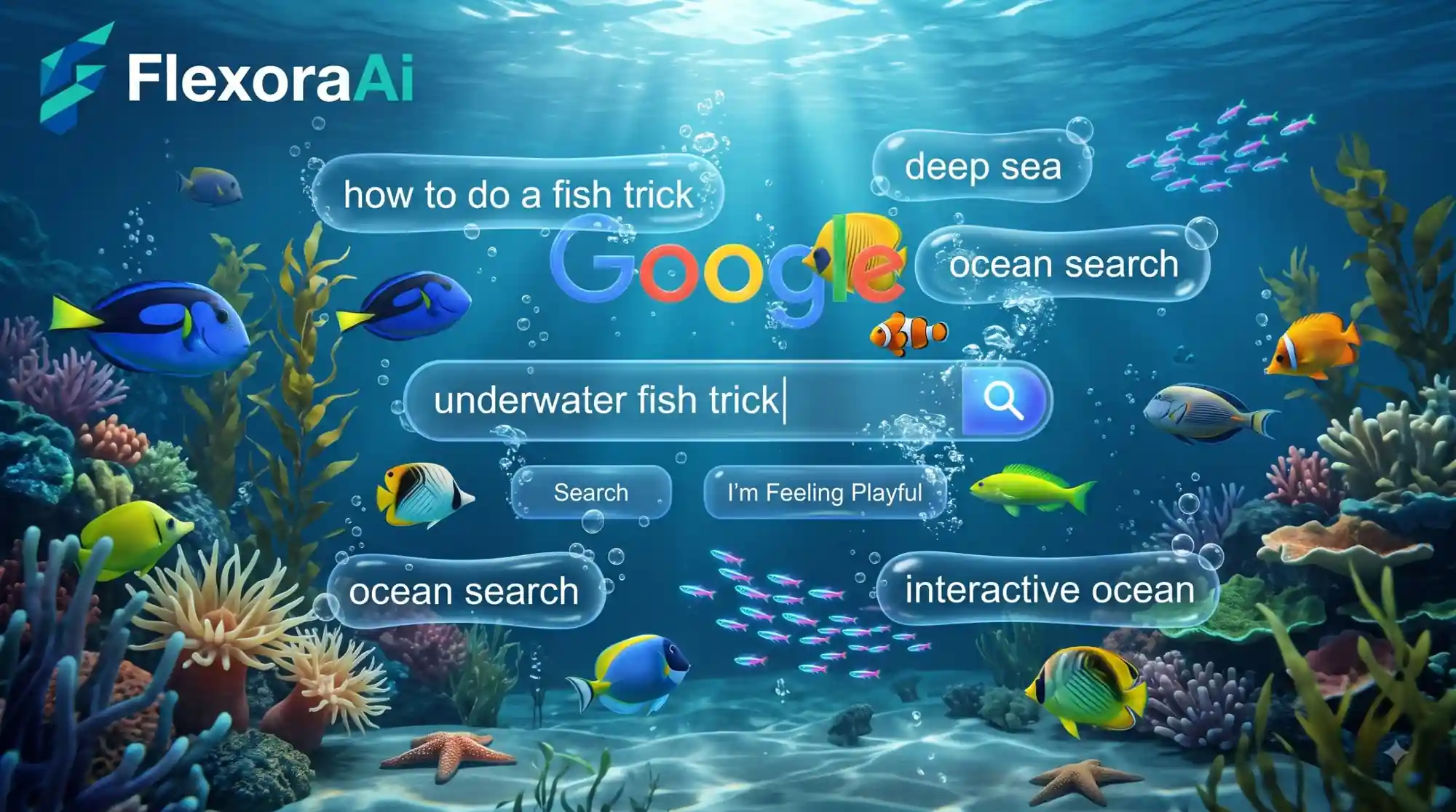
Google Gravity makes a page fall apart. Underwater does the opposite: things float, drift and settle, and it turns out to be strangely relaxing. It's one of the gentler experiments in our Google gravity and underwater tricks guide, and this post is about what it does, how to try it, and why it's nicer to leave running than you'd expect.
Short version: Google Underwater is a browser experiment that turns the Google page into a floating, aquarium-style scene. It isn't an official Google feature, and it works in a normal desktop browser.
Worth knowing
- It belongs to the same 2009-era family of experiments as Google Gravity.
- The mood is calm and floaty rather than chaotic.
- It's an independent experiment, so it can behave differently from browser to browser.
What you'll see
Instead of dropping to the bottom of the screen, the page's familiar pieces (the logo, the search box, the buttons) seem to hang in water. Descriptions of the experiment call it an animated aquarium, and fish drift through the scene behind them. Most experiments in this family react to your mouse, so it's worth dragging things around to see how they respond.
Gravity versus underwater
| Experiment | Mood | What the page does |
|---|---|---|
| Google Gravity | Chaotic | Elements fall and pile up at the bottom. |
| Google Underwater | Calm | Elements float and drift in a watery scene. |
| Zero gravity | Floaty | Elements hover weightless and can be dragged. |
How to try it
- Open a desktop browser and search for the Google Underwater experiment by name.
- Pick the original experiment over copy sites where you can, since copies sometimes add ads.
- Wait for the scene to load, then move your mouse across the page.
- Drag a few elements around and see where they settle.
It sits in good company. Our complete list of Google Easter eggs shows how it compares with the tricks hidden in Search itself.
Small ways to enjoy it more
- Go full screen. The scene reads better with the whole window to itself.
- Dim your screen at night. It's a bright page, and a lower brightness makes it feel like a real tank.
- Close heavy tabs first. Animated pages use more power than a plain page.
- Treat it as a backdrop. Leave it in a spare window while you read or think.
If you enjoy the old-web feeling, our retro Google tricks guide collects more tricks from the same era.
How we checked this: We compared descriptions of the experiment from several explainers and from the creator's own notes on the Google Gravity family, and kept only the details they agree on. We haven't tested it on every browser. If something here is out of date for you, email ownerflexora.ai@gmail.com and we will fix it.
Your turn: Open Underwater and Gravity side by side in two tabs. Which one would you rather leave open for an hour? Tell a friend and see if they agree.
More tricks to try
Prefer something with a bit more bounce? The Google ball pit trick is next.
Frequently Asked Questions
For a companion take on the same trick, see our NeuraPlus underwater trick guide.