You're drowning in repetitive tasks. Email responses, appointment scheduling, invoice generation, social media posts—the list never ends. You started your business to do meaningful work, not to become a glorified data entry clerk.
Here's the good news: AI can automate 40-60% of your daily tasks, freeing you up to focus on strategy, creativity, and growth. But where do you start? Which tasks should you automate first? And what tools actually work?
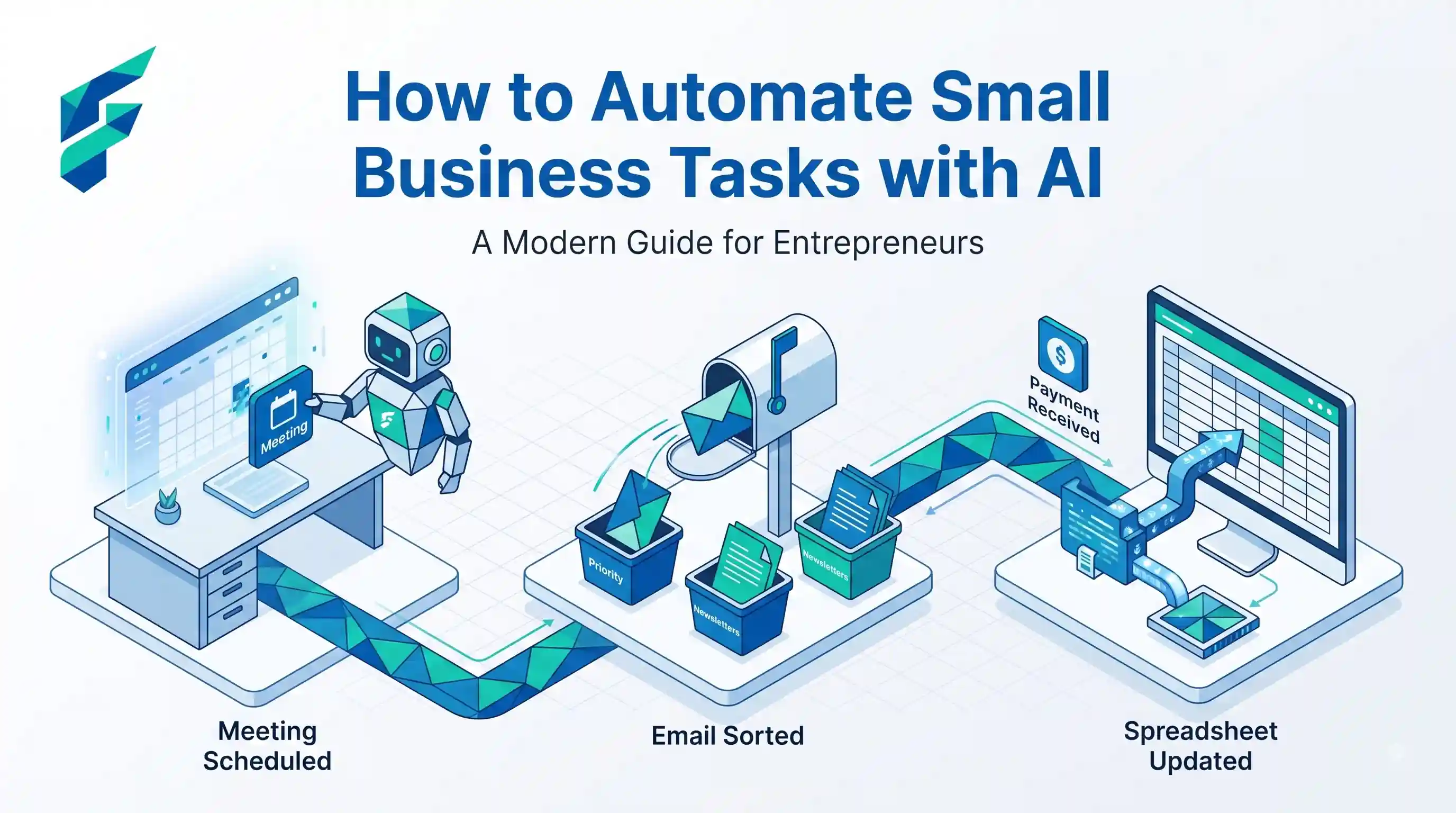
10 Tasks You Should Automate First
Not all tasks are created equal. Some will give you massive time savings; others will just add complexity. Here are the highest-impact tasks to automate first:
📧 Communication & Customer Service
Email Responses
Set up AI to handle common inquiries, appointment confirmations, and follow-ups. Tools like ChatGPT can draft personalized responses that you just review and send.
Appointment Scheduling
Let AI handle booking, reminders, and rescheduling. Calendly, Acuity, or AI chatbots can manage this 24/7 without your input.
Customer Support FAQs
Deploy AI chatbots to answer common questions instantly. This reduces response time from hours to seconds.
💰 Finance & Administration
Invoice Generation
Automate recurring invoices, payment reminders, and late fee calculations. QuickBooks and FreshBooks do this automatically.
Expense Tracking
AI can categorize receipts, track mileage, and flag unusual expenses automatically.
Payroll Processing
Automate salary calculations, tax withholdings, and direct deposits. Gusto and ADP handle this seamlessly.
📈 Marketing & Sales
Social Media Posting
Schedule posts across platforms, auto-generate captions, and even create content with AI tools like Buffer or Hootsuite.
Lead Qualification
Use AI to score leads based on behavior, demographics, and engagement—focusing your time on hot prospects.
Email Marketing Campaigns
Set up automated drip campaigns that nurture leads and customers based on their actions.
📊 Operations
Inventory Management
AI can predict demand, auto-reorder stock, and alert you to slow-moving items before they become a problem.
How to Implement Automation (Step-by-Step)
Phase 1: Audit Your Current Tasks (Week 1)
Before you automate anything, you need to know what you're doing. Track every task for one week:
- Time spent: How long does each task take?
- Frequency: Daily, weekly, monthly?
- Complexity: Does it require judgment or just following steps?
- Impact: Does it directly generate revenue or improve customer satisfaction?
Phase 2: Prioritize by ROI (Week 2)
Use this formula to prioritize:
Automation Priority = (Time Saved × Frequency) ÷ Implementation Effort
High-priority tasks are frequent, time-consuming, and easy to automate. Start there.
Phase 3: Choose Your Tools (Week 2-3)
Don't overcomplicate this. Start with these categories:
- Workflow automation: Zapier or Make for connecting apps
- Communication: ChatGPT for drafting, Calendly for scheduling
- Finance: QuickBooks or FreshBooks for invoicing
- Marketing: Buffer for social media, Mailchimp for email
If you need specific recommendations, check out our guide on AI automation tools for small business.
Phase 4: Build & Test (Week 3-4)
Start with ONE workflow. Here's a simple example:
Example: Automate New Lead Follow-Up
- Trigger: Someone fills out contact form
- Action 1: AI drafts personalized response
- Action 2: Email sent to lead
- Action 3: Lead added to CRM
- Action 4: Task created for sales team to follow up in 3 days
Test this thoroughly before rolling it out. Send test submissions, check every step, and fix any issues.
Phase 5: Monitor & Optimize (Ongoing)
Automation isn't "set it and forget it." Review monthly:
- Are tasks completing successfully?
- Where are errors occurring?
- Can you add more steps or improve the workflow?
- What's the actual time savings?
Start with free tiers of tools. Most platforms offer generous free plans. Only upgrade when you've proven the automation saves you time and money.
5 Automation Mistakes to Avoid
Automating Broken Processes
Fix the workflow manually first. If it doesn't work with human intervention, automation will just make the problem worse.
Over-Automating
Not everything needs automation. Keep human touch for high-value interactions like closing deals or handling complaints.
Ignoring Data Privacy
Never automate processes involving sensitive customer data without checking compliance and security.
No Human Oversight
Always have a human review critical automations. Set up alerts for failures and review outputs regularly.
Giving Up Too Soon
Automation takes time to perfect. Give it 4-6 weeks before deciding if it's working.
Budget-Friendly Automation
You don't need a huge budget to get started. Here's how to automate on a shoestring:
- Free Tools: Start with free tiers of Zapier (100 tasks/month), ChatGPT (free version), and Google Workspace automation
- Open Source: Tools like n8n and Huginn are free and powerful (but require more technical skill)
- Phased Approach: Automate one task per month. Spread costs over time.
- ROI First: Only invest in paid tools after proving the time savings. If a $20/month tool saves you 5 hours, that's a no-brainer.
For more options, see our comprehensive list of free AI tools for small business.
Measuring Success
How do you know if automation is working? Track these metrics:
- Time Saved: Track hours before and after automation
- Error Rate: Are mistakes decreasing?
- Response Time: How much faster are you responding to customers?
- Cost Savings: Compare tool costs to value of time saved
- Revenue Impact: Are automated follow-ups converting more leads?
A good automation should pay for itself within 30-60 days. If it doesn't, rethink your approach.
Frequently Asked Questions
What small business tasks can be automated with AI?
Many repetitive tasks can be automated including email responses, appointment scheduling, data entry, social media posting, invoice generation, customer support queries, inventory management, and report generation. Focus on tasks that follow predictable patterns and don't require creative judgment.
How much does it cost to automate small business tasks with AI?
Costs vary widely. Many tools offer free tiers for basic automation. Paid plans typically range from $10-200/month depending on features and volume. The key is starting small with free or low-cost tools and scaling as you see ROI.
Do I need coding skills to automate tasks with AI?
No! Modern AI automation platforms like Zapier, Make, and Airtable use visual, drag-and-drop interfaces that require zero coding. You can build powerful automations just by connecting apps and setting up triggers and actions.
How long does it take to set up AI automation?
Simple automations can be set up in 15-30 minutes. More complex workflows might take 2-4 hours initially. The key is to start with one high-impact task, get it working perfectly, then expand to other areas.
Key Takeaways
Ready to understand the bigger picture of AI in business? Learn more about the broader trends and opportunities in this insightful article on how AI is changing small businesses and what it means for your future growth.