💡 Practical AI · Small Business · Productivity
Practical AI Use Cases
for Small Business (No Hype, Just What Works)
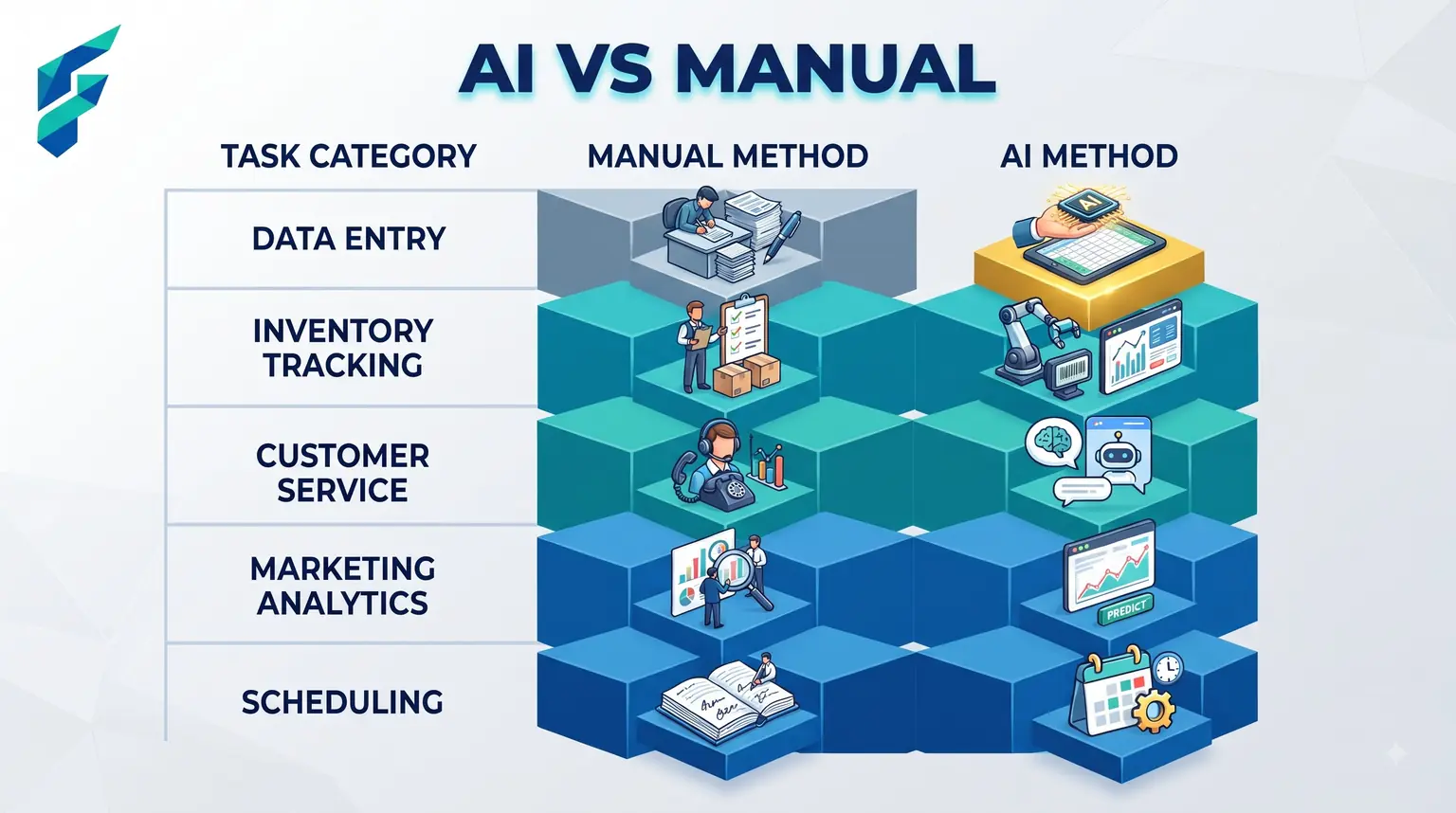
Most "AI use cases" lists read like they were written by someone who's never run a small business — vague bullet points like "improve customer experience" or "streamline operations" that don't tell you what to actually open on your laptop tomorrow. Here's the version with actual tasks attached.
Quick answer: The highest-value, lowest-effort use cases for most small businesses are: drafting routine written communication, summarizing long documents or calls, and answering repetitive customer questions. Everything more advanced than that is worth exploring once those three are second nature.
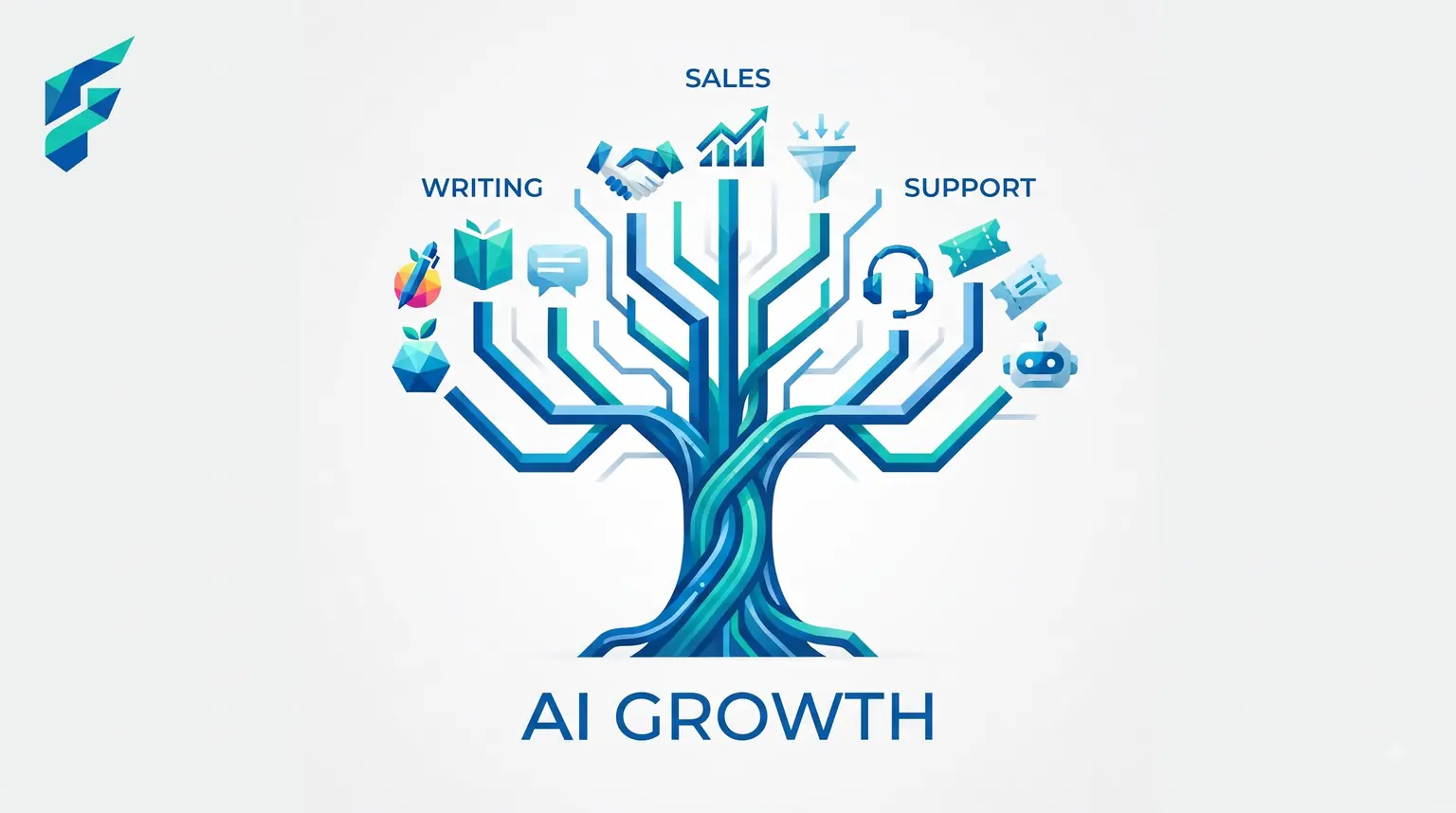
Writing tasks that eat real time
Customer emails
Draft a reply, edit it, send it — faster than starting from a blank page every time, especially for questions you answer often in slightly different words.
Social captions and product descriptions
A repetitive task most owners put off because it's tedious, not because it's hard. AI removes the tedium, you still add the specifics that make it sound like your business. For more ideas on scaling this, check out our guide on AI marketing automation ideas for small business.
Job listings, policies, internal memos
Anything you write rarely enough that you're re-figuring out the structure each time benefits from a draft to start from instead of a blank page.
For me, the specific writing task I've saved the most time on is drafting vendor negotiation emails and weekly client update summaries. What used to take 20 minutes of staring at a blank screen now takes 3 minutes of tweaking an AI-generated draft.
✅ Pro tip: According to the SBA's guide on AI for small business, starting with low-risk, high-reward tasks like drafting and summarizing is the most effective way to adopt AI without disrupting core operations.
Research and summarizing
Catching up on long threads or documents
Paste it in, ask for the key points — covered in more detail in our guide on AI automation tools for small business, but it's one of the highest-value, least-discussed use cases out there.
Competitor or market research
Ask an AI search tool what competitors in your space are doing, what customers are complaining about in your industry, what's changing. Faster than manual searching, though worth verifying anything you'll actually act on.
Meeting and call notes
Automatic transcription and summary means less manual note-taking and fewer things that get forgotten between the call and the follow-up.
Customer-facing use cases
Answering routine questions instantly
A chatbot handling hours, pricing, and order-status questions frees up real conversations for things that actually need a person.
Personalizing at a scale that wasn't possible manually
A follow-up email that references what a specific customer actually asked about, generated in seconds instead of written from scratch for each person.
Last month, a prospect asked a highly specific question about our integration capabilities at 9 PM. An AI-drafted, personalized response went out in 2 minutes. We booked the discovery call the next morning because they felt heard immediately, instead of waiting until the next business day.
Operational use cases
Scheduling and calendar coordination
AI scheduling assistants that find a meeting time across multiple calendars without the back-and-forth email chain.
Basic financial forecasting
Cash flow prediction from your existing bookkeeping data — a good example of AI doing something genuinely hard to do manually at a small scale.
Inventory and demand pattern spotting
For product-based businesses, AI can flag which items are trending up or down before it's obvious from just glancing at the numbers.
Where to actually start
Pick one from the writing or summarizing categories — they're the lowest-risk, fastest-payoff starting points, and they don't require connecting anything to your existing systems. Get comfortable there before moving into customer-facing or operational use cases, which carry more consequence if something goes wrong.
Quick reference by department
| Area | Highest-value use case | Effort to start | Risk if it goes wrong |
|---|---|---|---|
| Writing/communication | Drafting emails, social posts, listings | Very low | Low — you review before sending |
| Research | Summarizing calls, documents, competitor research | Low | Low |
| Customer service | Chatbot for routine questions | Moderate | Moderate — needs a human handoff |
| Operations | Scheduling, forecasting, inventory patterns | Moderate-high | Low-moderate, depending on stakes |
If you're overwhelmed by the options, start with drafting routine emails. It's the lowest-risk, highest-reward entry point. Once you see how much time it saves, you can explore deeper integrations. Check our Tool Finder filtered for practical small business AI tools to find the right starting point for your specific workflow.