💻 AI Coding · Developer Tools · Small Business
AI Coding Assistant Tools
for Small Business (What's Actually Worth It)
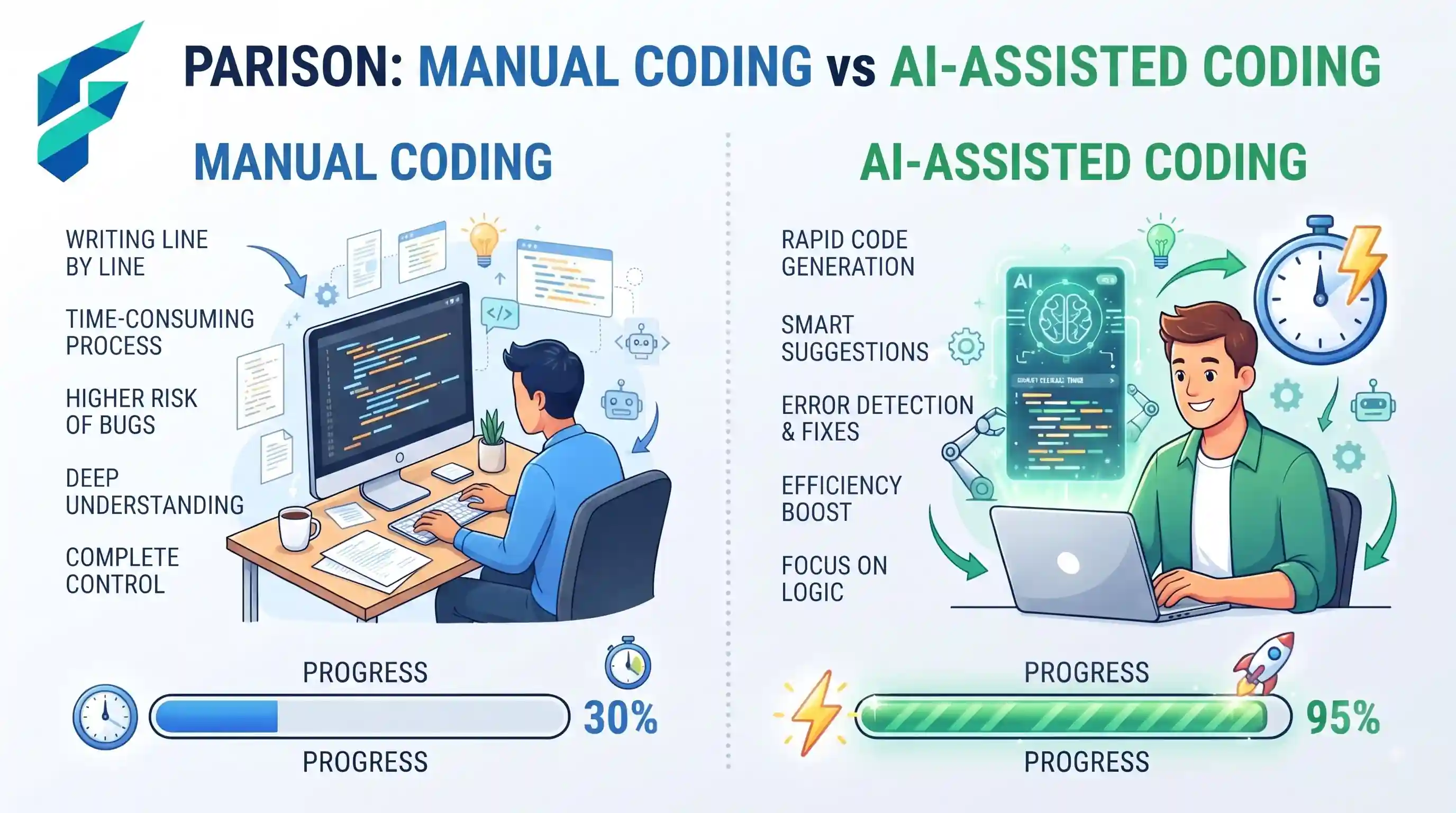
The marketing pitch for AI coding assistants is intoxicating: "Write code 10x faster," "Replace your junior developers," "Ship features overnight." For a small business owner watching every dollar and every hour, it's tempting to believe the hype. But the reality on the ground is far more nuanced. AI coding tools are incredibly powerful force multipliers, but they are not magic wands, and they certainly don't replace experienced engineering judgment.
Quick answer: AI coding assistants (like GitHub Copilot, Cursor, and Codeium) genuinely accelerate boilerplate generation, refactoring, and test writing. However, they introduce subtle security risks and technical debt if accepted blindly. For small teams, they act as a "junior developer pair programmer," not a replacement for senior engineering oversight.
The Reality of AI Coding in 2024
According to the 2024 Stack Overflow Developer Survey, over 70% of developers are either using or planning to use AI tools in their development process. But usage doesn't equal blind trust. The most effective small business teams use AI to handle the tedious 40% of coding work, freeing up their human developers to focus on architecture, complex logic, and security.
Think of an AI coding assistant not as an autopilot, but as an incredibly fast, slightly reckless intern. It can type out a standard API integration in seconds, but it might also accidentally hardcode an API key or use a deprecated library if you aren't watching closely.
Where AI Coding Tools Actually Save Time
Boilerplate and repetitive syntax
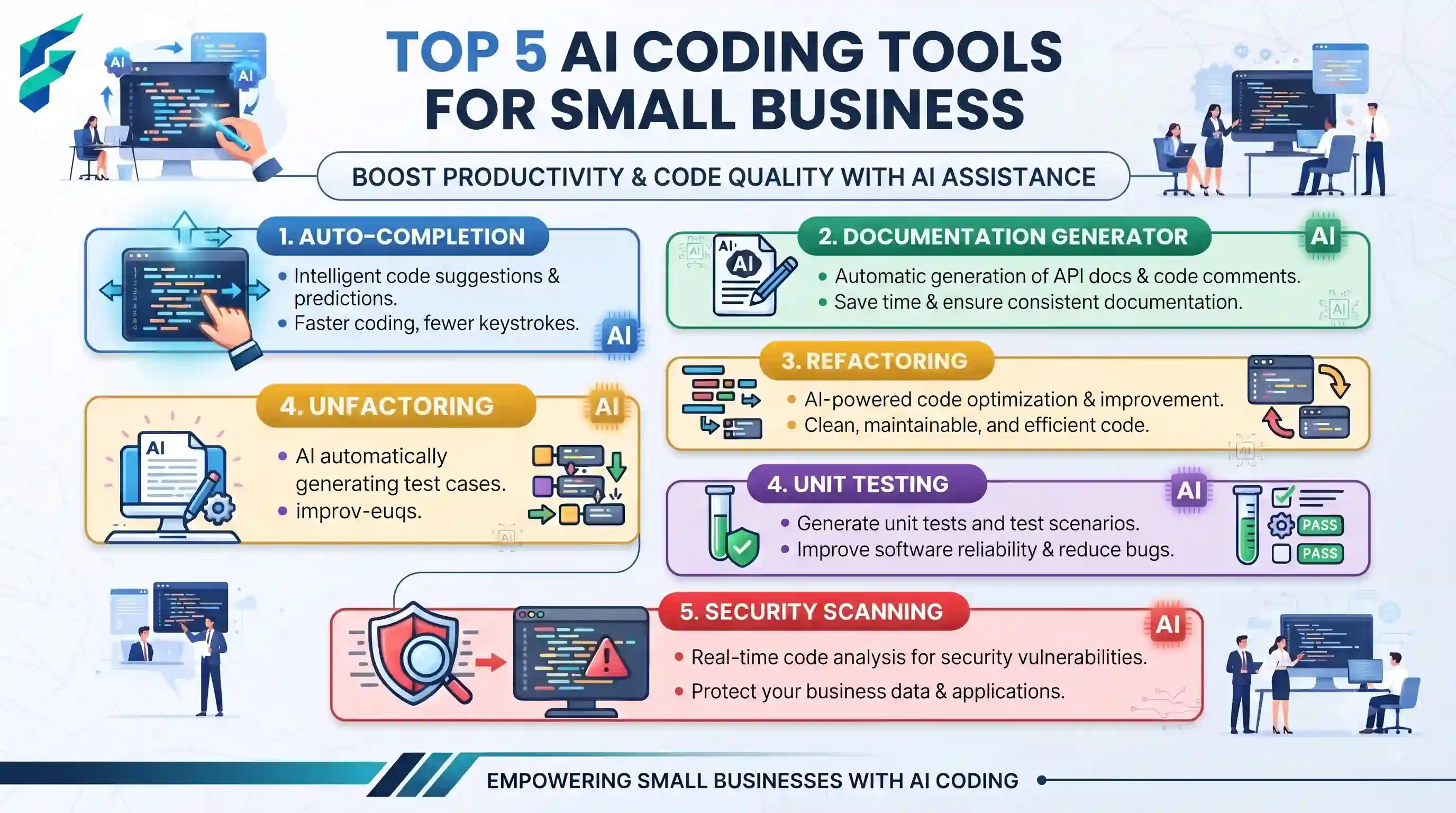
Writing standard CRUD (Create, Read, Update, Delete) operations, setting up database schemas, or generating standard API endpoints is tedious. AI excels here. It can generate the scaffolding for a new feature in seconds, allowing your developers to skip the boring setup and jump straight into the unique business logic.
Refactoring and debugging legacy code
Every small business has that one legacy module everyone is afraid to touch. AI assistants are excellent at explaining complex, undocumented code and suggesting modern refactors. They can quickly identify potential bugs or suggest more efficient algorithms, acting as a powerful debugging partner.
Writing tests and documentation
Developers notoriously hate writing unit tests and documentation. AI can generate comprehensive test suites and docstrings based on the existing codebase in a fraction of the time it would take a human. This significantly improves code coverage and maintainability without burning out your team.
✅ Pro tip: Great coding velocity means nothing without proper oversight. Ensure your AI-assisted code is managed within a robust AI project management workflow to track progress and maintain code quality standards.
The Hidden Costs and Risks (The "Junior Dev" Problem)
The biggest risk of AI coding assistants isn't that they write bad code; it's that they write plausible-looking bad code. If a junior developer writes a flawed authentication function, a senior developer will catch it during code review. If an AI writes a flawed authentication function, the junior developer might accept it because "the AI suggested it."
- Security Vulnerabilities: AI models are trained on public code, including code with known vulnerabilities. Without strict filtering, they can suggest insecure patterns (like SQL injection vulnerabilities or hardcoded secrets).
- License Contamination: AI might suggest code snippets copied directly from open-source projects with restrictive licenses (like GPL), potentially forcing your proprietary code to become open source.
- Technical Debt: AI often chooses the easiest path, not the most maintainable one. Blindly accepting AI suggestions can lead to a bloated, inefficient codebase that is hard to maintain long-term.
I once reviewed a pull request from a developer heavily relying on an AI assistant. The AI had suggested a complex, nested loop to filter a dataset. It worked, but it was highly inefficient and would have caused performance issues at scale. A simple, built-in array method would have been cleaner and faster. The AI didn't understand the context; it just pattern-matched a solution. We rejected the PR and rewrote it manually in two lines.
⚠️ Security Mandate: According to GitHub's own security guidelines, organizations must explicitly configure their AI coding tools to filter out public code suggestions and prevent the leakage of proprietary secrets. Never use free, consumer-grade AI coding tools for proprietary business code.
Comparing the Top Contenders
| Tool | Best For | Typical Cost (Business) | Security/Privacy |
|---|---|---|---|
| GitHub Copilot | Most teams; deep IDE integration, vast ecosystem | $19/user/mo | High (Enterprise grade, code snippet filtering available) |
| Cursor | Teams wanting aggressive AI features, multi-file editing | $20/user/mo | Moderate (Privacy mode available, but newer player) |
| Codeium | Budget-conscious teams, broad language support | Free tier available / $12/user/mo | Moderate (Good enterprise options, verify data retention) |
The Honest Starting Point for Small Teams
Don't overhaul your entire development process overnight. Start by offering an AI coding assistant (like GitHub Copilot Business) to your most senior, security-conscious developer. Let them evaluate the velocity gains and identify the guardrails needed for your specific codebase.
Once you've established a safe workflow—mandatory code reviews for AI suggestions, enabled security filters, and clear guidelines on what the AI can and cannot access—roll it out to the rest of the team. Treat it as a productivity multiplier, not a headcount reducer.
If you're looking to optimize your broader operational efficiency, remember that coding is just one piece. Ensure your team is also leveraging AI productivity tools effectively, and check our Tool Finder filtered for developer tools to find the right fit for your tech stack.