🎨 Design · AI Tools · Small Business
AI Design Tools
for Small Business (What's Actually Worth Your Time)
The marketing pitch for AI design tools is always the same: "Create professional graphics in seconds, no designer required." For small business owners wearing a dozen hats, that promise is incredibly tempting. But the reality is a bit more nuanced. AI won't replace a good designer, but it can absolutely replace the hours you spend fighting with alignment, removing backgrounds, and resizing the same image for three different platforms.
Quick answer: AI design tools genuinely shine at background removal, template generation, and basic layout adjustments. They fall short on complex branding, custom typography, and nuanced visual hierarchy. Use them as a powerful assistant, not a complete replacement for human design judgment.
Where AI design tools actually save time
Background removal and basic cleanup
This is the undisputed champion of AI design features. Tools that can instantly isolate a product from its background or remove an unwanted photobomber from a team photo save hours of manual Photoshop work. For e-commerce or local service businesses, this single feature often justifies the cost of an all-in-one design platform.
Template generation and "magic" resizing
Instead of manually adjusting text boxes and image crops when moving a design from an Instagram square to a LinkedIn banner, AI-powered resize features automatically rearrange the elements to fit the new dimensions. It's not always perfect, but it gets you 80% of the way there in two clicks.
Text-to-image for generic placeholders
When stock photos feel too generic or don't quite match your specific niche, AI image generators can create custom placeholder visuals. They're excellent for blog headers, presentation backgrounds, or social media graphics where photorealistic perfection isn't the goal.
✅ Pro tip: Great design needs great copy to match. Pair your AI-generated visuals with compelling text using our guide on AI product description generators to create cohesive, high-converting marketing materials.
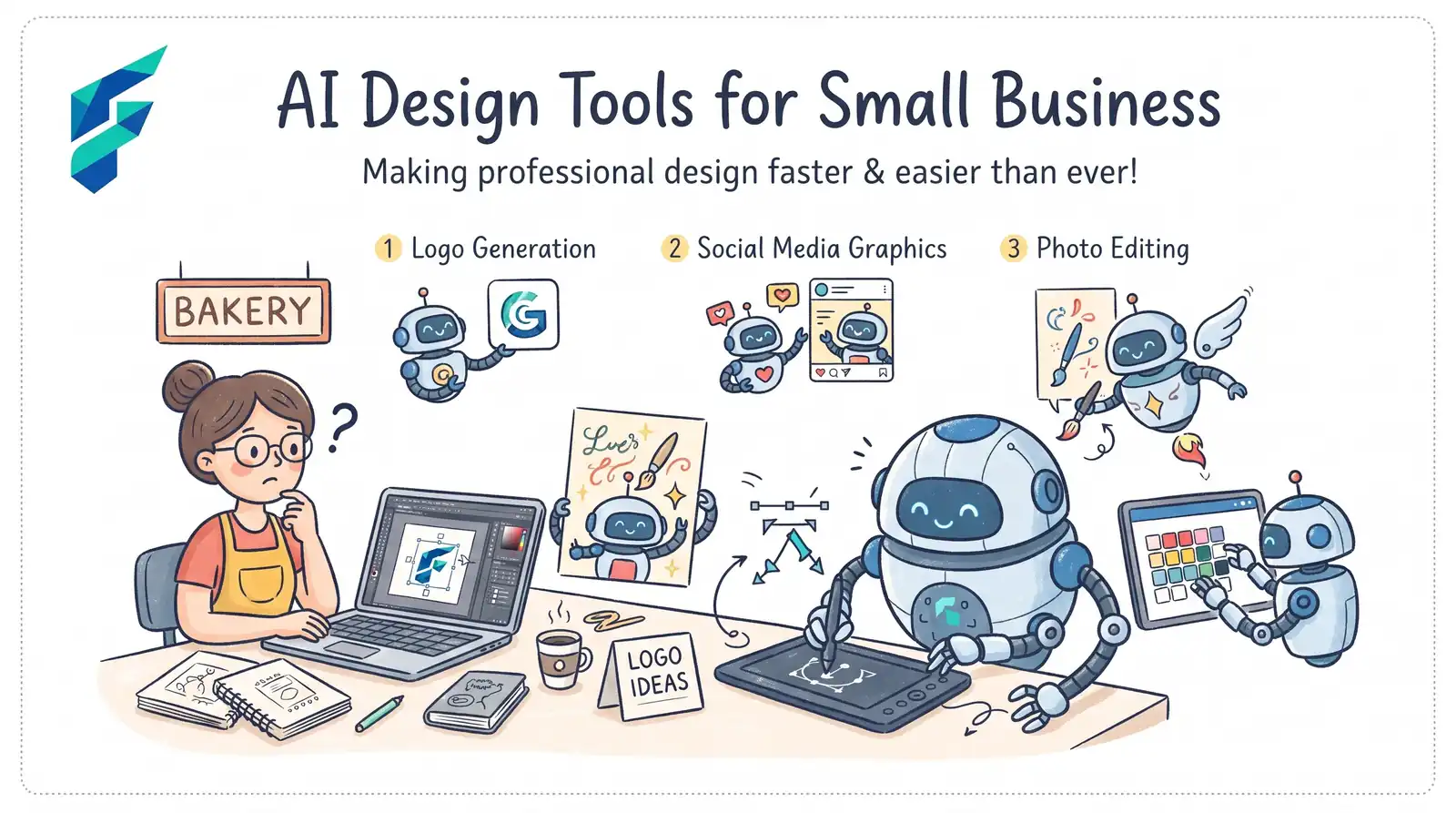
Where they still fall short (The Human Element)
- Brand consistency. AI doesn't inherently know your brand guidelines, color psychology, or the specific "vibe" you've spent years cultivating. It can mimic them if prompted heavily, but it often hallucinates fonts or slightly off-brand color shades.
- Typography and layout nuance. Kerning, visual hierarchy, and the subtle balance of white space are still deeply human skills. AI often clutters designs with too many elements or chooses font pairings that clash.
- Complex custom illustration. While getting better, AI still struggles with generating specific, coherent custom illustrations (like a mascot doing a very specific action) without weird artifacts or logical errors.
I once tried to generate a complete logo for a client entirely through an AI image generator. The initial concepts looked fantastic at a glance. But upon closer inspection, the typography was a garbled mess of pseudo-letters, and one of the icons accidentally incorporated a shape too similar to a major competitor's trademark. I ended up using the AI for mood boarding and color palette inspiration, but brought in a human designer for the final, scalable execution. AI is a fantastic brainstorming partner, but it's not a legal or typographic expert.
💡 Industry reality: According to Adobe's research on AI in design, the most effective use of AI in creative workflows is as a collaborative assistant that handles repetitive tasks, freeing up humans to focus on high-level creative direction and strategic brand storytelling.
Comparing your options
| Tool type | Best for | Typical cost | Learning curve |
|---|---|---|---|
| All-in-one platforms (Canva, Adobe Express) | Most small businesses; social media, flyers, basic branding | $0-15/mo | Very low |
| Specialized AI image generators (Midjourney, DALL-E 3) | Unique blog headers, conceptual art, mood boards | $10-30/mo | Moderate (requires prompt engineering) |
| Specialized utility tools (Background removers, upscalers) | E-commerce product photos, fixing low-res images | $5-20/mo | Low |
The honest starting point
Before subscribing to a standalone AI image generator or a fancy new design app, look at the tools you already use. If you're already using Canva for your social media, turn on their "Magic Studio" features. If you use Adobe, explore Firefly. The marginal gain of learning a brand-new, AI-only interface is rarely worth the subscription cost when your existing all-in-one platform is rapidly integrating the exact same AI capabilities.
My current workflow: I use an all-in-one platform for 90% of my design work, leveraging its AI background remover and magic resize features daily. I only dip into a specialized AI image generator when I need a very specific, abstract concept for a blog header that I can't find in standard stock libraries. This keeps my software costs low and my workflow fast.
If you're looking to build out your marketing stack, remember that design is only one piece of the puzzle. Ensure your visuals are supported by a solid AI content strategy, and check our Tool Finder filtered for design and marketing tools to find the right fit for your budget.