💸 AI Invoicing · Billing Automation · Small Business Finance
AI Invoicing and Billing Automation
for Small Business (2026)
Quick answer: AI invoicing tools automate the parts of billing that are pure data entry — pulling line items off a PDF or scan, matching invoices to what was actually ordered, chasing late payments, and posting to your accounting software. They don't replace the judgment calls: approving a large or unusual invoice still needs a human to look at it before money moves.
If you're still manually typing invoice details into a spreadsheet or your accounting software, you're doing a job that AI tools have gotten genuinely good at in the last couple of years — not perfect, but good enough that the time savings are real for most small businesses.
What "invoicing automation" actually means
Strip away the marketing language and invoice automation covers five steps:
- Receiving the invoice — email, upload, or scan
- Extracting the data — vendor, line items, amounts, due date
- Matching it against what was actually ordered or agreed
- Routing it for approval if it needs a human sign-off
- Posting it to your accounting system and scheduling payment
AI's real contribution is steps 2 and 3 — reading an invoice that isn't in a fixed template and pulling out the right numbers accurately, something that used to require manual typing or brittle template-matching software.
What this actually saves you
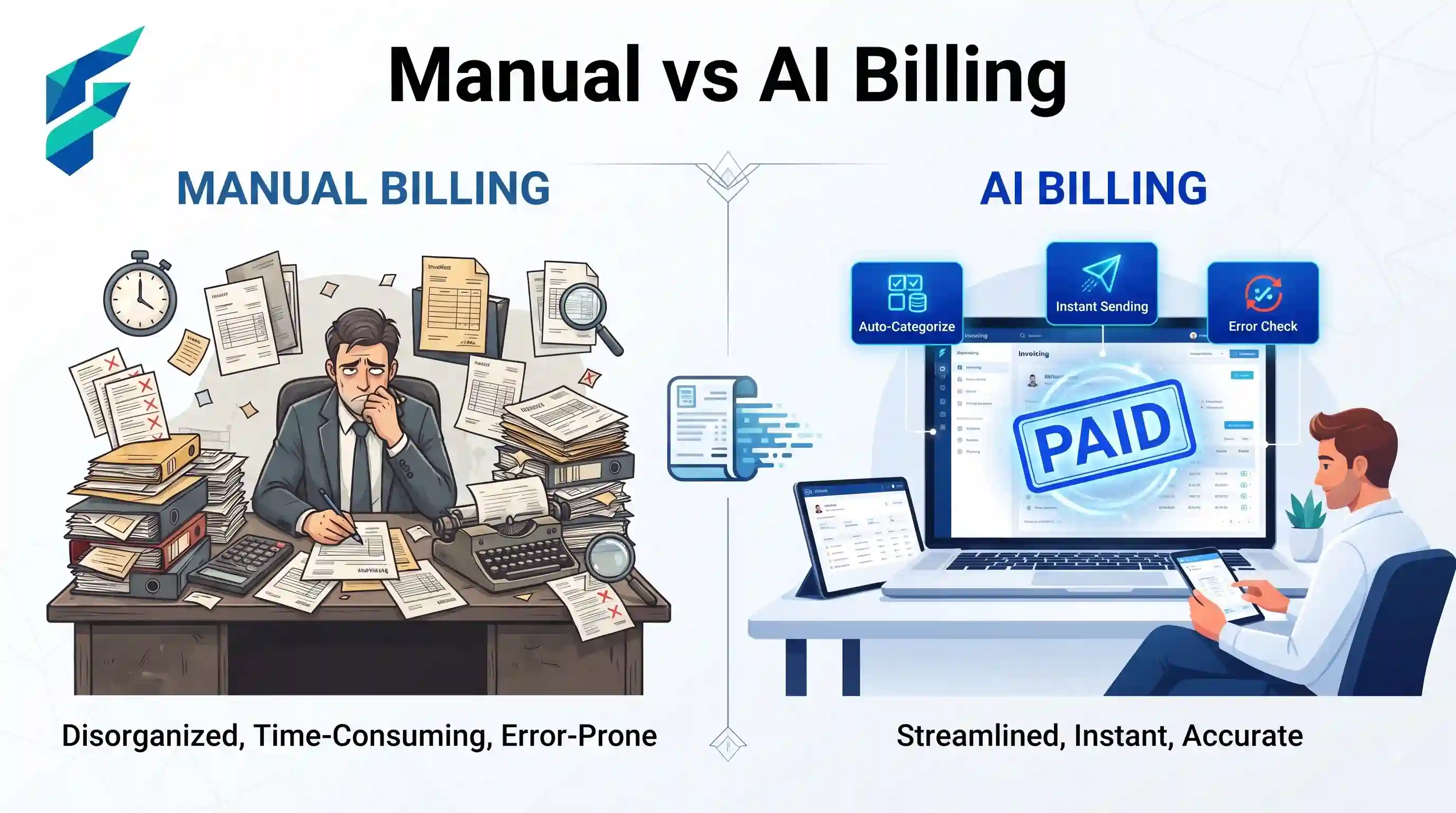
The honest answer: hours, not days, for most small businesses. If you're processing a handful of invoices a week, manual entry might cost you 20–30 minutes per invoice once you count double-checking and filing. AI-assisted extraction cuts that to a couple of minutes of review per invoice — you're checking the AI's work, not typing from scratch.
That difference compounds. A business processing 40 invoices a month can realistically save several hours monthly — not enough to hire someone for, but enough to notice, especially for a solo owner or a two-person team where every hour is directly your own time.
Where the tools differ
Not every invoicing tool does the same job, and the price differences usually map to what's actually automated:
- Basic invoice generators (often free or under $15/month) — create and send your own invoices, track paid/unpaid status. Good enough if your issue is sending invoices, not receiving and processing them.
- Mid-tier tools ($30–$50/month) — add receiving-side automation: scanning incoming invoices, extracting data, syncing with accounting software like QuickBooks or Xero.
- Approval-workflow tools ($45+/month) — layer in routing for teams where more than one person needs to sign off before a payment goes out.
If you're a solo freelancer only sending invoices, the free or cheap tier covers you completely — don't pay for approval routing you'll never use. If you're paying vendors and need to process what comes in, that's where the automation actually earns its subscription. It's worth reading what AI automation actually costs before committing to a tier, since the jump from "sends invoices" to "processes and routes invoices" is usually where the price triples.
Where humans still need to be in the loop
AI-extracted invoice data is good, not infallible. Two spots where a human check is still worth the thirty seconds:
- Unusual amounts or new vendors — an invoice that doesn't match a recognizable pattern is exactly the kind AI extraction gets wrong most often
- Anything that affects your books — a misread decimal point or line item becomes a real accounting error if it posts automatically without a glance
This is also where good recordkeeping habits matter regardless of how automated your invoicing gets. The IRS is explicit that small businesses need to be able to substantiate income and expenses, and an automated pipeline doesn't remove that responsibility — it just changes where the record lives. See the IRS guidance on recordkeeping for small businesses if you're setting up an automated system for the first time and want to know what actually needs to be kept and for how long.
Connect it to the rest of your stack
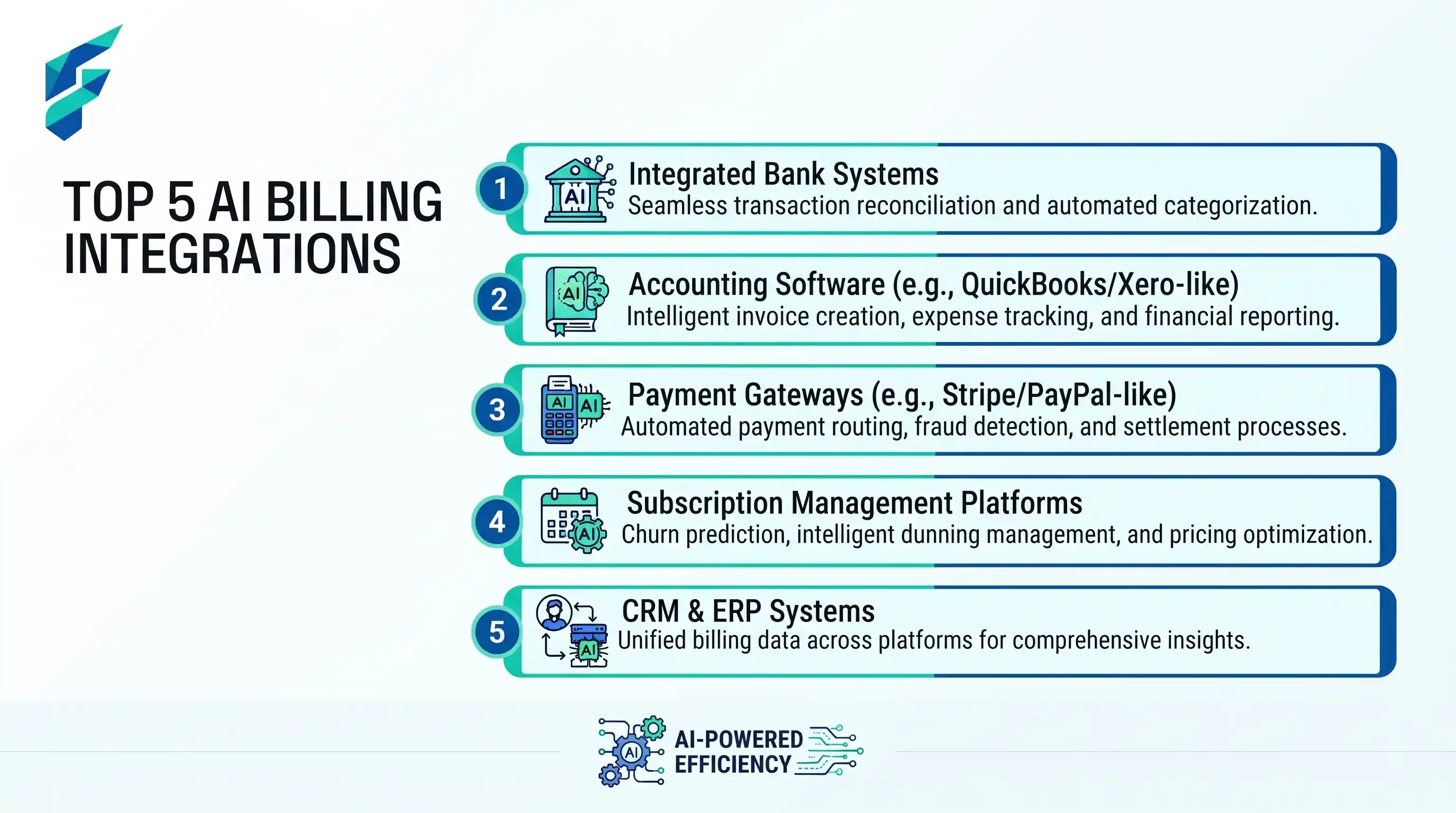
Invoicing rarely sits in isolation — it usually needs to talk to your accounting software, your CRM if you're tracking client payment status, and sometimes your forecasting. If you're already using no-code automation tools that don't need a developer for other parts of your business, most modern invoicing tools plug into that same layer rather than requiring a separate integration setup.
Once invoicing data is flowing automatically, it also feeds naturally into AI financial forecasting tools that use your invoice data — knowing what's outstanding and what's overdue is half the input a decent cash flow forecast needs.