🔎 SEO · Websites · AI Productivity
AI Tool to Write Meta Descriptions in Bulk for Your Pages
(Batch Method + 2 Prompts)
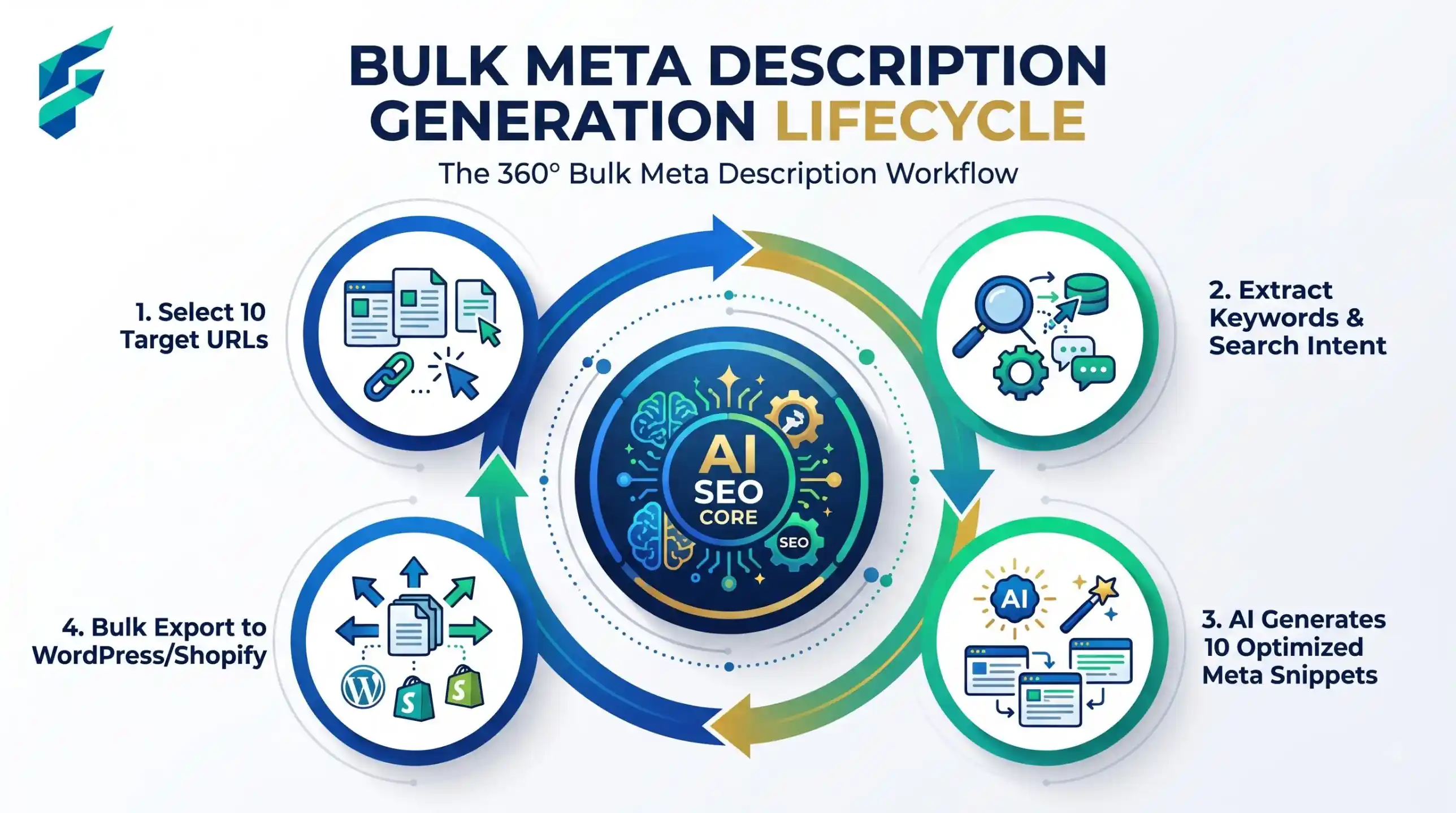
Your site has 60 pages. Half of them have no meta description, and a few share the same one that came with the theme. You can write them all by hand, but that is a long, dull job. A free AI chatbot can write meta descriptions in bulk, ten pages at a time, if you give it the facts. This guide shows how to pick which pages matter first, feed the AI a short summary of each page, and check the results before you publish.
What a meta description is, and what Google does with it
A meta description is a short line of text in the page's code. It is meant as a summary of the page for the person reading search results. It is not a ranking button, so do not expect a promise of better position from it.
The Google Search Central snippet documentation says a few useful things:
- Google may ignore yours. Snippets are mainly built from the page content. Google may use your meta description when it thinks it describes the page better than the page text does. It also says it will sometimes use it, and that different searches can show different snippets.
- Identical text on every page is not helpful. The page says to use a different description for each page.
- Be truly descriptive. Summarise the page. A long string of keywords is less likely to be shown.
- There is no length limit, but what people see is cut to fit the width of the device.
So the goal is simple: a true, specific line for each page. If Google rewrites it sometimes, you lose little.
Do not write 60 descriptions with the same care
Sort your pages first. Spend your checking time where a human will most likely see the line.
| Page type | What to do |
|---|---|
| Home page, main service or product pages, top blog posts | Write or rewrite by hand with AI help. Read each line twice. |
| Normal blog posts and category pages | Use the batch method below. Check each line against the page. |
| Thank-you pages, login pages, cart pages | Skip. People rarely find these in search. |
| Old pages you plan to delete | Skip. Fix the real problem later. |
This one step can cut 60 pages down to 35 that need real work.
The one-line summary trick
The biggest danger in bulk work is a description that sounds nice but says something the page does not say. The cause is usually that the AI had only a title and had to guess the rest.
So do not send the AI only titles. For each page, send three things on one line: the URL path, the page title, and one plain sentence you write about what the reader gets. That sentence is the part only you can supply. It takes about 20 seconds per page, and it keeps the AI close to the truth.
Prompt 1: write descriptions for a batch of 10 pages
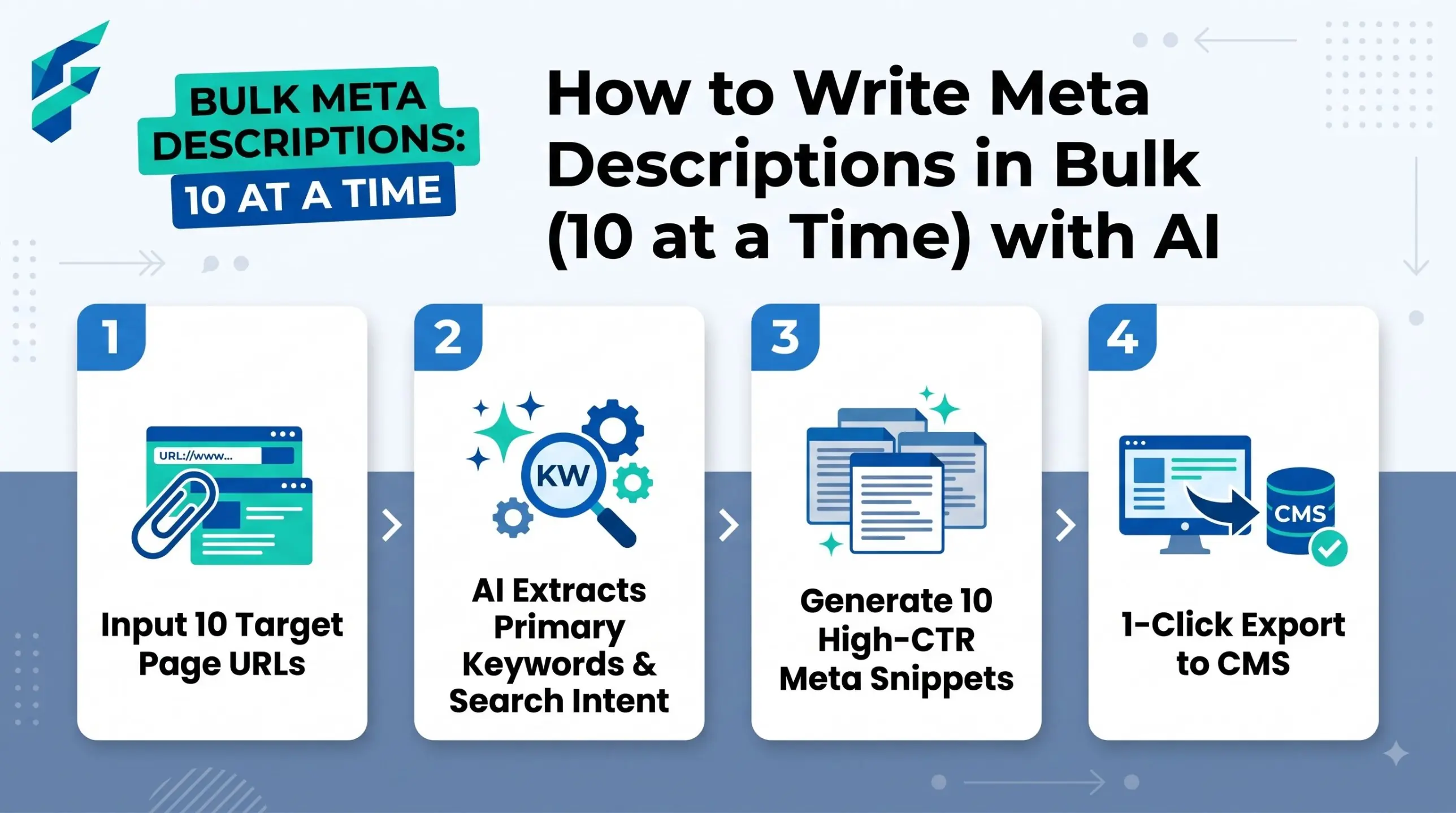
Ten is a good batch. Longer lists make a chatbot drift and repeat itself. Paste one batch per chat message.
Write one meta description for each page below. The site is about [topic] for [audience].
Use ONLY the facts in my one-line summary. Do not add prices, numbers, awards, or promises.
Each description: one or two short sentences, about 120 to 155 characters, simple English.
Say what the reader gets. Each one must start differently. No "Welcome to" and no "Click here".
Do not promise rankings or results. Return a table: URL, description, character count.
Pages (URL | title | what the reader gets):
[paste up to 10 lines]
Prompt 2: find the duplicates and weak lines
After you collect all the drafts, paste them into the chat in groups and ask for a review. A chatbot is decent at spotting lines that sound the same.
Below are meta descriptions for different pages of one site, each with its URL.
1. List any two that are the same or very close in wording.
2. List any that could fit any page on the site because they are too vague.
3. List any that start with the same two words as another.
Do not rewrite them. Only list the URLs and the reason.
[paste URL and description pairs]
Worked example: a fictional bakery site
A fictional bakery site, "Rye and Rise", has 4 pages that all show the same line: "Welcome to our bakery, the home of fresh bread." The owner writes one-line summaries and runs Prompt 1.
- Sourdough class page. Summary: "A 3-hour beginner class, you bake one loaf to take home." The first AI draft says "Join our award-winning class." There is no award in the summary, so the owner removes it.
- Opening hours page. Summary: "Opening times and the address." The draft is fine, and short.
- Gluten-free page. Summary: "Which breads we make without wheat, and how we keep them apart from wheat flour." The draft says "100% gluten-free safe." The owner cuts that line, because it is a safety claim the summary never made.
Prompt 2 then finds two drafts that both start with "Learn how". The owner changes one. Each page now has its own line, and nothing in it is invented.
Fix list: bad AI drafts and what to do
| If the AI draft... | Do this |
|---|---|
| Adds a fact, price or award not in your summary | Delete that part. Only keep what the page really says. |
| Promises "top rankings" or "guaranteed results" | Remove it. No one can promise that. |
| Starts the same way as the others | Rewrite the opening words by hand. |
| Is a list of keywords | Rewrite as one plain sentence about what the reader gets. |
| Could fit any page | Add the one detail that belongs only to this page. |
| Is much longer than the rest | Cut it to the first useful sentence. |
Why templated descriptions across many pages cause trouble
A template such as "Buy [product name] at [shop name]" is quick, and Google's page says database-driven sites may generate descriptions by program if they stay readable and different from each other. The risk on a small site is that a template gives every page the same shape. Searchers then cannot tell your results apart, and you lose the main reason the line exists. If you do use a template, add one real detail for each page, as in the one-line summary above. For product pages, see AI product description generators.
How to add the descriptions to your site
- CMS field. WordPress, Wix, Shopify, Squarespace and most builders have a box named "meta description" or "search description" in the page's SEO settings. Check your builder's help pages for the exact place. Paste the checked line there.
- Plain HTML. Put this inside the
<head>of each page:<meta name="description" content="Your line here">. If your text has a double quote mark, use a single quote instead, or the tag breaks.
When done, open five pages and use "view source" to confirm the tag shows your line. Search results can take time to change, and Google may still show other text.
To pick the words readers really search, see finding keywords for blog posts with a free AI tool. For the wider picture, read how to rank a blog post with AI tools. If your images also lack text, the same sheet method works for alt text in bulk.
Watch out: A chatbot does not visit your site. If you only paste a URL, it may guess from the web address. Always paste your own summary of the page.
When not to use AI for this:
Do not use AI alone for pages with legal, health or money claims, or pages with exact prices and dates. A small wrong detail in a description can mislead a reader before they even reach your page. Write those by hand. If you have only five pages, it is also quicker to write them yourself.