📧 Email Marketing · AI Productivity · Content Strategy
AI Tool to Write a Newsletter From a Blog Post
(3 Formats)
You wrote a blog post. Now you need a newsletter. The easy way is to paste the whole post into an email. Most readers will not finish it. A newsletter has a different job: it gets someone to read one thing, and take one step.
A free chatbot such as ChatGPT, Claude or Gemini can make a good first draft from your post in a few minutes. You then add the human part. This guide shows how.
Why the newsletter is not a copy of the blog
Your blog post is a place to search and learn. Your newsletter lands in a busy inbox, next to many other emails. People read it on a phone, in a short break.
So the newsletter should be shorter, more personal, and have one clear action. The blog post stays the full version. The email points to it.
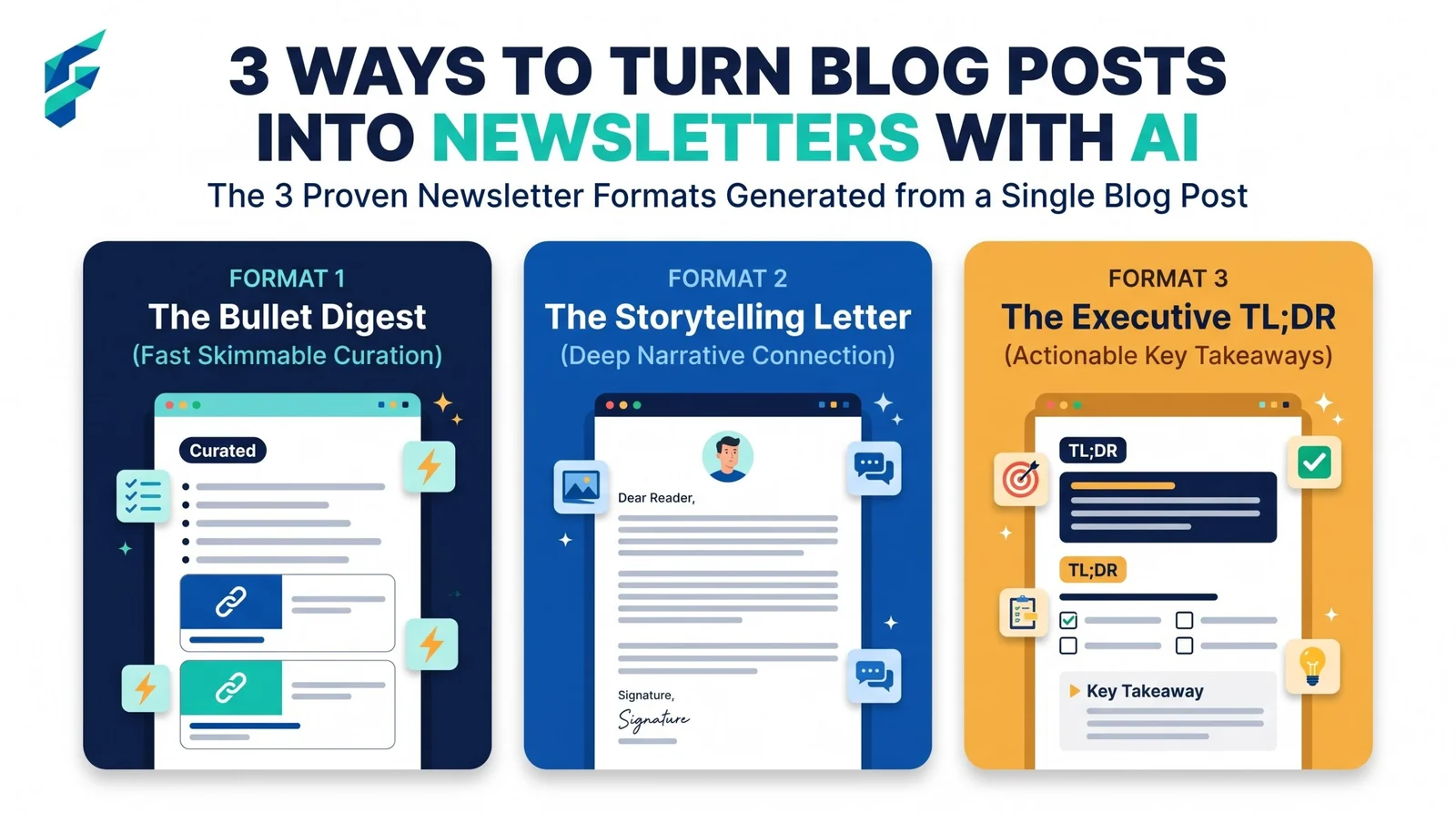
Three formats to choose from
| Format | Length | Best when |
|---|---|---|
| Short summary | 100-150 words | The post has several points |
| One-tip email | 80-120 words | The post has one strong tip |
| Story-first email | 150-200 words | You have a real moment to share |
Format 1: the short summary
Here is my blog post: [paste post].
Write a newsletter email of 100-150 words for [type of customer].
Give 3 bullet points with the main ideas, then one sentence inviting them to read the full post.
Plain words, short sentences. Do not add any fact that is not in the post.
Write the link as [LINK].
Fictional example (a made-up plumber, "Tariq's Plumbing"): "Three small jobs that stop big leaks: 1) Turn off the water at the main valve every time you travel. 2) Check under the kitchen sink once a month. 3) Do not pour oil down the drain. The full guide is on the blog: [LINK]."
Format 2: the one-tip email
From this blog post: [paste post], pick the single most useful tip for [type of customer].
Write a newsletter of 80-120 words. Start with the problem in one sentence, give the tip in 2-3 steps,
and end with one line linking to the full post as [LINK].
Use only facts from the post.
Fictional example: "Does your basil die every August? Water it in the morning, not at night. Put your finger in the soil: if it is dry to the first knuckle, water. That is it. More plant tips here: [LINK]."
Format 3: the story-first email
Write a newsletter of 150-200 words from this blog post: [paste post].
Open with a short story: [describe one real moment from your work].
Link the story to the main lesson of the post. End with one line pointing to the full post as [LINK].
If a detail is missing, write [ADD DETAIL]. Do not invent names or events.
Real-world example: Last month, I noticed a client's newsletter open rates drop by half. The fix wasn't a new design, but simply changing the sender name from "Info" to a real person's name. Here is why that small detail matters so much: [LINK].
Fictional example: "Last Tuesday a customer called at 7 a.m. with water on her floor. The cause was a hose that was 12 years old. A 10-minute check would have found it. Here is how to do that check yourself: [LINK]."
Subject lines: plain and honest
Ask for options, then choose the clearest one.
Write 8 subject lines for this newsletter: [paste draft].
Each under 50 characters. Plain and specific. Say what is inside.
No all-capital words, no fake urgency, no "Re:" or "Fwd:", no promise the email does not keep.
What to avoid: pretending the email is a reply, shouting in capitals, saying "last chance" when it is not, and subject lines that do not match the content. These make readers stop trusting you. Plain wins: "A 3-step check for leaking taps" is better than "You will NOT believe this".
The 10-minute workflow
| Minutes | Step | What to do |
|---|---|---|
| 0-1 | Paste the post | Put the full blog text in the chat |
| 1-2 | Pick a format | Summary, one-tip or story |
| 2-4 | Draft | Run the prompt for that format |
| 4-7 | Add your own line | Add one personal sentence or real detail |
| 7-9 | Check links | Open every link on your phone |
| 9-10 | Send a test | Send to yourself and read it once |
For the layout and look of the email itself, read our guide to AI tools for newsletter design.
Send checklist
Go through this before every send.
- A real sender name, such as your name and business, not "noreply".
- An unsubscribe option that works.
- Your postal address or business details, where the rules in your country require them. Rules differ by country, so check what applies to you in your own country.
- Every link tested on your phone.
- Only people who agreed to hear from you are on the list.
- The test email looks right on a small screen.
- One main action, not three.
How often to send
Choose a schedule you can keep. Once a week, twice a month or once a month are all fine. A steady rhythm matters more than the number. If you only have one blog post a month, send one newsletter a month. Do not send an email just to fill a slot. If your inbox is already heavy with replies, our guide to AI email management tools for small business can help you handle the answers that come back.
Read your results without benchmarks
Do not look for a "good" number from other businesses. Your list is different. Compare each email with your own last five. Write down:
- How many opened it.
- How many clicked the link.
- How many replied or wrote to you.
Replies are the strongest signal. If one format gets more clicks or replies, use it more. If a subject line style gets fewer opens, change it next time.
If the AI gives you this, do this
| What you get | What to do |
|---|---|
| It copies large parts of the blog | Say: "Use new sentences. Keep only the main idea." |
| The email is too long | Ask for 100 words and one link |
| It sounds like an advert | Ask: "Rewrite as a note to one customer I know." |
| It invents a name, a number or a story | Delete it. Add your real detail, or leave [ADD DETAIL] |
| Subject lines all look the same | Ask for 3 as questions and 3 as plain statements |
When NOT to use AI for this:
Write the email yourself when it covers bad news, a mistake, a price rise, or a change that affects customers' money. Write your own sign-off, too. People want to hear from you, not from a template.
Common questions