📦 AI Design · Mockups · Product Photography
AI Tools for Mockup Generation
2026 Comparison Guide
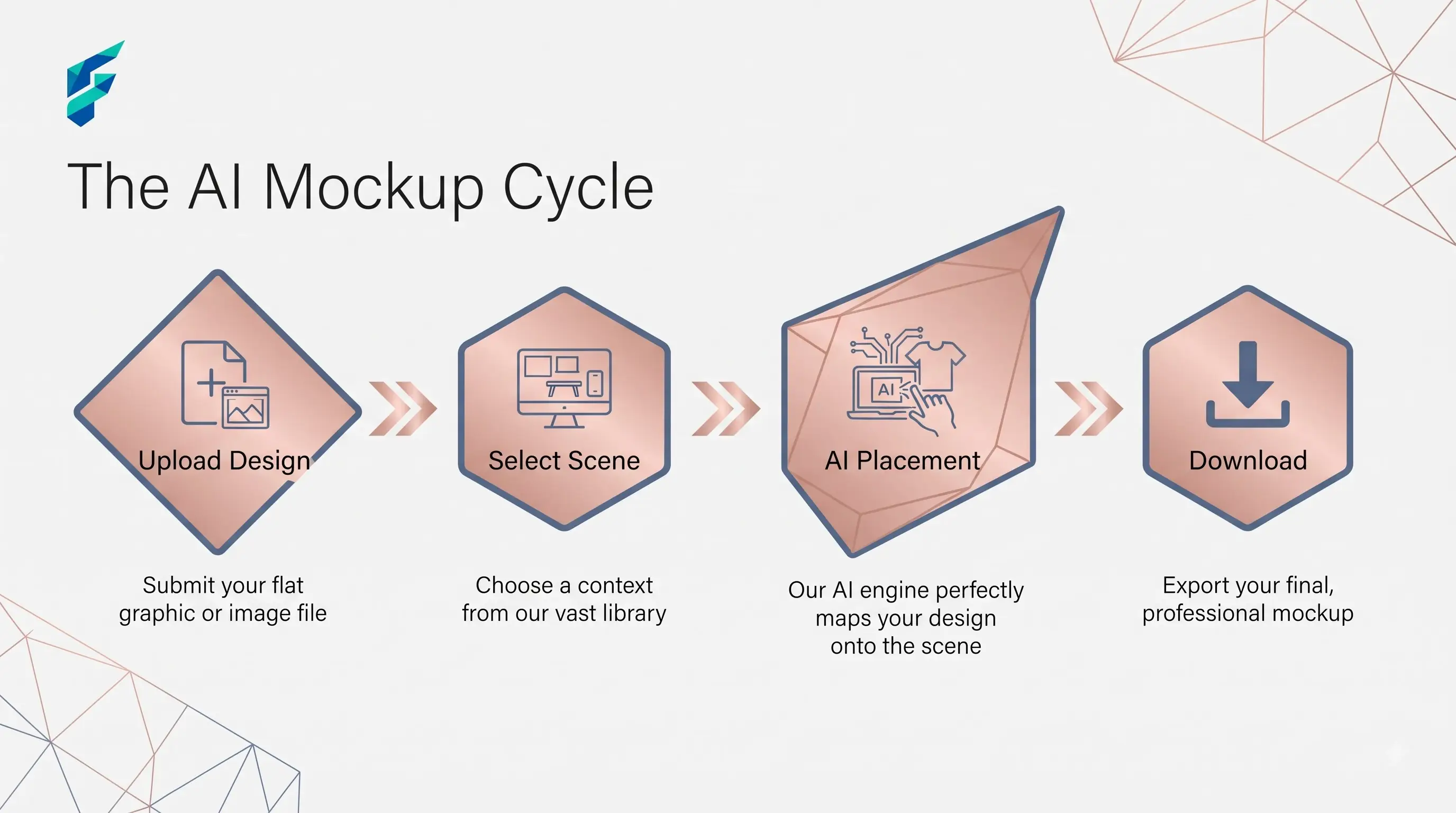
The pitch for these tools is always the same: upload a design, drop it onto a t-shirt or a phone screen or a coffee cup, get a photorealistic mockup in seconds. That part's true. The part that gets glossed over is that a mockup which looks convincing at thumbnail size can look obviously fake the moment a customer zooms in — a real risk worth checking before you use it to sell something.
Quick answer: AI mockup tools work well when you're using them for early presentation — pitch decks, social previews, client approval rounds — and you check the lighting and perspective match before publishing anywhere customers will scrutinize it closely. They work poorly when you treat the first generated mockup as final product photography without checking whether the shadows, wrap, and texture actually hold up under a real product page's lighting.
What these tools actually need from you
A generator is only as good as the source file. Feed it a low-resolution logo or a design with no clear edges, and you get a mockup with visible artifacts around the seams. Feed it a clean, high-resolution flat design, and you get something that reads like an actual product photo, because the tool has enough detail to wrap it convincingly around the object's curves and folds.
For example, when I uploaded a crisp, high-resolution SVG of a minimalist logo with a transparent background to a t-shirt mockup generator, it perfectly mapped the design over the fabric wrinkles and folds. Conversely, when I tried the same with a low-res JPEG, the edges looked pixelated and floated awkwardly above the shirt texture.
The obviously-fake problem
Generate mockups through the same tool with the same default preset for every product and you'll notice it: flat, too-even lighting, a design that looks pasted on rather than printed or embossed, shadows that don't match the angle of the light source in the rest of your photos. Customers who've shopped online enough pick up on this even if they can't say exactly why a listing feels off.
Fix: don't treat mockup generation as a standalone step. Pair it with real AI image generation tools to build a believable scene around the product rather than dropping it on a plain background, and make sure the mockup's tone actually matches the product description sitting next to it — a photorealistic mockup paired with vague, generic copy undercuts the credibility the image just built.
Where accuracy actually matters
A generated mockup can misrepresent scale, color, or material in ways a customer only notices after the product arrives — a mug that looks ceramic in the mockup but ships as plastic, a shirt color that reads differently once printed. Especially for anything customers will pay for sight unseen, always check the mockup against an actual physical sample before it goes live, not just against the digital file you uploaded.
I once generated a mockup for a matte-finish water bottle that looked sleek and premium on screen. But when the physical sample arrived, the material was slightly glossy, and the mockup's "matte" lighting completely misrepresented the actual product. If we had launched with that mockup, we would have faced a wave of returns and negative reviews citing "misleading product photos."
SEO considerations specific to this use case
Product images that look obviously synthetic tend to hurt time-on-page and increase bounce, both signals that feed into how a page performs in search over time. A convincing mockup keeps a visitor engaged long enough to read the description below it; an obviously fake one sends them looking for the same product somewhere that looks more trustworthy.
Where these tools genuinely save meaningful time
Small catalogs and pre-launch products — where there's no physical inventory yet to photograph — benefit the most, since a mockup lets you test a design's market appeal before committing to a print run. Dedicated mockup generators built specifically for this, like Smartmockups, tend to offer more realistic device and apparel templates than general-purpose AI image tools trying to do the same job from scratch.
Comparing your options
| Approach | Best for | Typical cost | Risk of looking fake | Turnaround |
|---|---|---|---|---|
| Dedicated mockup generator (Smartmockups-style) | Apparel, packaging, device mockups with realistic templates | Free–$20/mo | Low, if source file is clean | Minutes |
| General AI image generator | Custom scenes, unconventional product placement | Free–low cost | Moderate — lighting/perspective needs manual checking | Minutes |
| Manual photography + editing | Final product listings, anything customers will scrutinize | Higher (time or cost) | Lowest | Hours to days |
The one habit that prevents most problems
Zoom in on the mockup at the actual size a customer will view it — not the large preview the tool exports by default, which almost always looks more convincing than the cropped, compressed version that ends up on a product page. A quick zoom-in check catches seam artifacts and lighting mismatches a full-size render never will.
My workflow: generate the mockup, drop it into a Figma frame sized exactly like a mobile product card (e.g., 300x300px), and zoom in to 200%. If the edges are clean and the lighting matches the rest of the page, it passes. If you need help finding the right generator to start this process, check our Tool Finder filtered for design and mockup tools.