🤖 Google Easter Eggs · Android
Android Easter Eggs
List
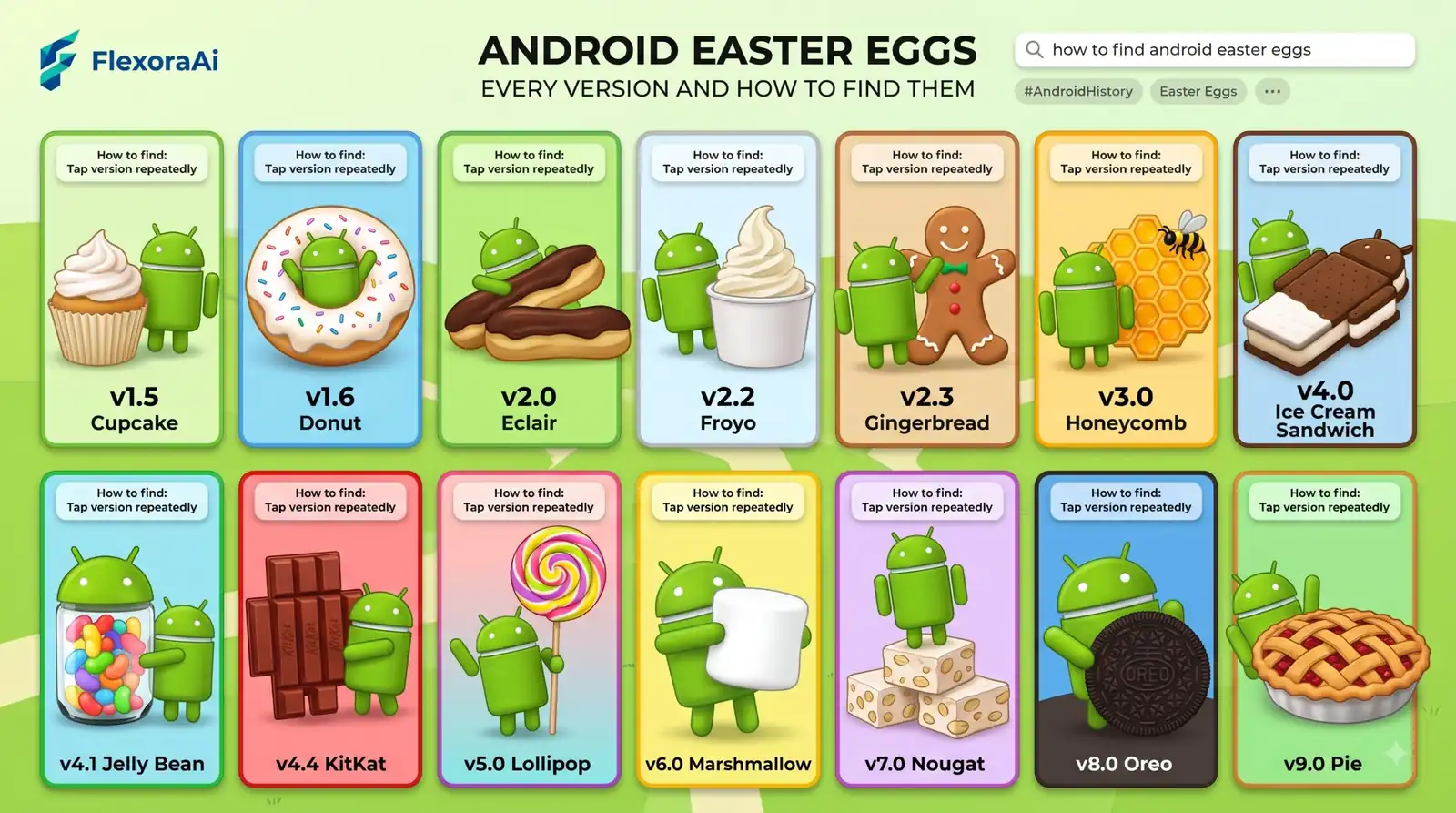
Android has hidden something fun in every version, and the way to find it hasn't changed much in over a decade. Open settings, tap a label, keep tapping. This guide, part of our Google products Easter eggs list, lists the highlights from Gingerbread to Android 16, and gives you a method that works even when the steps change.
Short answer: Open Settings, then About phone, find the Android version and tap it repeatedly until the Easter egg appears. Many versions then ask for a long press or a second step, and the tricks vary by version and phone.
Worth knowing
- Most versions follow the same tap-the-version routine.
- Lollipop added the first game, and Nougat added the cat collector.
- Android 10 was the first version without a dessert name.
The routine
- Open Settings.
- Go to About phone, or About tablet.
- Find Android version and tap it.
- Tap the version again, several times, until a logo or animation appears.
- Follow any extra steps, such as a long press.
Android 9 Pie added a second version box that trips up beginners, but long-time fans soon work it out.
Version by version
| Version | The Easter egg |
|---|---|
| Gingerbread | A zombie gingerbread man. |
| Ice Cream Sandwich | “Nyandroid,” a flying tribute to Nyan Cat. |
| KitKat | A K logo that becomes the KitKat logo. |
| Lollipop | The first game, a Flappy Bird-style one. |
| Marshmallow | A second take on the game, with marshmallow obstacles. |
| Nougat | Android Neko, a cat collector as a Quick Settings tile. |
| Oreo | An octopus, unlocked with a long press. |
| Android 10 | The first without a dessert name. |
| Android 11 | A volume dial that goes to 11. |
| Android 12 | Colors from your wallpaper, and a clock set to 12 o'clock. |
Many of these are collected in our complete list of Google Easter eggs, and the tradition is among the best-loved in Android's history.
Android Neko, step by step
- Tap the Android version until the N logo appears.
- Tap the logo a few times, then long press, until the cat emoji appears.
- Open Quick Settings, tap Edit and drag the Android Easter egg tile into place.
- Tap the tile to start the game.
- Put out food and toys to attract cats.
Android 11 and 12
Android 11 has a dial that you turn all the way to 11, a reference to a classic movie joke. Android 12 turns the Easter egg into a design toy: set the clock to twelve o'clock and the screen shows the version number in colors drawn from your wallpaper. You can tap the colors to copy them.
If yours doesn't work
- Look for the second screen. Some versions need you to tap twice.
- Slow down. Rapid taps sometimes don't register.
- Check your maker's skin. Phone makers can change where the version number lives.
- Try the Android version field, not the build number. They are different.
For more tricks to try on your phone, see our Google tricks for Android phone guide.
Why they matter
Android Easter eggs are a small, friendly nod to the people who use the software. As one writer put it, they are purely superfluous and exist only as a fun way to interact with your phone. That is the point. They're also a reminder that software is made by people who like to hide things.
The recent ones
Android Authority's roundup, updated in December 2025, sums up the recent run as cats, planets, a volume dial and an octopus. That's a good guide to the mood: playful, a little geeky and often tied to a theme of the release.
Newer versions often hide the egg behind more steps, and some skip the logo screen entirely. If tapping doesn't work, search for your version number and the words Easter egg to find the current routine.
Share what you find
- Take a screenshot. It's the easiest way to show a friend.
- Record the screen. A short clip captures the animation and the sound.
- Note the version. The egg depends on it, so say which one you have.
- Compare phones. Different makers may show different steps.
How we checked this: We used Android Authority's guide to every Android Easter egg, which was updated in December 2025, along with TechSpot, NextPit, Business Insider and TechRadar for version details. Steps vary by phone maker and version. If something here is out of date for you, email ownerflexora.ai@gmail.com and we will fix it.
Your turn: Find your own phone's Easter egg and take a screenshot. Then ask a friend with a different phone to do the same and compare.
The routine is simple enough that anyone can learn it in a minute, and the surprise is still worth it.
More tricks to try
On the web instead of a phone? The Chrome hidden features and flags guide is next.