The AI tool gold rush is over. In 2026, it's no longer about who has the most AI tools, but who is actually getting ROI from them. The average small business wastes $487 per month on shiny AI subscriptions that sit unused because they don't solve a specific problem.
Choosing the right AI tool isn't about chasing the newest headline. It's about matching a specific tool to a specific bottleneck in your business. Below is a practical, step-by-step framework to help you choose the right AI tool for your business, your budget, and your team's technical skill level. If you're looking for specific AI automation tools for small business, this guide will help you make the right choice.
What You'll Learn in This Guide
- The 4-step framework to choose the perfect AI tool for your specific needs
- How to calculate the real ROI (not just the sticker price)
- Red flags that signal a tool isn't worth your time or money
- Real examples from businesses that got it right (and wrong)
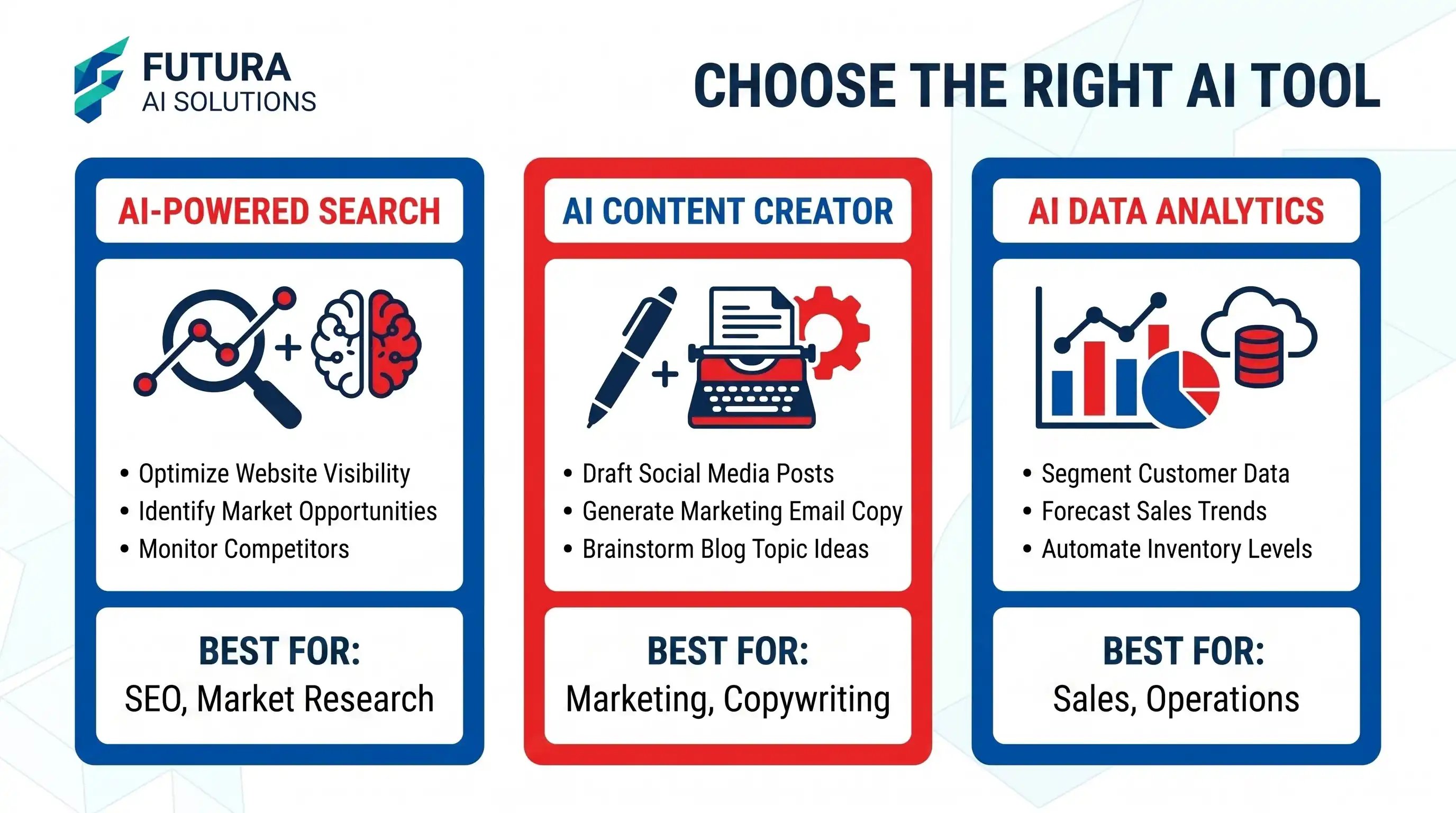
- A comparison of the top AI tool categories and when to use each
Step 1: Define the exact problem (not just "we need AI")
The biggest mistake businesses make is starting with the solution ("We need an AI chatbot") instead of the problem ("We spend 15 hours a week answering the same 5 customer service questions"). Write down the exact task, how long it currently takes, and who is doing it. This clarity will immediately eliminate 80% of the tools on the market that don't actually solve your specific problem.
Track your team's time for one week. You'll be shocked at how many hours are spent on repetitive tasks that AI could handle. This data will make your tool selection 10x easier.
Step 2: Audit your team's technical bandwidth
Be honest about your team's technical skills. If you don't have a developer, do not buy a tool that requires API keys, webhooks, or Python scripts. Stick to no-code, plug-and-play solutions. If you do have technical resources, you can explore more powerful, customizable options that integrate directly into your existing software stack. You can also learn how to automate small business tasks with AI to streamline your daily operations.
Step 3: The "Free Trial Stress Test"
Never commit to an annual plan without a stress test. Take the tool's free trial and force it to do the hardest version of your task, not the easiest. If it's a writing tool, give it your most complex, jargon-heavy internal document. If it's an automation tool, test it with your messiest data source. If it breaks under pressure, it will break in production.
The Flexora Decision Framework
Identify the Bottleneck
What task is slowing your team down the most? Write it down with specific time metrics.
Assess Technical Skills
Does your team have developers? If not, prioritize no-code solutions.
Stress Test on Free Trial
Use the hardest version of your task, not the easiest. See how it performs under pressure.
Calculate Real ROI
Subscription + Management Time vs. Value of Time Saved. If it doesn't add up, drop it.
Step 4: Calculate the real ROI
A $50/month tool is not cheap if it takes 10 hours a month to manage. Calculate the real cost: Subscription Cost + (Hours Spent Managing × Hourly Rate). If that total is higher than the cost of a part-time virtual assistant or the value of the time saved, drop the tool. The best AI tool is the one that disappears into your workflow and quietly saves you time. If you're just starting out and want to minimize costs, check out our curated list of free AI tools for small business.
Quick comparison: AI tool categories
| Category | Best for | Tech Skill Needed | Avg. Monthly Cost |
|---|---|---|---|
| No-Code Automation | Connecting apps (e.g., Gmail to Slack) | Low | $20 - $50 |
| Embedded AI (Chatbots) | Customer support, website Q&A | Low to Moderate | $30 - $100 |
| Generative AI (Text/Image) | Marketing copy, social media assets | Low | $15 - $40 |
| Custom API Integrations | Proprietary workflows, complex data | High (Developer) | $100+ |
Red flags to watch out for
"All-in-one" promises
Tools that claim to do everything (write, design, code, and automate) usually do everything poorly. Specialized tools win.
No clear data privacy policy
If a tool doesn't explicitly state that your data is not used to train their public models, do not feed it sensitive business information.
Locked behind annual contracts
In the fast-moving AI space, a tool that is great today might be obsolete in six months. Always start with a monthly plan.
Hidden costs
Watch for per-user fees, API call limits, and "premium" features that are actually essential. Read the fine print.
Frequently asked questions
Should I build a custom AI solution or buy an existing tool?
Buy first, build later. Custom AI development is expensive and time-consuming. Only consider building a custom solution if you have a highly unique, proprietary workflow that no existing SaaS product can handle, and you have the technical team to maintain it.
How do I know if an AI tool is secure?
Look for SOC 2 Type II compliance, clear data retention policies, and explicit statements that your data is not used for model training. If you're handling customer PII (Personally Identifiable Information), this is non-negotiable.
What if I pick the wrong tool?
That's why we recommend starting with monthly plans and free trials. Most quality tools offer 14-30 day trials. If it's not working, cancel and try another. The Flexora.Ai directory has user reviews and comparisons to help you avoid common mistakes.
Key Takeaways
Once you've chosen your AI tools, you might also want to explore creative applications. For inspiration on generating stunning visuals with AI, check out this guide on best prompts for image generation to enhance your marketing materials and brand assets.