🛠️ Google AI · AI Studio
Google AI Studio
Tutorial
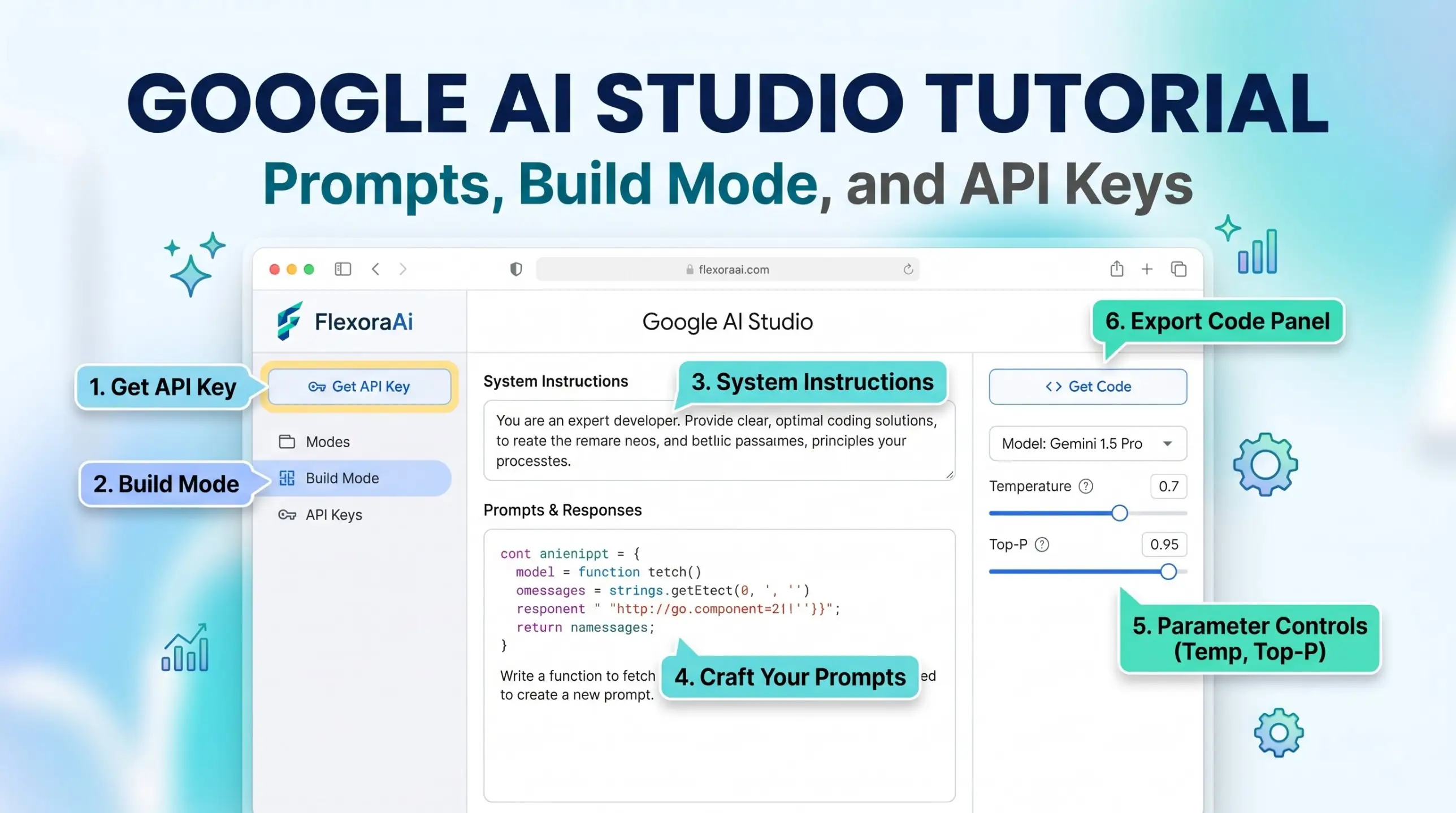
If you've ever wanted to see what Gemini can do beyond a chat window, Google AI Studio is the place. It's a free workspace where you can test prompts, tune behavior, grab an API key and even build a small app by describing it. This tutorial, part of our Google AI tools guide, walks through the essentials in order.
Short answer: Go to aistudio.google.com, sign in with a Google account, and open the Playground. Write a prompt, add system instructions, choose a model, and click Get code to export it. Use Build mode to create an app from a description.
Worth knowing
- No waiting list: any Google account can sign in.
- System instructions set the model's behavior for the whole conversation.
- Free-tier content may be used to improve Google's products.
Your first ten minutes
- Open aistudio.google.com and sign in with a Google account.
- Accept the terms when asked.
- Open the Playground from the sidebar.
- Choose a model from the list, such as a Flash model for speed.
- Type a prompt and press run.
- Click Get code to see the same request as code.
The sidebar, explained
| Area | What it's for |
|---|---|
| Home | Quick-start cards |
| Playground | Testing prompts and conversations |
| Build | Creating apps from descriptions |
| Dashboard | Projects, keys and usage |
| Documentation | Official guides |
System instructions: the box that changes everything
System instructions sit above the conversation and define the model's role, tone and rules before your first message. A short set of instructions can turn Gemini into a formal support assistant or a playful language tutor, and you don't have to repeat them in each message.
Try this: “You are a friendly tutor who explains in plain language, gives one example, and ends with a question.” Then ask about any topic, and watch the style stay consistent.
Build mode
Build mode, introduced in October 2025, is Google's take on vibe coding. You describe what you want, and AI Studio generates the code and files with a live preview. One guide notes that when an app uses the Gemini API, the key is stored as a server-side secret so it doesn't appear in the browser. You can export the result to GitHub or as a ZIP file.
It's a long way from the playful tricks in our complete list of Google Easter eggs, but it shares the spirit of curiosity.
API keys and the free tier
- Get API key. Use the link in the sidebar to create a key for a project.
- Free tier. New accounts begin there, with rate limits on certain models.
- Paid tier. Needs a linked billing account.
- Privacy. Free-tier content is used to improve Google's products, and paid-tier content is not.
Good habits
- Keep customer data out of the free tier.
- Never paste an API key into a public page or chat.
- Test a prompt in the Playground before you build around it.
- Note the model name and settings so results are repeatable.
If you're weighing Gemini against other tools for a project, see our compare AI tools page.
Your first project: a study buddy
- Open the Playground and choose a Flash model.
- Write system instructions: “You are a friendly study buddy. Ask me one question at a time, wait for my answer, then explain the correct answer in two sentences.”
- Type the name of a subject, such as photosynthesis.
- Answer the questions and notice how the style stays consistent.
- Click Get code to see the request as code you could reuse.
This takes five minutes and shows the main idea of AI Studio: behavior set once in the instructions, a simple prompt each turn, and code to export when you're ready.
Settings worth knowing
| Setting | What it changes |
|---|---|
| Temperature | How random or predictable the answers are |
| Model | Speed, cost and reasoning strength |
| System instructions | The role and rules for the whole chat |
| Files and media | What the model can read, listen to or watch |
Change one setting at a time. If you change three things at once, you won't know which one made the difference.
Common beginner problems
- Rate limit errors. You've hit a free-tier limit, so wait a moment or lower your usage.
- Odd answers. Check your system instructions for conflicting rules.
- A key that doesn't work. Make sure it belongs to the right project and hasn't been disabled.
- Lost work. Save prompts you like before closing the tab.
How we checked this: We used ppc.land's AI Studio explainer, TechRepublic's cheat sheet, and 2026 beginner guides for the sidebar, Build mode and key handling, along with Google's pricing page as described in coverage. AI products change quickly, so check dates and your own screen before you rely on any detail. If something here is out of date for you, email ownerflexora.ai@gmail.com and we will fix it.
Your turn: Write system instructions for a helper you'd use, such as a study buddy. Test it with three different questions.
AI Studio rewards experiments. Start small, change one setting at a time, and keep notes.
More tricks to try
Curious what building on Gemini costs? The Google Gemini API pricing guide is next.