🧪 Google Easter Eggs · How It Works
Google Fall Down
Trick Explained
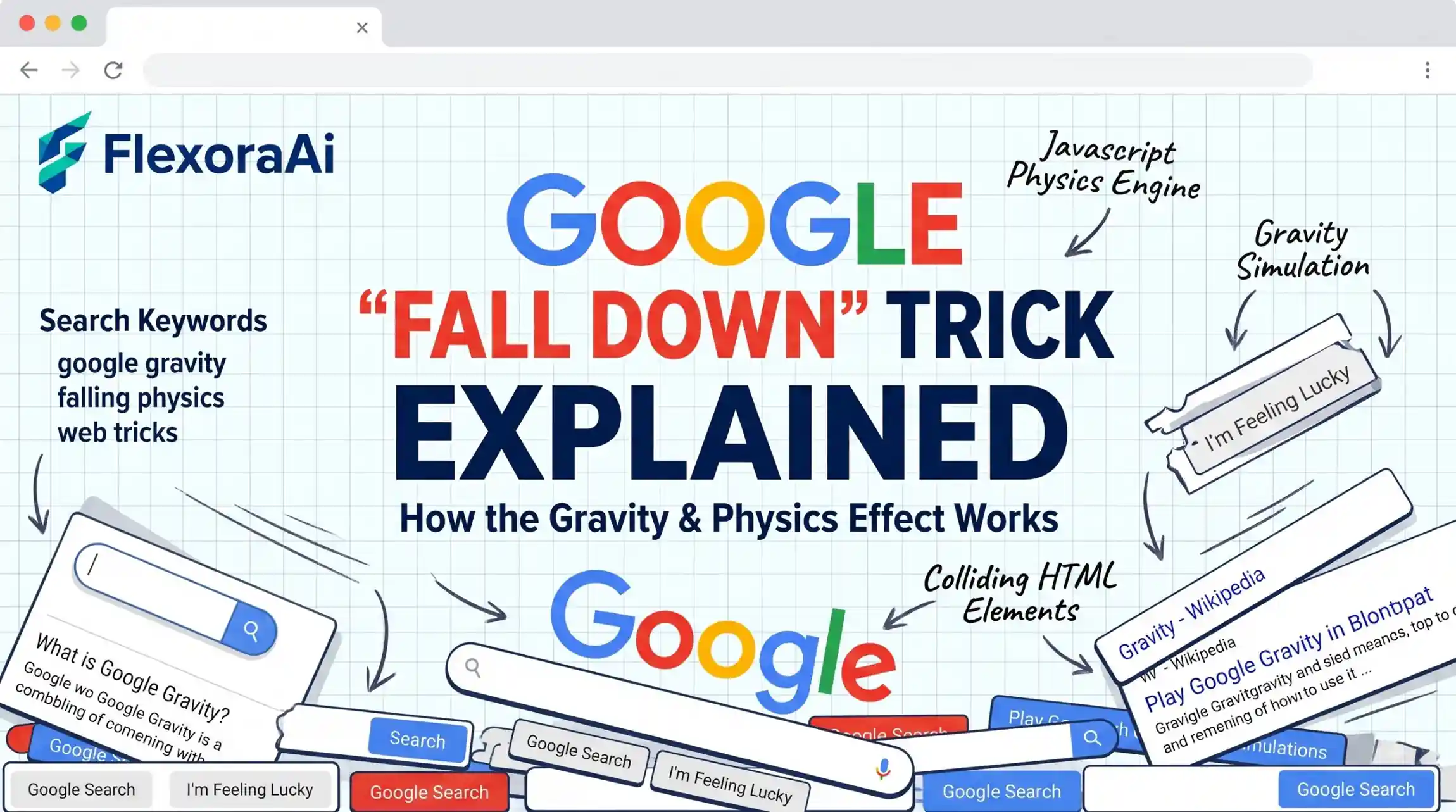
It looks like magic the first time: the Google page loads, you click, and everything tumbles to the bottom. It's really a neat bit of ordinary web programming, and once you see how it works the other experiments in our Google gravity and underwater tricks guide make a lot more sense. Here's the plain-language version.
Short version: A script detaches the page's elements, hands them to a physics engine, and redraws them in their new positions many times a second. The page doesn't really fall. It's redrawn so quickly it looks like it does.
Worth knowing
- It's JavaScript plus a physics engine, with no plugin involved.
- The creator has said the 2009 version used Box2DJS.
- Everything runs in your browser.
The idea in four steps
- Find the elements. The script looks at the logo, search box, buttons and links on the page.
- Make them physical. Each element is given a size, a weight and a position in a simulated world.
- Run the simulation. A physics engine works out where each one should be next, taking gravity, collisions and your mouse into account.
- Redraw the page. The new positions are applied to the elements, over and over, many times a second.
Why it was impressive in 2009
Web pages were mostly static, and physics usually meant a game or a plugin. Showing that ordinary page elements could behave like objects in a simulation helped make the case for what browsers could do. Mr.doob has also said he updated the experiment over the years: he cleaned up the code, added support for device orientation so phones can tilt the scene, and updated it for newer Google page designs.
It's a good example of the playful engineering we collect in our complete list of Google Easter eggs.
A short glossary
| Term | What it means here |
|---|---|
| DOM | The structure of a web page that a script can read and change. |
| Physics engine | Code that works out how objects move and collide. |
| Box2D | A well-known 2D physics engine, used here in a JavaScript version. |
| Frame | One redraw of the screen. Smooth animation needs many per second. |
Why it sometimes breaks
- Script blockers. Extensions that block scripts will stop the experiment.
- Old copies. Pages that copy the experiment may use outdated code.
- Slow devices. Many moving elements need a decent processor.
Physics simulations like this are the kind of work graphics hardware is good at, and if that interests you, our explainer on Google TPU vs NVIDIA GPU explained covers how Google's own chips differ.
How we checked this: We relied on the creator's own comments about the original 2009 build and on plain explanations of how browser physics demos work. We simplified the technical detail on purpose. If something here is out of date for you, email ownerflexora.ai@gmail.com and we will fix it.
Your turn: Open the experiment, drag a single element to the top of the screen and let go. Watch how it falls, bounces and settles, and see if you can spot the physics engine at work.
More tricks to try
Ready to run it yourself? The Google gravity Chrome trick covers the browser side.
Frequently Asked Questions
To see it in action, visit Mr.doob's original experiment.