🌀 Google Easter Eggs · Hidden Games
Google Fidget Spinner
Trick
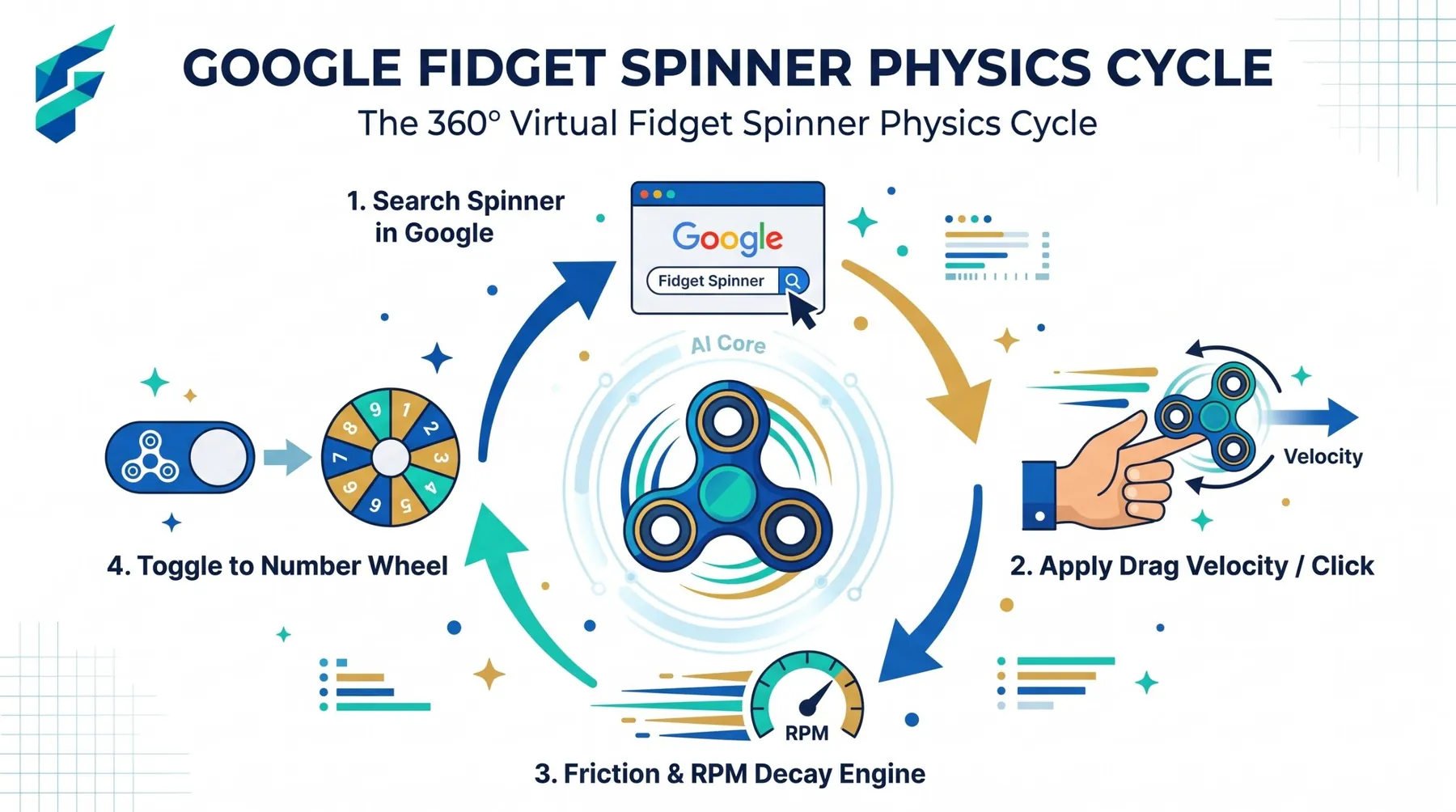
In 2017 fidget spinners were everywhere, and Google joined in. Search one word and a virtual spinner appeared right on the results page. It is one of the simplest and most soothing entries on our hidden Google games list. Here is how to trigger it, where it came from, and what to do if it does not show up.
Quick answer: Search for spinner, just that one word. Drag or swipe the spinner to flick it, or press the Spin button. Reports about whether it still works are mixed, so test it on your own device.
How to use the Google fidget spinner
- Open Google. Desktop and mobile browsers were both reported to work.
- Search for spinner. Use the single word. Launch coverage said the full phrase fidget spinner may not trigger it.
- Flick it. Drag with your mouse or swipe with your finger, or press the Spin button if you prefer.
- Watch it slow down. The spinner keeps turning for a few seconds, just like the real toy.
Where it came from
Reddit users spotted the spinner in June 2017, when the real toy was at the peak of its craze. Tech sites covered it within days. The widget showed a large green and yellow spinner under the search bar, and early reports said it worked in Chrome and Firefox, while Safari results were mixed.
Unlike a hidden game, there is no score and no goal. That is the point: it is a toy, built to be flicked while you think about something else. It earns a place in our complete list of Google Easter eggs for exactly that reason.
Does it still work in 2026?
It is hard to say with confidence. Some Easter egg roundups still list the spinner as something to try, while other write-ups say Google quietly retired it as the fad faded. Google rarely announces when it removes a trick, so the only reliable test is to search the word yourself.
If you only see normal results, search for an online fidget spinner and open one of the many free simulators. They behave much the same way.
Tips for a better spin
- Flick fast. A quick drag gives a longer spin than a gentle push.
- Try it on a phone. Swiping feels more natural than dragging with a mouse.
- Use the single word. Search spinner, not a longer phrase.
- Pair it with a page-wrecking trick. The Google gravity and underwater tricks guide is a good follow-up when you want something more chaotic.
More hidden games to try
If you would like something with music instead of motion, the Google guitar doodle trick is next in the series.
Frequently Asked Questions
For the original June 2017 report on the hidden spinner, see The Next Web's article.