🕰️ Google Tricks · Pendulum · Physics Toys
Google Pendulum Trick
(Does It Exist?)
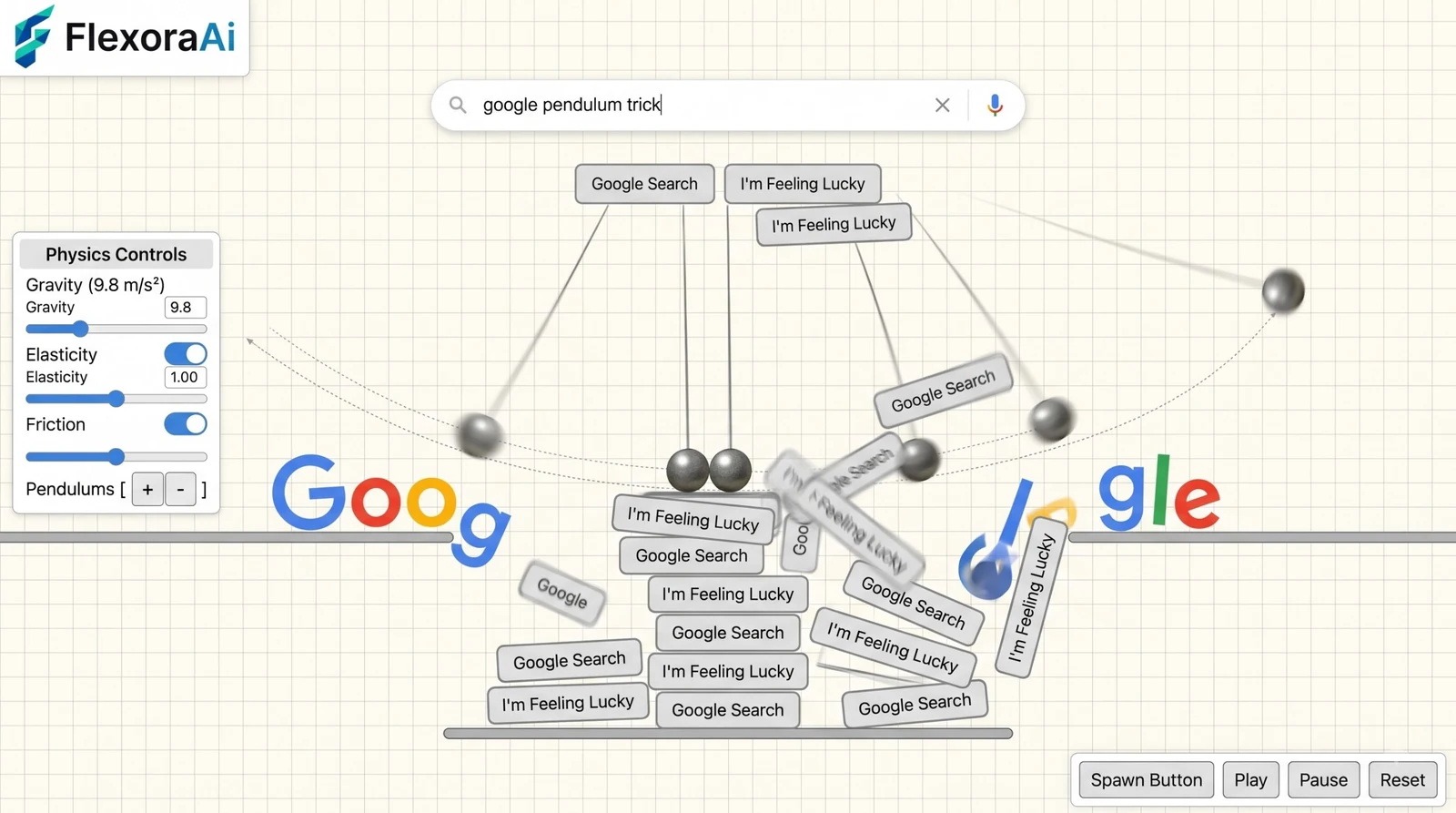
“Google pendulum trick” sounds like it should exist. The logo swings from the top of the page like a clock weight, the search box sways, you click and everything wobbles. It’s a great picture.
We went looking for the real thing and came back with a more interesting answer. This guide sits in our Google gravity and underwater tricks guide, and it tells you what we could verify, what we couldn’t, and what to try instead.
Quick answer: We found no official or well-documented “Google Pendulum” trick, and the elgooG catalog of restored and fan-made Google toys doesn’t list one. The closest real experiments are Mr.doob’s Google Gravity and Google Space, where you drag and throw page elements, and Google Sphere, where they whirl around.
What we checked
Three places, in order. First, Google’s own Easter egg write-ups, which don’t mention a pendulum. Second, the experiments Mr.doob made for Chrome Experiments, which cover gravity, space and a sphere. Third, the elgooG catalog, which restores, enhances or collects dozens of Google toys. It lists Gravity, Floating Google, Underwater Search, Tilt and more, but nothing called Pendulum.
That isn’t proof that no one ever built one. It’s a strong hint that, if a Google pendulum page exists, it’s a one-off fan creation rather than a documented trick. We’d rather tell you that than invent a page for you to click.
The closest real tricks
| Trick | What moves | Why it feels like a pendulum |
|---|---|---|
| Google Gravity | Elements fall, then you drag and throw them | Thrown pieces bounce and swing back and forth until they settle |
| Google Space (Floating Google) | Elements drift and collide in zero gravity | A throw sends pieces on long, looping paths |
| Google Sphere | Elements whirl, then settle into a spinning sphere | They orbit and sway around a center point |
| Google Tilt | The page leans to one side | A single frozen “swing” to the left |
Mr.doob’s experiments run on a physics engine, so a throw behaves a lot like a real swing. The next post in this set, Google Underwater Search, covers a famous experiment that often gets credited to him by mistake.
Make your own swinging logo
If you want the pendulum itself, you can build one on a page you own. This is plain CSS: it won’t work on google.com, but it’s a fun ten-line toy for your own site.
The key line is transform-origin: top center. It moves the pivot to the top of the element, so the logo swings from a hinge instead of spinning around its middle.
Spotting fake trick pages
- A trick page should run in your browser. If it asks you to install an app, extension or certificate, close it.
- Be wary of pages that say they’re an official Google feature but sit on an unrelated domain.
- Check whether the trick appears in more than one independent source before you trust it.
For a straight list of what’s real, our complete list of Google Easter eggs labels each trick as active, retired or unofficial. And for the nostalgic angle, try the retro Google tricks guide.
Frequently asked questions
We found no official or well-documented Google Pendulum trick. The elgooG catalog of restored and fan-made Google toys does not list one, so any such page is likely a fan creation.
Google Gravity and Google Space come closest. You can drag and throw the page elements, which then bounce and swing. Google Sphere makes them whirl around a center point.
On your own page, yes. A CSS keyframe animation with transform-origin set to top center makes a logo swing from a hinge. It will not work on google.com itself.
The originals live on mrdoob.com and the Experiments with Google site. The elgooG restorations add touch controls and a dark theme.
The originals used the Google Web Search API, which Google retired on September 29, 2014. You can still drag and throw the page elements.
Sources checked
Facts here were checked against these sources on November 2, 2026. Gameplay and settings were not tested for this article, so try anything yourself before relying on it.
- elgooG catalog and Google Space page — which Google toys are documented and how the originals worked.
- Canonical Design blog, interview with Mr.doob — the physics behind Google Gravity.
- Standard CSS — the transform-origin and keyframe approach in the snippet, which you can test on your own page.
Try the real thing: Mr.doob’s original Google Gravity, where the throw-and-bounce physics lives.