🕹️ Google Easter Eggs · Retro Google
Old Google Homepage
Trick
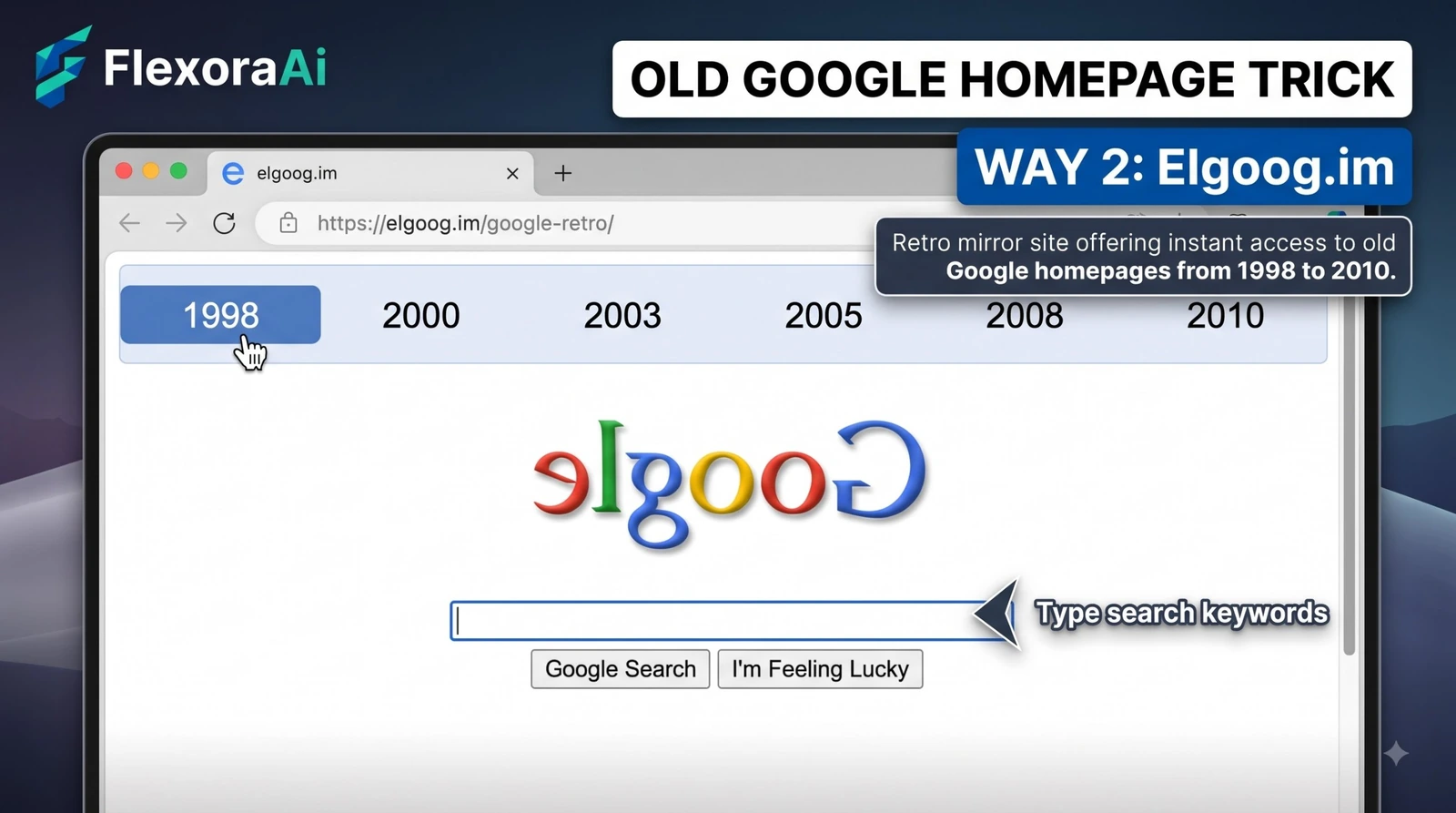
You want to see the old Google homepage, and you want to do it in under a minute. This guide skips the history and gets to the point: four ways to do it, ranked by speed, and what each one will and won't show you. It belongs to our retro Google tricks guide.
Short answer: The fastest way to see an old Google homepage is to search "google in 1998." For real snapshots, use the Internet Archive's Wayback Machine. A fan recreation such as elgooG gives a fuller retro experience.
Worth knowing
- Four routes exist, and the fastest takes ten seconds.
- The throwbacks are visual, not working search engines.
- Real snapshots come from archives, and coverage varies.
Four ways, ranked by speed
| Way | Time | What you get |
|---|---|---|
| Search google in 1998 | 10 seconds | Google's 2013 retro look. |
| Zelda Easter egg (Nov 2026) | 20 seconds | The same retro look, via the Master Sword. |
| Wayback Machine | 2 minutes | A real snapshot of google.com from a chosen date. |
| elgooG recreation | 1 minute | A retro browser window with the 1998 look. |
Step by step: the 10-second version
- Open Google in a desktop browser.
- Type google in 1998 and press Enter.
- Wait a second for the page to switch to the retro look.
- Look around, then return to normal Google by searching again.
It's the easiest entry in our complete list of Google Easter eggs for anyone short on time.
Step by step: a real snapshot
- Open the Internet Archive's Wayback Machine.
- Enter google.com.
- Choose a year from the timeline, then a date with a colored circle.
- Open the snapshot and compare it with today's page.
Common mistakes
- Expecting a working search. The old look is a throwback, not an archive of the search engine.
- Trusting copy sites. Pages that promise a "permanent" old Google may include ads or redirects.
- Giving up on the first snapshot. Archived pages are patchy, so try another date.
- Mixing up years. The official egg is for 1998, not 1997 or 1985.
Which should you use?
If you just want a smile, search google in 1998. If you are writing about Google or comparing designs, use the Wayback Machine, because it gives you dated evidence. If you want the full retro mood, use a recreation, but check who made it first.
More search habits worth knowing are in our Google search tricks list.
A note on staying safe with recreations
Recreations are made by fans, and quality varies. Check that a page names its creator, never download anything and don't sign in. If a page behaves oddly, close it.
The official Easter eggs and the Wayback Machine need no downloads or accounts, which makes them the safest places to start.
If the Easter egg doesn't show up
- Check the spelling. Type google in 1998 exactly, without quotes.
- Use a desktop browser. The retro look is easiest to see on a large screen.
- Try another browser. Extensions can interfere with page changes.
- Wait a second. The switch to the retro page isn't instant.
- Accept that it may be gone. Google can retire Easter eggs without warning.
Quick reference
| If you want... | Use this |
|---|---|
| A smile in ten seconds | Search google in 1998 |
| A themed version | The Zelda Easter egg from November 2026 |
| Dated evidence | The Wayback Machine |
| The full retro mood | A fan recreation such as elgooG |
How we checked this: We used reports on the 2013 Easter egg, the Shacknews report on the 2026 Zelda egg, elgooG's description of its recreation and coverage of the Wayback Machine links in Google Search. Easter eggs and archive coverage change, so your results may differ. If something here is out of date for you, email ownerflexora.ai@gmail.com and we will fix it.
Your turn: Time yourself. How fast can you get from a blank browser to the 1998 look? Tell a friend and challenge them to beat it.
Ten seconds and one phrase is all it takes. The rest of the retro web is only a few clicks away.
Where to go next
Want the full story behind the Zelda version? Our Google in 1998 game play guide is next.
Frequently Asked Questions
For context on how Google now points to archives, read TechSpot's report on Google's retired cache links.