🔎 Google Tricks · Search Phrases · Easter Eggs
Google Search Tricks List
(Phrases That Still Work)
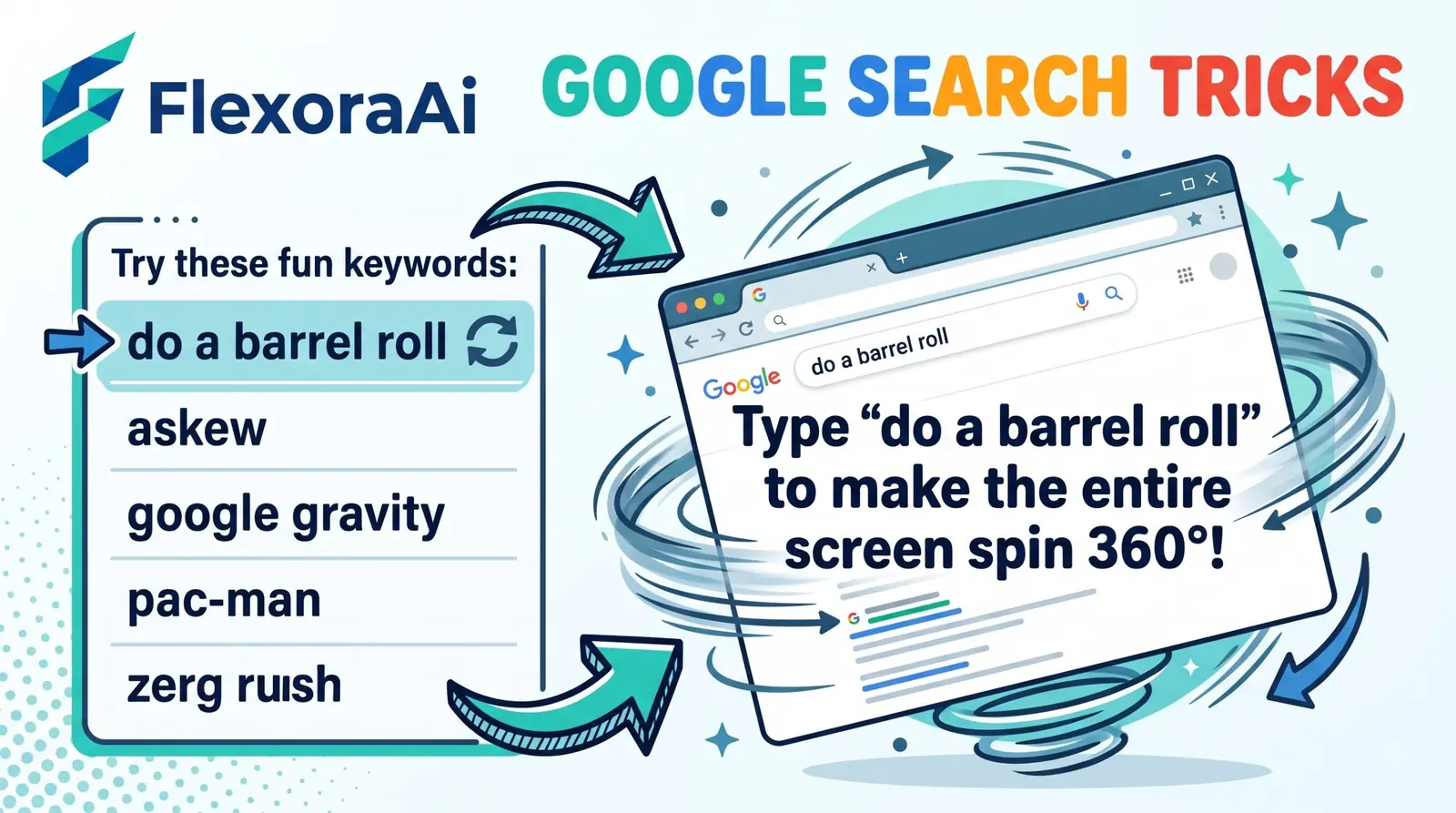
Some Google tricks hide behind a click, a keyboard shortcut or a settings screen. The best ones hide behind nothing but a phrase. You type a few words, press Enter, and the page spins, tilts, blinks or answers with a number that makes no sense until you’ve read the right book.
This is the search-phrase list: what to type, what you’ll see, and whether it still works. It’s part of our complete list of Google Easter eggs, and the biggest tricks each get their own deep dive below.
Quick answer: A Google search trick is a phrase you type that makes the results page do something odd, like spinning, tilting or answering 42. Recent roundups list do a barrel roll, askew, anagram, recursion and the answer to life as working. Type the exact phrase, in lowercase, on a desktop browser.
What counts as a search trick?
A search trick is an Easter egg you trigger with words alone. No game panel, no extension, no special URL. It lives on the normal results page, which is both the charm and the weakness: Google can change that page whenever it likes, and a trick vanishes without any announcement.
That’s why every row below has a status. “Long-running” means it has been reported across many years. “Reported” means recent or older write-ups mention it, but we can’t promise it works on your screen today.
The Google search tricks list
| Type this | What happens | Status |
|---|---|---|
do a barrel roll | The page spins 360 degrees. z or r twice does the same | Long-running (since Nov 2011) |
askew or tilt | The results lean to one side; the next search straightens them | Long-running |
anagram | “Did you mean: nag a ram” | Long-running |
define anagram | “Did you mean: nerd fame again” | Reported |
recursion | “Did you mean: recursion”, forever | Long-running |
the answer to life, the universe, and everything | The calculator answers 42 | Long-running (since 2003) |
blink html | The word blink starts blinking | Reported working |
marquee html | The result count scrolls like an old marquee tag | Reported |
kerning or keming | The word’s letter spacing changes | Reported (older write-ups) |
bletchley park | The name appears as if being decoded | Reported |
Google in 1998 | A retro 1998-style results page | Reported working |
flip a coin, roll a die, spinner | A tool appears above the results | Active tools, not secrets |
zerg rush | “o”s eat the results | Retired |
atari breakout (in Images) | Thumbnails become bricks | Retired |
let it snow | Snow and frost | Unconfirmed in 2026 |
Visual tricks: spin, tilt and blink
These are the ones that make people laugh in meetings. Do a barrel roll spins the whole results page once, a nod to Star Fox 64. Askew leans it a few degrees to the right, and a different search puts it back, which is part of the joke. If you want the dramatic version, a floating page is a very different trick.
“Blink html” is the nerdiest of the group. It makes the word blink flash, a wink at the old HTML blink tag that browsers stopped supporting long ago.
Wordplay: the spelling-suggestion jokes
Google’s “Did you mean” line is usually a boring fix for a typo. Two tricks turn it into a punchline. Anagram suggests “nag a ram,” which is an anagram of the word itself. Recursion suggests recursion, so clicking it takes you back to the same page. If you’ve ever tried to explain recursion, you already know that’s a perfect explanation.
Numbers and the calculator
The most famous number trick lives in the calculator, not in a visual effect. Ask for the answer to life, the universe, and everything and you get 42, a joke from The Hitchhiker’s Guide to the Galaxy. A blog noticed it in August 2003, which makes it one of the oldest phrase tricks still around.
Developer jokes
A handful of tricks only land if you’ve touched a web page’s source. “Blink html” and “marquee html” poke at tags that browsers dropped, and “kerning” shows you what bad letter spacing looks like. One roundup also describes a Bletchley Park trick that simulates the codebreakers decrypting the name. They’re small, quiet, and perfect for anyone who’s ever debugged a layout at midnight.
How to type a search trick
- Use regular Google Search on a desktop browser. Chrome is a safe choice.
- Type the phrase exactly, with no extra words. For the calculator trick, use lowercase and no ending punctuation.
- Press Enter and give the page a second to finish loading.
- If an effect like askew sticks, run any other search to reset it.
- Still nothing? Check reduced-motion settings, then try a private window.
Why a trick stops working
- Google retired it. Zerg Rush and Atari Breakout are the famous examples.
- The trick was tied to a promotion that ended.
- You’re on the Google app or another results screen that skips the effect.
- Reduced motion is switched on, which can switch off animation.
- A redesign changed how the results page is built.
Done typing? Our free AI tools are the grown-up version of search.
Frequently asked questions
Recent roundups still list do a barrel roll, askew, anagram, recursion and the answer to life, the universe, and everything as working. They are quick to try and need nothing but the exact phrase.
Some do and some don’t. Visual effects are often described as desktop-first, so try a desktop browser if a phrase does nothing on your phone.
The trick may be retired, you may be on a different results screen, or reduced-motion settings may be switching off the effect. Type the exact phrase on regular Google Search in a desktop browser.
Run any other search. For askew, the page leans only for that results page, and a new search puts it back.
The answer to life, the universe, and everything returning 42 was reported on a blog in August 2003. One 2026 roundup says Google dates its earliest Search Easter egg to 2003.
The real ones run on Google’s own results page and need no download. Skip any site that offers a trick as an app, extension or file.
Sources checked
Facts here were checked against these sources on November 2, 2026. Gameplay and settings were not tested for this article, so try anything yourself before relying on it.
- Search Engine Land, “The big list of Google Easter eggs” — phrase tricks and the Bletchley Park egg.
- Search Engine Journal, Google Easter eggs guide — askew, anagram and the coin and spinner tools.
- Entrepreneur, “The definitive list of Google search Easter eggs” — askew resetting on the next search and the define anagram result.
- TycoonStory, 2026 roundup — which phrase tricks are reported as working.
The classic reference list: Search Engine Land’s big list of Google Easter eggs, including many that have since retired.