🎬 AI Video · Product Launch · Marketing Automation
AI Product Launch Video Workflow
for Small Teams (2026)
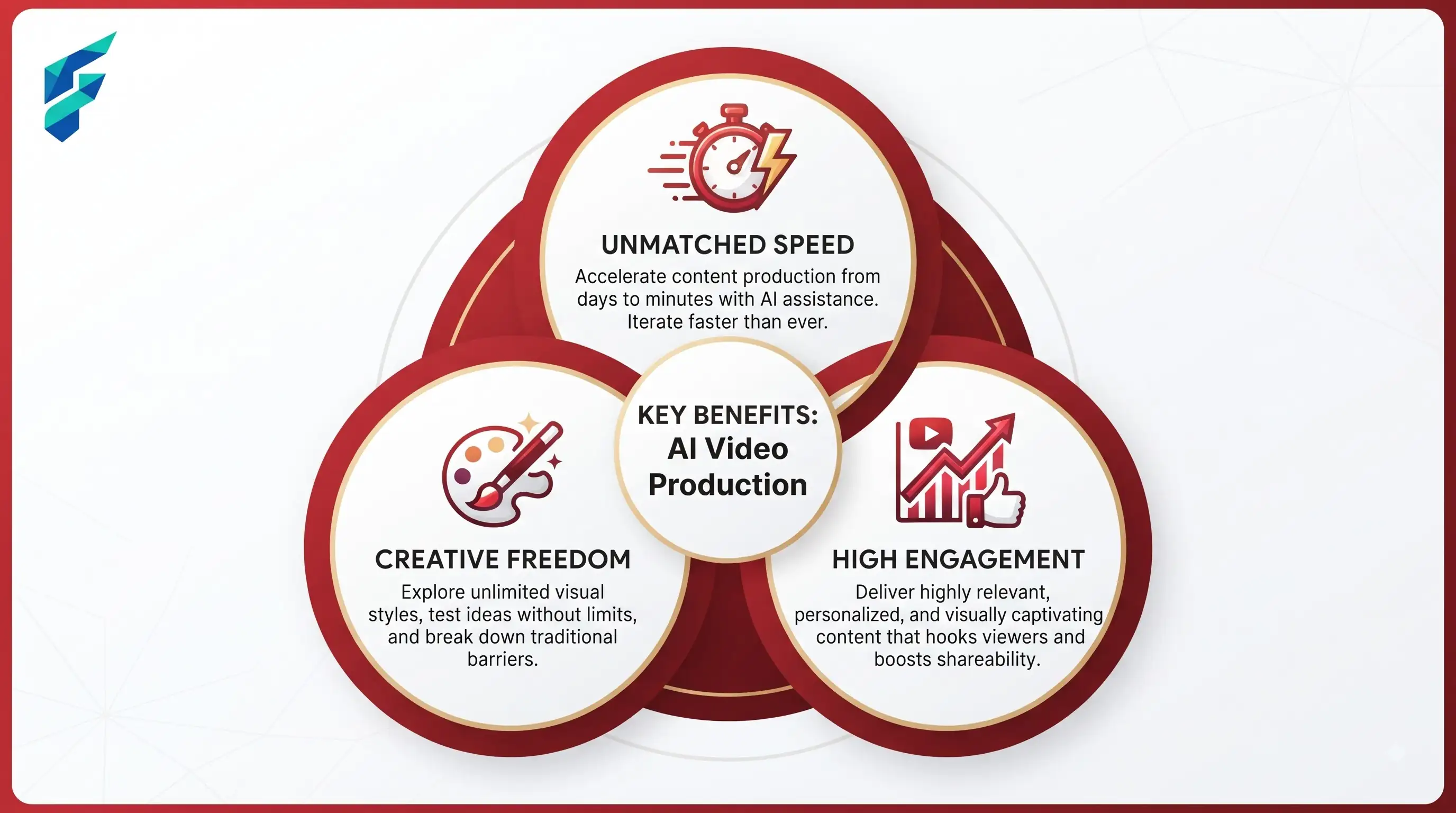
Most product launch videos fail before anyone opens an editing tool. Someone decides "we need a launch video," opens an AI generator, and asks it to show everything the product does in 30 seconds. It comes out vague, because it's trying to do six jobs at once.
Quick answer: A working AI product launch video workflow splits the launch into separate assets — a hero loop for the landing page, a short teaser for social, a demo clip, and a founder-style update — instead of one video trying to cover everything. Write your launch promise as a single sentence first, then generate each asset against that sentence, not against the whole product.
Why one video is the wrong unit of work
A launch isn't one video. It's several small jobs that look similar but aren't:
- The landing page needs something that loops silently and still makes sense with no sound
- Social needs a hook that works in the first two seconds, because that's all you get before someone scrolls past
- A demo needs to actually show the product working, not just gesture at it with abstract motion graphics
- Founder-style updates need to feel like a person talking, not a commercial
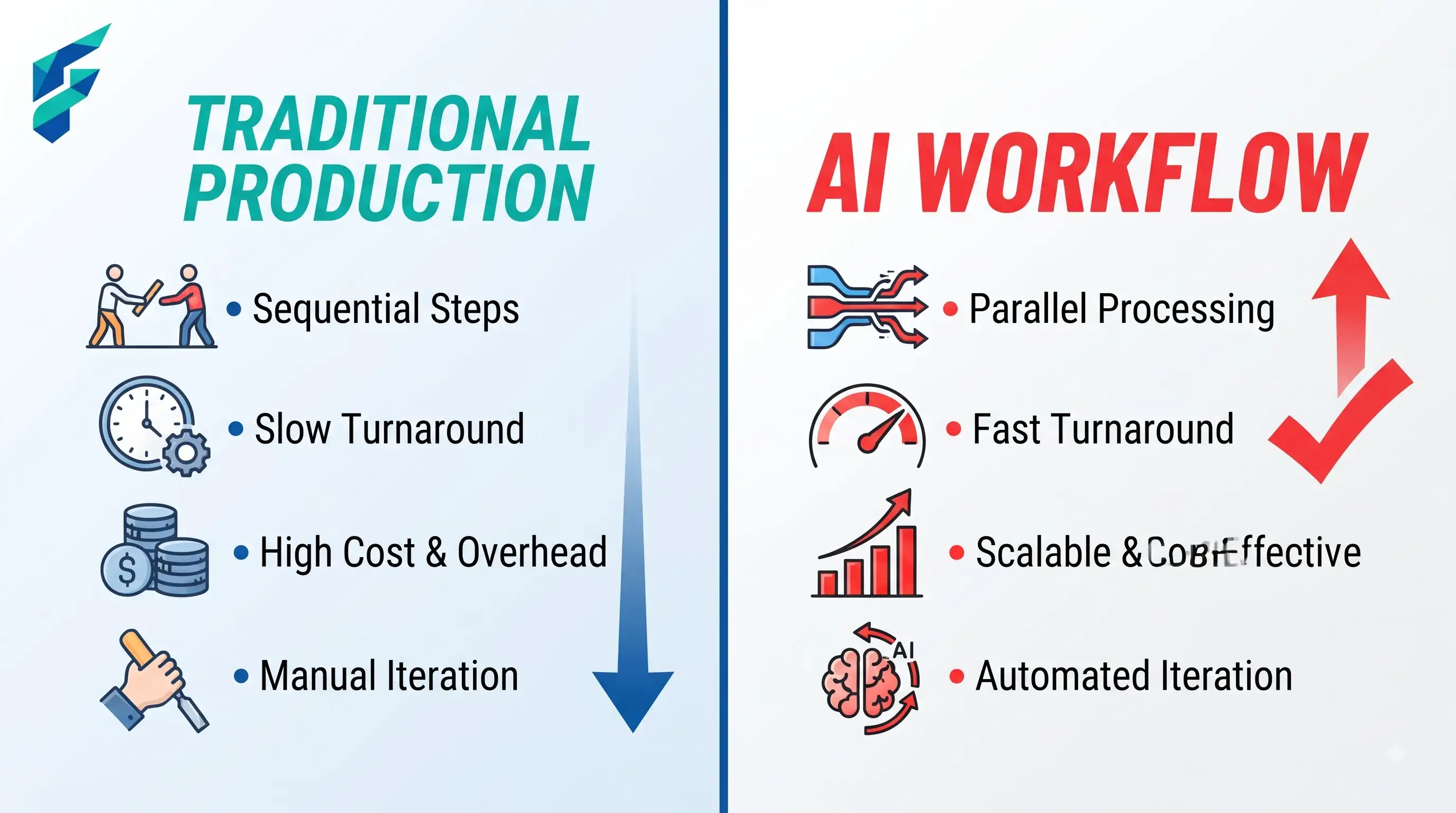
Trying to generate one clip that hits all four usually means it does none of them well. Split the work first, generate second.
Step 1: Write the launch promise before you open any tool
One sentence, before anything else:
"This launch helps [audience] do [specific action] without [the old pain], so they can [outcome]."
That's it. Not a feature list — one sentence naming who this is for and what changes for them. Every asset you generate afterward gets checked against this sentence. If a clip doesn't clearly serve it, cut it, even if it looks good on its own.
This is the same discipline that goes into any product page copy — it's worth writing this sentence in plain text before you touch a script, because it's also the backbone of your AI-generated product copy. Video and copy should say the same thing in different formats, not compete for attention.
Step 2: Break the launch into asset types, not one big video
A realistic launch kit looks like this:
- Hero loop — silent, short, for the landing page above the fold
- Teaser hook — 5–15 seconds, built for the first two seconds to stop a scroll
- Product demo cut — shows the actual interface or product doing the thing, not an abstraction of it
- Founder or team clip — a person talking, for LinkedIn or email, where a polished commercial reads as less trustworthy than a real voice
You don't need all four for every launch. A solo founder launching on Product Hunt might only need the teaser and the founder clip. A SaaS team with a landing page redesign needs the hero loop and demo more than anything else. Match the asset list to where people will actually see it.
Step 3: Keep the product honest
This is where AI-generated launch videos go wrong most often. If your product has a real interface, generate the motion around approved screenshots and real UI — don't let a video model invent buttons, labels, or flows that don't exist in the shipped product. A beautiful demo of a feature that isn't real is a support ticket waiting to happen the week after launch.
If the product isn't fully built yet, that's fine — use mockups and clearly framed "coming soon" language rather than presenting speculative UI as finished.
Step 4: Don't generate the video in isolation from the rest of the launch
A launch video sitting on its own rarely earns its production time. It needs to be plugged into the same push as your emails, your social calendar, and your landing page updates. This is usually the point where automating your product launch marketing pays off — scheduling the teaser cutdowns across channels, queuing the follow-up sequence, and tracking which asset actually drove clicks instead of guessing.
If you're a small team doing this without a dedicated video person, the tool choice matters less than most people think. What matters is picking tools startup founders use to launch products that fit your actual workflow — screenshot-to-motion tools if your product has a real UI worth showing, straightforward generators if you just need a hero loop and a hook.
Step 5: Measure the right thing
A launch video isn't succeeding because it "looks professional." Track:
- Click-through rate from the landing page hero to the CTA
- Demo requests or signups in the 48 hours after the video goes live
- Which cutdown (teaser vs. founder clip vs. demo) actually drove the most traffic, so the next launch skips the ones that didn't
Adobe's guide on producing effective product videos covers the shot-composition and scripting side of this well if you want the production fundamentals underneath the AI workflow — worth a look once, since a lot of AI video prompts fail for the same reasons a badly-shot camera video fails: no clear script, no plan for what the viewer should do next. See Adobe's guide to making effective product videos.