🚀 AI Productivity · Remote Work · Workflow Automation
AI Productivity Tools for Remote Small Business Teams
(2026 Guide)

Quick answer: Remote small teams get the most value from AI in three specific spots — meeting capture (so nobody's stuck taking notes instead of participating), async communication (so a question doesn't need a live meeting to get answered), and workflow automation (so status updates aren't a manual copy-paste job). Pick one tool per category instead of five overlapping ones, and you'll get more done than adding a general-purpose chatbot on top of a broken process.
A five-person remote team doesn't have the same problems as a 500-person distributed company, but most "AI productivity tools" content is written for the second one. Here's what actually matters at small-team scale.
The three places AI earns its keep on a remote team
Not every task benefits equally from AI. Three places consistently do:
- Meetings — someone is always the note-taker, and it's always the wrong use of a person's attention
- Async communication — questions that pile up in a channel because nobody has time to write a proper answer
- Repetitive status work — updating a tracker, pinging a client, summarizing what happened this week
Everything else — brainstorming, drafting, research — is useful but not remote-specific. These three are where being remote makes the problem worse, and where AI closes the gap fastest.
Meetings: stop assigning someone to take notes
If your team runs even three meetings a week across time zones, someone is losing real working time to note-taking, or — worse — nobody's taking notes and decisions get relitigated two weeks later because no one remembers who agreed to what.
AI meeting transcription tools that kill the note-taking job solve this directly: automatic transcripts, action items pulled out without anyone typing, and a searchable record so "wait, did we decide on X?" gets answered by searching instead of asking around. For a remote team, the searchable part matters more than the transcript itself — most of the value comes from not having to interrupt someone in a different time zone to ask what was said.
Async communication: replace the live meeting, not the message
Remote teams default to scheduling a call for things that didn't need one. A tool that turns a scattered Slack thread into a coherent summary, or that drafts a first-pass response to a repeated question, cuts down on "can we hop on a quick call" — which is rarely quick once you factor in time zone coordination.
This is really a subset of the broader collaboration problem. AI collaboration tools built for scattered teams cover this ground in more depth — the short version is that the tools worth paying for reduce the number of live syncs your team needs, not the number of messages sent.
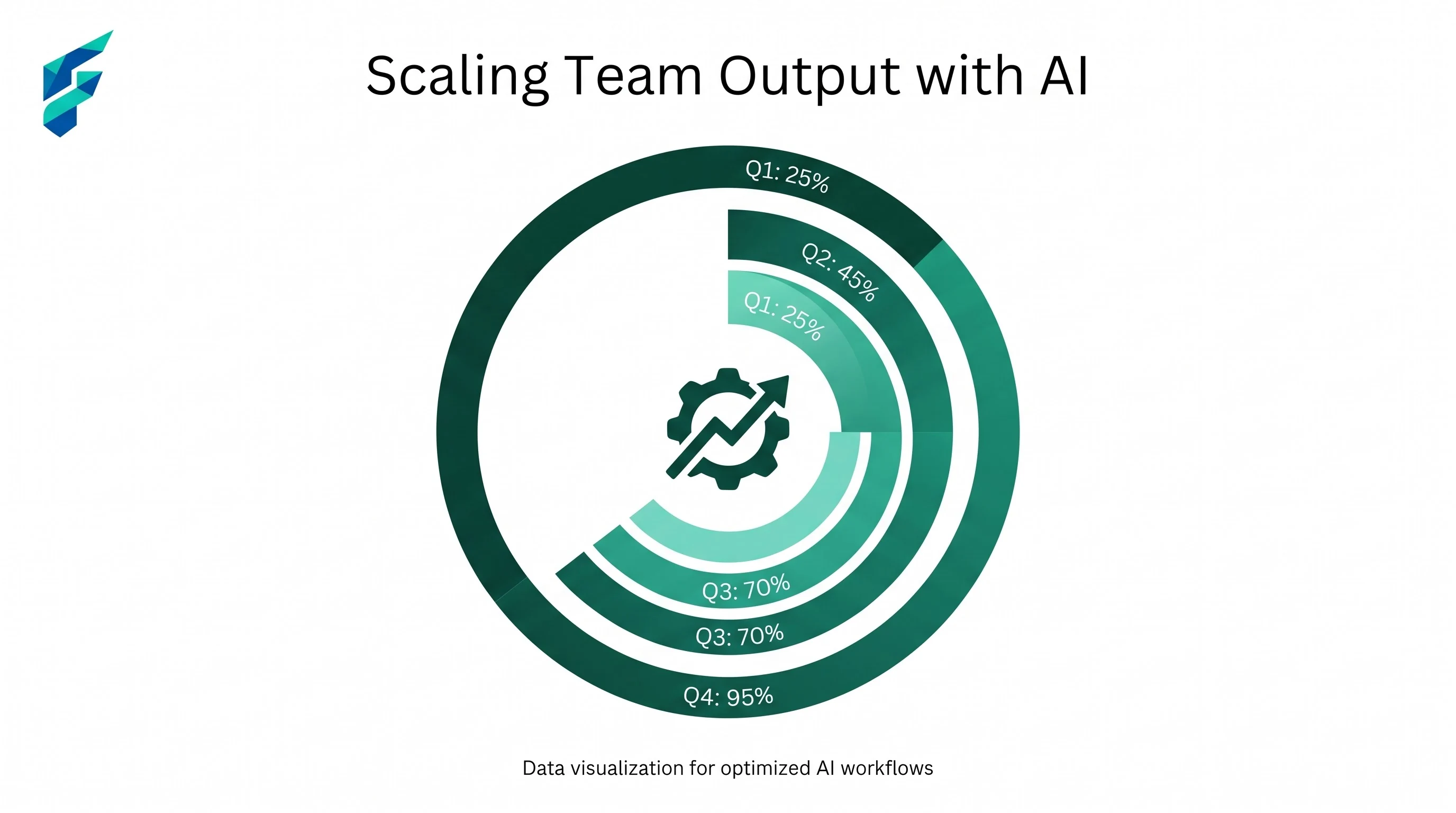
Workflow: connect the tools you already use
The third category is the one most teams skip because it feels like "automation" rather than "productivity" — but it's often the highest-leverage one. If someone on your team is manually copying a form submission into a spreadsheet, or updating three different tools every time a deal moves stages, that's hours a week disappearing into busywork that has nothing to do with actual judgment or skill.
AI workflow tools that connect the rest of your stack are worth setting up once and forgetting about — the return compounds every week the automation keeps running, unlike a one-off task an AI assistant does for you today and never again.
What to skip
A few things that sound useful but rarely earn their subscription for a small remote team:
- AI "virtual office" or presence tools that simulate being in a shared space — most remote teams report these add friction rather than removing it
- Multiple overlapping meeting assistants — pick one and cancel the rest; running two note-takers on the same call is a solved problem being solved twice
- General AI chat tools bought for a specific workflow problem — a chatbot doesn't fix a broken handoff process; a workflow tool does
Why this matters more for small teams than big ones
A large company can absorb an inefficient process — there's enough headcount that a few wasted hours per person per week don't show up on the balance sheet. A five-person team doesn't have that slack. Every hour lost to manual note-taking or a "quick call" that didn't need to happen is a real percentage of the team's total capacity for the week.
Owl Labs' long-running State of Remote Work research has tracked this for years — remote workers consistently report focus and deadline performance improving when the friction of coordination gets removed, not when more tools get added. Worth a skim if you want the research behind why this category matters at all: see Owl Labs' State of Remote Work research.