AI Workflows · Automation · Small Business
AI Workflow Tools for Small Business
(Where to Actually Start)
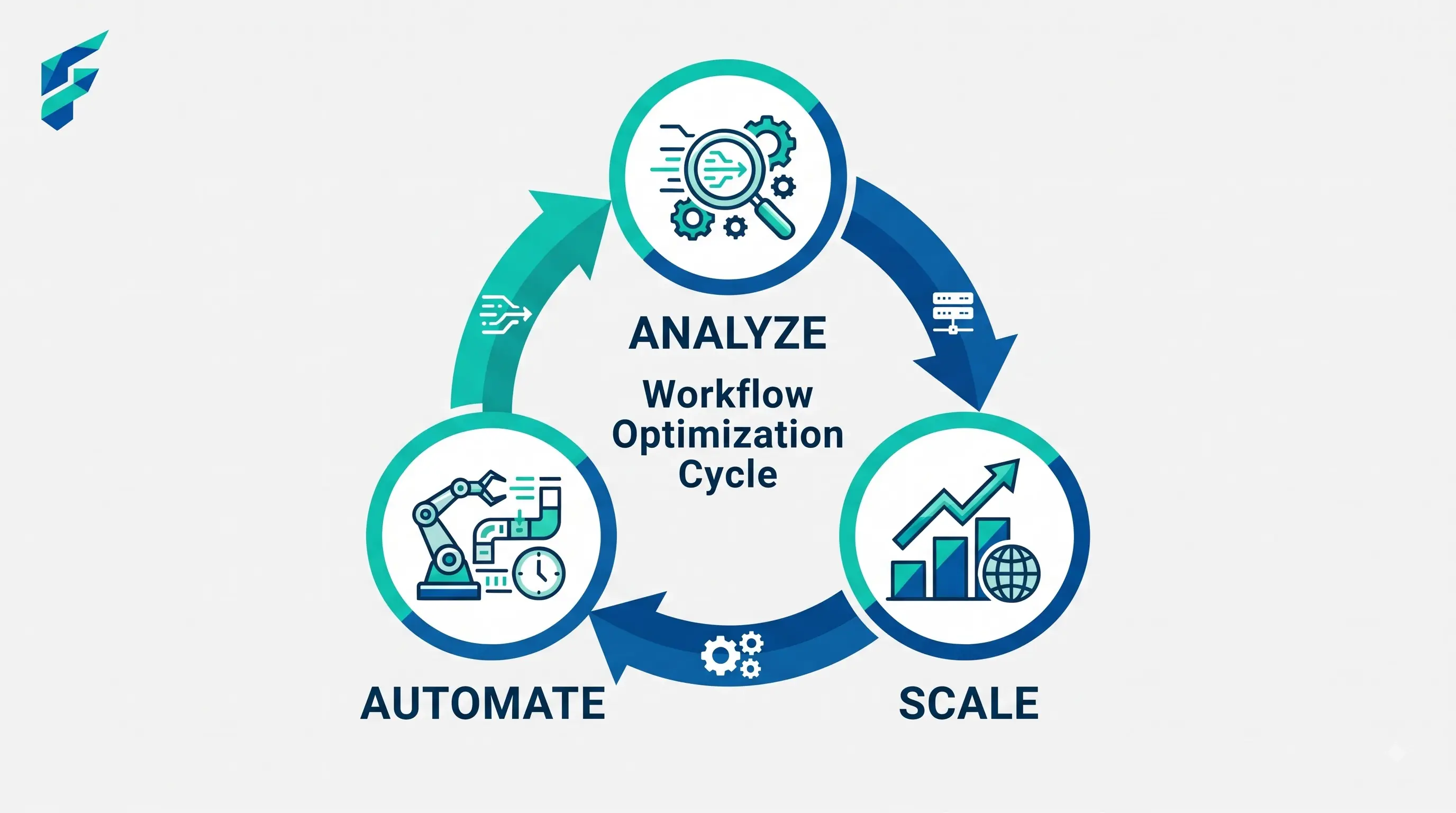
A "workflow" is just a sequence of steps that happens the same way every time. Most small businesses have a dozen of these running on memory and habit — the same intake process, the same follow-up sequence, the same weekly report. AI workflow tools take that sequence and run it automatically, which sounds simple and mostly is, once you've picked the right first one.
📍 Quick answer: Start with the workflow that's the most repetitive and the most annoying — not the most impressive-sounding one. A boring, high-frequency task (weekly report compilation, new-lead follow-up) saves more real time than an ambitious one you'll only run occasionally.
How to pick your first workflow
Ask yourself: what am I doing every single week, in roughly the same steps, that doesn't require real judgment each time? That's your candidate. If the task requires a different decision every time, it's not a good automation candidate yet — automate the parts that don't change, and keep the judgment call manual.
I spent weeks trying to automate our client onboarding process, which seemed like the "most important" workflow. But it had too many variables — different client types, different service levels, different contract terms. I eventually switched to automating our weekly performance report instead. Same data sources, same format, same recipients every single week. That one workflow now saves me 90 minutes every Monday morning, and it took only 45 minutes to build.
✅ Pro tip: If you're just getting started with automation, our guide on no-code AI automation tools for small business walks through the platforms and setup process step-by-step.
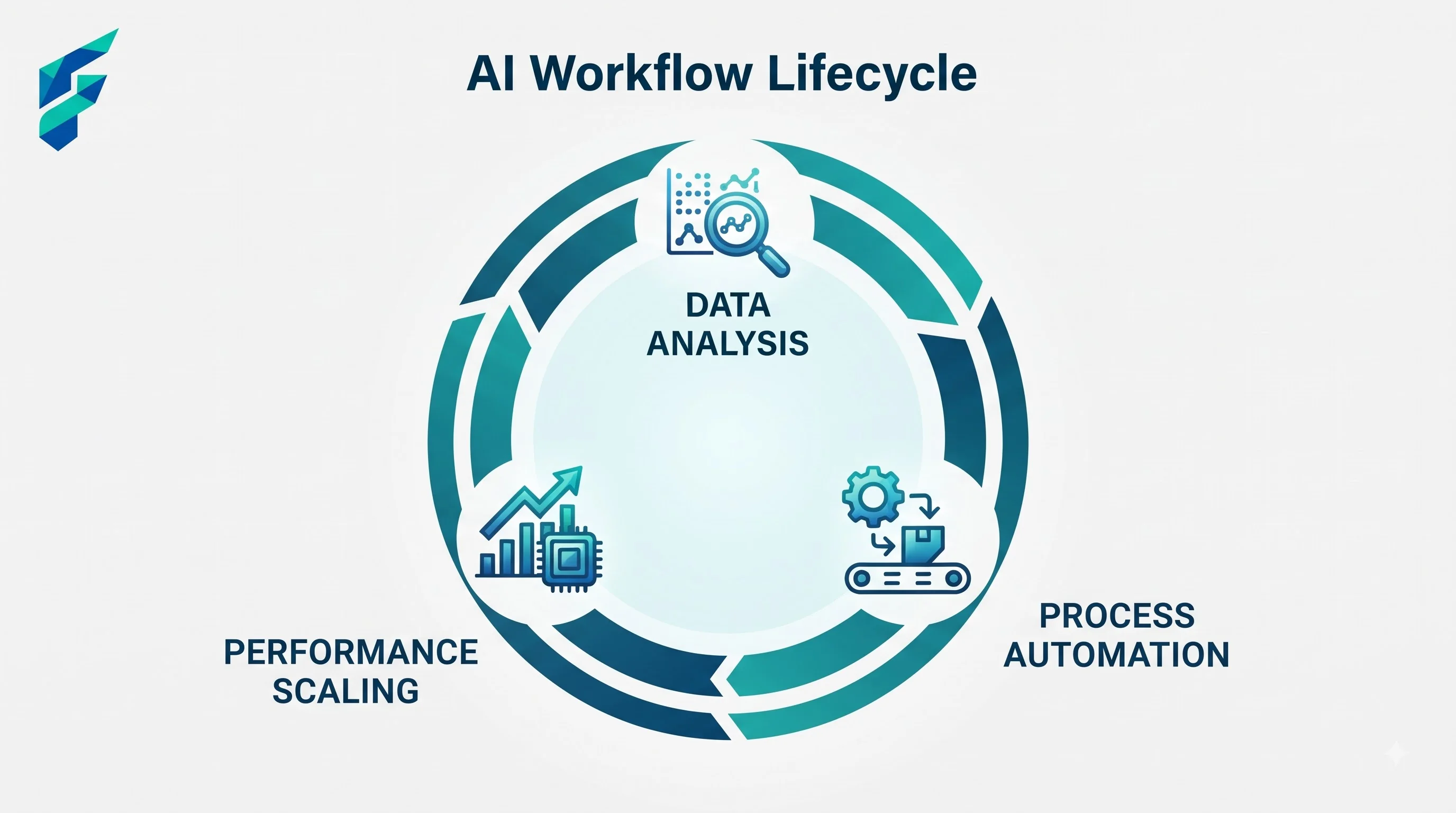
Workflows that consistently pay off
New customer/lead intake
Form submission → AI drafts a personalized follow-up → lands in your inbox for a quick review and send. Cuts the time between "someone's interested" and "they hear back from you," which matters more for conversion than almost anything else in this list. This is similar to how AI chatbots for small business handle initial inquiries, but with a human review step for quality control.
Weekly reporting
Pull data from your sales, scheduling, or project tool → AI summarizes it into a plain-language weekly update → sent automatically to your team or yourself. Replaces an hour of manual compiling with a five-minute review. The AI can even pull in financial forecasting data to add context to your operational metrics.
Content repurposing
New blog post published → AI drafts three social captions and an email blurb → queued for review. Covered in more detail in our guide on AI writing tools for small business, but it's worth calling out here as a workflow specifically, not just a content trick.
Customer feedback routing
New review or survey response comes in → AI flags sentiment and urgency → routes negative feedback to you immediately instead of it sitting in a pile you check once a week.
Workflows that sound good but usually aren't worth the setup
- Fully automated customer replies with no review step. Skipping the human check on outgoing customer communication is how mistakes reach customers instead of getting caught first. Keep a review step, at least until you've built real trust in the output.
- Anything you do less than once a month. The setup time for an automation needs to be recovered through repeated use. A once-a-quarter task almost never clears that bar.
I once spent three hours building an automated quarterly investor update workflow. It pulled data from three different sources, formatted it beautifully, and sent it out automatically. The problem? I only ran it four times a year. The 12 hours of setup time was never recovered through the minimal time savings. I should have just kept doing it manually.
Building your first one
Most no-code platforms (Zapier, Make) follow the same basic shape: pick a trigger, add an AI step, add a destination. Budget a real hour for the first one — not because it's technically hard, but because clarifying exactly what should trigger the workflow, and under what conditions, takes longer than the actual building.
Comparing your options
| Workflow area | Time saved per week (typical) | Setup effort | Risk if something goes wrong |
|---|---|---|---|
| Lead follow-up drafting | 2-4 hours | Low-moderate | Low — you review before sending |
| Weekly report compilation | 1-2 hours | Moderate | Very low — internal use only |
| Content repurposing | 1-3 hours | Low | Low — you review before posting |
| Feedback routing/flagging | 1-2 hours | Low | Low — worst case is a missed flag |
The pattern that actually works
Pick one workflow. Get it running reliably for two weeks. Only then add a second. Trying to automate five things simultaneously is the most common way small businesses end up with a pile of half-working automations nobody trusts enough to rely on.
My current automation stack handles four core workflows that save our team about 8 hours per week total. But I didn't build them all at once — I started with the weekly report, let that run for a month, then added lead follow-up, then content repurposing, and finally feedback routing. Each one got my full attention before moving to the next.
If you're ready to build your first workflow, start with the task that makes you sigh every time you have to do it. That's usually the right one. Check our Tool Finder filtered for workflow automation platforms to find the right tool for your needs.