👥 Collaboration · AI Tools · Team Productivity
AI Collaboration Tools
for Small Business (Remote and In-Person Teams)

Every collaboration tool promises to fix communication. Most of them just add a new place people forget to check. The ones that actually help small teams share one trait: they reduce the number of places you have to look for information, rather than adding another one.
Quick answer: Before adding a new AI collaboration tool, check whether the one you already use (Slack, Notion, Google Workspace) already has AI features you haven't turned on — meeting summaries, automatic task extraction from conversations, searchable knowledge bases. Most small teams don't need a new tool. They need to actually use the AI layer already sitting inside their existing one.
What's usually already available
AI meeting summaries
Google Meet, Zoom, and Microsoft Teams all have built-in AI summarization now, turning a call into action items automatically. If your team is still manually typing meeting notes, this is the first thing to check before anything else.
Searchable, AI-summarized shared docs
Notion and similar tools have AI search that answers questions across your team's whole knowledge base — "what did we decide about the return policy" — instead of someone hunting through old docs manually. This is similar to how AI data analysis tools help you find insights in spreadsheets without manual searching.
Automatic task extraction from chat
Some platforms can pull action items out of a Slack or Teams conversation automatically, so decisions made in chat don't just disappear once the conversation scrolls past. This connects to our guide on AI workflow tools for small business — both involve capturing decisions and turning them into actionable items.
✅ Pro tip: Before buying new tools, check what you already have. Many platforms like Notion or Google Workspace include AI features that teams don't realize are available. Enable them first.
Where a small team actually struggles
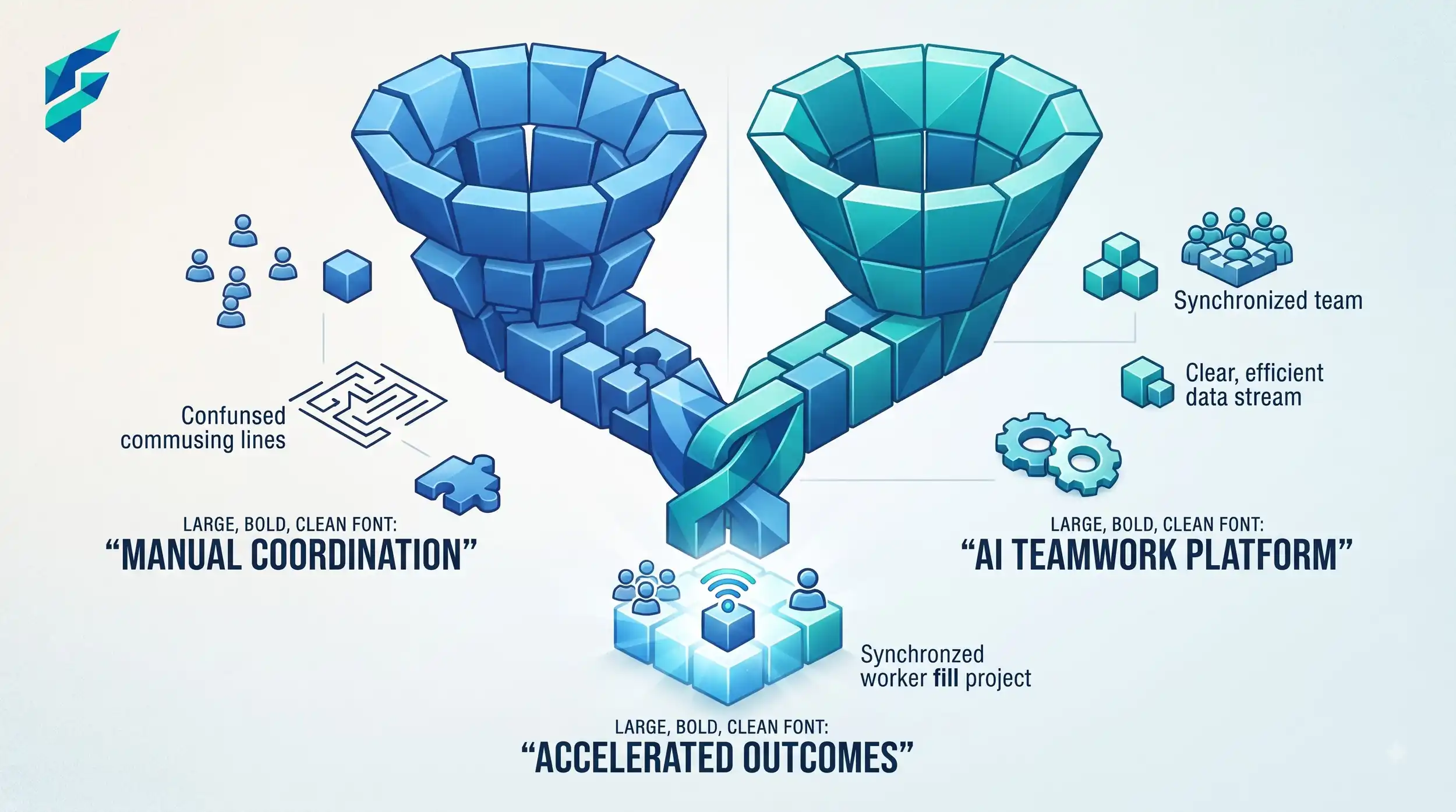
The real collaboration problem for most small businesses isn't a missing tool — it's information living in too many places already. Decisions get made in a text thread, documented nowhere, and reconstructed from memory a month later. AI tools help here specifically by summarizing and surfacing what's already been said, not by adding a new place to put things.
Adding a new tool doesn't fix a scattered process. If your team already has three places where decisions might live, a fourth AI-powered tool just becomes a fifth. Consolidate first. Add AI features to what's left.
Last quarter, we spent two hours reconstructing a pricing decision from three months prior. The decision had been made in a Slack thread, mentioned in an email, and partially documented in a Google Doc — but nowhere completely. We had to piece it together from memory and partial notes. An AI tool that could search across all our communications and summarize what was decided would have saved those two hours instantly.
💡 Workflow integration: If you're already using no-code AI automation tools, you can connect your collaboration platforms to automatically extract and document decisions, similar to how AI staff scheduling tools automate operational coordination.
Where a genuinely new tool is worth adding
If your team is small and currently coordinating entirely through informal channels — texts, calls, no shared system at all — a lightweight, AI-assisted project or knowledge tool can be worth adopting from scratch. The bar here is real: you're not replacing something that half-works, you're building the first version of a shared system.
Comparing your options
| Approach | Best for | Typical cost | New tool to learn | Risk of fragmenting further |
|---|---|---|---|---|
| Turn on AI features in existing tools | Teams already using Slack, Notion, Google Workspace, etc. | Often included | No | Low |
| Consolidate scattered tools into one, with AI on top | Teams juggling 3+ uncoordinated tools | Migration effort, then $10-30/user/mo | Yes, one time | Low, if done deliberately |
| Add a new AI tool on top of existing chaos | Rarely the right move | Ongoing cost | Yes | High |
The honest starting point
Before buying anything, spend fifteen minutes checking the settings of the tools your team already pays for. Most small businesses find at least one AI feature already available and unused — that's a faster win than evaluating a new platform.
I did this last month and discovered our Google Workspace had AI meeting summaries enabled by default — we just never turned them on. We'd been manually typing notes for months. That fifteen-minute check saved us hours of work every week going forward.
If you're ready to audit your existing tools, start with your most-used platform (probably email, chat, or docs) and look for "AI" or "smart" features in settings. Enable one, test it for a week, then move to the next. Check our Tool Finder filtered for collaboration and productivity tools only if you genuinely need something new.