📊 Data Analysis · AI Productivity · Small Business
AI Tool to Clean Messy Excel Data
(Duplicates, Dates, Names)
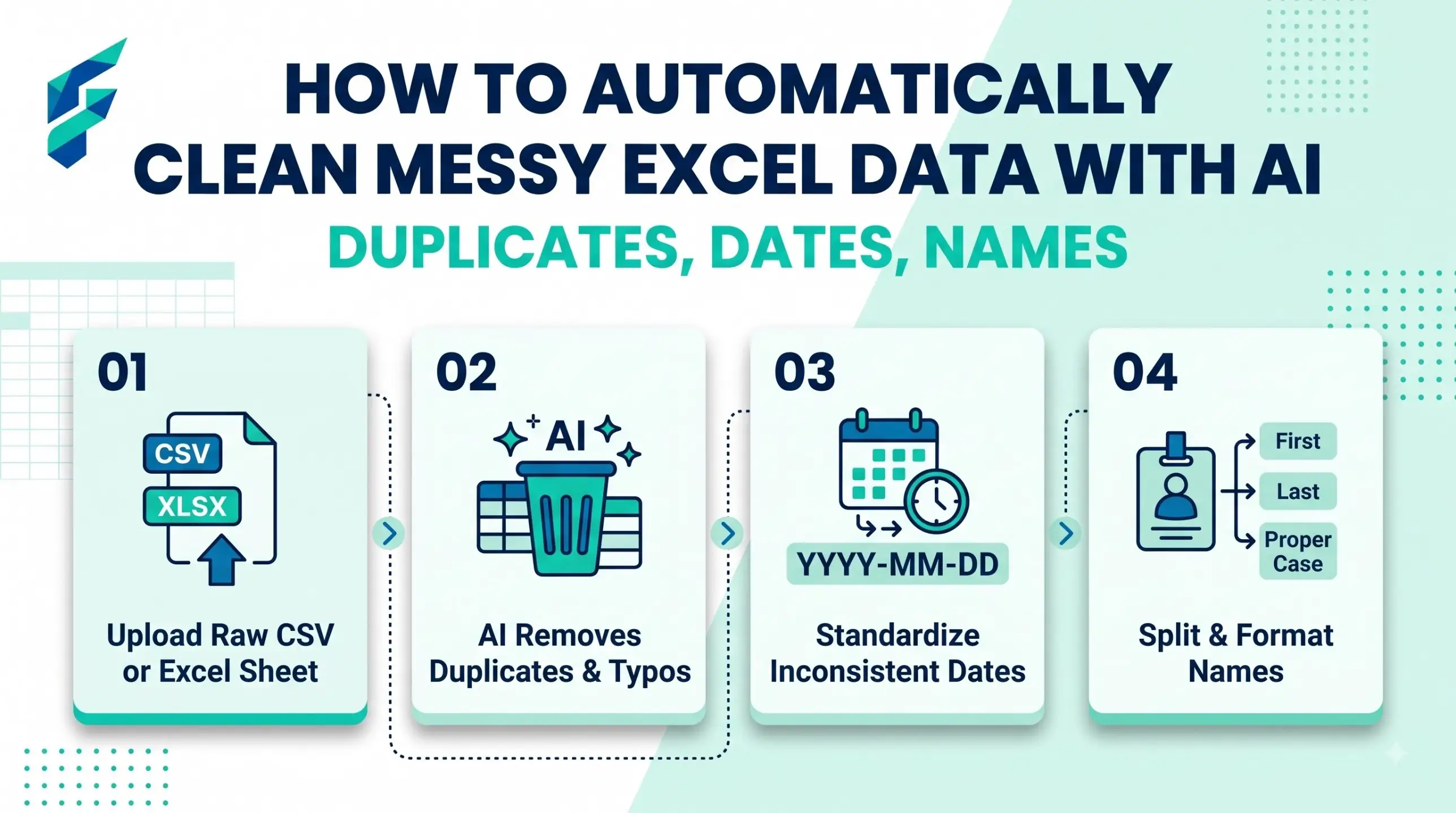
You get a spreadsheet from a customer, a supplier or an old file, and it is a mess. Names in capital letters, dates in three formats, extra spaces, duplicate rows, phone numbers with dashes in some rows and not in others. You can clean it by hand for hours, or you can ask an AI chatbot to tell you the exact formula or steps. You do not need to know Excel well. You need to describe the mess clearly.
Quick answer: Do not paste private customer data into a chatbot. Instead, describe the problem and paste 3-5 fake or sample rows. Ask the AI for the formula or steps. Test it on a copy of your file. Then apply it to the whole column.
Before you start: 3 safety rules
1. Work on a copy. Never clean your only file.
2. Remove private data from what you paste. Replace real names, phone numbers and emails with fake ones.
3. Check the result on 10 rows before you trust it on 10,000.
The 6 most common messes and the prompt for each
1. Extra spaces and strange capitals in names
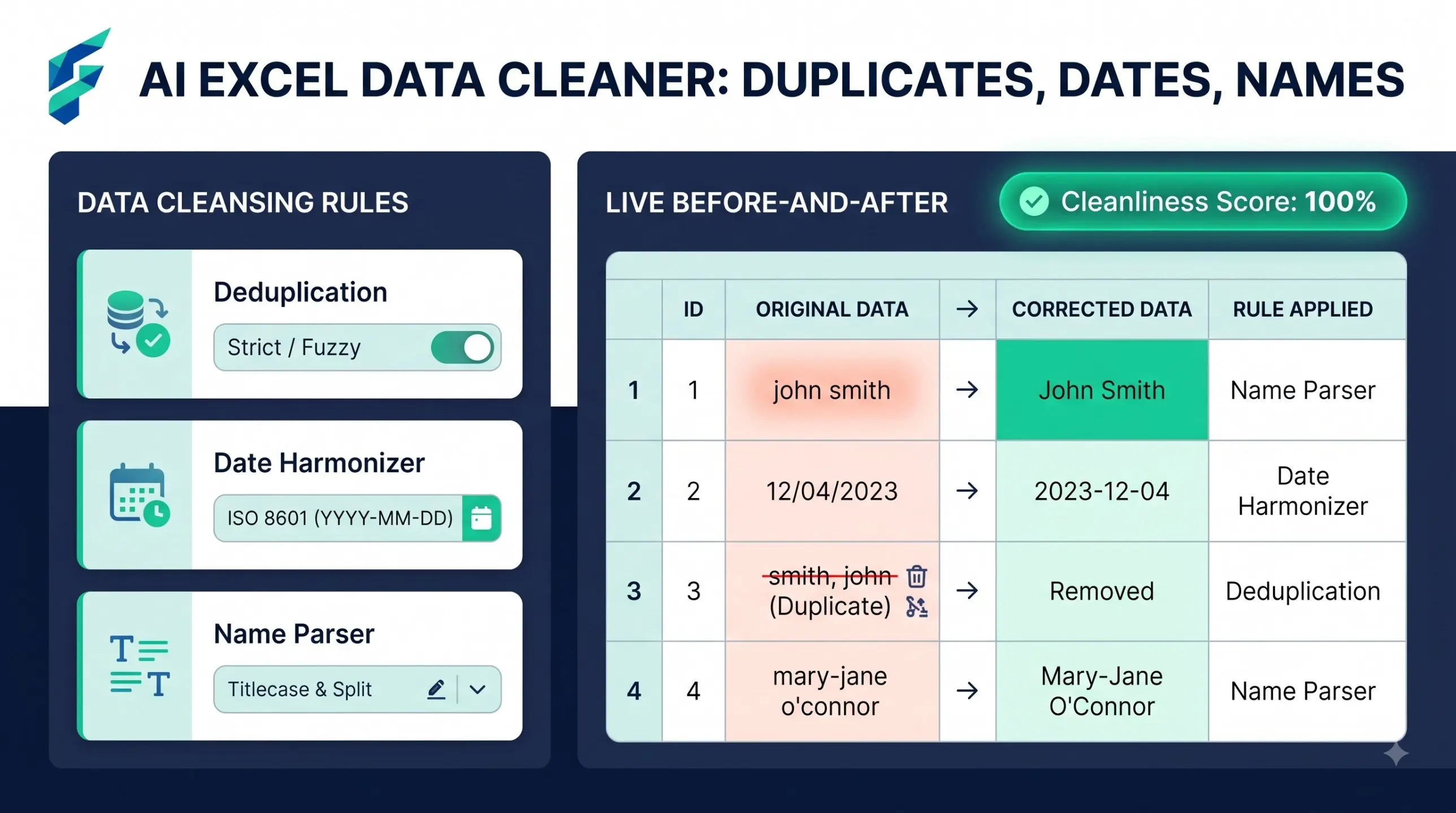
In Excel, column A has names with extra spaces and mixed capitals (example: " rAJESH kumar ").
Give me one formula to make them look like "Rajesh Kumar". Explain it in one line.
2. Duplicate rows
In Excel I have a table with columns Name, Email, Phone. Some rows are duplicates.
Tell me the exact steps to find and remove duplicates based on Email only, and how to keep the first one.
3. Dates in different formats
Column B has dates written as "12/03/2026", "March 12 2026" and "2026-03-12".
Give me the steps or a formula to turn them all into one format: DD-MM-YYYY.
Tell me what to check because day and month can be mixed up.
4. Phone numbers
Column C has phone numbers like "+91 98765-43210", "9876543210" and "(98765) 43210".
Give me a formula that keeps only digits and shows the last 10 digits.
5. Splitting one column into two
Column A has "Sharma, Anil". Give me a formula or the steps to put the last name in column B and the first name in column C.
6. Empty cells and wrong spellings
Column D has city names with spelling mistakes (Dehli, delhi, New Delhi).
Give me a simple way to find all different spellings and replace them with one correct name.
Tools that help
| Tool | Use it for |
|---|---|
| ChatGPT, Claude or Gemini (free tiers) | Writing formulas from plain English |
| Excel's own help | Checking what a function does: Microsoft Excel help |
| Google Sheets function list | Same job in Sheets: Sheets function list |
If you want AI built into your data work instead of copy-paste, see our guides to AI data analysis tools for small business and AI analytics tools for small business. Check each tool's current features and limits on its own site.
Stop the mess at the start
Most mess comes from forms where people type anything. If you collect data through forms, look at AI form filling automation tools to cut typing errors. And once your data is clean, our guide to AI financial forecasting tools for small business shows what you can do with it.
Mistakes to avoid
- Pasting a whole customer list into a chatbot.
- Trusting a formula you have not tested.
- Cleaning in the original file with no backup.
- Mixing up day and month in dates. Always check 5 rows where the day is above 12.
Real-world example: I recently cleaned a 4,500-row CRM export for a client. Doing it manually would have taken over 3 hours of scrolling, filtering, and fixing date formats. By describing the mess to an AI chatbot using just 5 fake sample rows, I got the exact PROPER, TRIM, and TEXT formulas in under 5 minutes. The entire cleanup took just 15 minutes, with zero errors.
External resources
- Microsoft Excel help and learning — official how-to articles on formulas, formatting and data analysis.
- Google Sheets function list — every Sheets function with syntax and a short description.