📊 Data Analysis · Business Intelligence · Small Business
AI Data Analysis Tools
for Small Business (Without a Data Team)
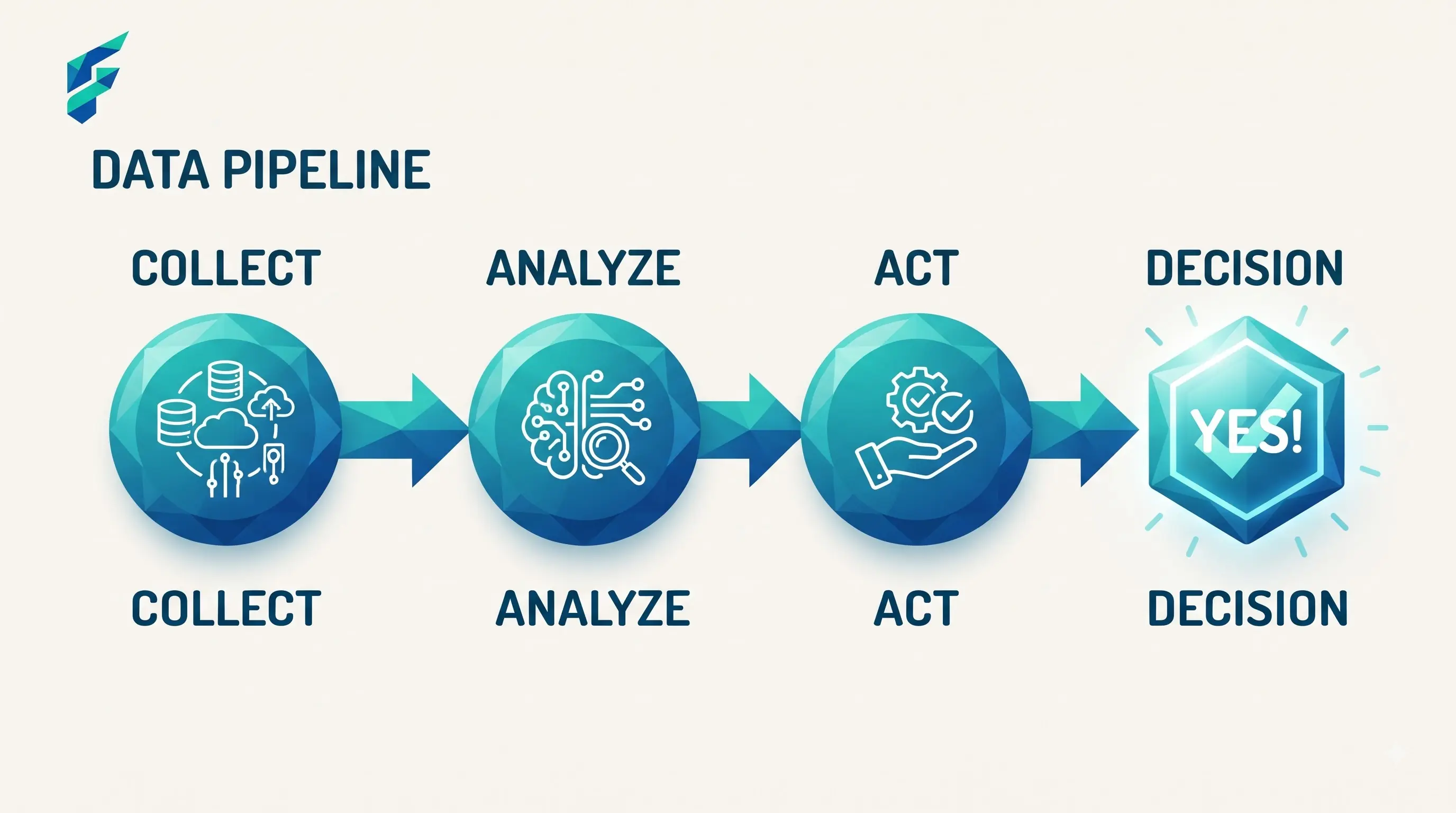
You don't need a data analyst to get real value out of your business data anymore — you need to know how to ask an AI tool the right question about a spreadsheet you already have. That's a genuinely different skill than "using AI," and it's worth ten minutes to learn properly.
📍 Quick answer: For most small businesses, uploading a spreadsheet (sales data, customer lists, inventory records) directly into ChatGPT or Claude and asking specific questions about it covers 80% of what a dedicated analytics tool would. Dedicated data analysis platforms earn their keep once you need recurring dashboards or you're combining data from several sources automatically.
What you can do with a spreadsheet and a chatbot
Upload your sales data and ask real, specific questions: which products are actually driving your margin, not just revenue. Which customers haven't ordered in 90 days. What day of the week your slowest sales happen. A general AI chatbot with file upload can answer all of these directly from a spreadsheet, no dashboard setup required.
The skill here isn't technical — it's asking specific questions instead of vague ones. "Analyze my sales data" gets a generic summary. "Which of my top 20 products by revenue have the thinnest margins" gets something you can actually act on.
I uploaded our Q3 sales spreadsheet into Claude and asked: "Which 5 products generated the most revenue but have margins below 15%?" The answer surprised me — two of our best-sellers were actually losing money after we factored in shipping and returns. We adjusted pricing within a week. That single question paid for a year of chatbot subscriptions.
✅ Pro tip: For recurring analysis needs, you can connect AI chatbots to automation platforms. Our guide on no-code AI automation tools for small business shows how to set up automated data workflows without coding.

Where a dedicated analytics tool actually helps
Recurring reports you check weekly or monthly
If you're re-running the same analysis on a regular schedule, a dashboard that updates automatically beats re-uploading a spreadsheet and re-asking the same question every time. This is similar to how AI staff scheduling tools automate recurring operational tasks.
Combining data from multiple sources
Sales data from your POS, website traffic from analytics, ad spend from your marketing platform — a dedicated tool can pull all three together automatically. A chatbot can only work with what you manually upload each time. Some teams also use AI chatbots for small business to gather customer data that feeds into these analysis workflows.
Visualizations you're sharing with others
If you need a chart for a team meeting or an investor update, a proper analytics tool builds something presentable. A chatbot gives you the numbers, not a polished visual. For content teams, this connects to our guide on AI writing tools for small business — both involve turning raw data into something your audience can understand.
Where AI analysis gets misleading
- Small sample sizes. If you're looking at three months of data for a seasonal business, the "pattern" it finds might just be noise. Be skeptical of confident-sounding conclusions from thin data.
- Correlation presented as explanation. AI tools are good at finding that two things moved together. They're not good at telling you why, and they'll sometimes phrase a coincidence as if it were a cause. Read any "why" explanation as a hypothesis to check, not a fact.
- Data with errors baked in. If your spreadsheet has duplicate entries or miscategorized products, the AI will analyze the mess as if it were clean data — it has no way to know your data has a problem unless you tell it or it's obvious from the pattern.
Last year, an AI analysis told me our Tuesday sales were 40% lower than other weekdays. Sounded like a real pattern — until I discovered our POS system had been double-counting weekend transactions for three months due to a sync error. The AI analyzed the corrupted data perfectly. The insight was garbage. Now I always spot-check raw numbers before trusting any conclusion.
Comparing your options
| Approach | Best for | Typical cost | Setup effort | Handles recurring reports |
|---|---|---|---|---|
| Spreadsheet + AI chatbot | One-off questions, small data volumes | $0-20/mo | None — upload and ask | No, manual each time |
| Built-in analytics (POS/ecommerce platform) | Sales-specific patterns from one source | Often included | Low | Yes, usually |
| Dedicated analytics platforms | Multi-source data, recurring dashboards, sharing with a team | $30-200/mo | Moderate-high | Yes |
The realistic starting point
If you've never done this before, open your last quarter's sales spreadsheet, upload it to a free AI chatbot, and ask one specific question you genuinely don't know the answer to. That single exercise usually tells you whether you need anything more than what you already have.
My first attempt took about 15 minutes total — export the CSV from our POS, drag it into the chat, ask the question. The insight about our low-margin best-sellers changed how we priced products for the next quarter. If you're ready to try this yourself, check our Tool Finder filtered for data analysis and business intelligence tools to compare options side-by-side.