🎥 YouTube · Blogging · Video Content
AI Tool to Turn a Blog Post into a YouTube Video
(5 Steps + 2 Prompts)
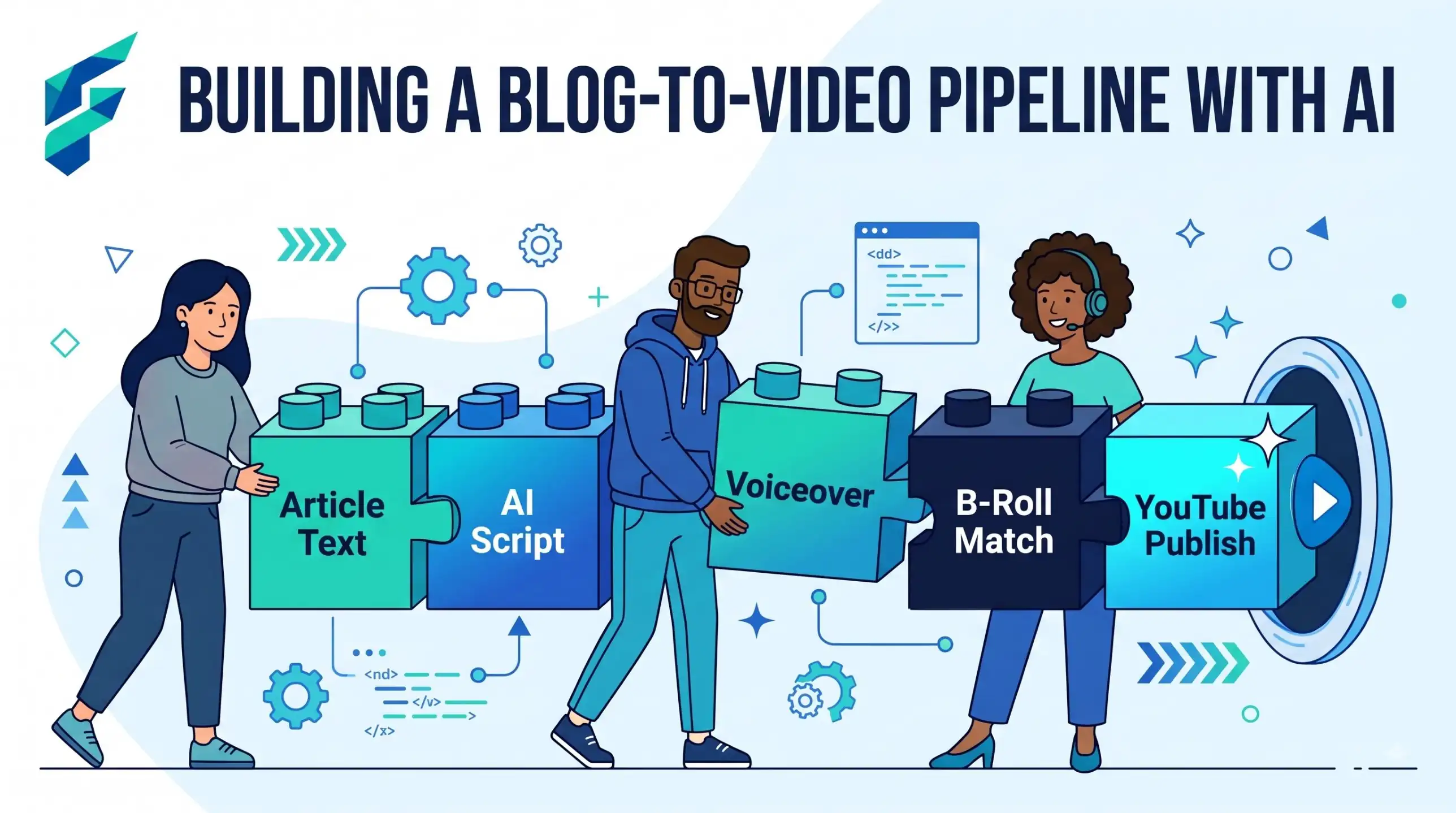
You have written a good blog post and you want it as a YouTube video, but you do not want to appear on camera. You can do it. An AI chatbot can turn your post into a plan for the video. You still choose what to say, what to show and what to publish. This guide gives you a five-step method and two prompts.
Why a blog post is not a video script
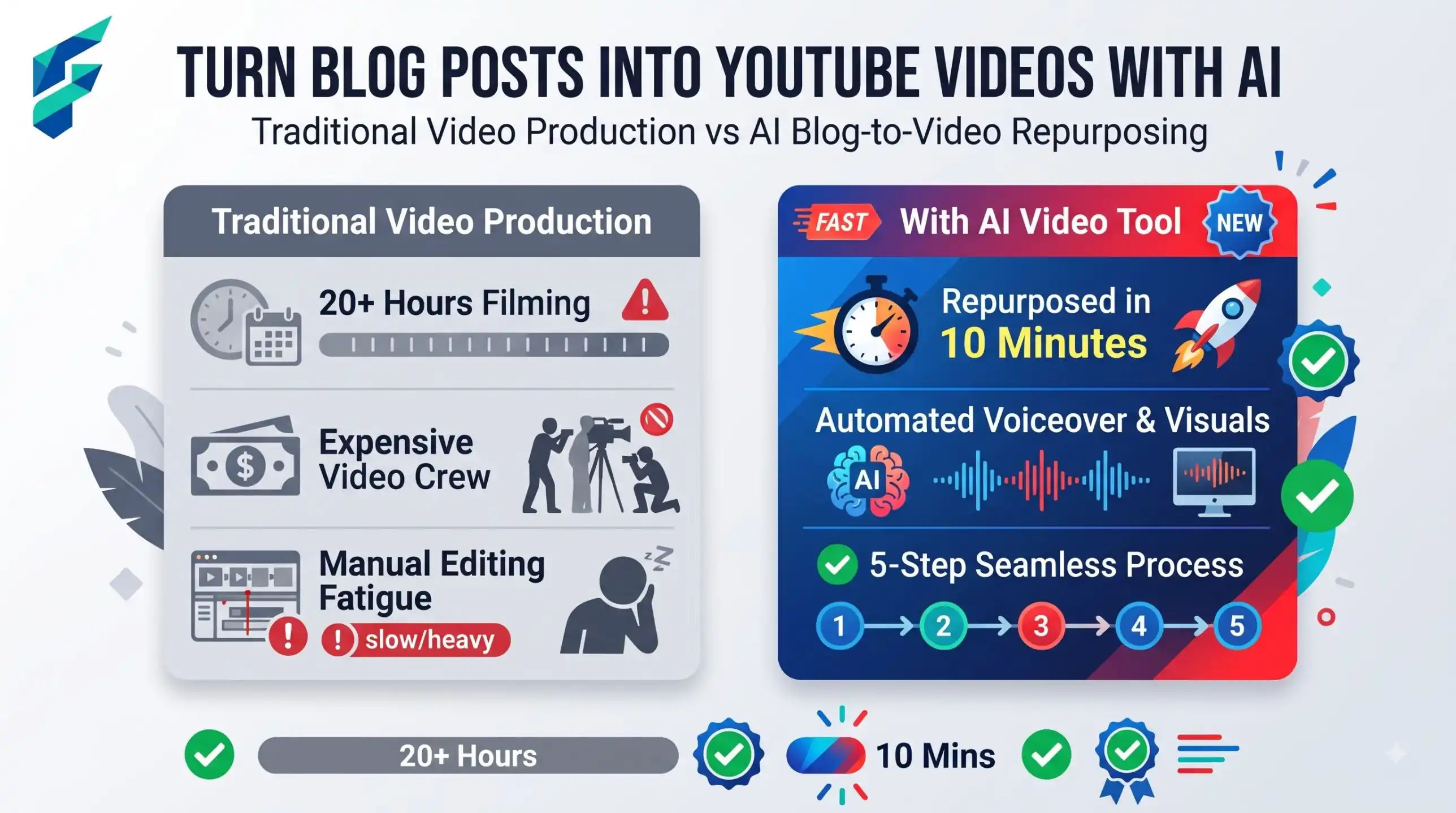
A post is made to be scanned. A reader jumps to a heading, skips a paragraph, scrolls back. A viewer cannot do that as easily. Video plays in a line, one thing after another.
So if you paste a whole post into a tool and read it aloud, the video is usually long and flat. Written sentences also sound stiff when spoken. The fix is simple: keep the idea, change the form.
The five steps, from post to upload
- Pick one post. Choose a post that already answers one clear question. A list post or a how-to post works well. A long opinion essay is harder.
- Cut it to one promise and three points. The promise is what the viewer will know at the end. Keep only the three strongest points. Leave the rest in the post.
- Rewrite as spoken lines. Short sentences. One idea per line. Read each line out loud. If you stumble, rewrite it.
- Match every line to something on screen. A slide, a screenshot of your own screen, or a short phone clip. No line should have nothing to show.
- Add voice and captions. Record your own voice, use a synthetic voice, or appear on camera. Then add captions, because many people watch with the sound off.
Prompt 1: turn post text into a two-column shot list
A shot list has two columns: what you say, and what is on screen. Paste your post and use this prompt in a free chatbot such as ChatGPT, Claude or Gemini.
Below is my blog post. Turn it into a plan for a [4]-minute video.
Audience: [who watches, e.g. salon owners].
Make a table with 4 columns: time, what I say, what is on screen, source in my post.
Rules: one promise at the start, only 3 main points, spoken English with short sentences.
Use only facts, numbers and examples that are in my post. If you need a screenshot, write "SCREENSHOT: [what it should show]" and I will make it myself.
Do not read the post word for word. End with one clear next step for the viewer.
[paste post here]
The "source in my post" column matters. If a row has no source, the AI added it. Delete that row or check it.
Three video styles, by effort
Pick the style before you write. It changes what the shot list needs.
| Style | You need | Effort | Good for | Weak spot |
|---|---|---|---|---|
| Slides plus voice-over | Slides, a microphone or phone voice recording | Low | Lists, tips, simple how-tos | Can look plain |
| Screen recording | Screen recorder, a clear screen, your voice | Medium | Software steps, checklists, tutorials | Needs a tidy screen and no private data |
| Talking head | Phone, light, quiet room | High | Trust, personal stories, services | Camera shyness, more retakes |
If you are unsure, start with slides plus voice-over. It is the easiest to fix when you make a mistake, because you change one slide or one sentence.
Worked example: "5 ways to reduce no-shows" in 4 minutes (fictional)
A fictional dentist's blog has a post called "5 ways to reduce no-shows". It has five tips. The owner has a phone and no wish to be filmed.
She picks the promise: "By the end, you will have three simple reminders to set up this week." She keeps three tips: a text reminder two days before, an easy way to reschedule, and a short confirm message. The other two stay in the post.
The AI draft opens with a long welcome. She cuts it to one sentence. The AI also says "this cuts no-shows by half". Her post never says that, so she deletes it. Then she matches the lines: a slide for each tip, a photo of her own reception desk, and a screenshot of her own reminder text with the patient name hidden. She records her voice on her phone, adds captions, and the video runs about four minutes.
What AI should not do in your video
- Invent screenshots or results. If the tool shows a dashboard or a chart you never made, that is fake proof. Use your own.
- Add claims that are not in your post. Numbers, "studies show", before-and-after stories. If you cannot point to the source, cut it.
- Read the whole post aloud. Cut to three points.
- Pretend to be you. If a voice or an avatar is used, say so where it is natural, and check the platform's rules for disclosure of altered or synthetic content.
Fix list for bad AI drafts
| If the AI draft is... | Do this |
|---|---|
| Longer than your target time | Ask for fewer points, not faster speech. Cut a whole point. |
| Full of long written sentences | Ask for "short spoken sentences, max 15 words" and read them aloud |
| Showing stock-style visuals that mean nothing | Replace with a slide with one key word, or your own phone clip |
| Adding facts you did not write | Delete the row, or add the fact to your post first, with a source |
| Starting with a long intro | Open with the promise in the first 10 seconds |
Voice, image and music checks before you upload
- Your own images. Use photos and screenshots you made, or ones you have the right to use. Hide names and private data on screen.
- Music. Use only music you have a licence for, or music offered by YouTube for creators. Read the licence terms. A song from the radio is not free to use.
- Synthetic voice. If you clone a voice, only clone your own, and never someone else's. Check the tool's terms and the platform's disclosure rules.
- Captions. Read them. Automatic captions often get names and product words wrong.
This is general guidance, not legal advice. Copyright rules differ by country.
Prompt 2: title, description and chapters
When the video is done, paste your final shot list, not the old post, so the text matches what viewers see.
Here is the final script of my video: [paste what you say, with timings].
Write 3 title options under 70 characters, plain and honest, no clickbait.
Write a description of about 100 words. Put the main point in the first two lines.
Add a line linking to my blog post: [URL].
Make chapters in the format 0:00 Name, using only the timings I gave.
Do not promise results that are not in the script.
Tip: Make the thumbnail after the title is final. See AI tools for thumbnail design for ideas. For help with the spoken text itself, read how to write a YouTube video script as a beginner.
The same post can also feed other channels. Our guide to AI content repurposing for small business shows how to reuse one post in several places.
When not to use AI for this:
Do not use AI to make a video about medical, legal or money advice unless an expert has checked every line. Do not use it to create fake customer clips or fake results. If the post is just a news update or a personal story, record it yourself in your own words.