🖼️ AI Design · Thumbnail Creation · Content Marketing
AI Tools for Thumbnail Design
That Actually Get Clicks (2026)
A thumbnail has one job: get someone to stop scrolling for half a second longer than they were planning to. That's a genuinely hard design problem, and it's a different problem than designing a logo or a nice-looking graphic — a thumbnail is competing against a dozen other thumbnails in the same feed, all fighting for the same half-second of attention.
What makes a thumbnail actually work
High contrast, a clear focal point, and text that's readable at a tiny size — most people are seeing your thumbnail as a small square on a phone screen, not full-size on a monitor. If it doesn't read clearly shrunk down to postage-stamp size, it's not doing its job, no matter how good it looks zoomed in.
AI tools help here in a specific way: they can generate background compositions, suggest color combinations that pop against a feed's typical background, and handle the tedious resizing across platforms — a thumbnail for YouTube isn't the same dimensions as one for a Pinterest pin or an Instagram Reel cover.
For example, we once tested a thumbnail for an AI tutorial video. The first version used a clean, minimalist design with small, elegant text. It got a 2.1% click-through rate. We then used an AI design tool to generate a variation with high-contrast yellow text, a bold focal image, and a darker background. The CTR jumped to 5.8%. The lesson? On a crowded feed, bold contrast beats elegant minimalism every time.
Where AI genuinely speeds this up
- Background and composition generation. Rather than starting from a blank canvas, AI-assisted design tools generate several composition options fast, which you then adjust — swap the text, change the focal image, tweak the colors — instead of building each one from scratch.
- Resizing across platforms automatically. Once you've settled on a design, resizing it correctly for every platform you post to used to be its own small chore. Most AI-assisted design tools now handle this as a built-in feature, maintaining the composition instead of just stretching or cropping badly.
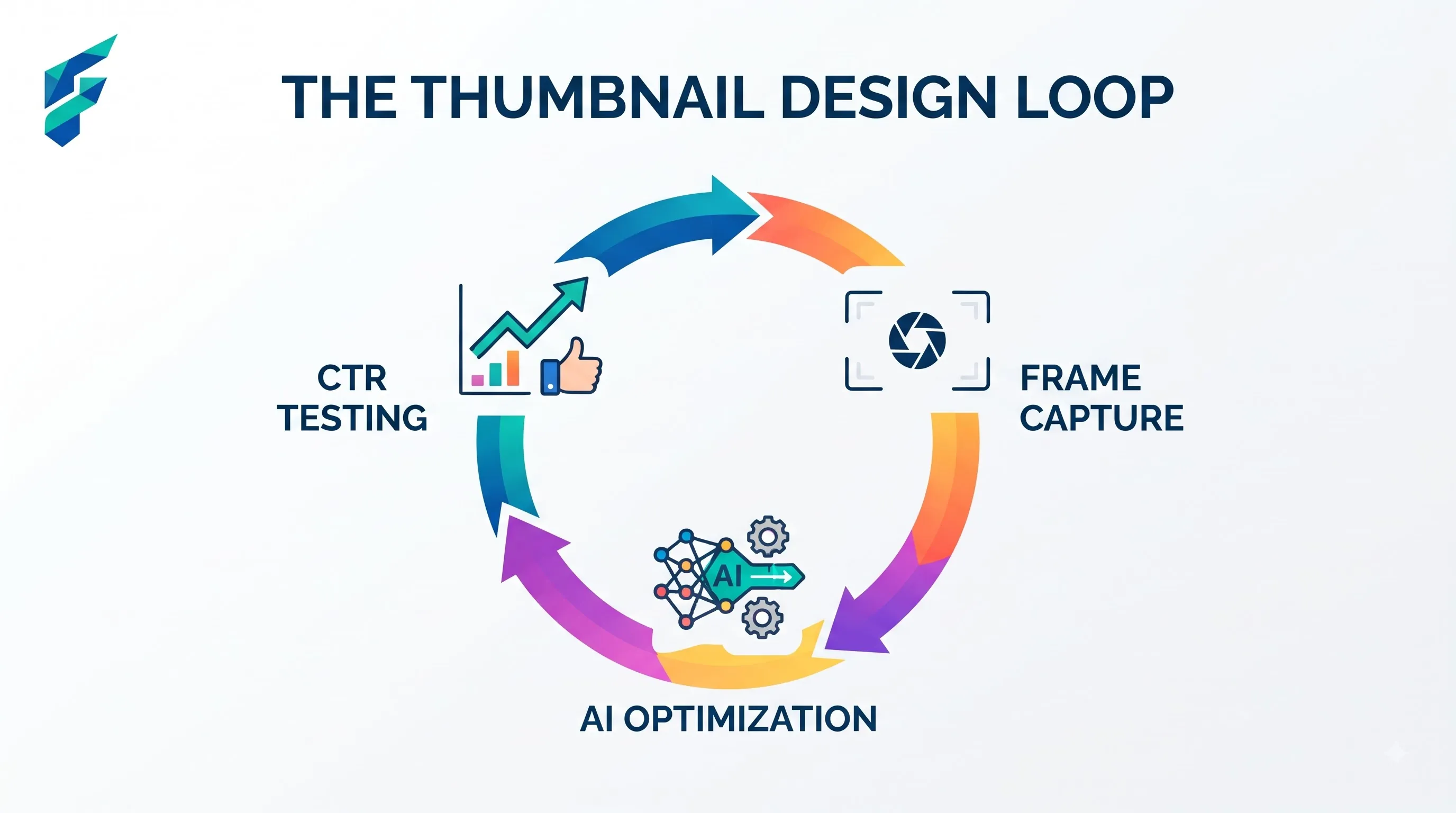
- A/B testing variations quickly. Generating three or four variations of the same thumbnail — different text, different color treatment — to test which one actually gets more clicks is far faster with AI-assisted generation than manually redesigning each version.
Where it still needs a human eye
Readability at actual size. Always preview your thumbnail at the size it'll actually be seen, not the size you're designing it at. Text that looks fine full-screen can disappear entirely once shrunk down in a real feed.
Matching your actual content. A thumbnail that overpromises relative to what the video or post actually delivers creates a bad experience and can hurt your channel or account over time, even if it gets short-term clicks. AI won't flag this mismatch for you — that judgment call is yours.
How this fits into your broader visual content
Thumbnail design doesn't exist in isolation — it's usually one piece of a bigger visual content routine that also covers your regular social media graphics and how those visuals tie into your overall marketing automation setup, since a good thumbnail workflow benefits from being part of a repeatable process rather than a one-off task every time you publish something new.
For the broader category of AI image tools beyond just thumbnails, our guide to AI image tools covers the wider landscape.
My current workflow takes about 10 minutes per thumbnail. I start with a base template in an AI design tool, swap out the background using a generative fill prompt, drop in my standardized bold font, and export. It’s fast, consistent, and completely removes the "staring at a blank canvas" paralysis.
A simple starting workflow
Pick one visual style — a consistent font pairing, a consistent color treatment — and reuse it across every thumbnail you make. This does two things: it makes your content instantly recognizable in a feed over time, and it means each new thumbnail takes less time to design because you're not reinventing the composition from zero every time.
External resources
- Canva — a strong starting point for AI-assisted thumbnail design, with templates sized correctly for most major platforms out of the box.