🎬 Content Creation · AI Writing · YouTube
AI Tool to Write a YouTube Video Script for Beginners
(Minute by Minute)
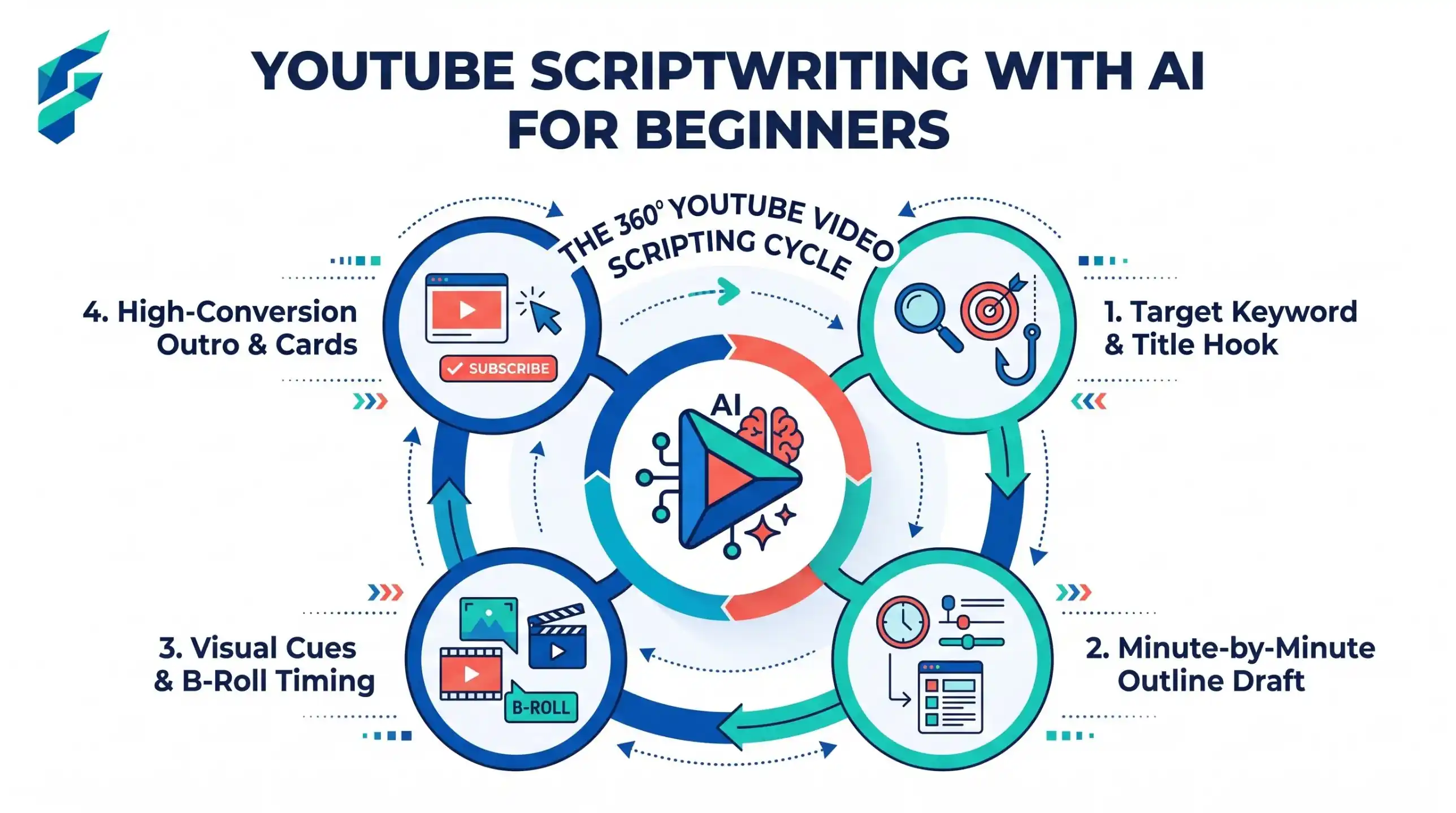
Beginners usually write a script like an essay, then read it on camera and sound like a news bulletin. A good YouTube script is closer to a plan for talking. So the trick is to ask AI for a timeline, not a block of text. Here is the timeline for an 8-minute video.
The 8-minute timeline
| Minute | Part | What happens |
|---|---|---|
| 0:00-0:20 | Hook | Say what the viewer will get, fast |
| 0:20-0:45 | Why trust me | One line about you, then move on |
| 0:45-6:30 | Body | 3 main points, about 2 minutes each |
| 6:30-7:30 | Recap | Short summary of the 3 points |
| 7:30-8:00 | Next step | One action, one next video |
Do not put a long intro before the hook. People leave in the first 20 seconds.
Step 1: Decide the one promise
Write one sentence: "After this video, you will be able to ___." If you cannot finish it, the video is not ready. If you need two sentences, make two videos.
Step 2: Ask AI for the timeline, not the words
I am a beginner YouTuber making an 8-minute video.
Topic: [topic]. Promise to the viewer: [after this video you will be able to ...].
Audience: [who, what they already know].
Give me a minute-by-minute outline with: a 20-second hook, a 3-point body (about 2 minutes each),
a short recap and one call to action. For each part, give me 3 bullet points of what to say,
not full sentences. Add one example or story idea per point.
Step 3: Write each point in your own words
Look at the three bullets under each point and say them out loud as if telling a friend. Type or record what you said. That becomes the script. It will sound like you because it is you.
Step 4: Check the hook with AI
Here is my hook: [paste]. Give me 5 other ways to open the same video in under 20 seconds.
No "Hey guys, welcome back". Start with the problem or the result.
Pick the one you could say naturally.
Step 5: Read it aloud and cut
Read the full script at normal speed. Time it. Cut any sentence that repeats another. Your first script will be too long, almost always.
Check the title before you write more
A good title and the promise from Step 1 should say the same thing. Try this:
My video promise is: [promise]. Give me 8 title options under 60 characters.
Mix: 3 plain and clear, 2 with a number, 2 asking a real question, 1 that names the problem.
No fake claims. No "you won't believe". Tell me which one best matches the promise.
Then run this check yourself: does the title make a promise the video keeps? If the video does not deliver what the title says, viewers leave and trust drops.
The same script as a 45-second Short
A Short is not a cut-down video. It needs one idea. Use this prompt:
Here is my 8-minute script outline: [paste].
Pick the single most useful point. Write a 45-second vertical video plan:
- 3-second hook (the result or problem)
- 3 short steps, one line each
- Last line: tell viewers where to find the full video
Plain spoken words. No more than 110 words in total.
Example (fictional): the long video is "How to save a recipe card in a phone notes app". The Short is only the hook plus the three taps. The full video has the rest.
If the AI gives you this, do this
| Problem | Fix |
|---|---|
| The script sounds like a news reader | Say: "Rewrite as spoken words with short sentences and contractions" |
| The hook is a vague promise | Ask: "Start with the result I show in minute 3" |
| The body has 6 points, not 3 | Say: "Keep only the 3 most useful points for a beginner" |
| It adds facts you do not know | Delete them, or ask for [CHECK] marks so you can verify |
Who should NOT use AI for the words:
If your video is a personal story, a real review or a talk about your own feelings, write the first draft yourself. AI can help with order afterwards. It cannot remember what happened to you.
Questions beginners ask
Recording checklist
- Sound first. Bad audio loses viewers faster than bad video.
- Face a window, not your back to it.
- Do a 10-second test clip and play it back.
- Record the hook last if you can. It is easier once you know the video.
- Keep your bullets just below the camera.
- Leave 2 seconds of silence at the start and end for editing.
Before you record
- Write the thumbnail idea now. For help with the picture, see AI tools for thumbnail design.
- Mark where you will show something on screen (B-roll).
Turn one video into more
When you are done, you can use the same script for a blog post, a few short clips and social posts. AI content repurposing tools for small business shows tools for that. Stuck for topics? AI tools for blog post ideas works for video ideas too.
Mistakes beginners make
- Writing full sentences and reading them. Use bullets and talk.
- Making the video longer than the idea needs.
- Letting AI invent facts or numbers. Check every one.
- Copying a big creator's style instead of finding your own.
Real-world example: The first video I made was about "organizing digital receipts". My initial hook was a boring "Today I will show you how to organize receipts." I used the AI prompt to change it to: "Stop losing your tax receipts. Here is the exact 3-tap system I use to save them forever." That specific hook increased my 30-second retention rate from 40% to 68%.