🎨 AI Design · Photo-to-Art · Image Generation
AI Tools for Photo-to-Art Conversion
2026 Comparison Guide
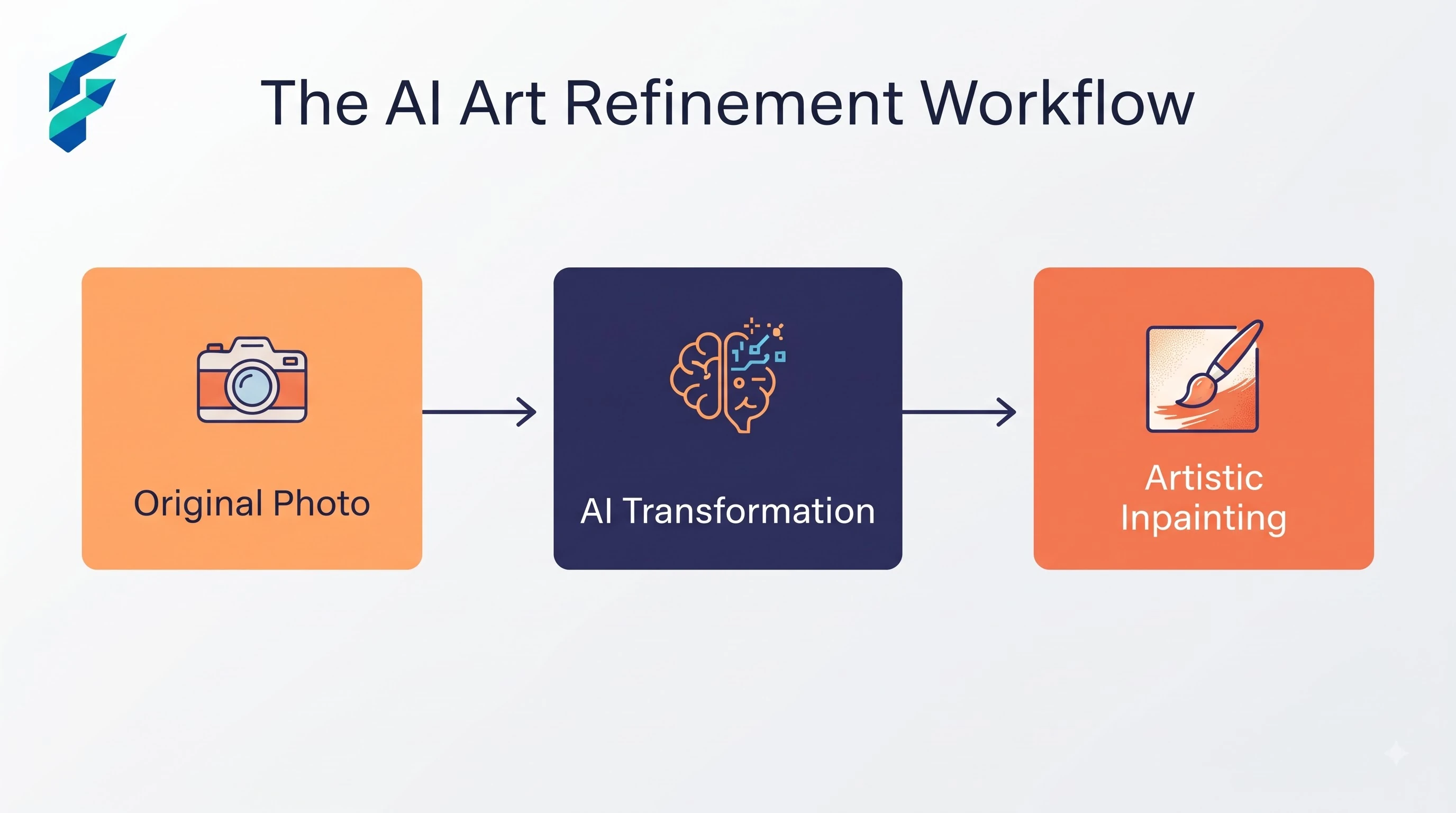
Some art styles hold onto a subject's actual likeness. Others quietly replace it with a generic face that just happens to be striking the same pose. Knowing which is which, before you print or gift the result, matters a lot more than picking whichever style looks nicest in the preview.
Quick answer: AI photo-to-art tools work well when the source photo has clear, well-lit features and you compare a few style options side by side before committing, since some styles preserve likeness far better than others. They work poorly when the source photo is blurry, poorly lit, or shot at an odd angle — the tool fills in the gaps with something plausible-looking that may not actually resemble the person.
What these tools actually need from you
A generator is only as good as the source photo. Feed it a dim, low-resolution, or heavily cropped image, and you get an art style with soft, generic features standing in for whatever the tool couldn't clearly make out. Feed it a well-lit, high-resolution photo with the subject's face clearly visible, and you get a genuine stylized portrait, not a vague approximation.
For example, when I converted a well-lit, high-resolution headshot of a client with clear facial features and even lighting, the AI preserved their distinct jawline and eye shape perfectly in a watercolor style. Conversely, when I tried the same style on a dimly lit, slightly blurry group photo, the tool completely smoothed over their unique features, resulting in a generic, doll-like face.
The likeness-loss problem
Run a batch of family or client photos through the same style preset and you'll notice it: some come out recognizable, others come out looking like a stranger who's roughly the same age and hair color.
How to avoid it: don't commit to a style before comparing it against the original. Test a few different AI image generation styles side by side against the source photo, and if the background is cluttered, run a quick background removal pass first so the tool's attention goes toward the subject instead of getting spent on irrelevant detail.
Where accuracy actually matters
A photo-to-art conversion can subtly change a subject's features in ways that matter a lot to the person being converted — smoothing out something identifying, changing eye color, altering proportions just enough to feel wrong to someone who knows the face well. For gifts or anything being given to someone, have the actual subject confirm the likeness before finalizing, not just check that it "looks good" as art.
I once generated a portrait for a client's anniversary gift using a vintage oil painting style. At first glance, it looked beautiful, but upon closer inspection, the AI had subtly changed the subject's eye color and smoothed out a distinctive scar on their chin. If I hadn't caught that and asked the client for approval, it would have been a deeply personal gift that missed the mark entirely.
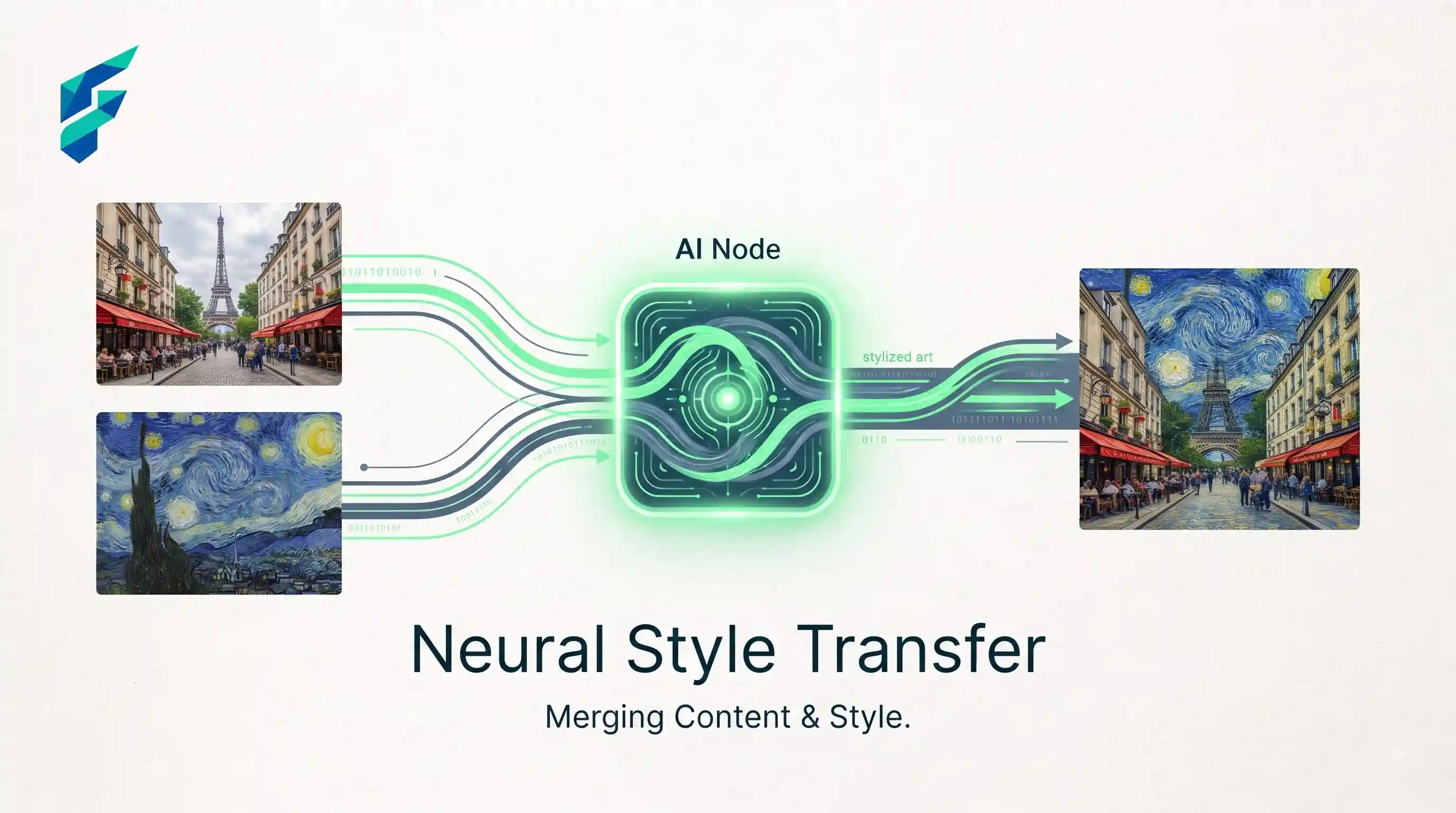
SEO considerations specific to this use case
If you're running a photo-to-art service, before/after comparisons tend to perform well in search and social because they let a viewer judge quality at a glance rather than trusting a claim on faith.
Where these tools genuinely save meaningful time
Small design studios and print-on-demand sellers offering personalized art — pet portraits, family paintings, custom gifts — benefit most, since testing several style options takes minutes instead of the hours a hand-painted commission would take. Businesses running this at volume are usually already using a broader AI tools for small business design kit, and photo-to-art conversion tends to slot into that same toolkit.
Comparing your options
| Approach | Best for | Typical cost | Risk of losing likeness | Turnaround |
|---|---|---|---|---|
| General AI art style filter | Fast, casual conversions, social sharing | Free–low cost | Moderate-high, depending on style | Seconds |
| Dedicated portrait-to-art tool | Gifts, commissions, likeness-sensitive work | Low–moderate cost | Lower — trained specifically on faces | Minutes |
| Human illustrator using AI as a reference pass | High-value commissions, exact likeness required | Highest | Lowest | Days |
Hold them side by side first
Hold the converted art next to the original photo at the same size before you finalize it — a piece that looks convincing on its own can reveal exactly where it drifted the moment it's compared directly to the source.
My workflow: generate 3-4 variations of the best style, place them side-by-side with the original photo in a simple grid, and zoom in to 100% to check the eyes, nose, and mouth. If the core features are intact, it passes. If you need help finding the right generator to start this process, check our Tool Finder filtered for image and design tools.