🎨 AI Design · Social Media · Content Marketing
AI Tools for Social Media Graphics
(Consistent, Not Generic)
Posting consistently on social media is mostly a design production problem in disguise. The writing takes a few minutes. Making a graphic that looks decent, fits the platform's dimensions, and matches your brand — that's usually the actual bottleneck that causes people to skip a day, then a week, then quietly stop posting.
What AI genuinely speeds up here
- Template generation matched to your brand. Once you've set colors and fonts, AI-assisted design tools can generate new graphic variations that stay within that system automatically — you're not starting from a blank canvas or hunting for a template that happens to match your colors.
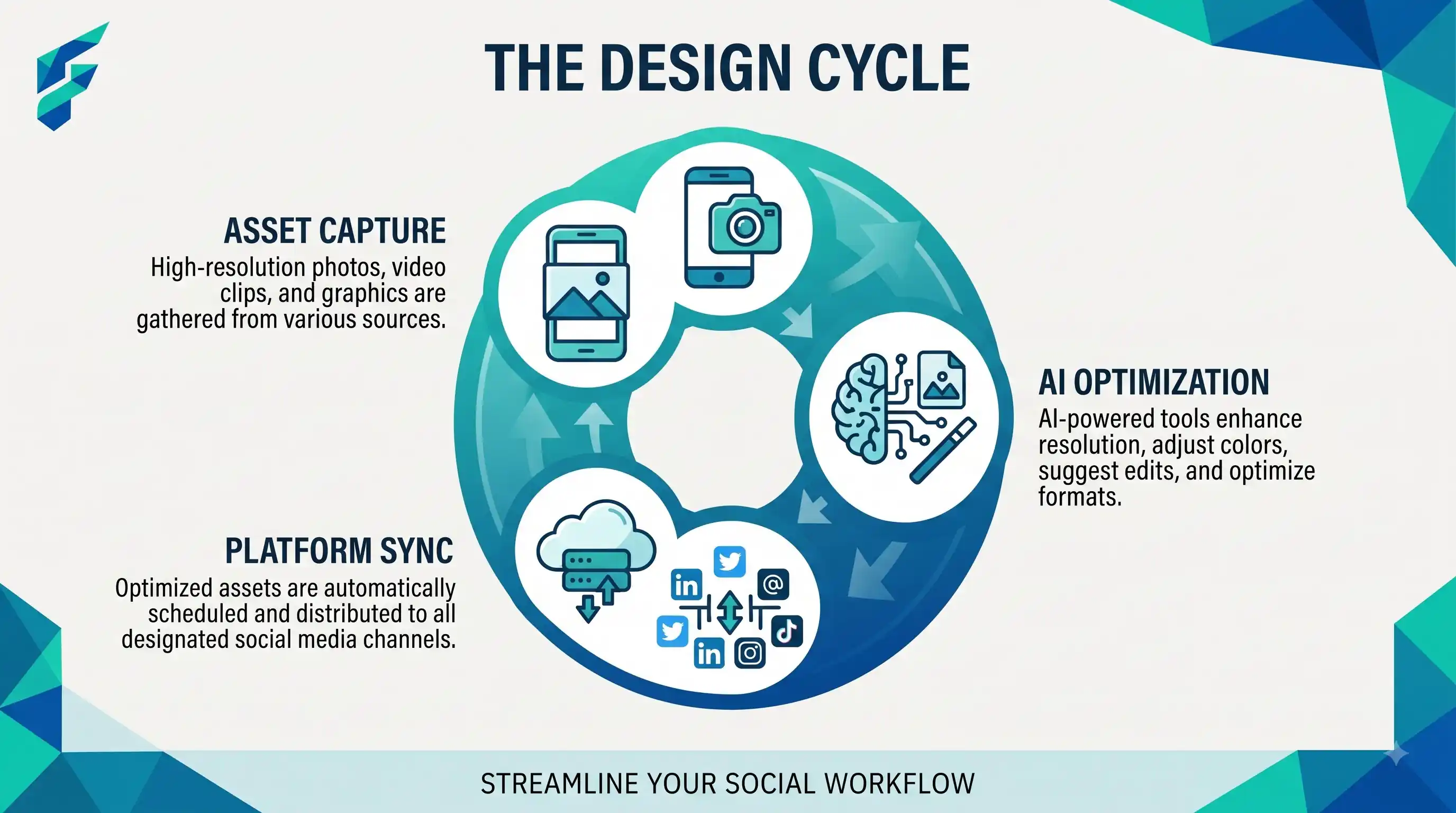
- Resizing one graphic across every platform. A square Instagram post, a vertical Story, a horizontal LinkedIn banner — building each size separately used to be its own chore. Most AI-assisted tools now handle this resizing while preserving the composition, instead of just stretching or awkwardly cropping the same image.
- Turning a piece of content into a graphic automatically. Paste in a quote, a stat, or a short piece of text and get a formatted graphic option back — useful specifically for the kind of quick, text-forward posts that make up a big share of most small business social feeds.
For our own content pipeline, adopting an AI-assisted resizing and template-matching workflow cut our weekly social graphic production time from about 3 hours down to just 45 minutes. The bottleneck shifted from "making it look good" to simply "reviewing and approving," which is a much easier problem to solve.
Where the sameness problem shows up
Because a lot of small businesses are using the same handful of AI design tools with similar prompts, feeds across unrelated small businesses have started to look noticeably similar — the same gradient styles, the same layout patterns. This connects to the same sameness issue that shows up with AI-generated thumbnails: the fix in both cases is the same, a consistent, slightly customized style you reuse deliberately, rather than a fresh generic template every time.
For the broader strategic question of what's actually worth using AI for in your social presence, not just the graphics, our guide to AI social media tools covers the wider picture — captions, scheduling, and timing alongside the visual side covered here.
Building a graphic system that doesn't feel templated
Pick two or three visual elements that are genuinely yours — a specific color combination, a distinctive font pairing, a consistent way you crop or frame photos — and make sure every AI-generated graphic includes at least one of them. This is a small amount of extra effort per graphic that pays off in your feed feeling like a coherent brand instead of a rotating set of stock-adjacent templates.
For Flexora.Ai, we settled on a strict rule: every social graphic must use our signature deep slate background, the 'Sora' font family, and a subtle teal accent glow. Even if the AI suggests a trendy, vibrant gradient, we override it to maintain that immediate visual recognition across our entire feed.
Where this fits into your broader design toolkit
Social graphics are one piece of a bigger visual design need most small businesses have — alongside logos, packaging, print materials, and everything else. For that wider landscape, our overview of AI design tools for small business covers where social graphics fit relative to everything else you might need designed.
External resources
- Canva — the most common starting point for this specific use case, with platform-sized templates and AI-assisted design features built in.