🎨 AI Image Generation · Blog Graphics · Visual SEO
Best AI Tools for Social Media Post Graphics
(Compared)
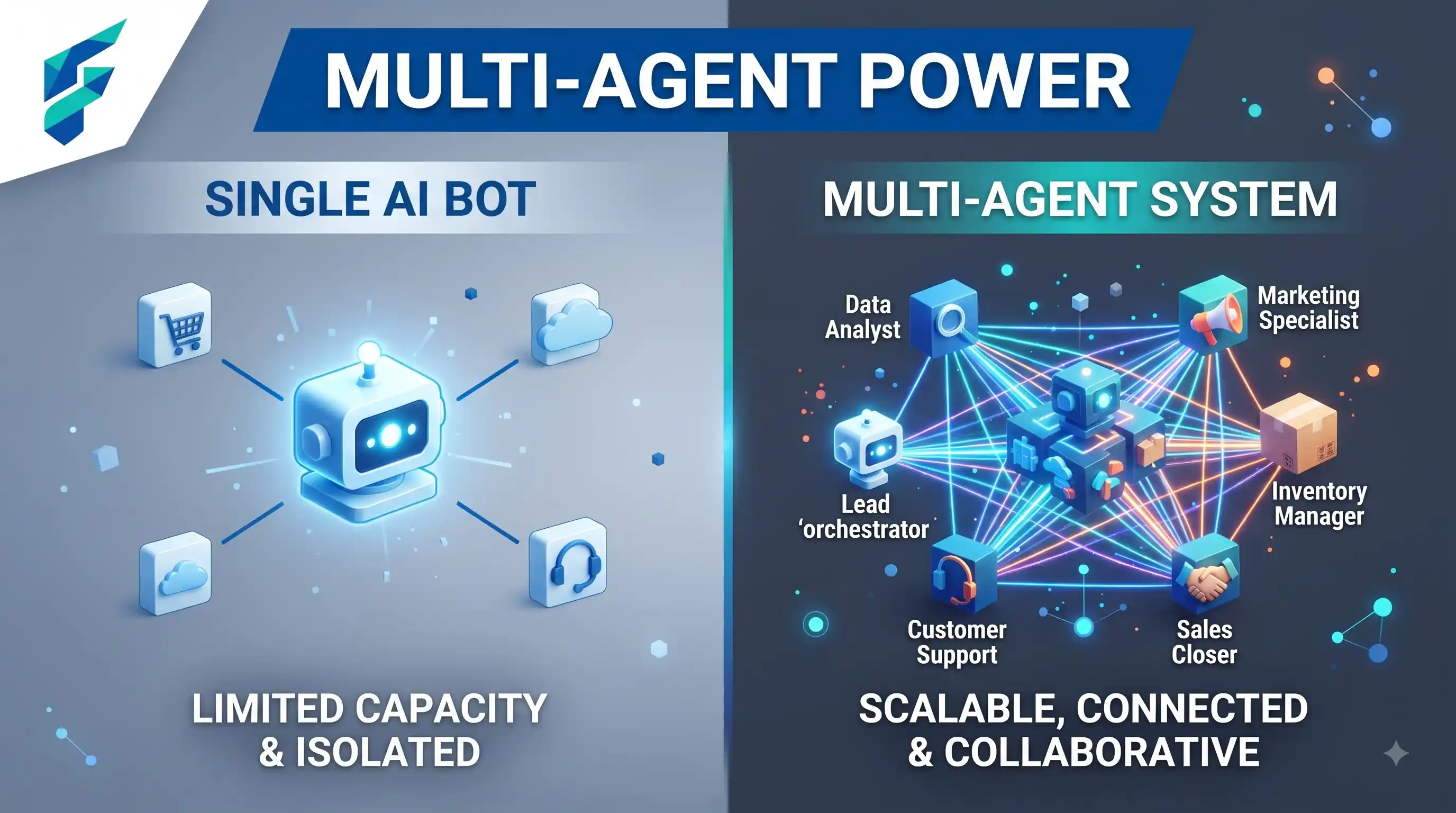
Stock photography is losing its effectiveness on modern search engines. Readers immediately recognize generic corporate stock images, and search algorithms increasingly prioritize original editorial visuals. AI image generation has matured into an essential blogging tool, dividing into cinematic cover art, vector infographics, and multi-model workflow suites.
For editorial blog headers and featured covers
When you need a striking 16:9 header image that captures attention in Google Discover and social feeds, photorealistic engines like Midjourney v6.1 and FLUX.1 lead the industry. They excel at nuanced lighting, complex textural depth, and realistic subject positioning, turning abstract tech concepts into cinematic editorial illustrations.
For flat vector illustrations and technical diagrams
Technical SaaS articles and software tutorials require clean, minimal iconography rather than heavy photorealistic art. Recraft.ai specializes in 2D vector illustrations, icon sets, and 3D geometric clay graphics. It allows you to download clean SVG files directly, matching your blog's specific brand color palette.
For multi-model prompt iteration and unified workflows
In high-volume social teams, logging into separate image platforms to compare prompt outputs wastes valuable hours. Platforms like OverChat.ai provide a centralized multi-model workspace where creators trigger multiple state-of-the-art vision models side-by-side. You can generate a 1:1 Instagram post in one model and a 9:16 vertical graphic in another, comparing prompt fidelity and artistic style in one unified dashboard.
For rapid social cards and layout pairing
Canva Magic Media is built for marketing teams that need generated graphics instantly dropped into pre-dimensioned OpenGraph cards, Twitter preview headers, and Pinterest pins. While individual image customization is more basic, its speed for publishing pipelines is hard to beat.
AI Image Generators for Blog Graphics: A Practical Comparison
| Platform | Core Strength | Best Graphic Type | Key Limitation |
|---|---|---|---|
| Midjourney | Cinematic lighting & artistic realism | Editorial headers & featured hero art | Discord-dependent UI; steep prompting curve |
| Recraft.ai | Brand color matching & vector SVG exports | 2D flat illustrations & technical icons | Less suitable for hyper-realistic human photography |
| OverChat.ai | Multi-model generation & side-by-side prompt testing | Editorial covers & varied illustration styles | Requires team workflow setup for prompt presets |
| FLUX.1 | Unmatched prompt accuracy & typography rendering | High-contrast editorial covers with readable text | Heavy compute requirement if self-hosted |
| Canva Magic Media | Turnkey template integration & social sizing | Quick social cards & newsletter banners | Lower creative fidelity on complex conceptual prompts |
What actually separates good blog imagery from noisy AI art
- Negative space for typography overlays. A blog cover often needs text overlays for title cards and social cards. Tools that support aspect ratio locking (`--ar 16:9`) and clean, uncluttered background regions prevent text from becoming unreadable.
- Style consistency across an entire publication. High-performing blogs maintain a recognizable visual identity. Using consistent seed parameters or color hex locks ensures that images across different articles feel like they belong to the same brand.
- Image SEO and Core Web Vitals. High-resolution AI images can easily exceed 5MB. Converting outputs into WebP format, scaling to exactly 1200x630 pixels, and adding descriptive alt text keeps your page load speeds fast while driving Google Image traffic.
⚡ SEO Performance Tip: Always compress your generated blog graphics to under 120KB using modern WebP format before uploading to your CMS. Heavy PNG files degrade your Largest Contentful Paint (LCP) score and harm your search rankings.
How pricing actually breaks down
Dedicated image generators typically charge between $10 and $30 per month for GPU compute time. Midjourney operates on relaxed and fast GPU hour allowances, while API aggregators charge per generated megapixel. For publishers generating 20+ articles monthly, unified multi-model tools or unlimited tiers offer far better cost predictability than individual per-image tokens.
Where human editing is still required
While modern AI models render convincing typography, adding branded watermarks, exact data charts, and specific product UI mockups still requires human verification. Use AI to generate the conceptual visual anchor, then apply your brand logos or annotation arrows in a lightweight editor.
A realistic starting point
For independent bloggers and growth teams, testing Midjourney for flagship hero covers alongside multi-model platforms like OverChat.ai provides the best balance of visual polish and workflow speed.
If your blog focuses heavily on step-by-step technical guides, pairing vector-focused tools like Recraft with WebP compression ensures crisp, lightweight visuals that enhance reader comprehension without slowing down your site.