Hiring · AI Writing · Small Business
AI Tools for Writing Job Listings
That Actually Get Applicants
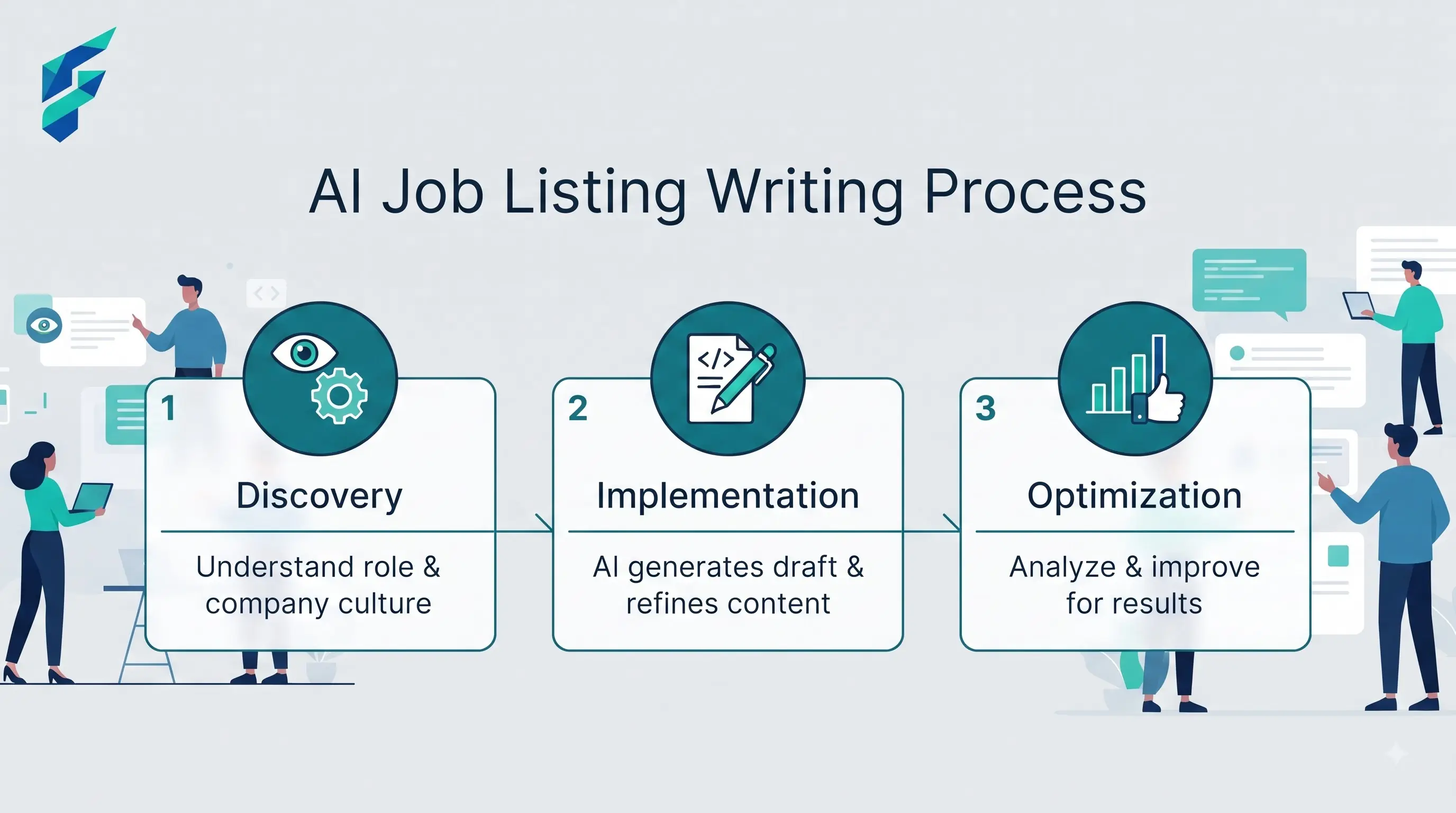
Most job listings fail for a boring reason: they're written by someone who's writing their fifteenth posting of the year and has run out of ways to say "fast-paced environment." AI can fix the boredom problem. It can't fix a job listing that undersells the role or buries the actual pay range — that's still on you.
Here's what's worth using and what's not.
📍 Quick answer: For most small businesses, a general chatbot (ChatGPT or Claude) with a good prompt does the job better than a dedicated job-description tool. You get more control over tone, and you're not paying a subscription for something you'll use twice a month. Dedicated tools earn their cost only if you're hiring constantly or specifically need bias detection at scale.
What a general AI chatbot handles well
Give ChatGPT or Claude the raw facts — the role, the pay range, three things the person will actually do day-to-day, and one thing that makes your business different from the listing next to yours — and ask it to draft the posting. Then edit it yourself. Two things to watch:
- It'll default to corporate-speak unless you tell it not to. "Dynamic self-starter" and "wear many hats" are what you get without direction. Tell it explicitly: no buzzwords, write like you're describing the job to a friend.
- It won't know your actual working conditions. If the job involves standing for eight hours or working weekends, you have to say that. The AI will happily write a glowing description that omits anything that might scare off applicants, which backfires the moment someone shows up for day one.
We recently rewrote a listing for a local logistics client using this exact method. The original was a wall of generic requirements. The AI-rewritten version explicitly stated the shift hours, the exact bonus structure, and used plain language. The result? 40% more applications, and a noticeably higher show-up rate for first-round interviews.
✅ Pro tip: If you're on a tight budget, check out our guide on free AI tools for small business to get started with chatbots without paying for a premium subscription.
Where bias-checking tools earn their place
If you're hiring at any real volume, a dedicated bias-detection layer is worth the extra step. These tools scan for gendered language, age-coded phrases ("digital native," "energetic"), and requirements that quietly filter out qualified candidates who don't fit a narrow mold.
A general chatbot can be prompted to do a version of this, but it's inconsistent. A purpose-built checker catches things a general prompt misses because that's the one job it's tuned for.
- Worth it if: you're posting five or more listings a month, or you've noticed your applicant pool skews narrower than your customer base.
- Not worth it if: you're hiring once or twice a year. The ROI on a subscription doesn't clear.
💡 Scaling your team? For solo founders wearing the HR hat, our breakdown of AI tools for solopreneurs covers how to automate the screening side, too. And if you're building a larger team, our guide on AI tools for startup founders dives deeper into building an efficient, lean hiring stack.
What none of these tools fix
An AI tool won't tell you the pay range is too low for the role, and it won't notice that your "5 years experience required" line eliminates most people qualified to actually do the job. It writes what you give it. If the underlying offer is weak, a better-written listing just gets you more applicants who bounce after the first interview, a reality echoed in broader analyses of AI-powered growth engines.
A prompt that actually works
Skip "write a job posting for a barista." Instead, copy and paste this structure:
That's the whole trick. Specific inputs, explicit tone instruction, no gaps for the AI to fill with generic phrasing.
Bottom line
You don't need a specialized tool for this unless you're hiring constantly. A general AI chatbot with clear, specific inputs and an explicit no-buzzwords instruction will outperform a generic template every time — the tool matters less than what you feed it.
🚀 Next step: Ready to streamline the rest of your workflow? See how this fits into a broader strategy with our guide on how to build a full content pipeline with free AI tools, or head over to our Tool Finder to test the right chatbot for your needs.