📝 Content Pipeline · Free AI Tools · Small Business
How to Build a Full Content Pipeline
With Free AI Tools
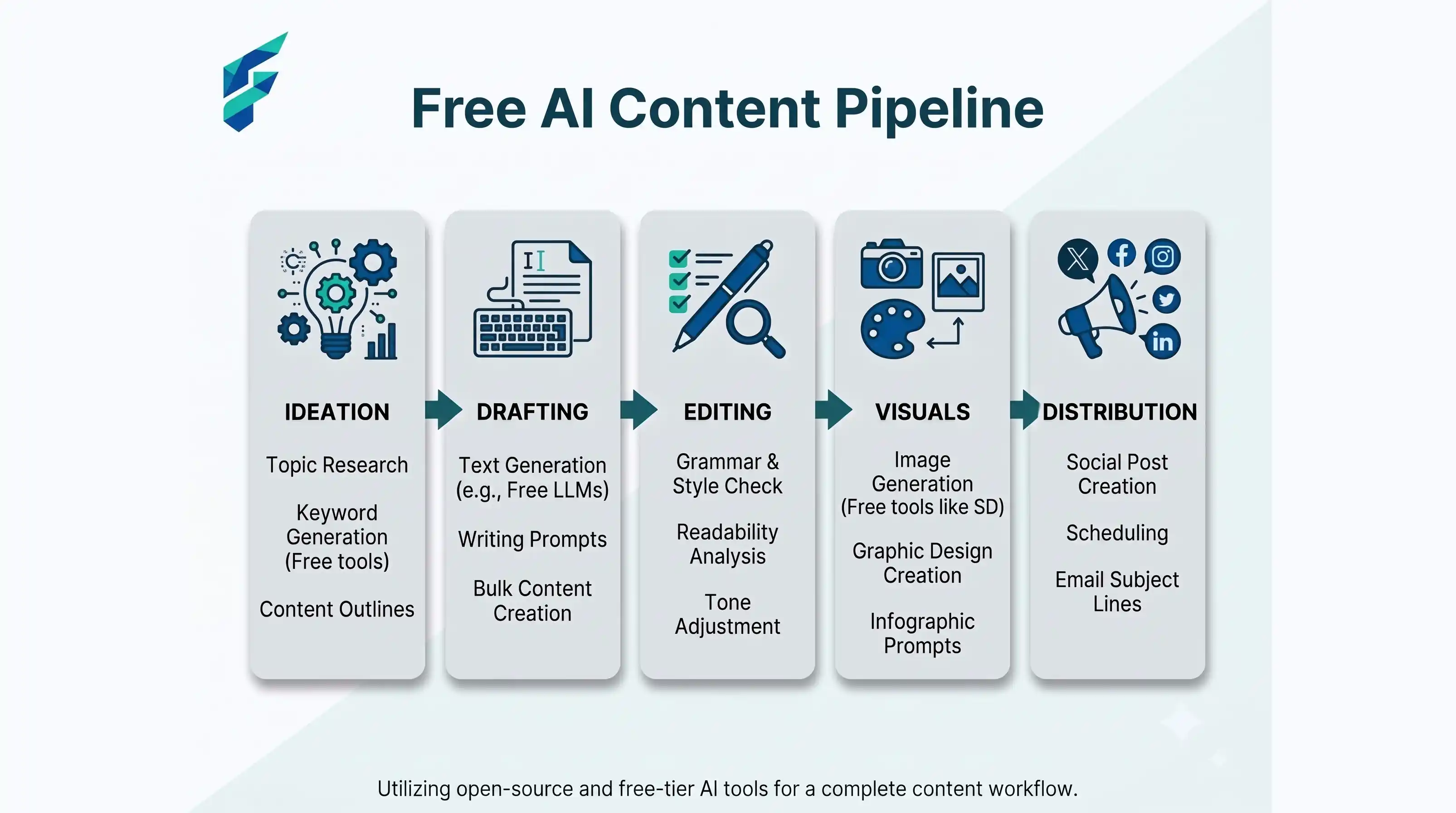
Here's the short version: research your topic with an AI search tool, outline it with a chatbot, draft section by section instead of all at once, edit with a free grammar tool, make your image with a free design tool, then publish and cut it into three social posts. Total cost: $0. Total tools: five. The whole loop takes about 90 minutes once you've done it twice.
That's the pipeline. Everything below is how to actually run it without ending up with content that reads like it was written by five different robots stitched together — which, if you've tried this before, is probably what happened.
We built this workflow after watching too many small business owners burn out trying to keep up with content demands. If you're in that boat, this pipeline is for you.
📍 What's inside: the six-step pipeline from idea to published post · what goes wrong at each step (and how to fix it) · the exact free tools we use · when free tiers stop being enough · and how to repurpose one post into three social posts in 15 minutes.
Step 1: Research the topic before you write a word
Open Perplexity or a similar AI search tool and ask it your topic as a real question, not a keyword. "What do small business owners actually struggle with when picking a CRM" gets you something usable. "Best CRM software" gets you a rehash of ten other listicles.
Pull three things out of this step: the specific pain points people mention, any numbers or stats worth citing, and the angle nobody else is taking. Write these down in a doc. You'll need them in Step 2.
What goes wrong: People skip this step because it feels slow, then wonder why their AI-drafted post reads exactly like every other AI-drafted post on the topic. The research step is what makes your version different. Skip it and you're just paraphrasing the top five Google results.
✅ Pro tip: This is where you'd use tools from our guide on free AI tools for small business — Perplexity's free tier is more than enough for this research step.
Step 2: Build the outline yourself, then hand it to the AI
Don't ask ChatGPT or Claude to "write a blog post about X." Ask it to build an outline from the specific angle and pain points you found in Step 1. Something like: "Build an H2/H3 outline for a post on [topic], written for [your audience], covering [the specific pain points from step 1]. Don't write the content yet."
This one change fixes 80% of what makes AI content feel generic. You're the one deciding what matters. The AI is just organizing it.
What goes wrong: Accepting the first outline without editing it. AI tools default to safe, obvious structure. Look at the outline and ask: would a competitor's post cover this exact same list of sections? If yes, cut one and add something more specific.
Step 3: Draft section by section, not all at once
This is the part almost everyone gets wrong. Pasting a full outline and asking for a complete 1,500-word article in one shot produces flat, repetitive writing — the AI loses track of what it already said three sections ago and starts repeating itself with different words.
Instead, go section by section. Paste one H2 at a time, tell it what you want covered, and — this matters — feed it one real detail each time: a number, an example, an opinion, something that happened to you.
What goes wrong: Writing the whole thing in one prompt and publishing it as-is. Readers can tell. So can Google, increasingly.
💡 If you're solo: this workflow is designed for one-person teams. If that's you, our guide to AI tools for solopreneurs covers the wider toolkit you'll need beyond just content creation.
Step 4: Edit for voice, not just grammar
Run it through a free grammar tool, sure. But the bigger job is reading it out loud and fixing anything that doesn't sound like a person talking. AI writing has tells: everything's the same sentence length, every section ends with a tidy summary, "furthermore" shows up more than it should.
Cut the summary sentences. Vary your sentence length on purpose — follow a long one with a short one. Read it back and ask: would I actually say this to a customer standing in front of me?
What goes wrong: Treating "edited" as "ran spellcheck." A grammar tool won't catch that your post sounds like a press release.
Step 5: Make one image, not five
You need exactly one strong image for the post header — a free design tool with a template library gets you there in ten minutes. Don't burn an hour trying to generate the perfect AI illustration for every section. One good header image beats five mediocre inline ones.
Step 6: Publish, then cut it into three more posts
Before you close the tab, pull three things out of the finished piece: one strong stat or claim for a social post, one practical tip as a stand-alone tip post, and one question from the piece as a poll or discussion starter. You already did the work — this is 15 minutes of repurposing, not a new content cycle.
What goes wrong: Publishing once and moving on. The repurposing step is where most of the actual reach comes from, and it's the cheapest step in the whole pipeline.
✅ Next level: Once you've got this pipeline running, check out our guide on how to automate small business tasks with AI to streamline the publishing and scheduling side.
The tools, in order
In fact, the majority of businesses in all 50 states are now embracing AI to streamline their operations, according to the latest U.S. Chamber of Commerce report. But adoption doesn't mean you need a massive budget. You can start right here:
| Step | Free tool | What it does |
|---|---|---|
| Research | Perplexity | Finds real angles and stats fast |
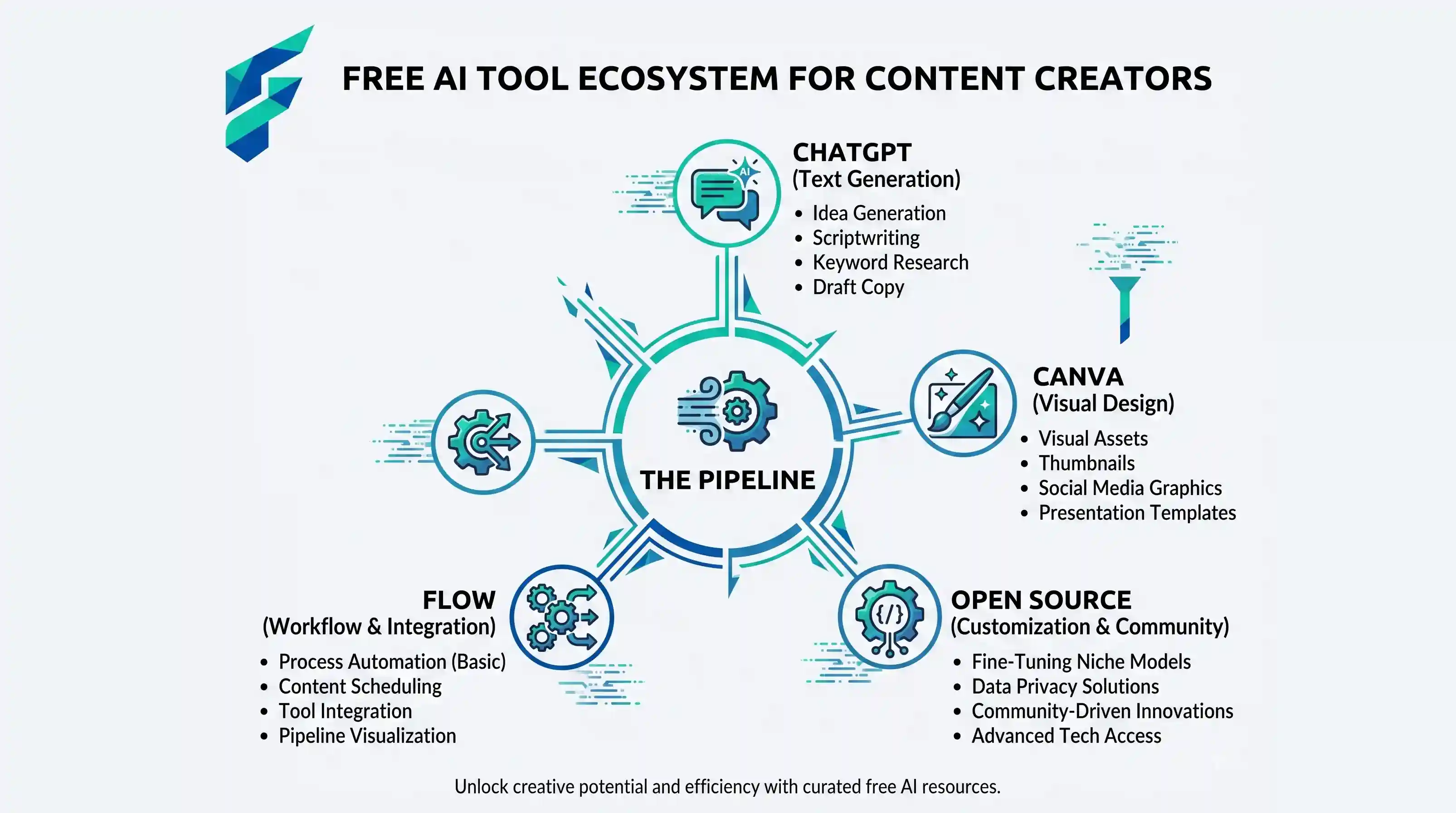
| Outline + draft | ChatGPT or Claude (free tier) | Structures and writes section by section |
| Edit | Grammarly (free tier) | Catches grammar, not voice — you still have to read it |
| Image | Canva (free tier) | One header image, templated |
| Publish + repurpose | Whatever you already use | No new tool needed here |
One honest limit worth naming: free tiers cap you. ChatGPT's free tier throttles after heavy use, Canva's AI features are mostly behind Pro. If you're publishing daily, budget for at least one paid tier eventually — but you can run this pipeline start to finish on $0 for as long as you're posting a few times a week.
💰 When to upgrade: If this pipeline is working and you're ready to scale, our breakdown of AI tools for startup founders covers which paid tiers are actually worth the cost.