🤖 Google Easter Eggs · AI Mode
Google AI Mode
Easter Eggs
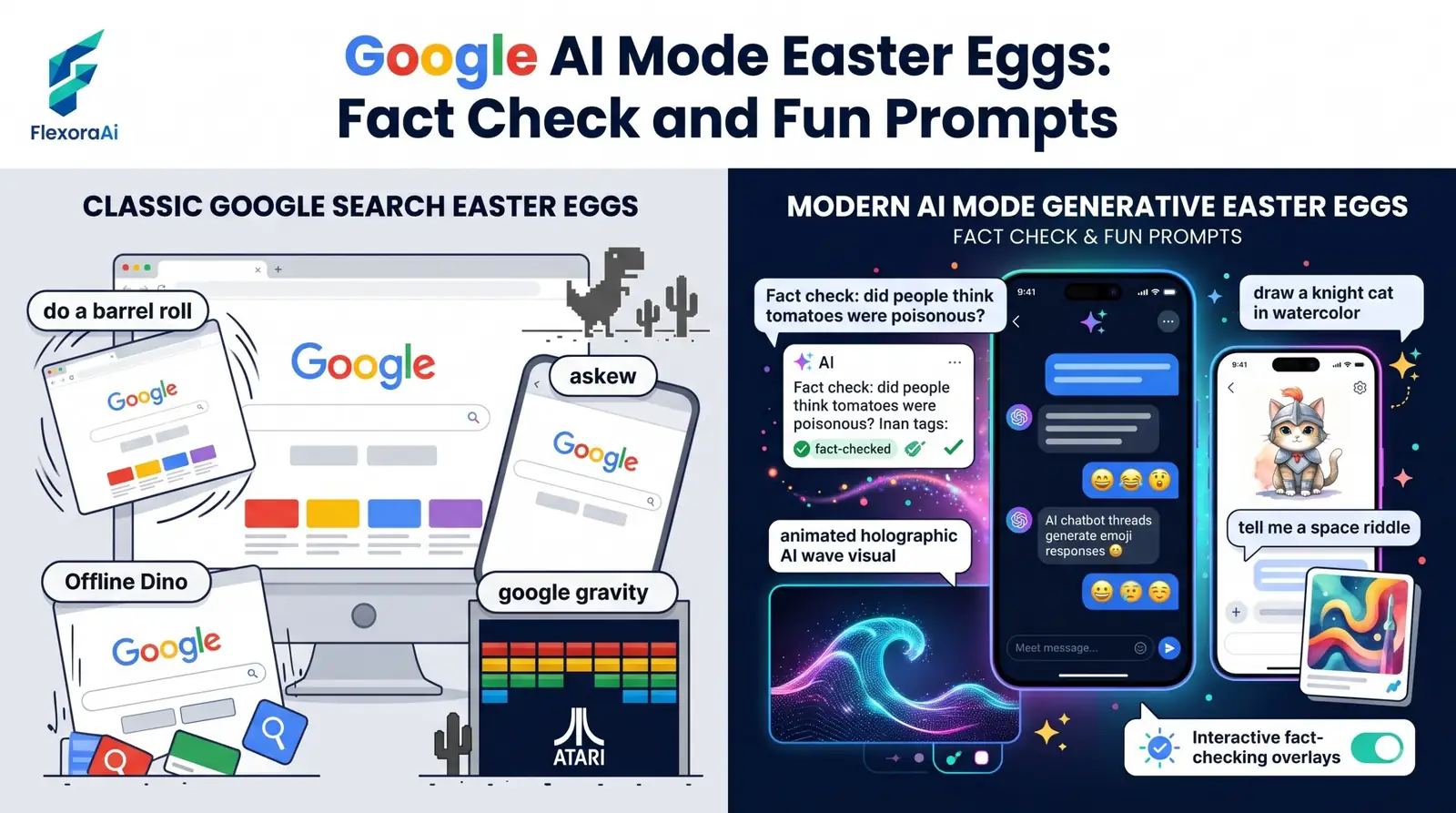
Google AI Mode is the newest way to search, and people naturally ask whether it hides any Easter eggs. We looked. What we found is a tool that answers differently each time, which is the opposite of an Easter egg. This guide, part of our Google products Easter eggs list, explains what AI Mode is, what to try instead, and why the classics still live in regular Search.
Short answer: We could not verify any fixed Google AI Mode Easter eggs. AI Mode writes a new, cited answer each time. For classic tricks like do a barrel roll, use regular Google Search. For fun, try creative prompts in AI Mode.
Worth knowing
- AI Mode was announced in March 2025 and rolled out at Google I/O in May 2025.
- It's a separate, opt-in tab, not a replacement for regular results.
- Classic Easter eggs belong to regular Search.
What AI Mode is
AI Mode is a conversational mode in Google Search, powered by Gemini. It takes a question, breaks it into many smaller searches at once, a method Google calls query fan-out, and then assembles one written answer with citations. It sits in a tab next to All, Images and News.
| AI Overviews | AI Mode | |
|---|---|---|
| How you reach it | Appears automatically above results | You open it on purpose |
| Length | Short summary | Longer, conversational answer |
| Best for | Quick answers | Multi-step questions |
| Follow-ups | Limited | Built in |
Google also made changes in October 2026 that show links higher in AI Mode, which shows how quickly the product is evolving.
Why there are no fixed eggs
An Easter egg depends on a fixed response to a fixed trigger. AI Mode generates each answer from live search results and your wording. Two people asking the same thing can get different results, and so can the same person twice.
The tricks in our complete list of Google Easter eggs are tied to exact phrases in regular results. That's why they stay put.
Prompts that are fun to try
- “Plan a rainy-day treasure hunt for four kids.” A playful way to test planning.
- “Compare a smart ring, a smartwatch and a tracking mat for sleep.” One of Google's own example-style questions.
- “Explain how a bubble level works, then give me three DIY uses.” Good for follow-ups.
- “What's the best way to learn a new language in 30 days?” Shows how it combines sources.
How AI Mode compares with other AI tools
Other AI tools such as ChatGPT and Perplexity also answer in conversation, and each handles sources and follow-ups differently. AI Mode's difference is that it's built into Search and leans on Google's index. As with any AI answer, check the citations before you rely on a claim.
Where the classic eggs still live
- Open regular Google Search, not the AI Mode tab.
- Type the trigger phrase exactly.
- Look for the effect on the results page.
- If nothing happens, the trick may be retired.
To see how it differs from ordinary results, our Google AI mode vs Google search guide sets them side by side.
How to read an AI answer
- Open the citations and check that they support the claim.
- Look for dates, since AI answers can mix old and new information.
- Notice whether the answer mentions disagreements.
- Ask a follow-up to test the answer's limits.
- Verify anything important with a primary source.
Which tool for which job?
| Tool | Best for |
|---|---|
| AI Overviews | A quick summary at the top of regular results |
| AI Mode | A deeper, multi-step question in Search |
| The Gemini app | Open-ended chat, writing and brainstorming |
| Regular Search | Classic tricks, exact phrases and fast links |
How we checked this: We used Google's March 2025 announcement as reported by 9to5Google and SE Ranking, SlashGear and others for the rollout, and explainers for the fan-out description. We found no source for a fixed AI Mode Easter egg. If something here is out of date for you, email ownerflexora.ai@gmail.com and we will fix it.
Your turn: Ask AI Mode the same question twice and compare the answers. Then run the same query in regular Search and see which you prefer.
AI Mode is full of surprises, but they aren't hidden ones. They come from the answers, and they change each time.
More tricks to try
Planning your week? The Google calendar easter eggs guide is next.