🔤 Google Search Tricks · Retro Fun
Google ASCII Art
Trick
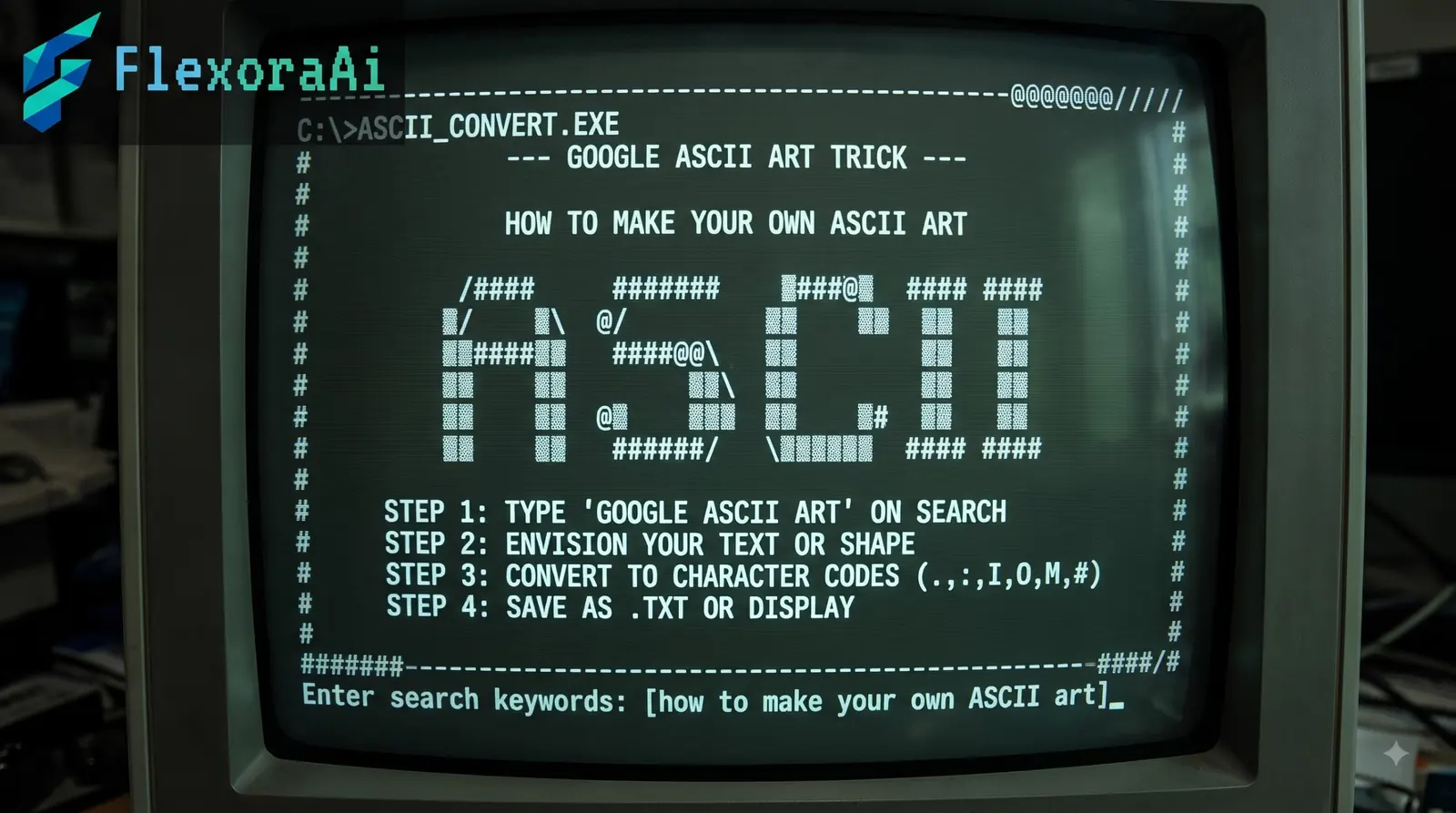
“Google ASCII art” sounds like a hidden trick: type a phrase, get a picture made of letters. We went looking for it and found no official one. What we did find is a fun, old art form that anyone can try, and a few good reasons the phrase keeps appearing in lists. This guide is part of our Google search tricks list.
Short answer: There is no verified, official Google ASCII art trick. ASCII art is a general technique: pictures drawn with the 95 printable characters of the ASCII set, shown in a monospaced font. You can make some in a minute.
Worth knowing
- No official Google ASCII art Easter egg that we could verify.
- ASCII art uses only keyboard characters and needs a monospaced font.
- Many “ASCII” faces, like the table flip, use Unicode symbols.
What ASCII art is
ASCII is a character set first standardized in 1963. It includes 95 printable characters: letters, digits, punctuation and the space. ASCII art arranges those characters so that, from a distance, they form a picture.
It grew up where graphics weren't available. Line printers, early terminals and bulletin boards could print text but not images, so people drew with text instead. The art works because a monospaced font gives every character the same width, which keeps the rows lined up.
Why the phrase gets linked to Google
- Retro lists. Roundups of old-web tricks often include text art, and Google's name rides along.
- Terminal themes. Fan-made retro pages style Google like a command line, which looks like ASCII art.
- Emoticons. Faces such as the table flip are often called ASCII art even though they use other symbols.
We keep verified and guessed tricks apart in our complete list of Google Easter eggs, which is why this one is a how-to rather than a recommendation.
Make your own in five steps
- Pick something simple, such as a word or a smiley.
- Open a plain-text editor and choose a monospaced font.
- Use dense characters like # and @ for dark areas, and dots or spaces for light ones.
- Keep every line the same length so the rows stay aligned.
- Paste it somewhere that preserves spacing, such as a code block.
| Character | Typical use |
|---|---|
| @ and # | The darkest areas |
| + and * | Medium shading |
| . and , | Light areas |
| Space | Blank background |
| | / \ _ | Lines and edges |
Why the table flip isn't ASCII
The famous table flip face is made from symbols such as the degree sign, the box-drawing characters and an arc. None of them belong to the 95 ASCII printables. They are Unicode characters, which is why they only display properly in fonts and apps that support them.
That's a handy test. If you can type it on a basic English keyboard, it's probably ASCII. If you have to copy and paste it, it's probably Unicode.
Tips for better text art
- Use a font like Courier. Proportional fonts break the alignment.
- Check the width. Lines over about 80 characters wrap on many screens.
- Preview on a phone. A narrow screen can scramble wide art.
- Try the same design smaller. Simplicity often looks better in text.
If you like old-web craft, our retro Google tricks guide collects more of it.
A short history of text art
Text art is older than computers. One of the earliest known examples is a typewriter butterfly from 1898, drawn by a typist who treated the keys as a set of pencils. Computers then took over. In the 1960s and 1970s, line printers produced pictures from characters, and bulletin boards and early online forums made text art a shared hobby.
| Era | Where you'd see text art |
|---|---|
| Late 1800s | Typewriter pictures |
| 1960s and 1970s | Line-printer pictures from mainframes |
| 1980s | Bulletin boards and early online forums |
| Today | Code comments, terminal splash screens and retro designs |
ASCII, Unicode and emoji compared
ASCII is the small original set. Unicode is the huge modern one, with room for every writing system and thousands of symbols. Emoji are a part of Unicode that most phones draw as colored pictures.
Why does it matter? ASCII art travels everywhere, because every system can show it. Unicode art looks richer, but it can break in older programs. If your art has to survive an email or a code comment, stay with ASCII.
How we checked this: We looked for an official Google ASCII art Easter egg in news coverage and Google's documentation and found none. The character facts come from the ASCII standard, and the table-flip breakdown from Unicode's character names. If something here is out of date for you, email ownerflexora.ai@gmail.com and we will fix it.
Your turn: Draw your name in ASCII art, then paste it into a message to a friend. If the lines break, switch to a monospaced font and try again.
Text art needs no special software, only patience and a steady hand. That's the charm of it.
More tricks to try
Want a trick that does change your results? The Google blink html trick is next.
Frequently Asked Questions
For the history of the art form, see Wikipedia's ASCII art article.